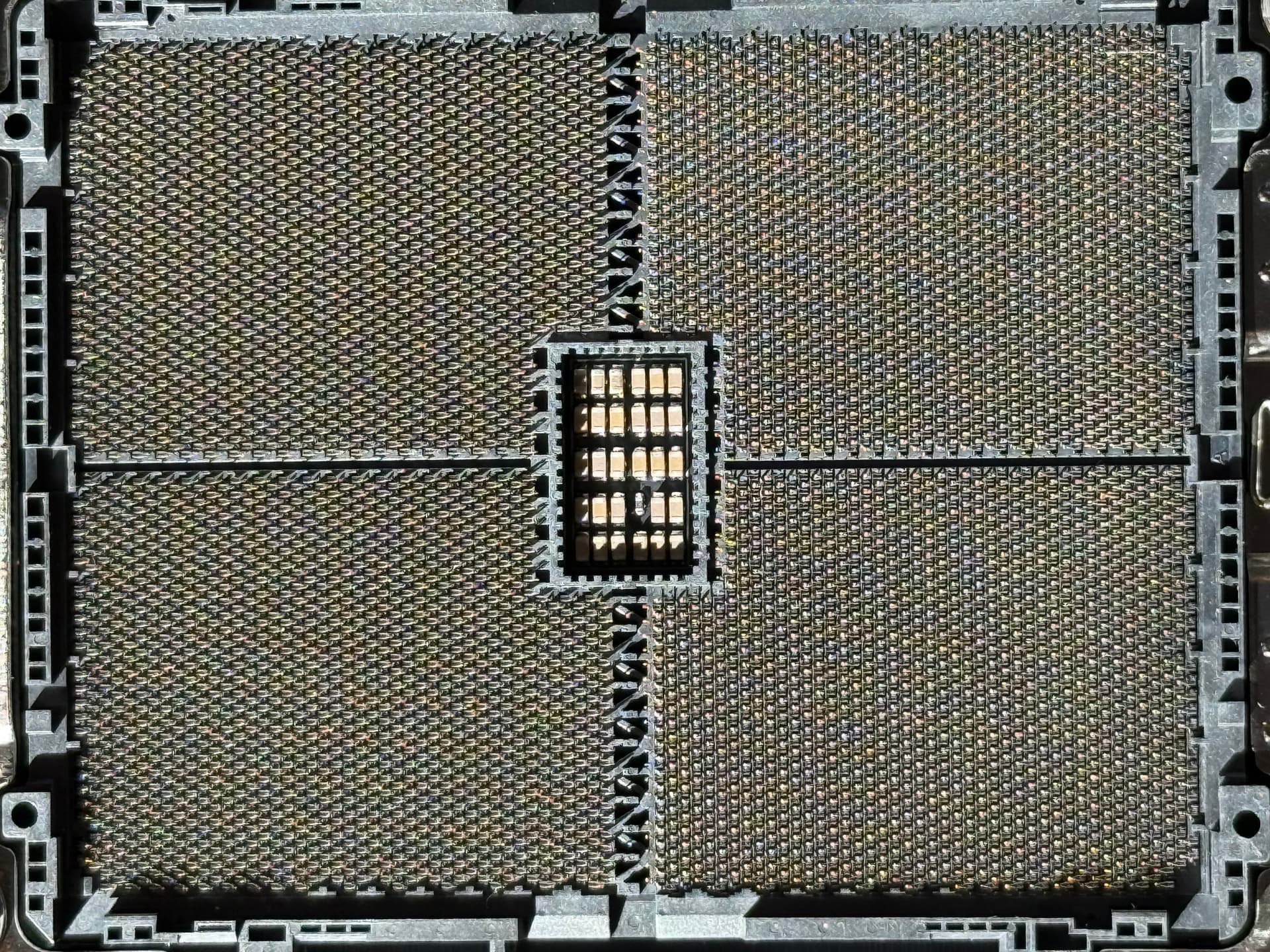
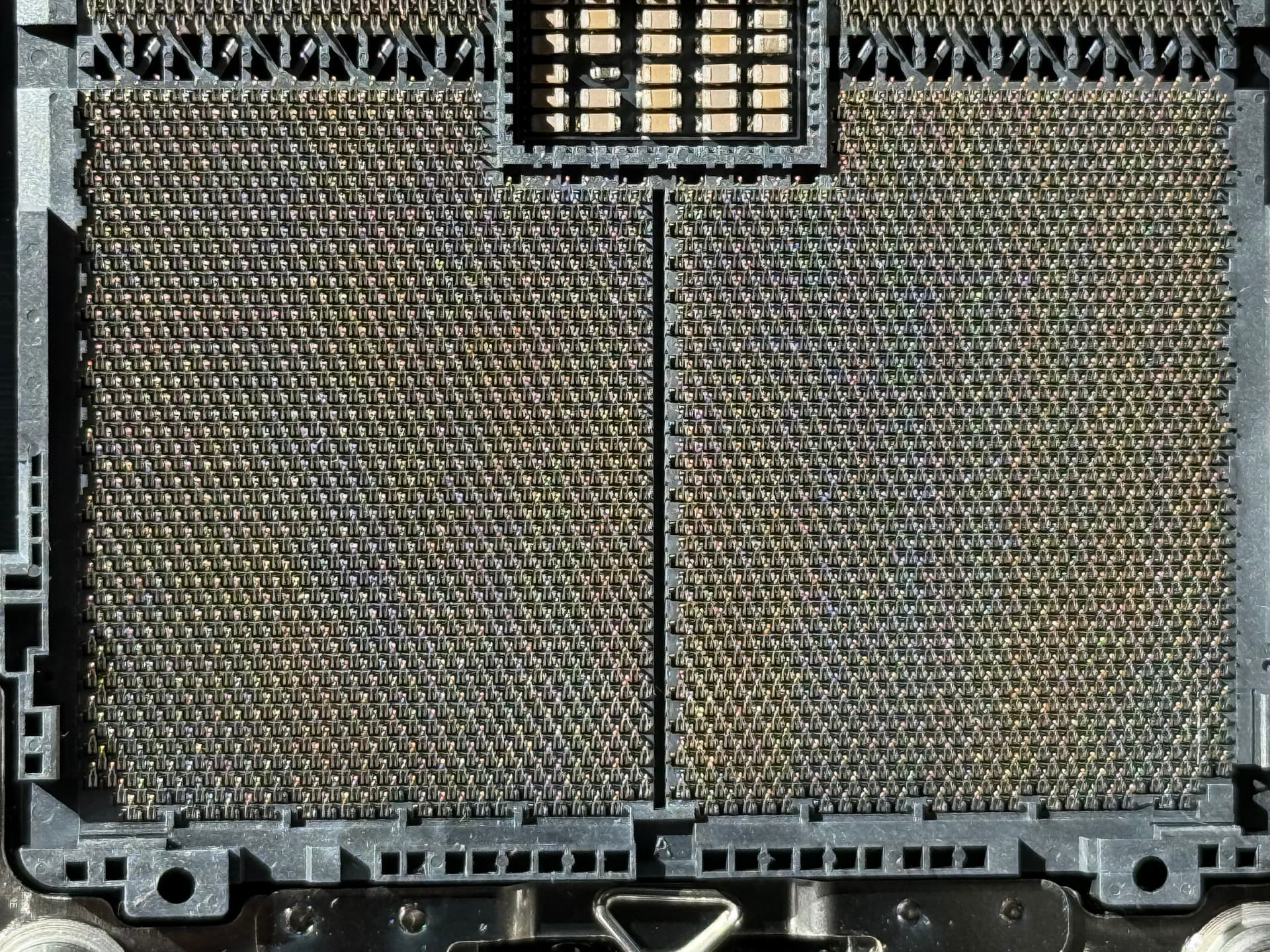
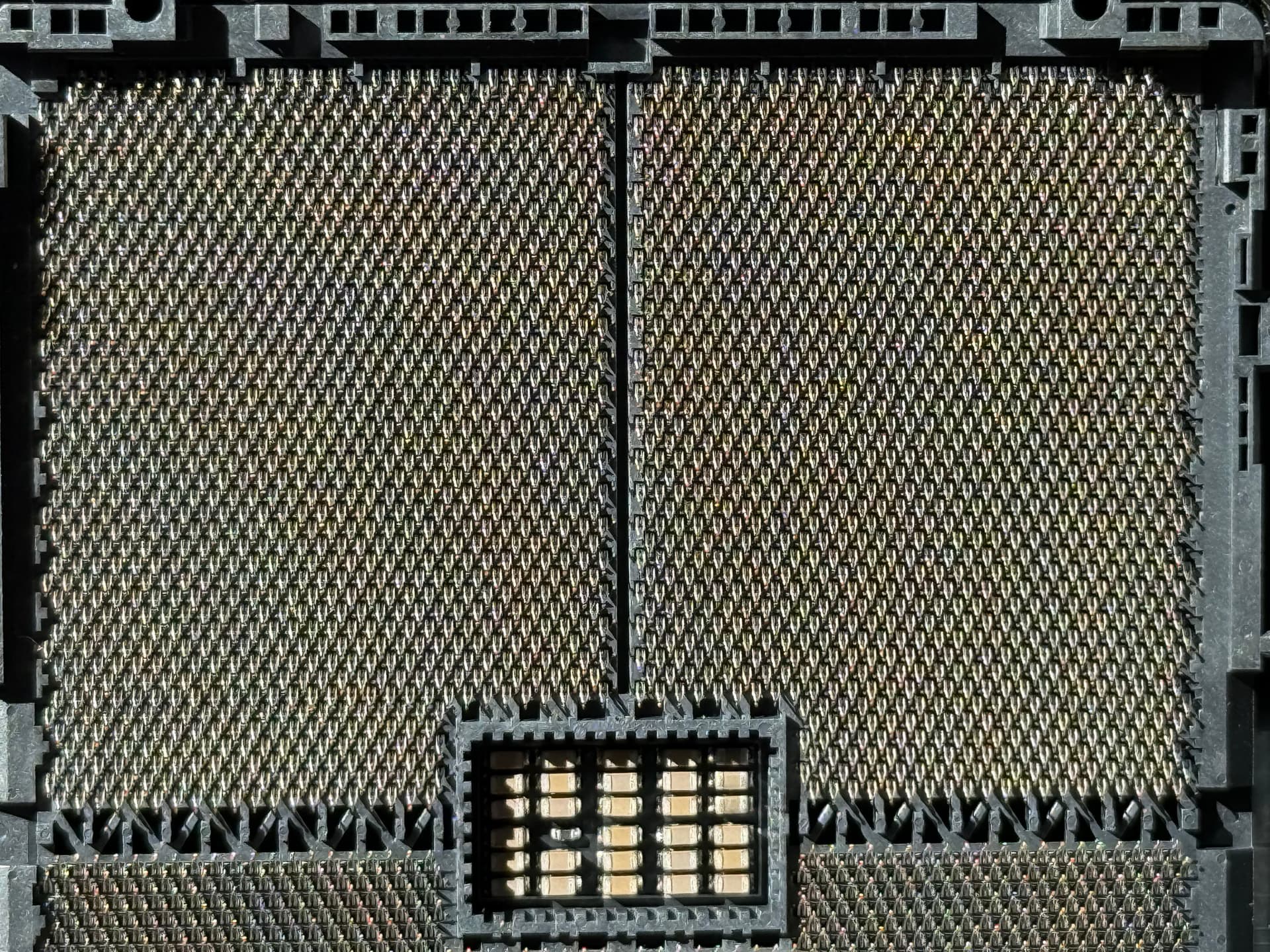
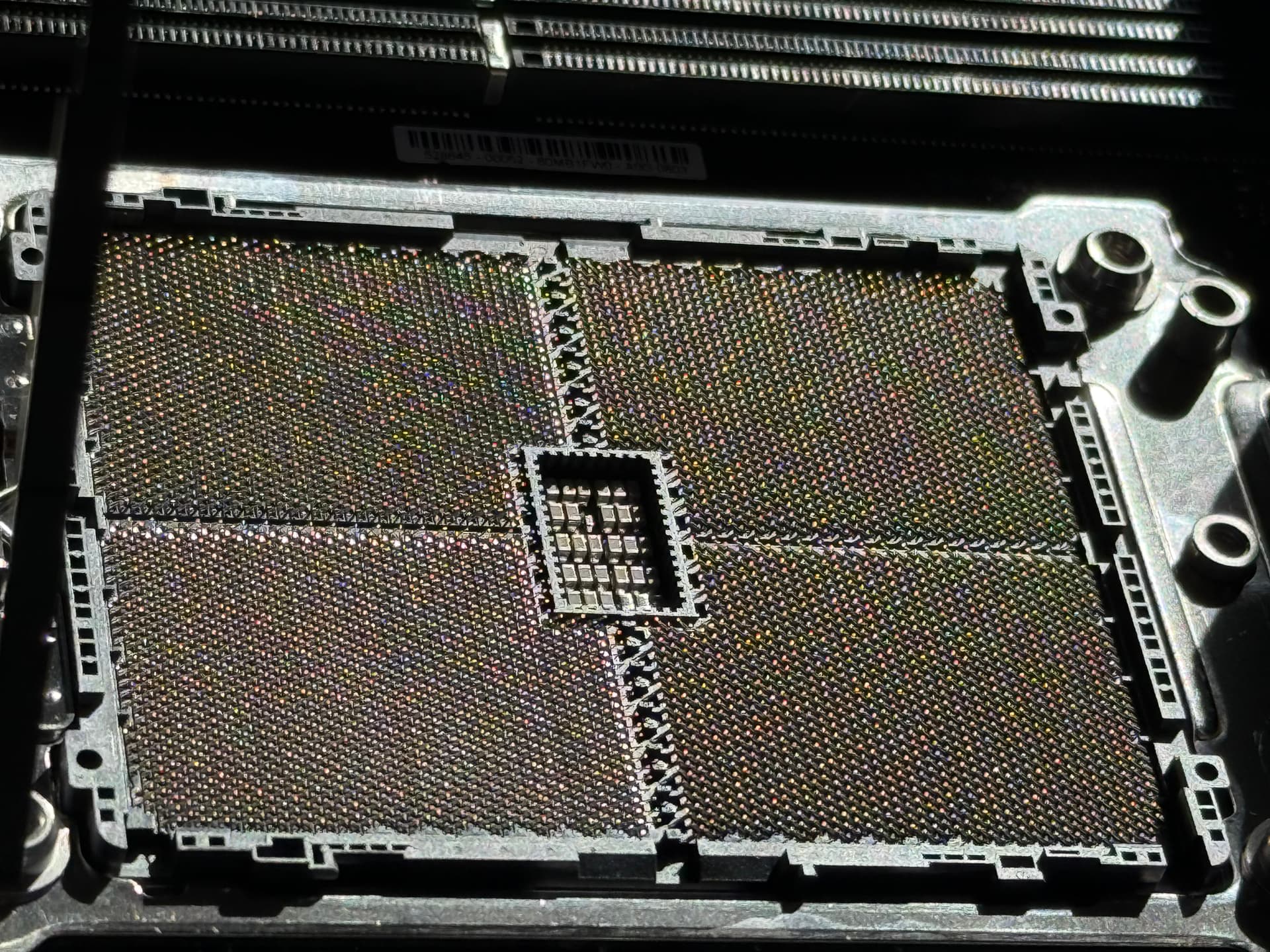
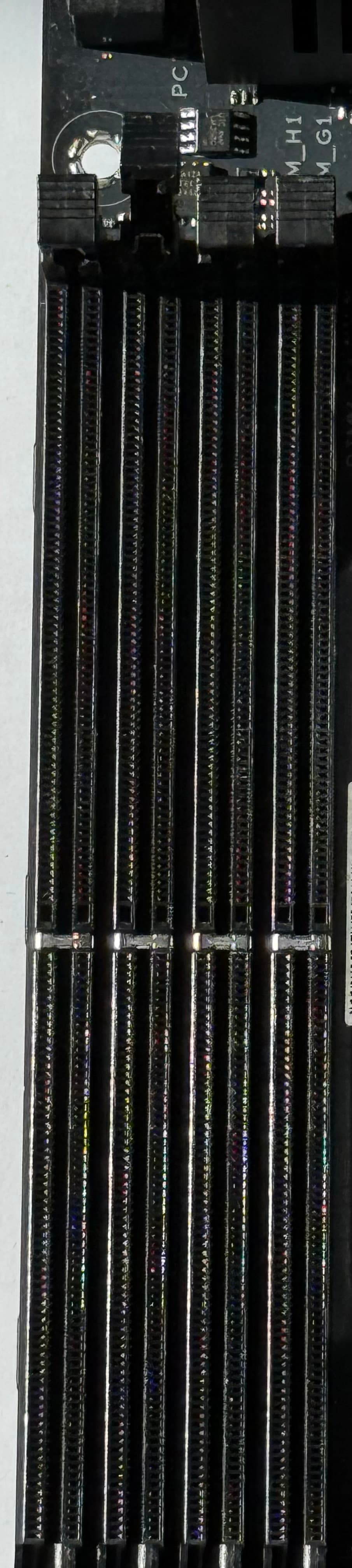
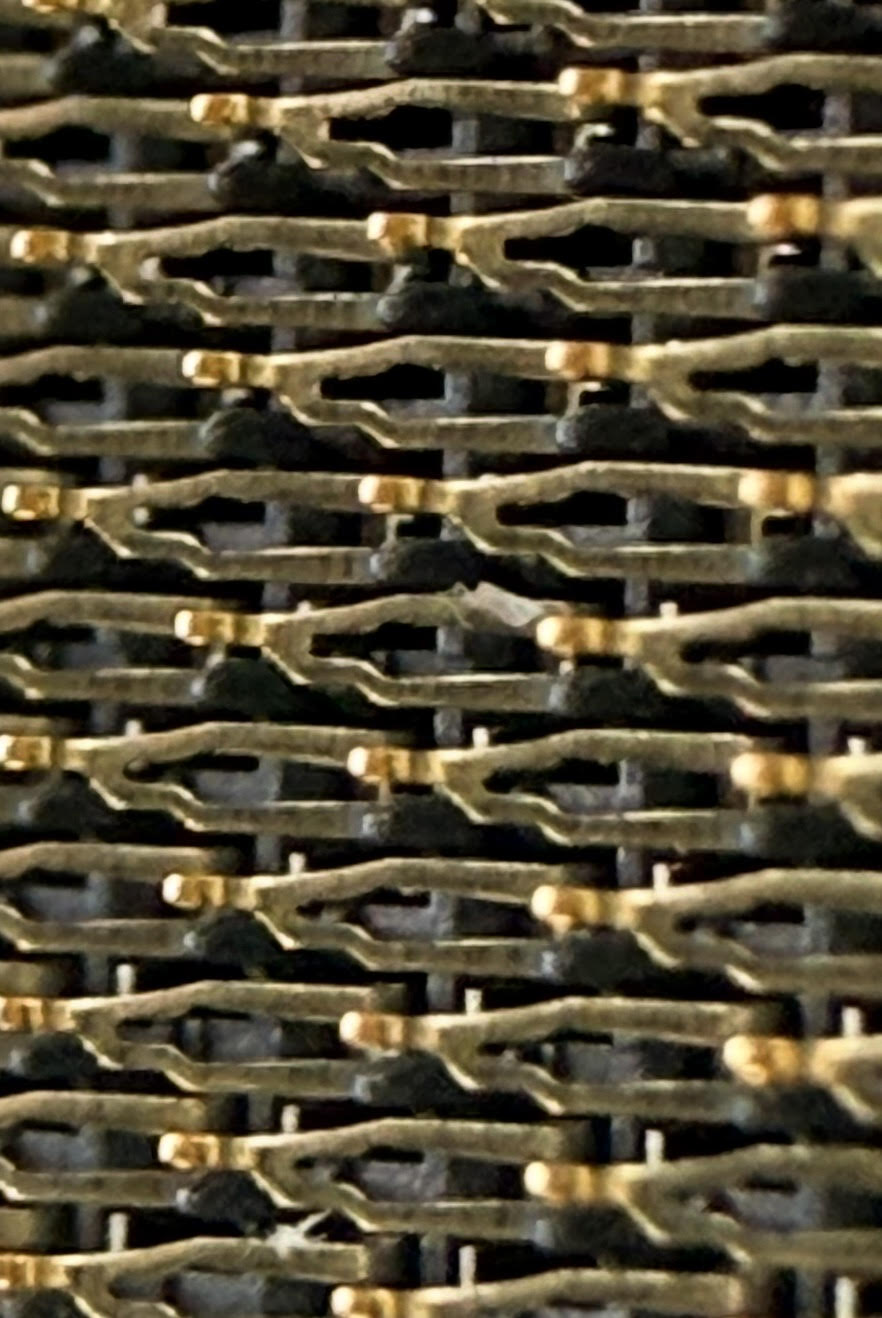
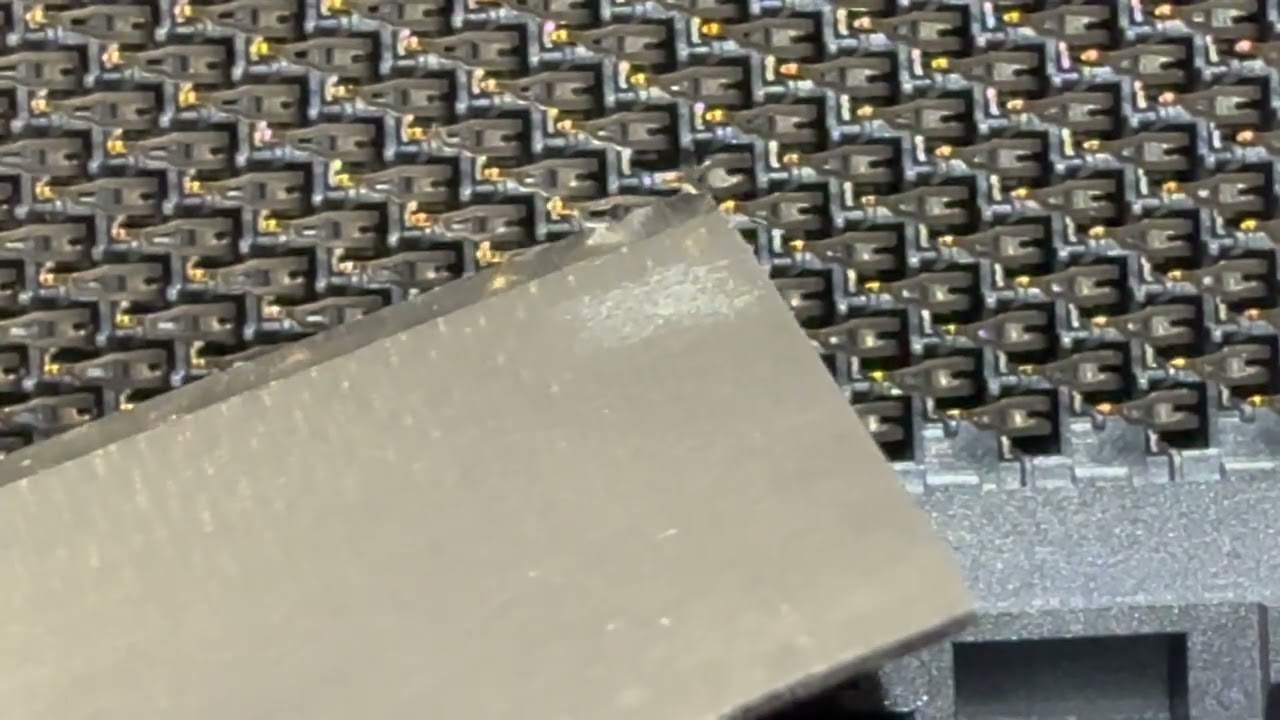
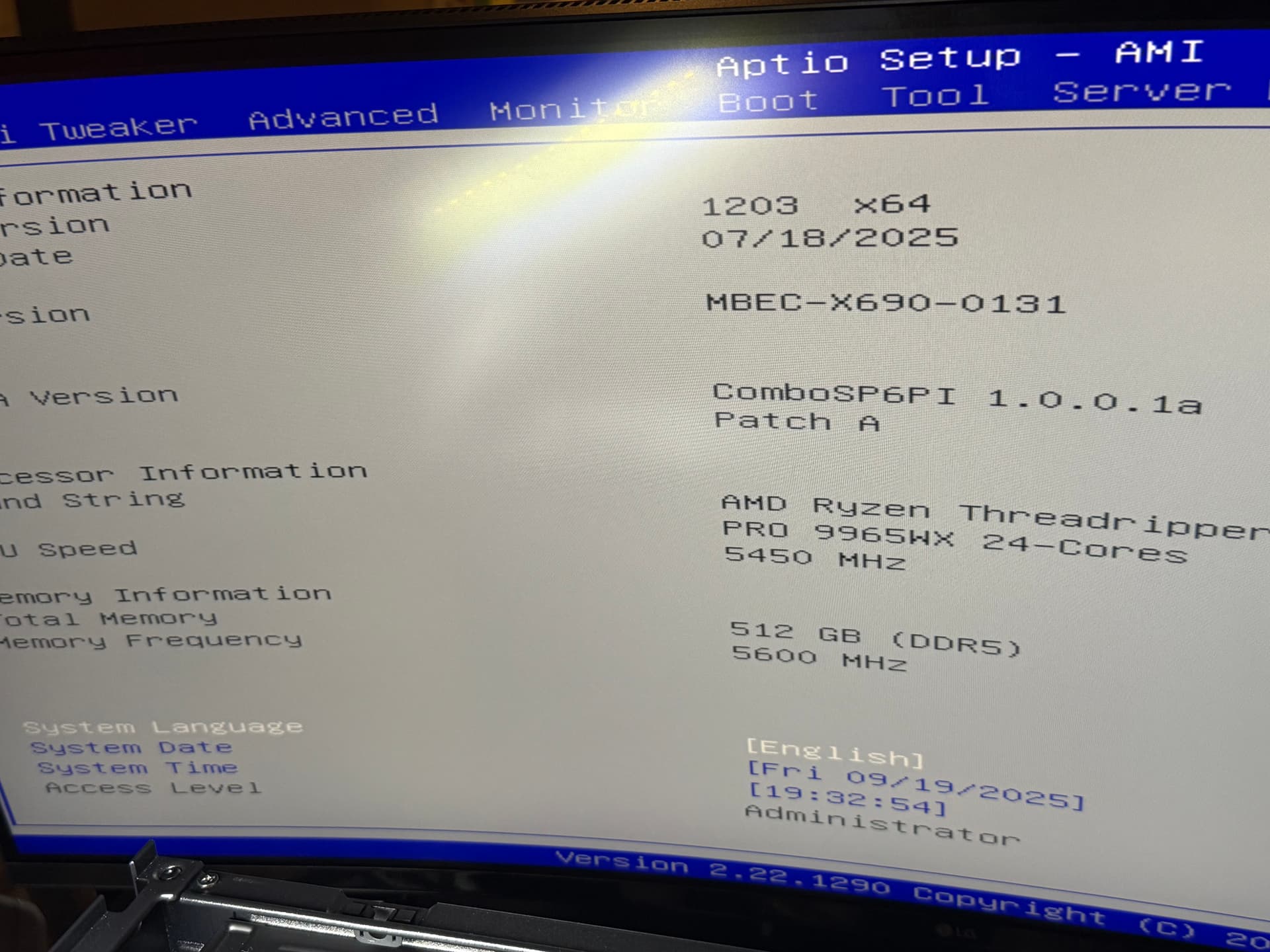
Picked up an ASUS Pro WS WRX90E-SAGE SE EEB open box off ebay (ya, I know, but even new from amazon are open boxes these days.)/ Everything went swimmingly on the IO/SSD/GPU side until I decided to populate all 8 DDR5 slots with 512GB 8x64GB PC5-5600 EC8 RDIMM’s. For the life of me I cannot get G1 (7th slot) to recognize or give any kind of indication or error in bios logs anything was plugged into it. Im always 64GB short and BIOS lists nothing in the slot…
I’ve read articles of multiple re-seat correcting issues on some Threadripper’s but this is not working for me. I’ve shuffled every sick in every slot but still no G1 joy…
The only step I think thats left is to purchase a set of a QVL listed part number, but tell me if there is something else?
RAM in question: 512GB 8x64GB PC5-5600 EC8 RDIMM ASUS ExpertCenter Pro ET900A X9 Memory RAM | eBay
512GB 8x64GB PC5-5600 EC8 RDIMM ASUS ExpertCenter Pro ET900A X9 Memory RAM
Vendor assured me they work on WRX90E boards…
Where do i start?