Hi,
I recently bought:
- Supermicro X11DPi-NT motherboard
- 2x Intel Xeon Gold 6148 2.40GHz 20-Core CPU SR3B6
- 12x Hynix 32GB PC4-2933Y-R 2Rx4 Registered RAM DDR4 PC4-23400 HMA84GR7JJR4N-WM
The PSU is Seasonic Focus GX650. It’s connected to mobo with two 8-Pin connectors and the 24-Pin connector.
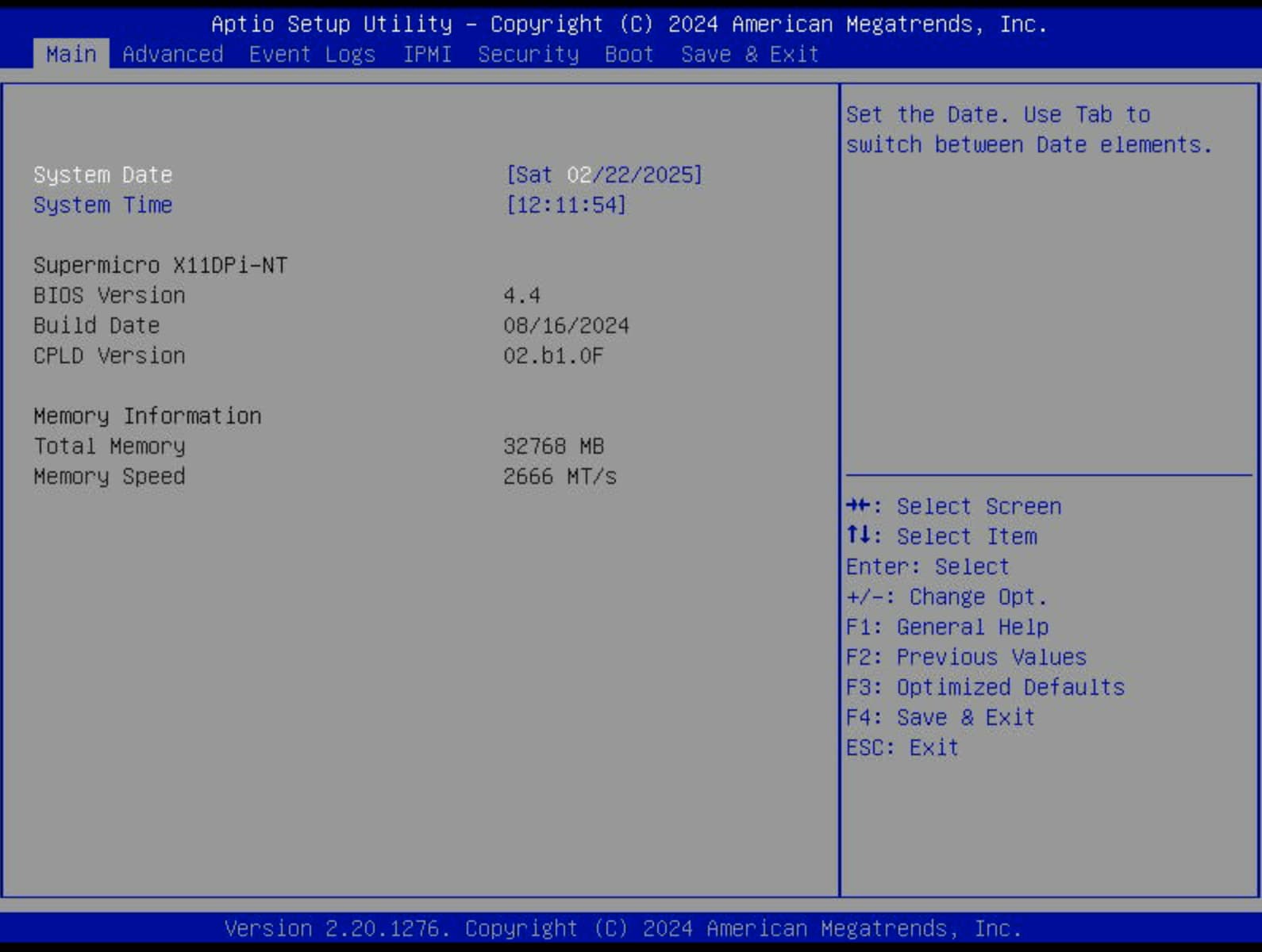
The motherboard is running the latest available BIOS version and IPMI:
Firmware Revision: 01.74.14
Firmware Build Time: 11/30/2023
BIOS Version: 4.4
BIOS Build Time: 08/16/2024
Redfish Version: 1.8.0
CPLD Version: 02.B1.0F
Unfortunately I’ve got 2 major and 1 minor issue with this setup:
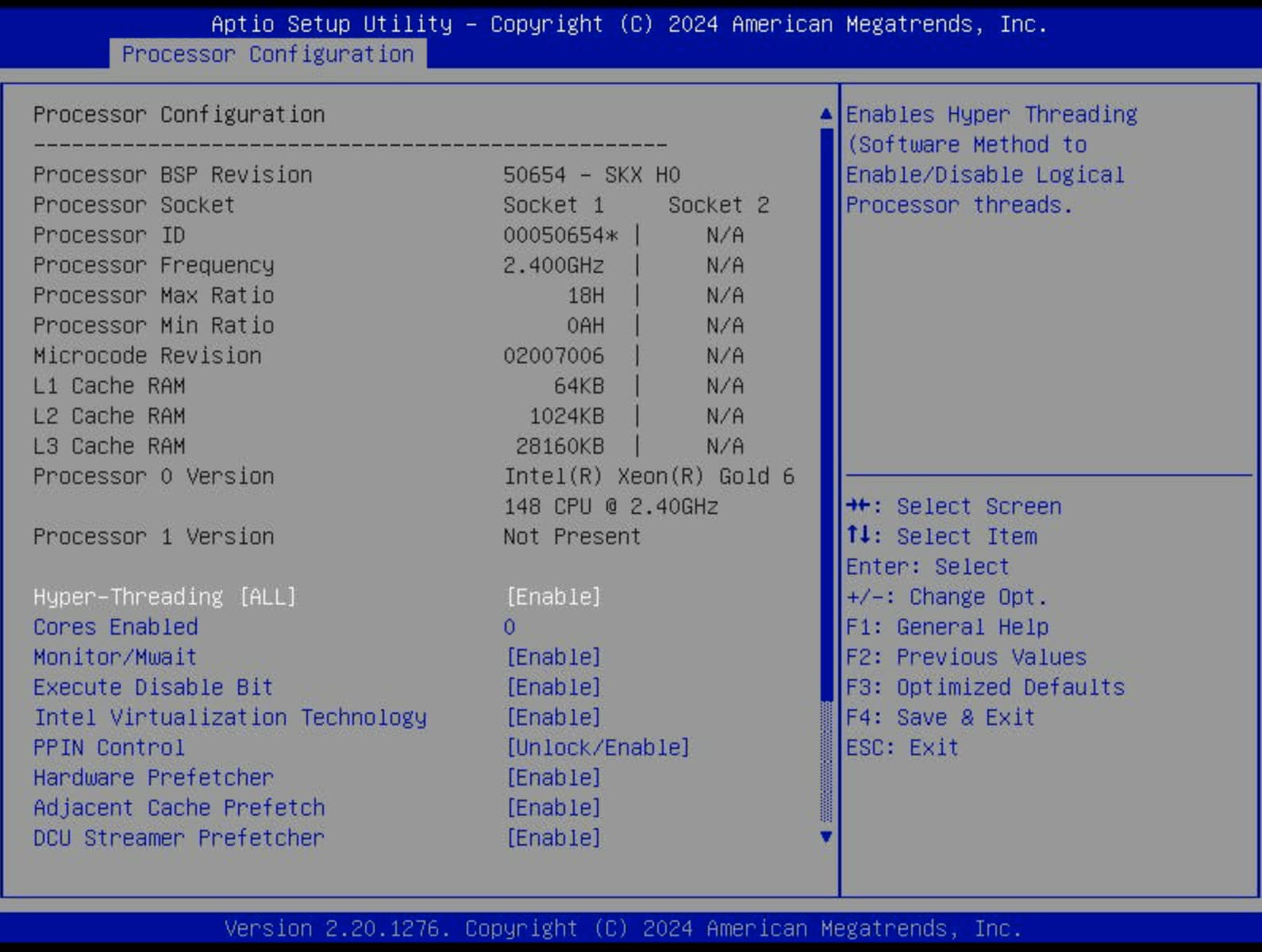
#1 - the 2nd CPU is not recognized.
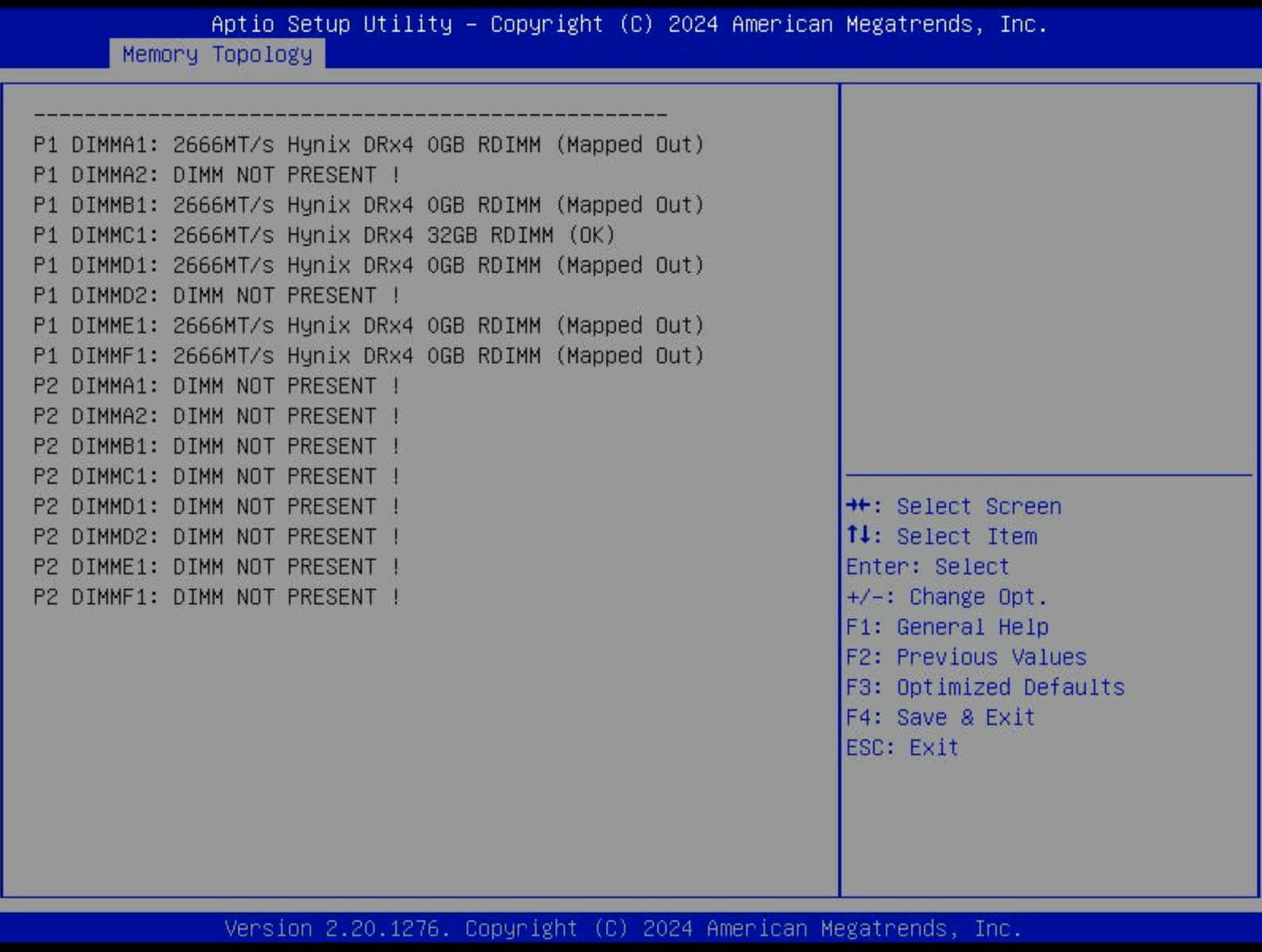
#2 - All but one memory sticks for CPU #1 are marked as OK. None of the sticks for CPU #2 show up in BIOS (probably because of the CPU issue).
#3 - IPMI doesn’t show any sensor readings.
re. #1
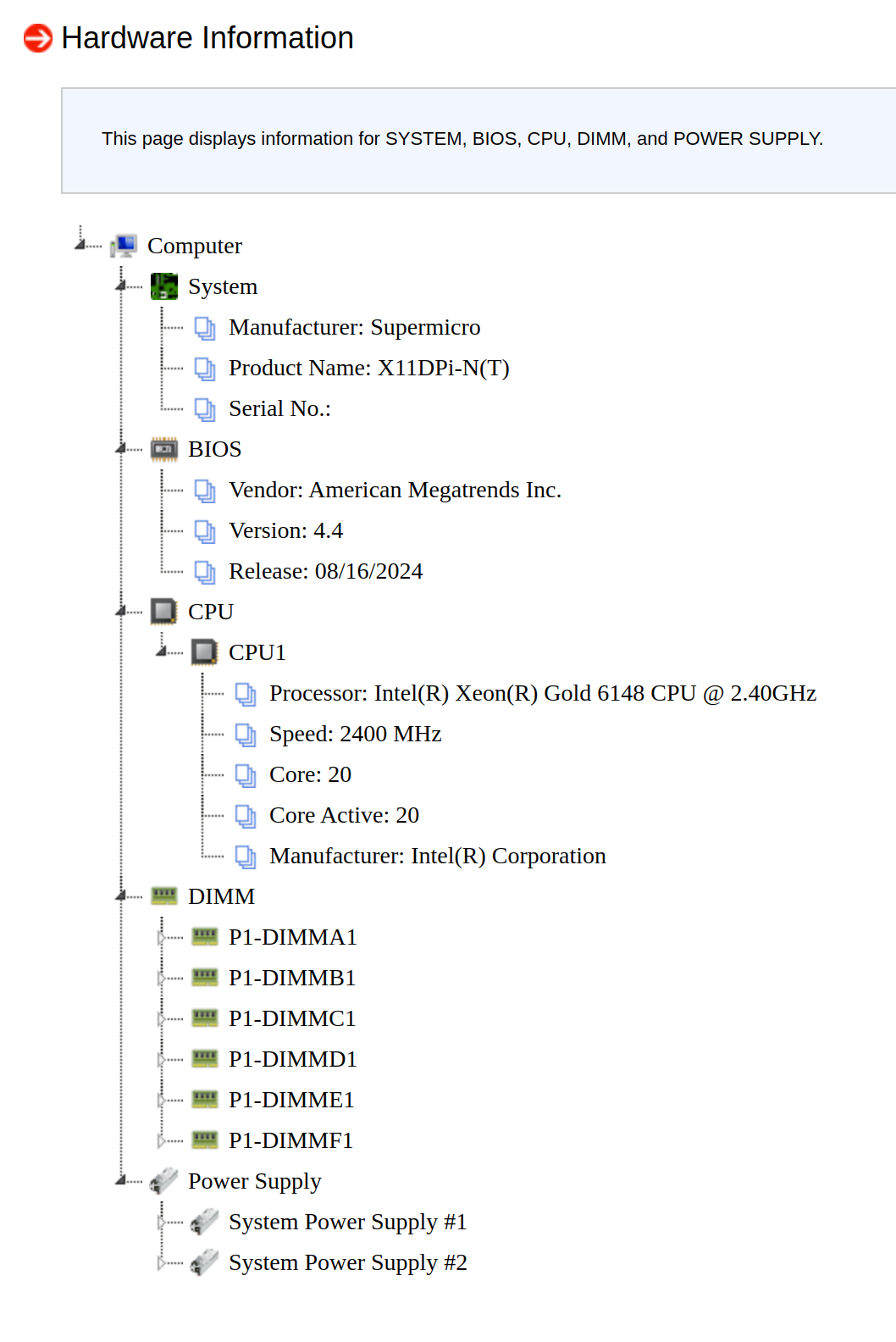
The 2nd CPU doesn’t show up in BIOS, neither in IPMI. I swapped the CPUs around and only the CPU in slot 1 works. So, it means that both CPUs are fine, and it suggests that something is going on with the motherboard.
re. #2
RAM is populated according to the manual for 2 CPUs and 12 DIMMS:
CPU1: P1-DIMMC1/P1-DIMMB1/P1-DIMMA1/P1-DIMMD1/P1-DIMME1/P1-DIMMF1
CPU2: P2-DIMMC1/P2-DIMMB1/P2-DIMMA1/P2-DIMMD1/P2-DIMME1/P2-DIMMF1
I’ve also set the RAM speed in BIOS to 2666Mhz (it Auto mode, it was also set to 2666).
The Memory Topology page in BIOS shows only P1-DIMMC1 as OK.
When I populated only that bank P1-DIMMC1, the mobo failed to start with “All channel are disabled due to memory test failures”! Yikes!
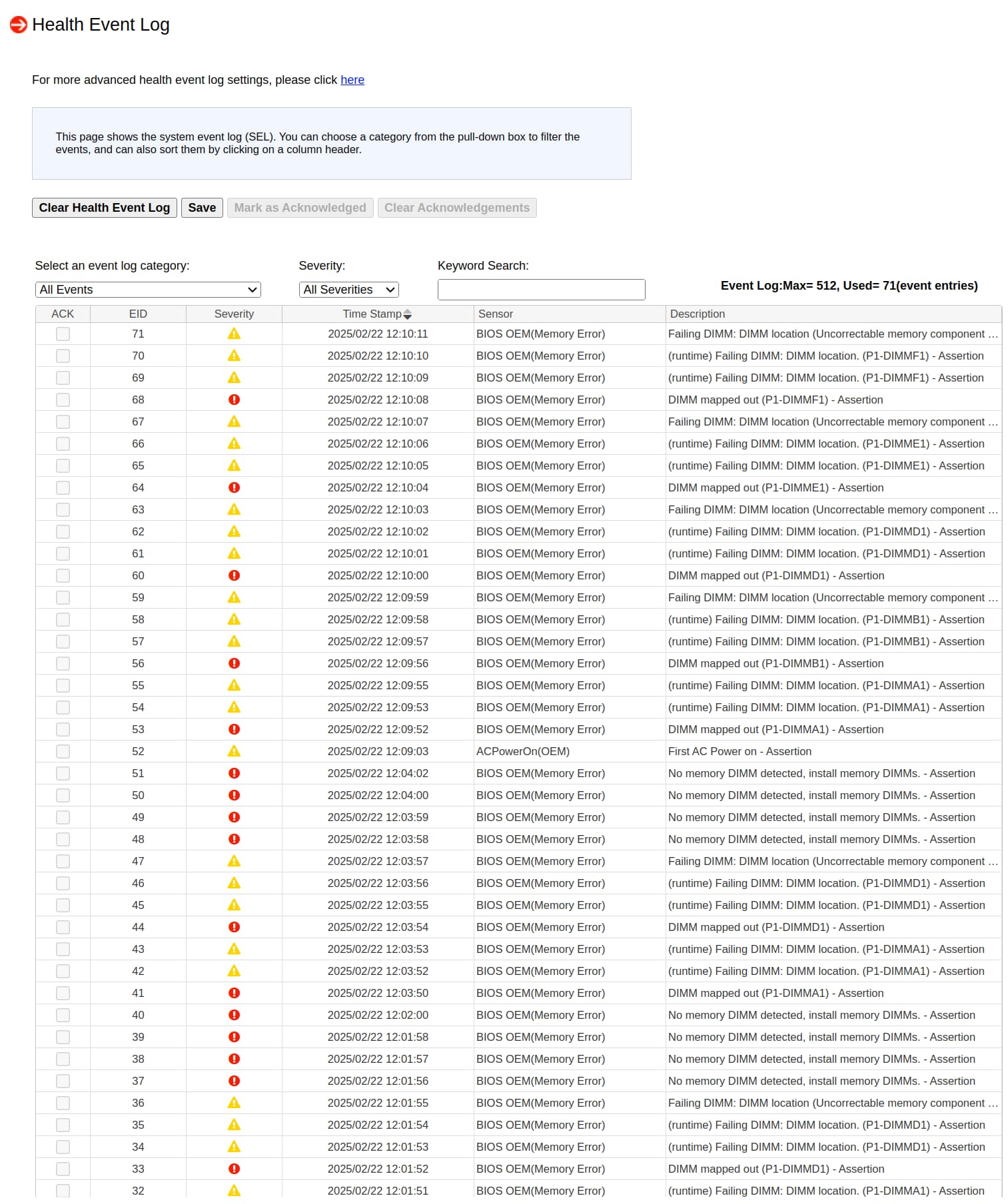
The Health Event Log in IPMI is full of following entries:
- DIMM mapped out … - Asserion
Failing DIMM: DIMM location (Uncorrectable memory component found). (P1-DIMMF1) - Assertionentries
I’m bit lost here now.
Any ideas what’s going on here?
Thank you