So I have two U.2 drives in a 2x U.2 to PCIe x8 adapter card plugged into a PCIe x8 slot wired to the CPU on a Supermicro X11SPI-TF motherboard. I know the card and drives work perfectly fine on other systems because they were working just fine before moving them to this motherboard. Here is a picture of what my PCIe Configuration tab looks like:
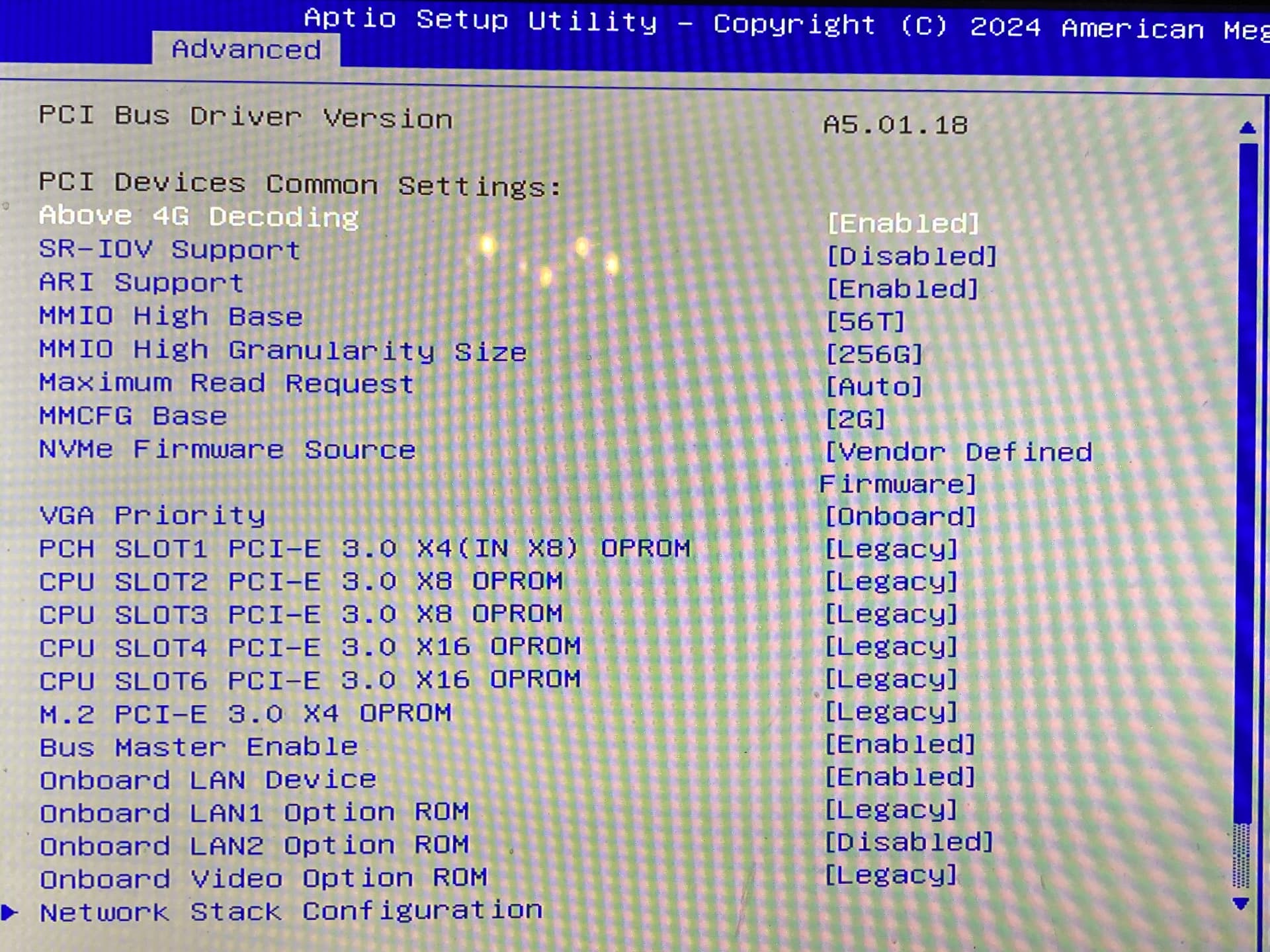
I updated to the latest BIOS, tweaked many dials in the BIOS including manually setting the port to gen 2 speed, changing the NVMe Firmware Source, and the PCIe slot OPROM to EFI (whatever that means) with no luck. Nothing shows with lspci or lsblk, and as seen in the picture listing boot options below not even the BIOS sees them.
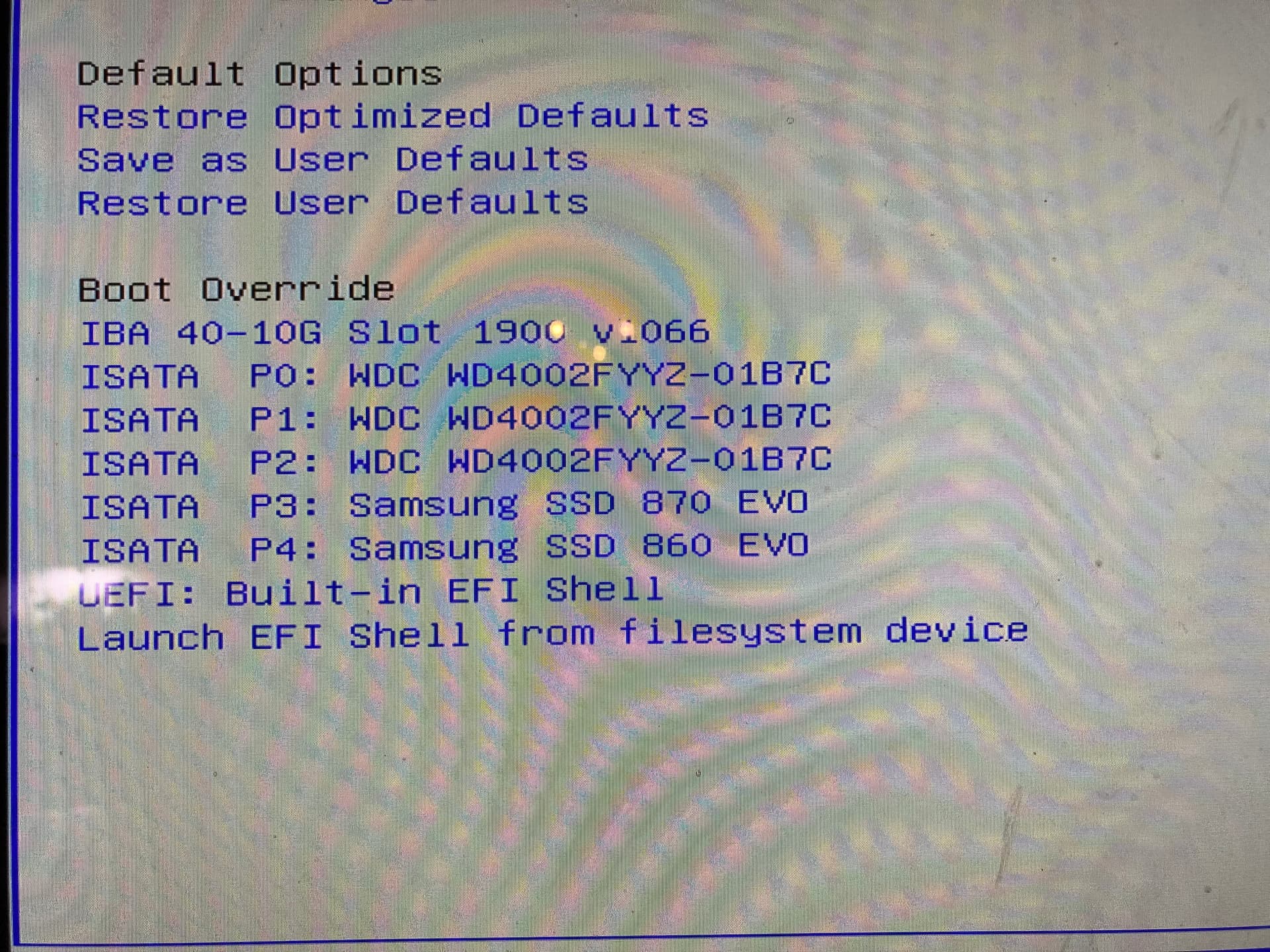
At this point I’m not really sure what to do since the drives and adapter work fine. Any help would be hugely appreciated!