INTRO
One of the questions we’ve seen on the forum a few times is if it’s a good idea to pick up a Strix Halo system like the Framework Desktop or one of the GMKTek mini PCs we’ve looked at recently fpr workloads other than AI. While the Ryzen AI Max 395+ that powers systems like these is an incredibly capable APU that can game at similar settings to the 4060M, it’s really meant for AI workloads first and foremost. So Wendell and I thought it might be a good idea to look at some SFF systems you can build for a similar price point that will perform better than Strix Halo in non AI workloads. Let’s take a look!
THE NO HOLDS BARRED SYSTEM
First up, what if you were willing to spend slightly more than the $2000ish that a top end Strix Halo system costs?
CASE
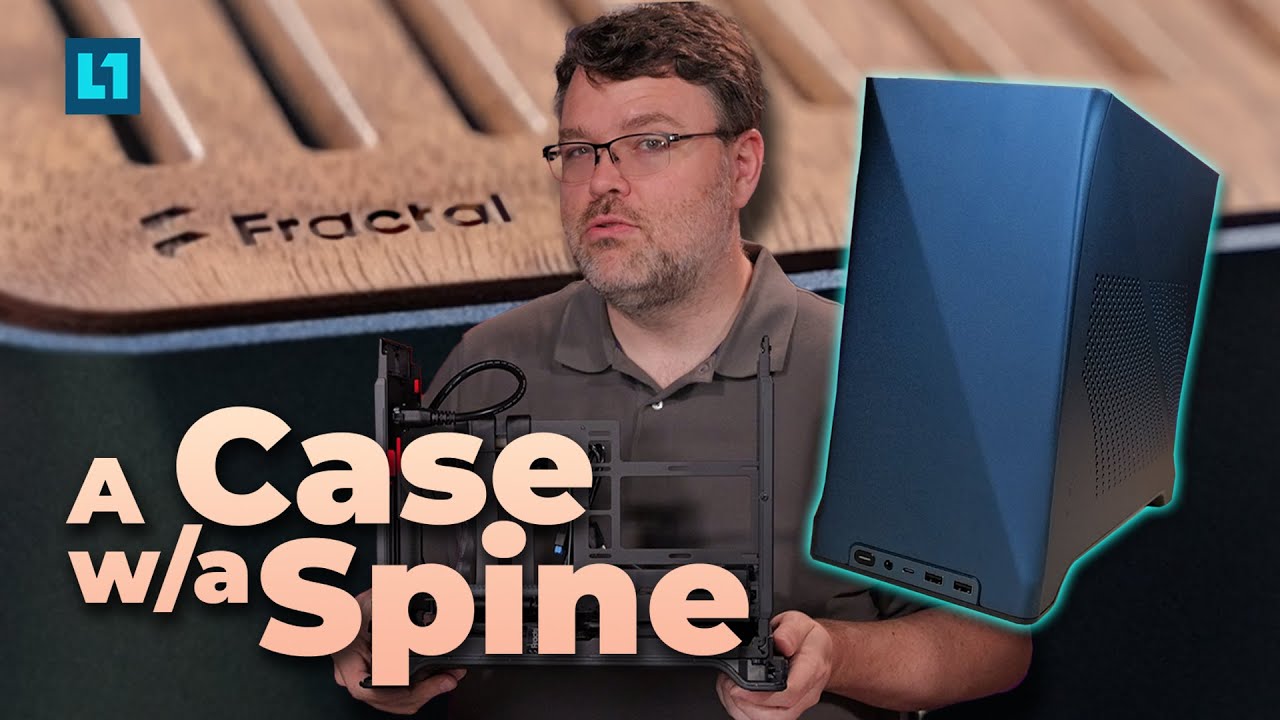
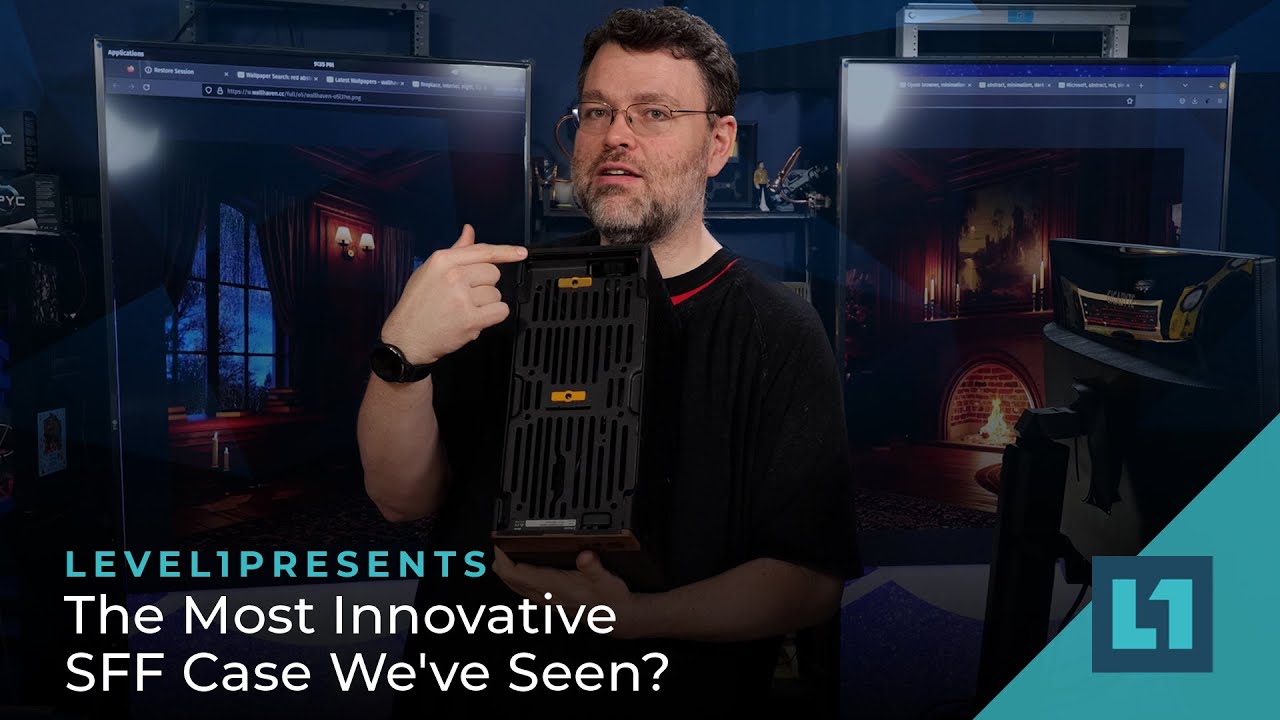
For our case, we’ve gone with the Cooler Master NR200P Max, which includes a PSU and cooler, which will significantly cut down our costs. For other cases, the Fractal Era or Fractal Terra are also excellent, designer choices.
CPU
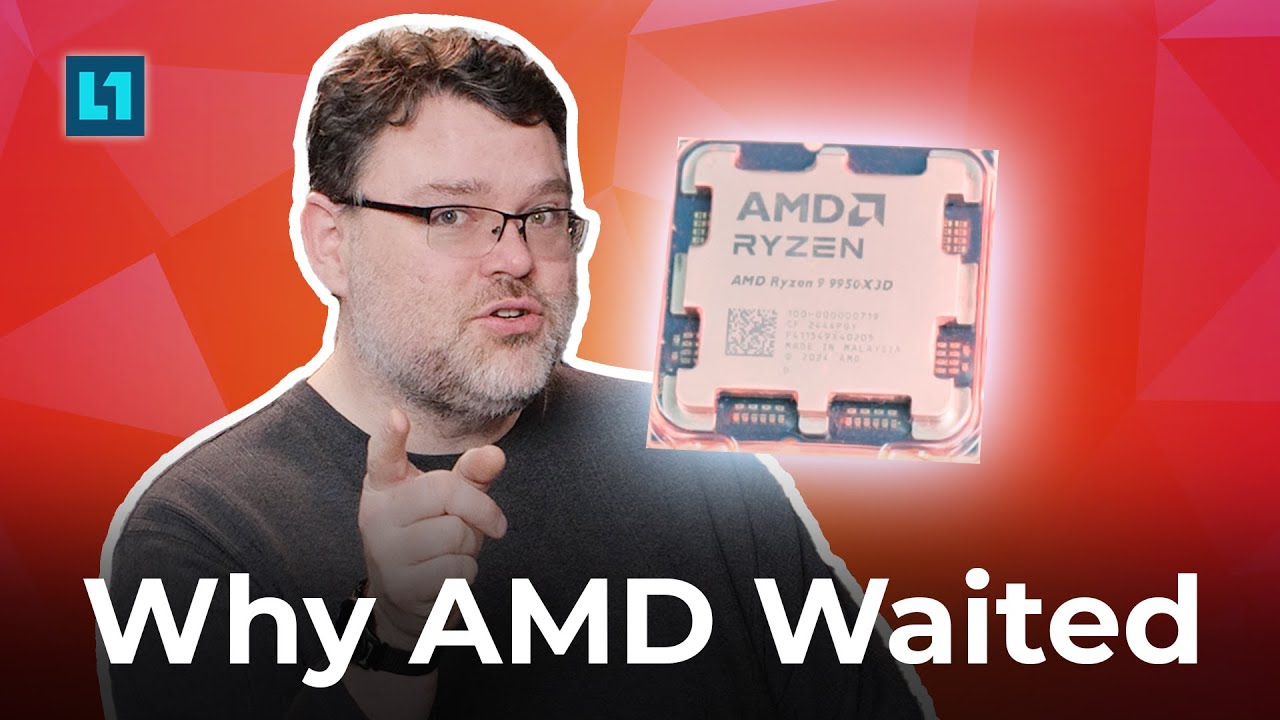
Our CPU will be the Ryzen 9 9950X3D, because if you’re gonna go big, go big.
GPU
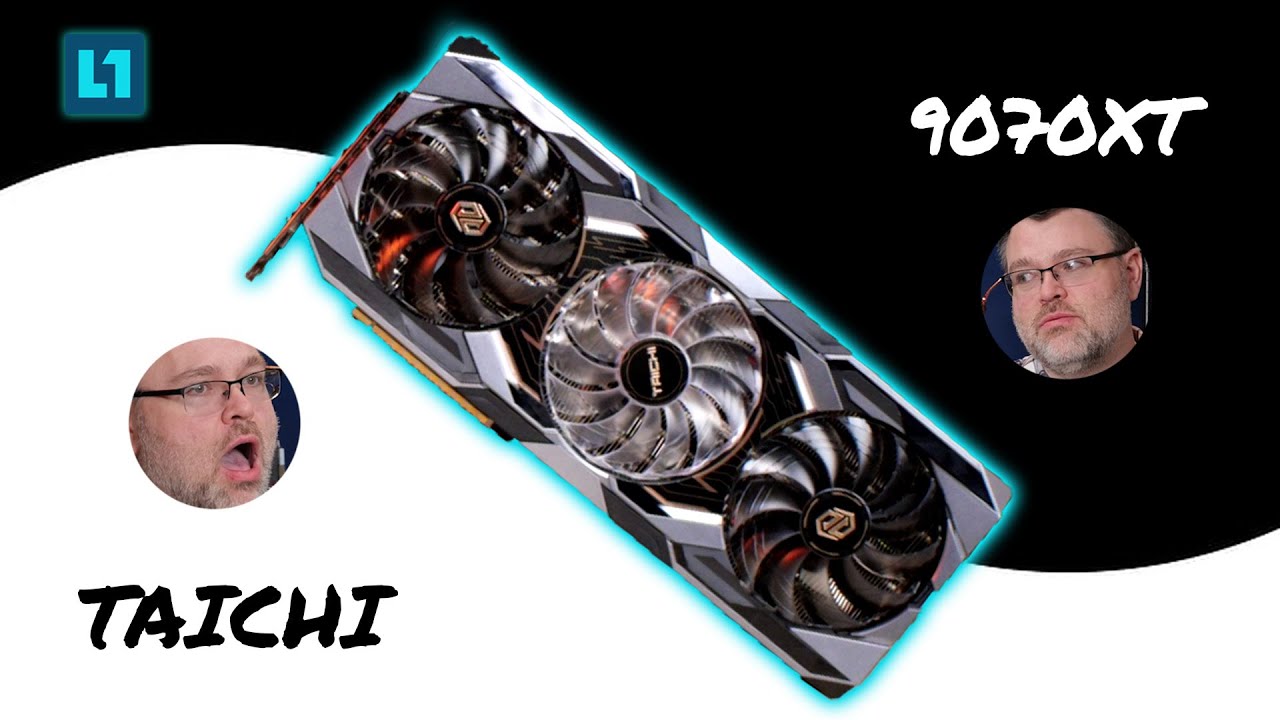
As far as gaming goes, it’s hard to find a better bang for your buck than the 9070XT. If you can find a 5080 for close to MSRP it would probably be good too, but the 9070XT is probably a better value.
MEMORY
For memory, we’re going with 128gb of DDR5. We won’t be able to touch Strix Halo in terms of memory bandwidth but we can get up there in terms of capacity.
STORAGE
I’ve picked a 2tb Samsung 990 for this build, but any 2tb NVMe SSD will do just fine. That gives us plenty of space to work with.
GRAND TOTAL
All of this stuff comes to around $2300, slightly more than most Strix Halo systems, but much more capable when it comes to non-AI workloads. You can play most any game on this on high settings at 1440p, with a good frame rate, and it’s only slightly bigger than something like the Framework Desktop. But what if you’re a little more cost conscious?
THE SENSIBLE SYSTEM
Not everyone can go all out when it comes to putting together a PC, but there are still some great options for the more price conscious among us.
CASE
We’re still gonna use a Cooler Master NR200P, but we’re going to go with the standard no-frills version here. Still a great case, we’ll just have to provide our own PSU.
“But wait, what about the cooler that comes with the NR200P Max? Won’t you still need a cooler?”
Funny you say that, random person I just made up. We won’t really need a cooler, just a fan. Why? Because our motherboard is going to be…
MOTHERBOARD/CPU/COOLER
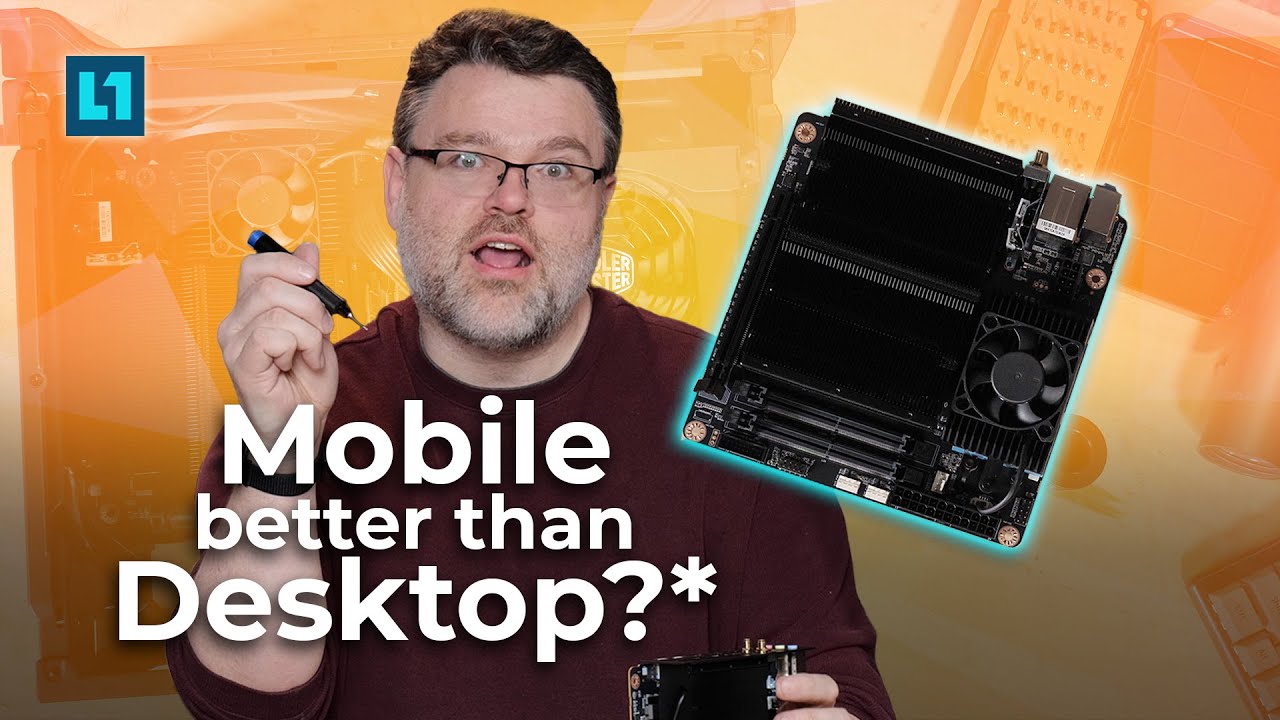
The Minisforum BD790i X3D! This little guy packs both a built in 3D Vcache processor AND a built in heatsink, all you need to add is a fan. It’s not quite as strong as the 9950X3D, but it’s definitely no slouch for a mobile part, and will get you most of the way there.
GPU
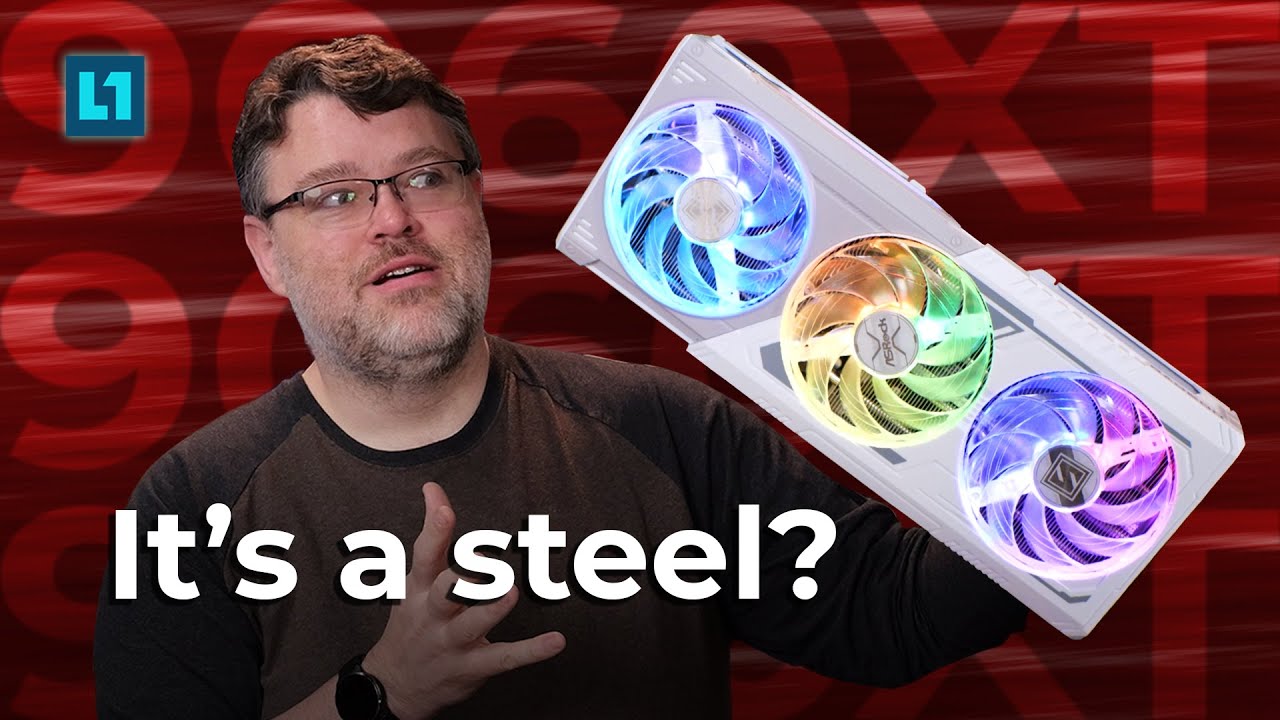
The 9070XT would still be a decent choice here since it’s such a good bang for the buck, but we’re going to step down to a 9060XT, which is still a great card. If you can find a good deal on a 7900XTX, that would also be an excellent choice.
MEMORY
The Minisforum motherboard takes SODIMM memory, and we’re going to go with 64gb to offset the higher price of SODIMMs. If you need 128, feel free to go for it, but we think 64gb is sufficient for most things.
STORAGE
Any NVMe storage will work fine here, but we’re going to go with a 1tb Samsung 990 Pro. Again, feel free to choose whatever you want!
GRAND TOTAL
This system comes in at a much cheaper $1250ish and will still perform very very well, better than Strix Halo at most things. It might not be as good at AI but it’s a respectable platform for gaming and other workloads, and it CAN do AI stuff, it’ll just be slower.
So, as you can see, Strix Halo is fantastic, but you’re paying a lot for the AI performance and the unified memory, and most things don’t take advantage of that the way you would want them to. Still, if Strix Halo fits your needs, it’s worth checking out, but you can get as good or better performance with a self built machine.
 Upscaled 1080p with FSR 3.1 looks bad, but FSR 4 looks pretty good even at 1080p.