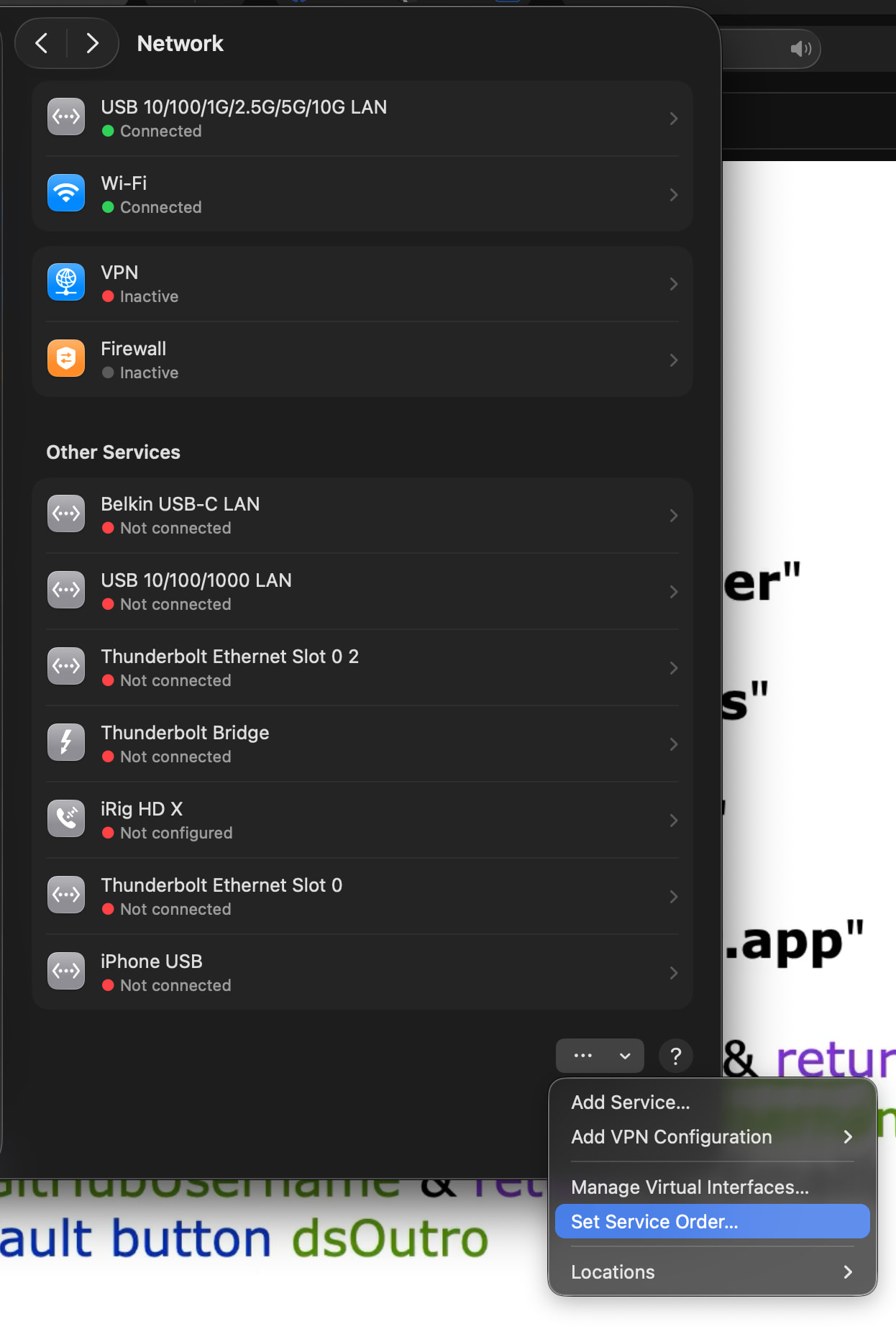
I have a direct connection to one of my servers 10gig ports going to a 10gig soonnet thunderbolt adapter using a static ip that had been very well. Since Tahoe 26.5.1 or any version of Tahoe for that matter, anything involving accessing my smb shares has been a nightmare.
A lot of people have total disconnects since this new tahoe update. I rarely get those. Mostly my speed has dramatically reduced when accessing / transferring files. I am in the kbps sometimes due to w.e weird software side thing the mac is doing kicks in. Upon a fresh restart for a few minutes my speeds will return to normal until they inevitably quickly fall back down to a crawl.
I know the issue origin point is the mac because i have several other computers that are windows based connected to my server and they are not having any issues as well as all of my mobile devices. This is a known issue with tahoe and im dying to figure out a solution to this because i do a lot of my file arrangement / data entry work from my macbook and it really is a huge annoyance having 1/30th of my speed.
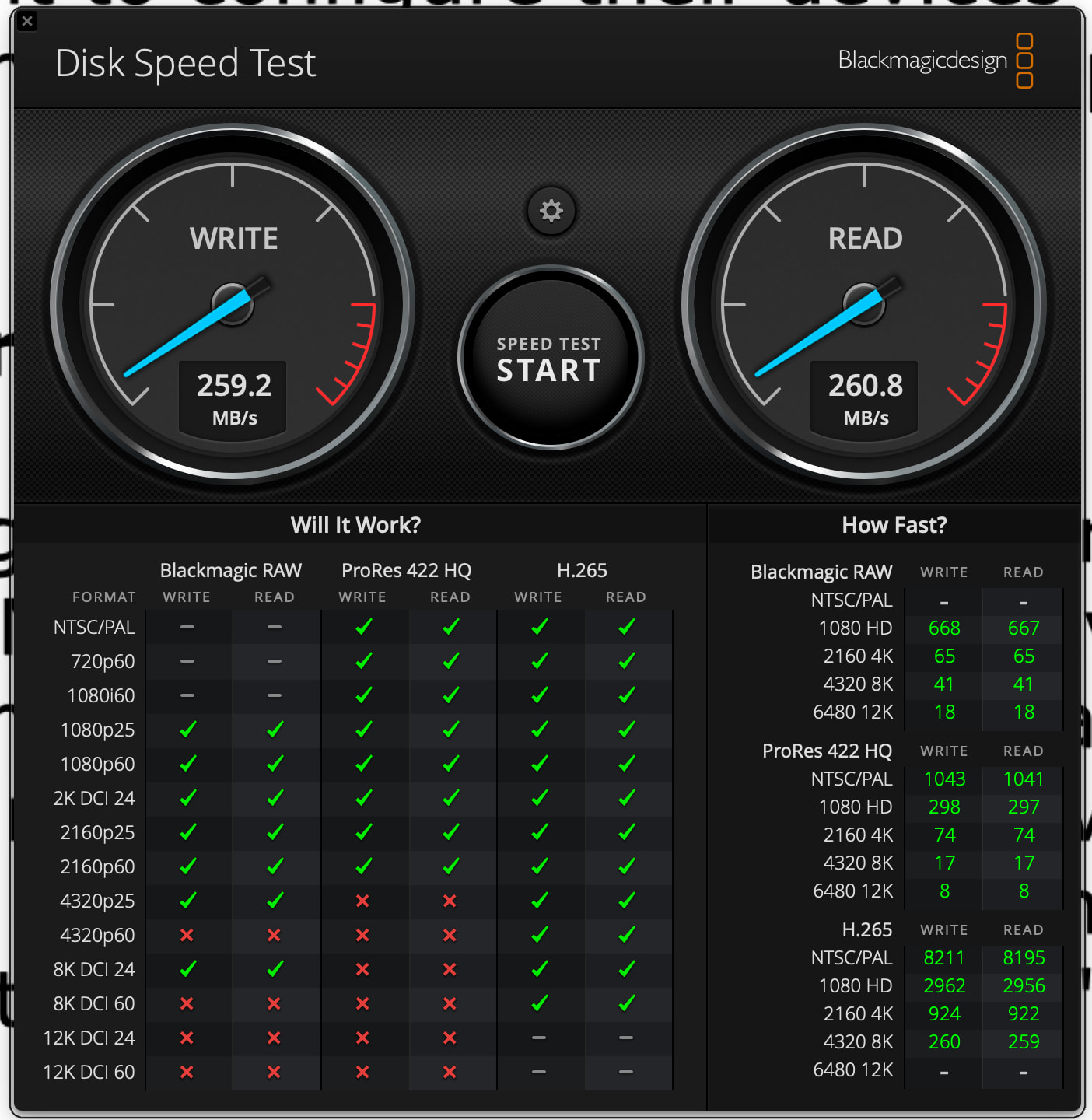
for some reason this 10G NIC only connects at 2.5G on this machine (suspect its maybe a USB3.2 vs. M4 Max issue - connects at 10G on intel). but this is Blackmagic speed test over 2.5G networking to my TrueNAS scale box from Tahoe.
Ill never rule out anything 100 % but i did just get through replacing this cable. I have a new nic as well because the old one had an issue. It seems to be very much a system side issue from what i can tell but perhaps i can run some hardware test.
At a glance i am not sure what this is. Were are you inputing this data? Definitely a bit of a layman as it pertains to networking and serves at this point. Fyi.
That file is a macOS SMB client config file, not something in TrueNAS. You would create/edit on the Mac, but I would first do one simpler split test: run between the Mac and the TrueNAS box while the SMB copy is slow. If iperf still shows near line rate, the link/NIC/cable are probably OK and the problem is SMB/macOS settings. If iperf also falls to kbps after a few minutes, then look harder at the Thunderbolt adapter, route order, Energy/Low Power settings, or link renegotiation.
iperf tests raw bandwidth, irrespective of protocol. If it looks good, then your network is performing OK and is not the cause. If it looks bad, then you know you have to focus in on networking (hardware, cables, drivers, etc)
If iperf looks good, then you you should start looking at SMB configurations, both server and client.
Shouldn’t need to mess with that file - mine is default out of box, editing config files manually is not really a good idea IMHO on macOS unless you really know that’s the root cause.
A couple of things i should mention. I the mac direct connected with a self assigned ip to the server. My windows computers are connected to the server via a trendnet switch with some sfp 10gbyte ports.
When i just now connected my mac to one of those ports.. all of my speeds seem to be fine. The only reason the mac has a direction connection to the server as opposed to the switch is the fact that the switch only has 2 sfp 10gb ports which are reserved for the one windows computer i work on that needs 10gbps as well as the server it self so it can be accessed at 10gps.
It seems like the easiest solution is me getting a switch with more 10gbit ports which is what i have been wanting to do for a while.
Yes at this point even connecting into one of the slower 2.5gb ports on the switch is proving to be more worth my time. I will porbably just forego the nic to nic connection and use the more robust switch for everything from now on. Far more pros this way. Ill upgrade my switch to have everything on at least 10gb asap.