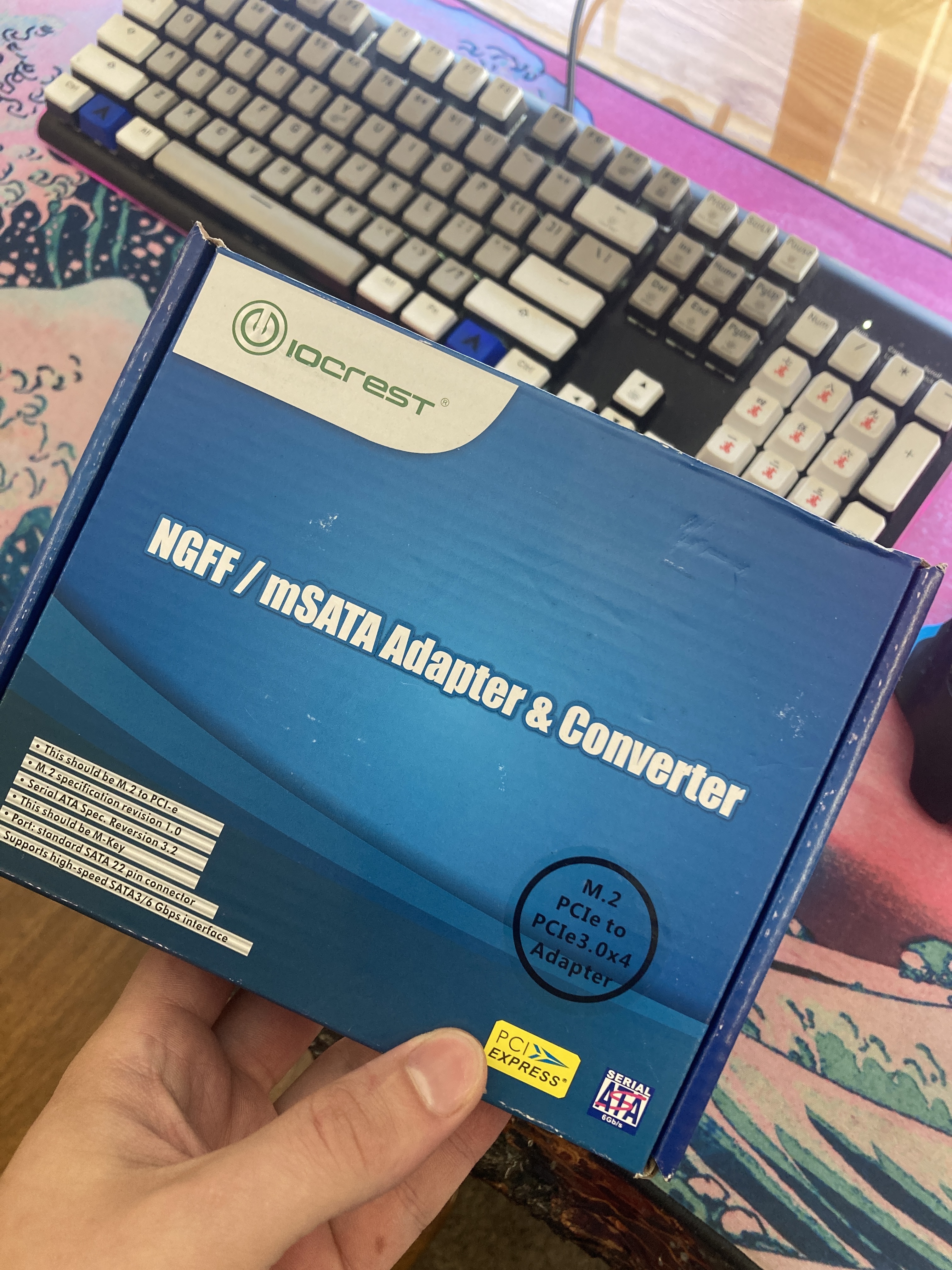
So I have this:

And I want to put this:

In it as the boot drive. I understand that there are SAS-sata interposers. Is this the right application? Can I put this in a caddy with an interposer and will it work correctly?
So I have this:
And I want to put this:
In it as the boot drive. I understand that there are SAS-sata interposers. Is this the right application? Can I put this in a caddy with an interposer and will it work correctly?
No you don’t need an interposer.
The SSD will bolt into the LFF caddies on the one side and will work fine if you’re careful when inserting into the backplane.
The way I would go about it is to use the data and power going to one of those optical drives so it would leave the bays for large drives.
If I do that do I give up being able to use this in my array?
I guess I should ask, what is it you are trying to accomplish?
Virtualization server/NAS
On my t610 or was it t620? Anyway it had all sata drives and you can use the raid controller to raid them but I chose jbod in the controller to zfs raid them in software
Form factor wise you might be better off with a 1-2u server that natively has 2.5 bays but hey work with what you have
I was planning on doing unraid or something for software raid. I just would like to be able to boot from this and I know sometimes these enterprise machines get picky when you try to boot them from different places.
Your boot device should be something small and reliable that is separate from your disk array. Using a 2TB SSD to boot with is quite overkill IMO. Are you going to use an HBA and software for your NAS or an older hardware type RAID?
You wouldn’t have a problem with that. Unraid boots from a USB drive AFAIK so you might be worrying over nothing 
On mine I couldn’t successfully install freenas for whatever reason, but it did accept an existing installation of freenas just fine
Just a trouble shooting tip, I think I was also booting off of one of the actual sata bays meant for optical drives
I also have a 1TB m.2 and a pci expansion card but my understanding was that booting off of these could be problematic but maybe I just need to do it and find out.
Is it NVME or sata m.2?
Sata M.2
It is a Samsung Evo I have had kicking around for a while.
Don’t bother with a PCI-e card, get a m.2 sata to sata adapter
And just plug into a sata port
I already have the card. Are they bad news or can I just run it? ATM I don’t think I will be hurting for pci slots.
The 12th gen dell doesn’t boot nvme without some major work arounds
My understanding is those are for NVME only cards, it would need a sata controller and be meant for a sata m.2
You can boot from the SATA side of a PCIe adapter if it one of those dual cards. I used that solution with my DL380 g9 running TrueNAS. The NvME was used as L2 cache and the SATA m.2 was the boot drive.