I searched around the forum and could not find information on how to do this, so I figured I would post a quick walkthrough. Apologies if this is a bit elementary, a duplicate post, or not in the correct location.
Operating System: Ubuntu 14.04 LTS, Steam application already installed
Game: Master of Orion 2
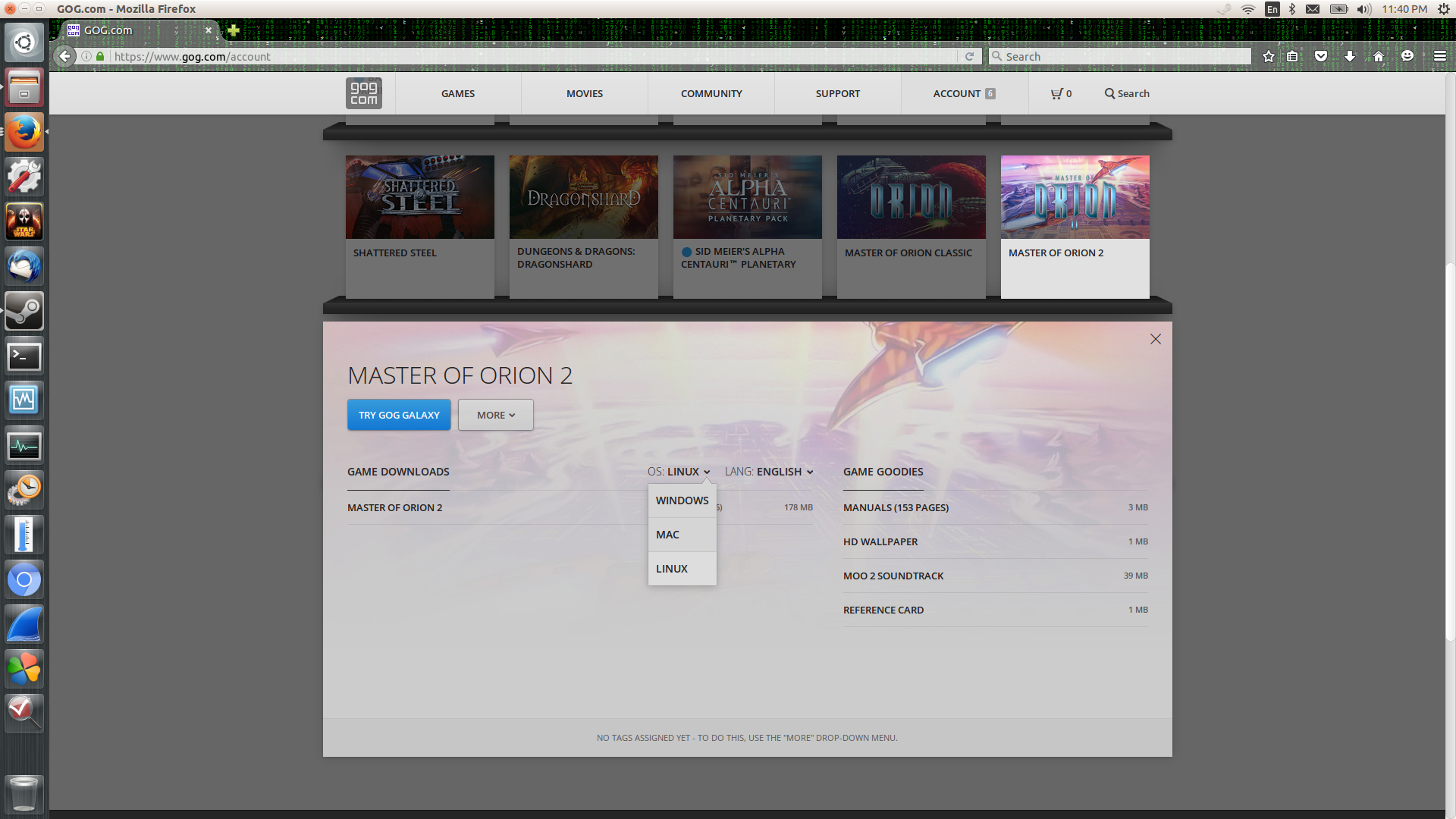
Step 1: On GOG.com log into your account, go to the downloads section, and download the linux installer, in this case it is gog_master_of_orion_2_2.0.0.6.sh
Step 2: right click on the file gog_master_of_orion_2_2.0.0.6.sh and go to permissions. Check the box allowing it to run as executable

Step 3: If you do not already have it, install dconf-editor using sudo apt-get install dconf-editor
Step 4: Run dconf editor and navigate to org>gnome>nautilus>preferences and on the executable-text-activation drop down select “Launch”
Step 5: Navigate back to the gog_master_of_orion_2_2.0.0.6.sh file and double click it to run the installer. Mine installed with no issues.
Step 6: Open your Steam Client, select the “Games” tab and select “Add a non-steam game to my library”. This should bring up a list of installed applications, which your newly installed game should appear in.

Step 7: Enjoy that classic! 