I had found out 20 years ago that the only computer I ever would want to own was one I built myself. This was before the gaming computers were put together by the manufacturers of course and AMD just came out with Athlon x64 dual core.
I was just learning myself about computers at the time and the only computer I owned before that was a $699 Dell Desktop with absolutely nothing inside but an integrated Celeron processor.
So I started out with a $60.00 ASUS motherboard with a AMD socket 2 for an Athlon x64 dual core processor which I bought and installed. Then I realized it had a couple of slots for RAM which at the time called for DDR2 so I bought (2 x 4gb) of RAM.
I passed on a video card for a while but eventually bought a $60.00 ATI Radeon HD 6480 graphics card. I am a gamer and that set up was nothing short of awesome!
I have been out of the loop for a decade or so and attempting to build another computer just using components that are quality and not expensive trying to get it as state of the art as possible for as little money as possible and you guys might find the results interesting.
I am doing this to prove a point somewhat that the new technology isn’t as fantastic as one might think. So Ill do benchmarks when I am done. Then regardless of the result I will break down and buy all the PCIE 5.0 x16 high end video cards and the $999.00 worth of DDR 256gb worth and the PCIE SSD 2 terabytes worth for $500 and all the other top of the line stuff I want to get.
But since I been out of the loop for a while I did have some question about some of the compatibility issues with some components which I will get to in the next post with pics to make sure I understand things correctly.
Looking forward to seeing what you find. As my daughter grows up, I hope she’ll want her own hardware, and it’d be nice for her to have a basic understanding so she can diagnose, repair, and own the means of production herself. It’ll be interesting to see what you come up with.
I’ve also got a project further down the list: building another arcade machine that plays Steam games. I’m planning to look into the ASRock BC250 for it, if I get the time.
I needed a new computer and had no funds for one. So obviously I don’t want a total piece of crap for a computer but have to get the best parts I can. I just ordered the rest of the stuff last night so all should be here in a few days or so.
I’ll list the stuff in a while with pics andc the cost of the parts. Most of the parts were new and a few parts from offer up…lol.
Plenty of PCB and silicon to work with, towards a yesteryear era rig
Ultimately matter choosing out H/W and Inst. filters, to weed away [+ skirt overpriced stuff]
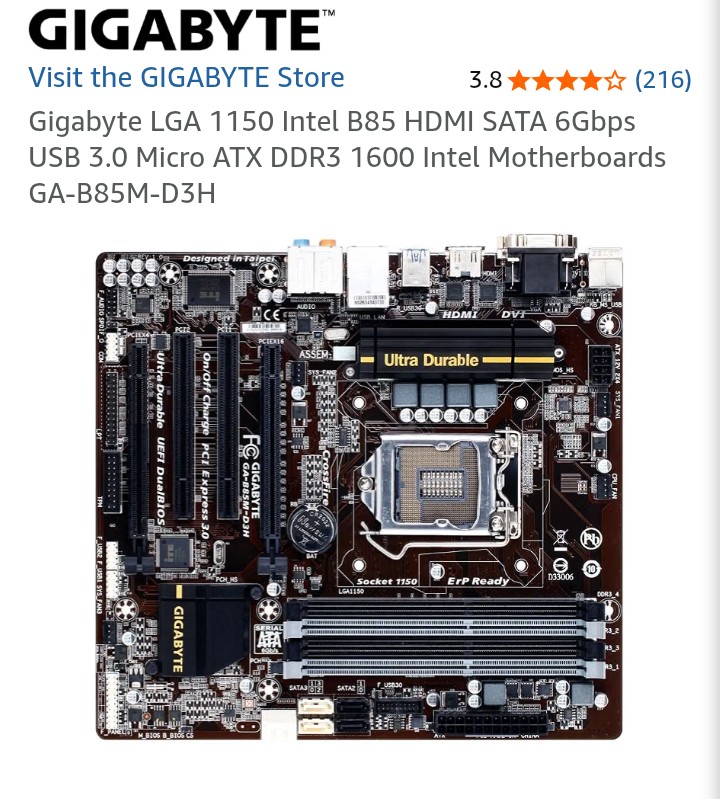
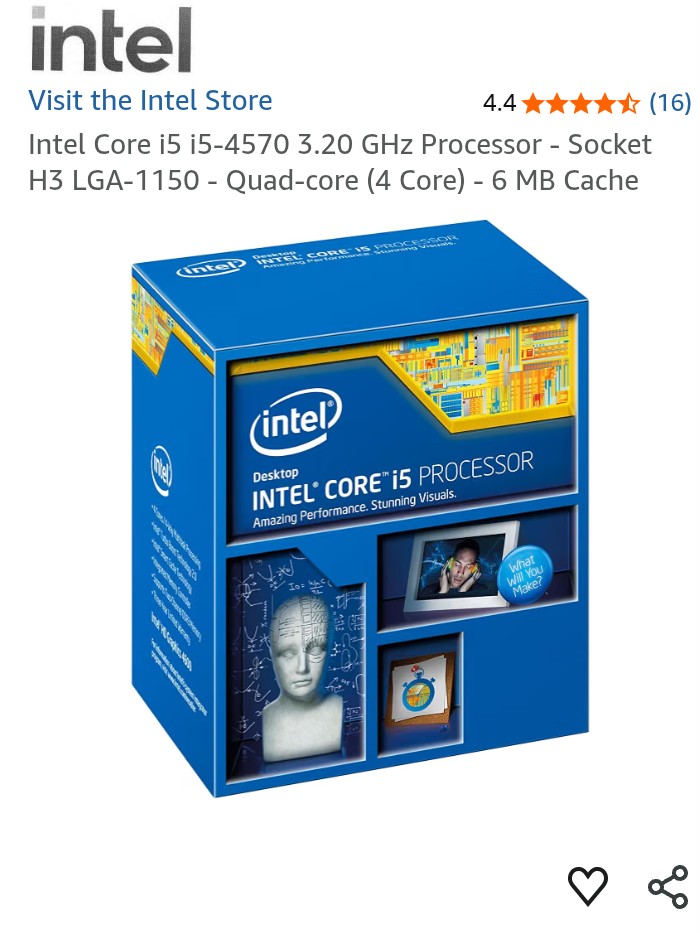
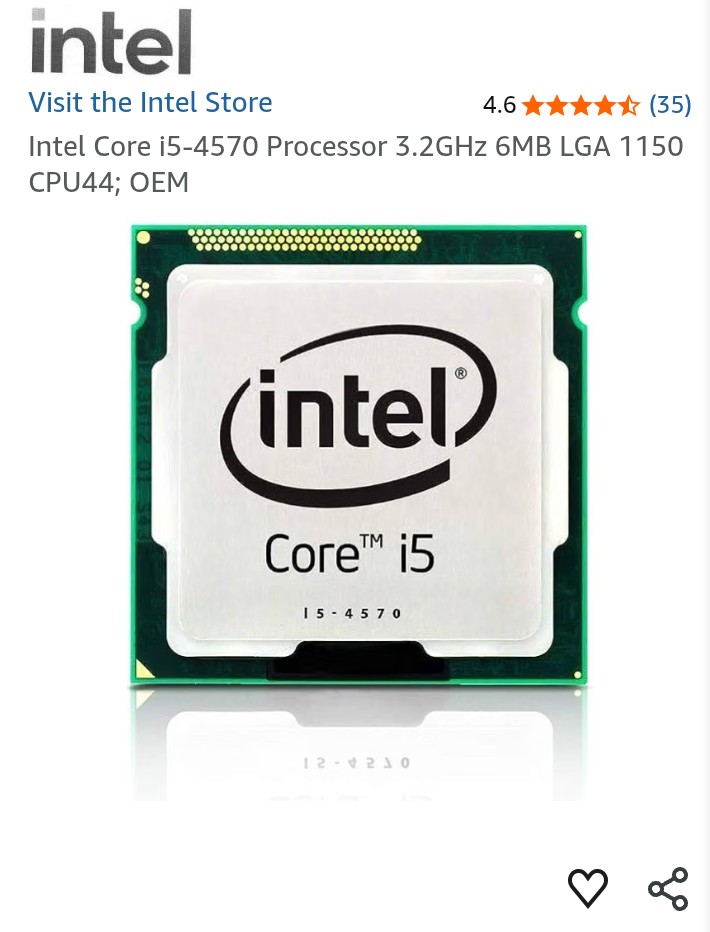
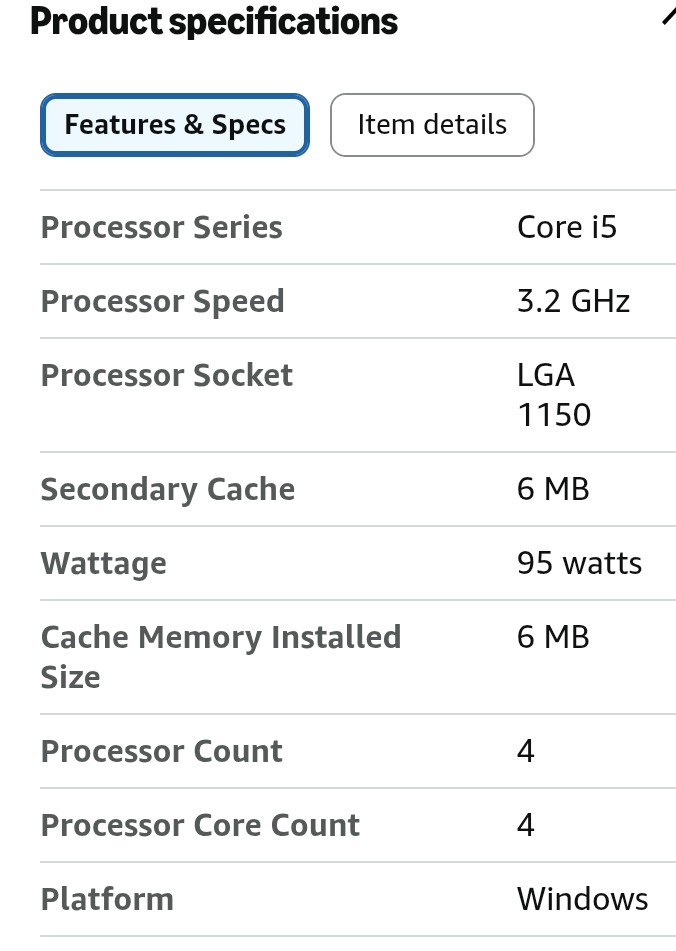
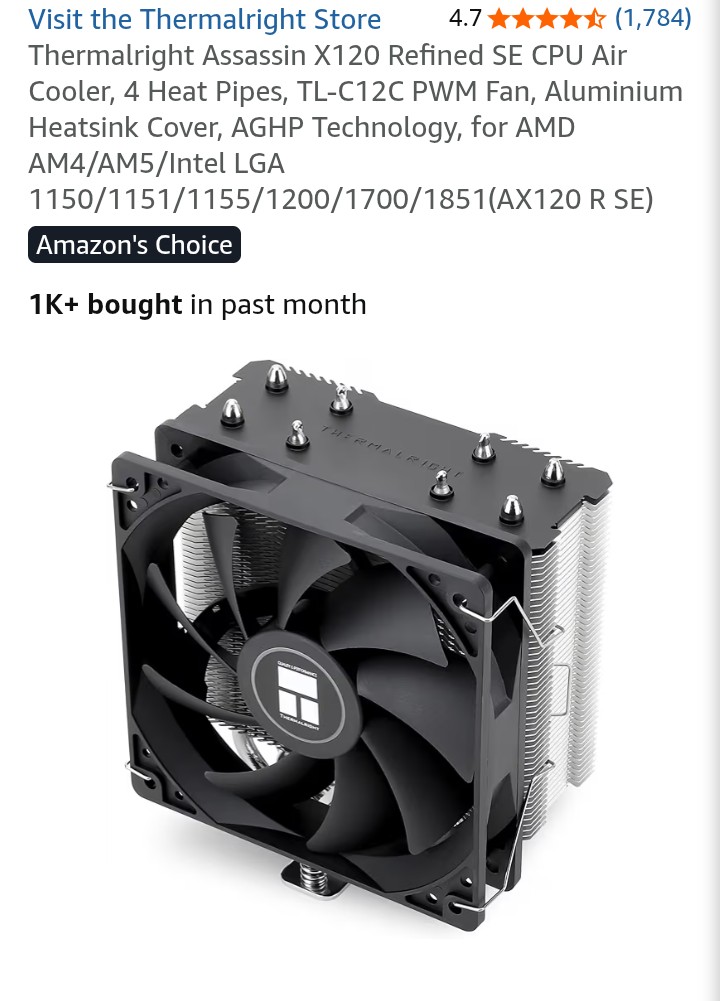
Well I got most of my components I’m waiting for the microprocessor to show up today and then I can put the computer together and do some benchmarks. This is what I got for components and I paid around $270 altogether for everything. I’ll upload some pictures let me know what you guys think.
I think I will be able to squeak through that stuff…lol. TPM 2.0 header is $24.00 found one on Amazon ansd secure boot is in the bios just not enabled. But we will see what happens.
I am still dealing with the PCIE SSD ATM. No luck so far. I got it to copy all the windows 10 x64 files to it on boot. But when it restarted to install the OS it could not find it again…lol.
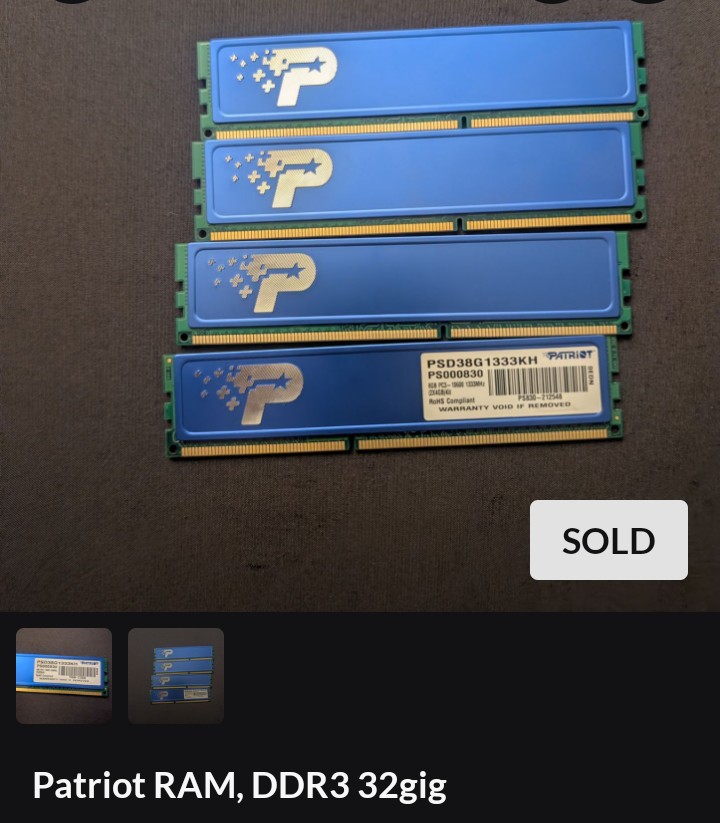
4 X DIMM RAM SLOTS TOTALING 32 GB “PATRIOT DDR3 DUAL CHANNEL 1333MHZ”
(WHICH THE RAM IS ANOTHER PROBLEM I CAN ONLY INSTALL 2 STICKS (2 X 8GBS) (16 GBS) OR THE COMPUTER WONT EVEN POST AND OF THAT ONLY 8GBS IS USUABLE OR EVEN SHOW UP ANYWHERE.)
300GB WESTERN DIGITAL HDD 6GBS SATA "BOOTABLE " “WINDOWS 10 X64 PRO”
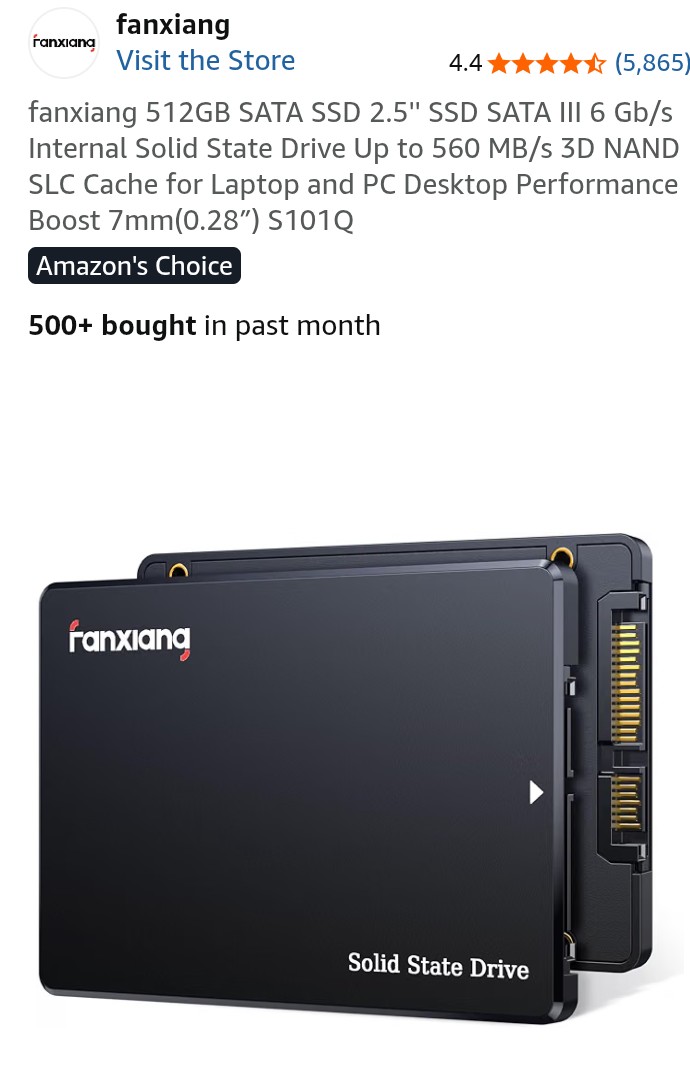
500GB 2.5" SSD 6GBS SATA AND A STORAGE DEVICE
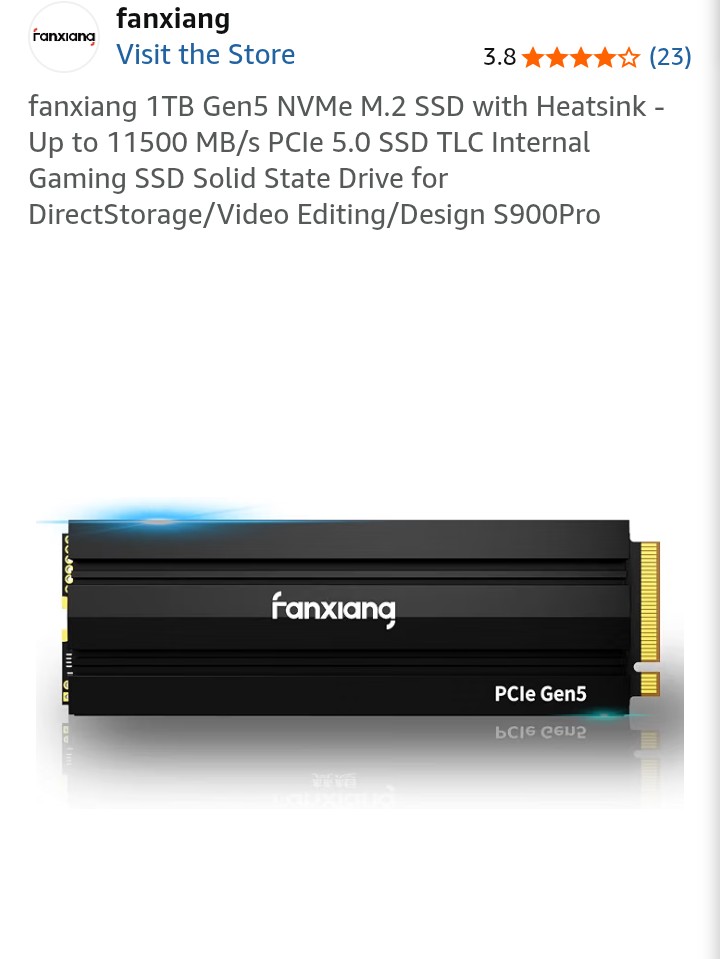
M.2 NVMe SSD PCIE 1 TB (*AS THE ONE I CAN’T GET INSTALLED)
TCL 4K 55" HD MONITOR
ILLUMINATED WIRELESS GAMING MOUSE AND KEYBOARD AND GAME CONTROLLER
I WENT THROUGH THE ENTIRE BIOS 15 OR 20 TIMES AND FINALLY GOT EVERYTHING TO HAVE “UEFI FIRST” FOR EVERY OPTION THERE WAS TO CHOSE IT FROM. AT THAT POINT I FINALLY NOTICED THE “SECURE BOOT” AVALIBLILITY ON ONE OF THE CONFIGURATION PAGES AND ENABLED IT.
AS FAR AS THE TPM 2.0 GOES I GUESS I NEED TO BUY THE TPM 2.0 CHIP ON AMAZON OR SOMETHING AND THEN PHYSICALLY INSTALL IT INTO THE TPM 2.0 HEADER ON MY MOTHERBOARD WHICH TURNS OUT TO BE A 20 PIN HEADER TO FIT THE TPM 2.0 PLUG INTO THE ACTUAL MOTHERBOARD ITSELF AND THEN I CAN PLAY BATTLEFIELD 6?
I ALSO HAD A DIFFENT OR SIMILAIR ISSUE THE OTHER DAY TRYING TO INSTALL A M.2 NVME
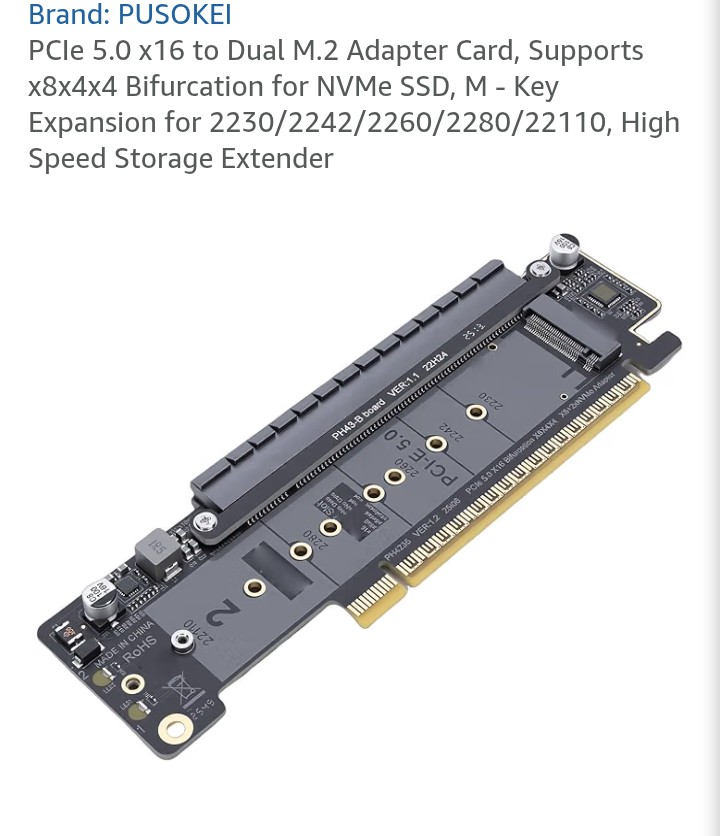
1 TB SSD INTO THEW SECOND PCIE X16 (X4) WHICH CAN BE USED FOR AN AMD CROSSFIRE SETUP USING ANOTHER IDENTICLE GRAPHICS CARD. THE ONLY PROBLEM WITH THAT IS THE PCIE X16 (X4) IS A (X4) AND NOT A ACTUAL (X16) BECAUSE THE METAL CONTACTS IN THE SLOT… THERE ARE ONLY ENOUGH FOR A (X4) SLOT SLOT EVEN THOUGH IT SAYS AMD CROSSFIRE READY READY AND IS AN ACTUAL (X16) SLOT. I AM ALSO ATTEMPTING TO USE THAT PCIE (X16)(X4) SLOT TO CONNECT THE M.2 NVMe SSD TO IT USING A 3RD PARTY PCIE (X16) ADAPTER.
THE FIRST TIME I INSTALLED IT I UNPLUGGED MY OTHER 2 SATA DRIVE WITH THE OS ON ONE OF THOSE HARD DRIVES SO THE ONLY HARD DRIVE THAT COULD BE RECOGNIZED WOULD BE THE M.2 IN THE PCIE (X16)(x4) SLOT. IT ACTUALLY WAS DISCOVERED BY THE PROCESS AND ACTALLY DID COPY ALL WINDOWS 10 X64 FILESW TO IT AND REBOOTED TO INSTALL IT BUT WHEN IT REBOOTED THE M.2 DISAPPEARED AND WAS NEVER TO BE RECOGNIZED AGAIN.
SO MY QUESTION HERE IS DOES MY M.2 NVMe PCIE SSD HAVE ANY ISSUES THAT ARE SIMILAR TO THE PROBLEMS I STATED THIS POST OUT DIISCUSSING OR HOW DO I GO ABOUT TRYING TO GET THAT TO WORK.
DO I NEED A CUSTOMIZED BIOS FLASH UPDATE TO GET THE M.2 TO WORK THAT WAY OR WHAT?