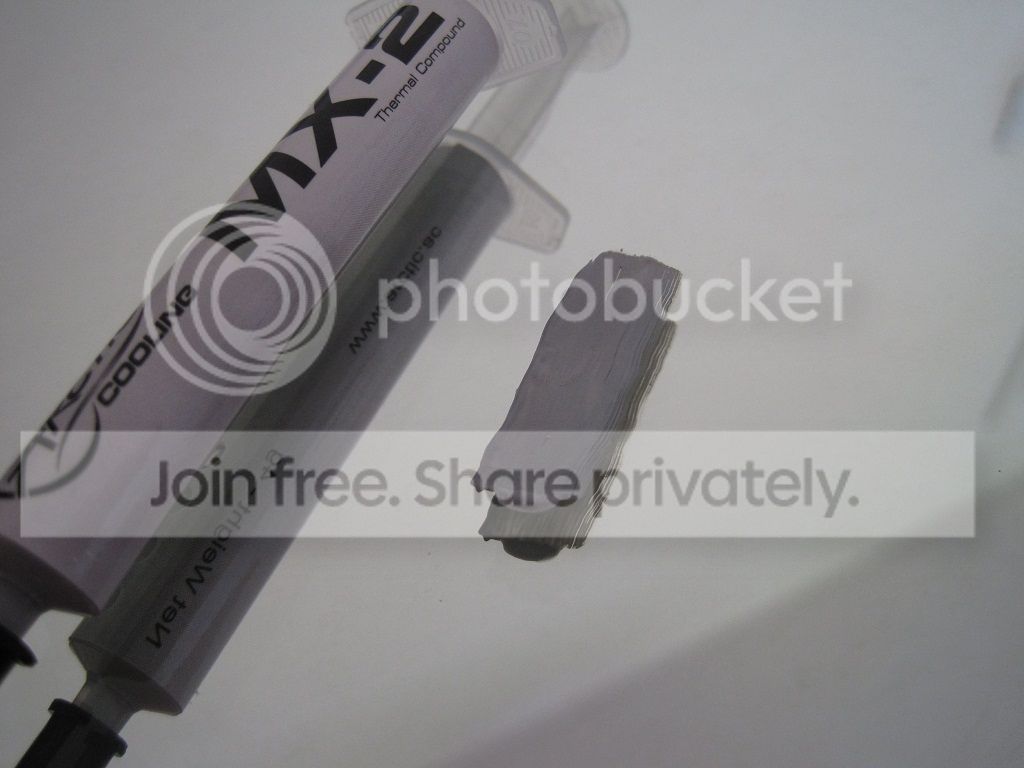
So I wanted to make my old 6970 a bit more quiet so I went and bought some Artic MX-2 thermal compound to replace the stock that have been sitting there for 5 years. The old one didn’t look particulary good: https://imgur.com/a/vfW5b
I took it apart, applied about a pea sized glob of TIM and put it together again. This time however, I got about 20 degrees celcius worse temperature when idleing. I’ve got a custom fan curve. With the thermal paste I was around 55-60 in idle, now I am in the area of 70-75, in idle!
Not really what I was expecting.
I took the card out and tried tightening the screws holding the backplate and screwed them in as tight as I could. It made no difference. I’ve tried replacing the TIM 3 times now but I get the same crappy temps everytime.
Unlike a cpu the entire GPU must have thermal paste on it as it is directly to the die. Every little bit of it needs covered which is why I hand spread thermal paste on a GPU. I start with a star pattern and smear it until covered. Don’t put too much on, just enough to cover it no more than that
@Baxtex Dumb question but did you remember to reconnect the fan cable? Happens to the best of us.
Otherwise I’d make sure there’s enough thermal paste (but not too much), the stock cooler mounting pressure is medium at best hence it takes a bit more if you’re doing the pea/drop method (and it probably doesn’t reach the corners properly without spilling over to the substrate).
You might wanna try an X if your current application didn’t cover the whole thing or there wasn’t enough.
And that you’ve assembled/tightened it correctly/like it was before.
Go ahead and reapply the TIM, before you wipe the current TIM off, take a picture from both surfaces.
Feel free to elaborate on that.
Thermal pastes pretty much fall, at most, within 5C of each other if you’re not including liquid metal stuff. Well it’s more like 3C for best vs worse.
The MX-2 is a nice product considering it’s low viscosity so it spreads easily hence it’s extremely easy to apply along with good enough thermal conductivity. And it’s cheap.
Also you’ll strip the tiny Philips screw heads longer before you’ll do any damage to the GPU die.
I just tried this, putting it on like an X and it does have seemed to have worked, it lowerd my temps with 5 degrees, down to about 66 in idle- Not a huge improvement, but it’s something. I did not spread it out as I’ve heard you should beacuse it can cause air bubbles to form? But maybe I should try anyways?
when you remove the heatsink see how much it actually spread, and if it doesnt cover the whole gpu then you’ll need to put more than you did last time.
its white, its synthetic paste, it pretty much always perform worse (up to 10’C in some bad cases) than proper conductive gray paste.
conductive paste (that is used for gpu compounds by manufacturers) conducts electricity (most of the time they are gray, silver based or metalic based).
Reapply using more. If you did the pea before and now X, you probably didn’t have enough before.
Spreading it you can get air trapped in there but it’s not as bad as they say.
You might as well try doing a smiley face.
After you slap the cooler on top you might wanna wiggle wiggle wiggle (sorry) it just slightly before you tighten the screws. If there wasn’t enough thermal paste, nudging it around a little bit helps the thermal paste spread all over the die.
Of course this isn’t needed if you spread it. Or use the whole tube.
Just tried spreading it out with the tip of the syringe containing the compound. Now I’m down to 64 degrees!
This is the sixth time I’ve reapplied it and I’m running out of paste, It can’t be my applicance method, even if it does affect the result, it would not be 20 degrees difference, it has to be something else. Could I have knocked over the fan? Disabled the thermometer?
10C worse? That’s a layer 8 error or whoever reviews or uses it doesn’t understand he should look at the temperature delta between room temperature and average core temperature..
Sure I could whip up a review of thermal paste A and B and show that thermal paste B performs 25C worse than A. That would just include me temporarily moving my computer outside for nice and fresh -2C intake air.
@SoulFallen MX-2 as an example does not need any burn-in.