To be updated soon.
For now a few photos od DIY fanless build:
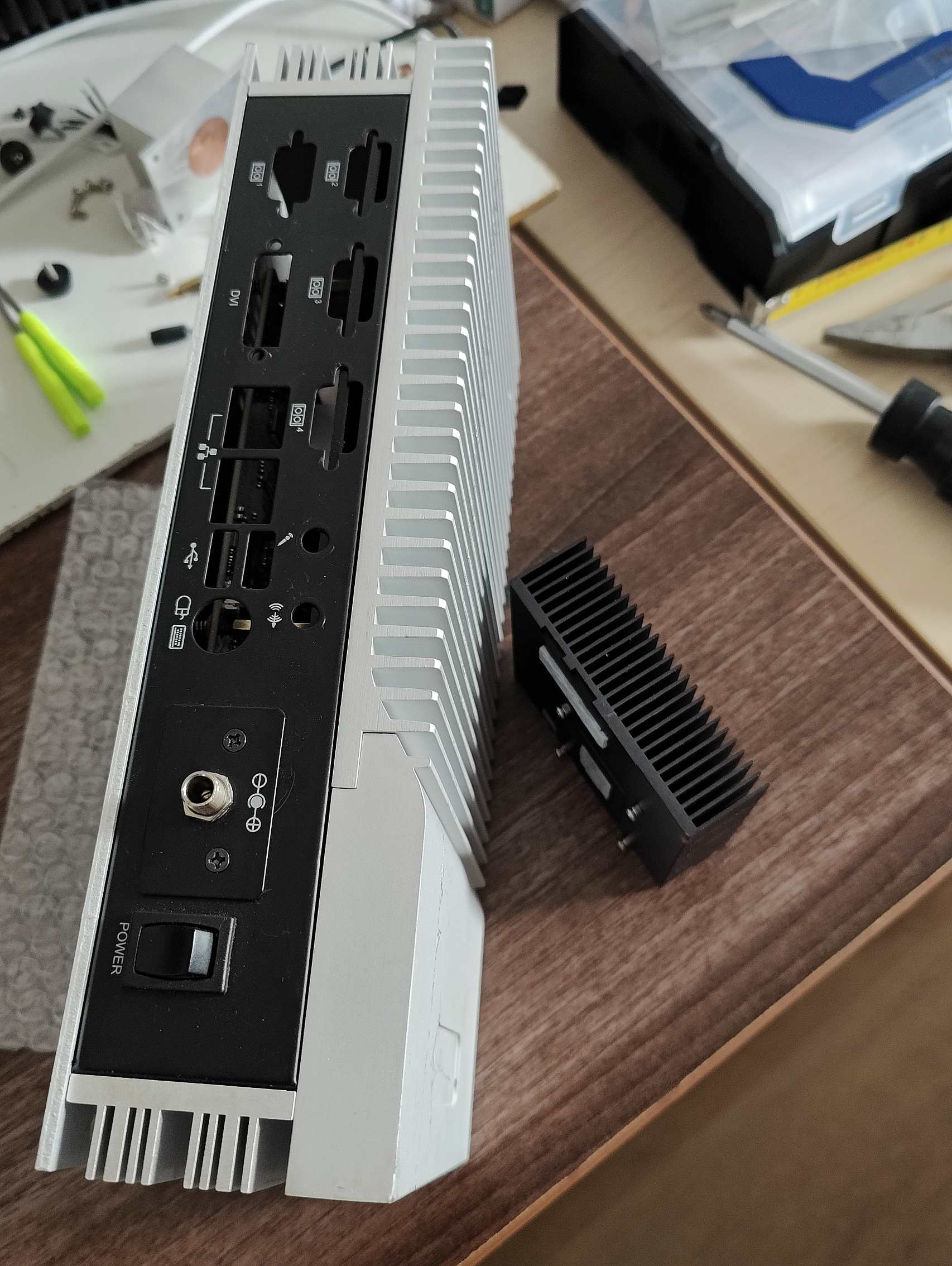
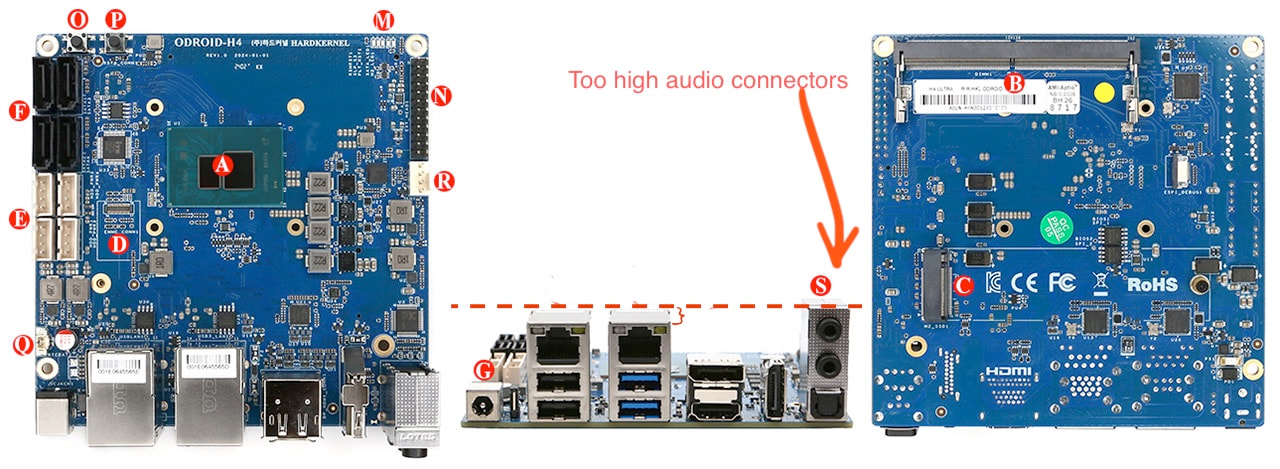
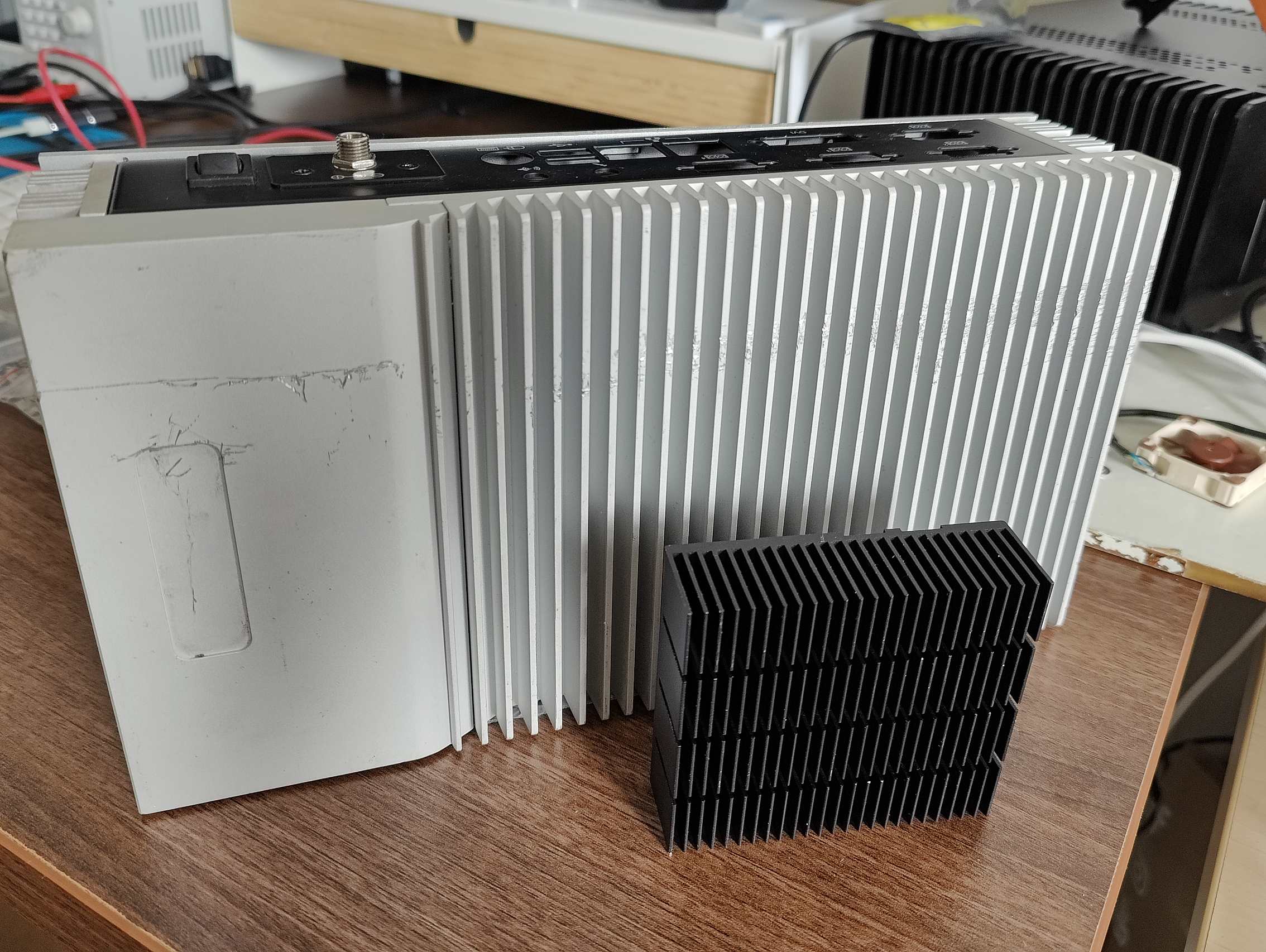
- left → “new” fanless case for my Odroid H4 miniPC
- right → original heatsink from Odroid H4
To be updated soon.
For now a few photos od DIY fanless build:
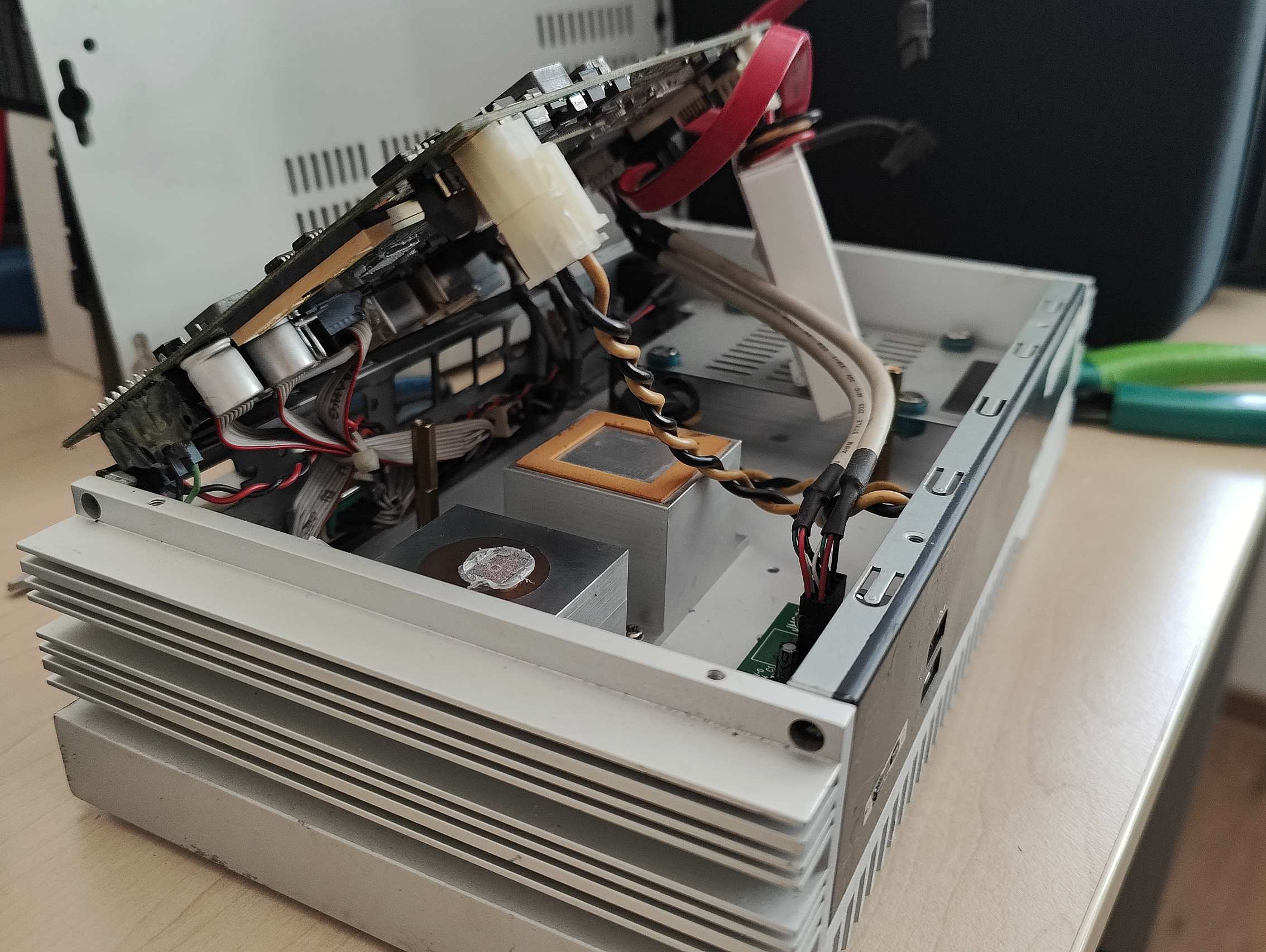
I finally found a usable fanless case for my Odroid H4.
It’s from some old industrial computer Axiomtek eBOX630-830-FL
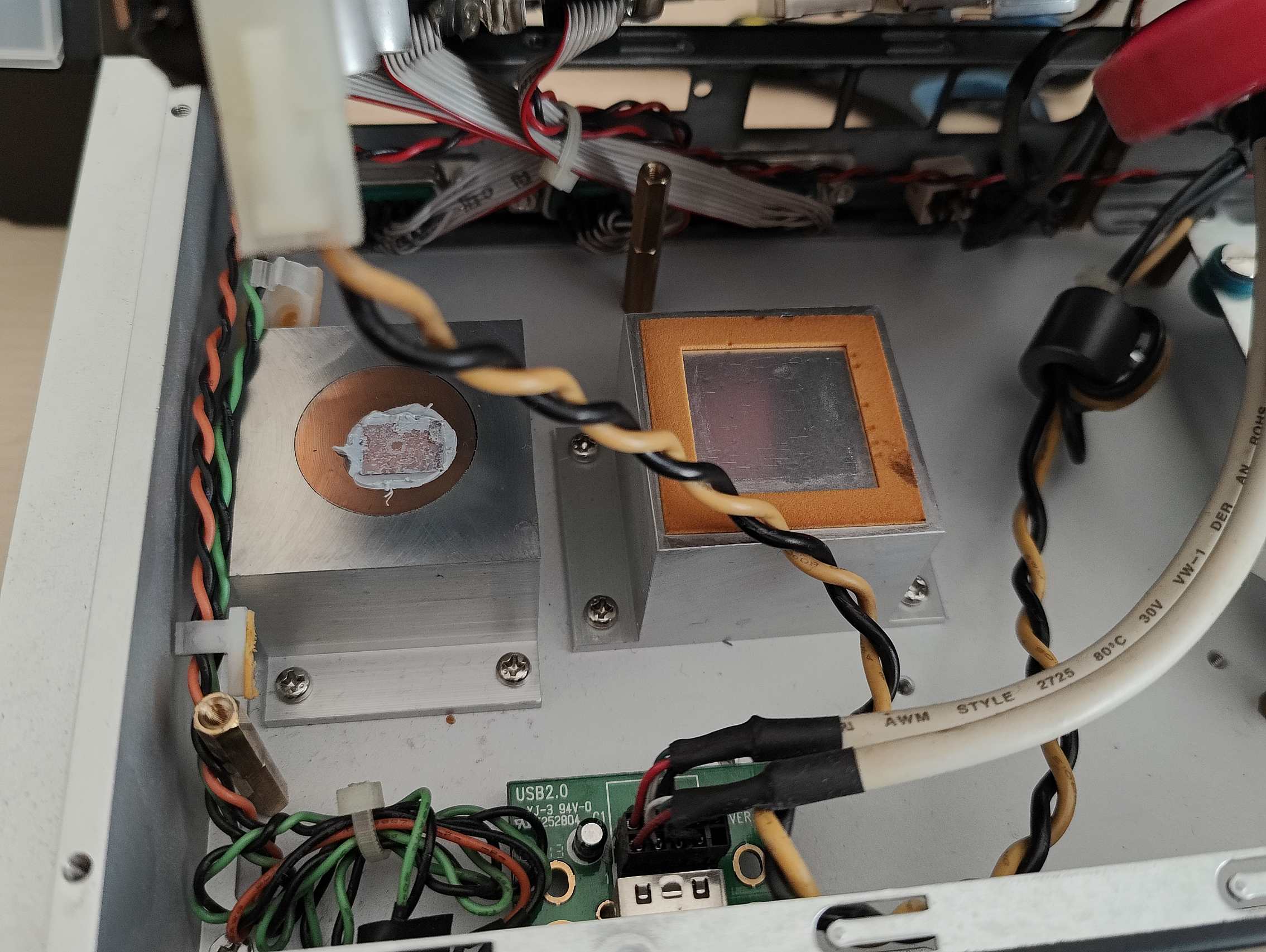
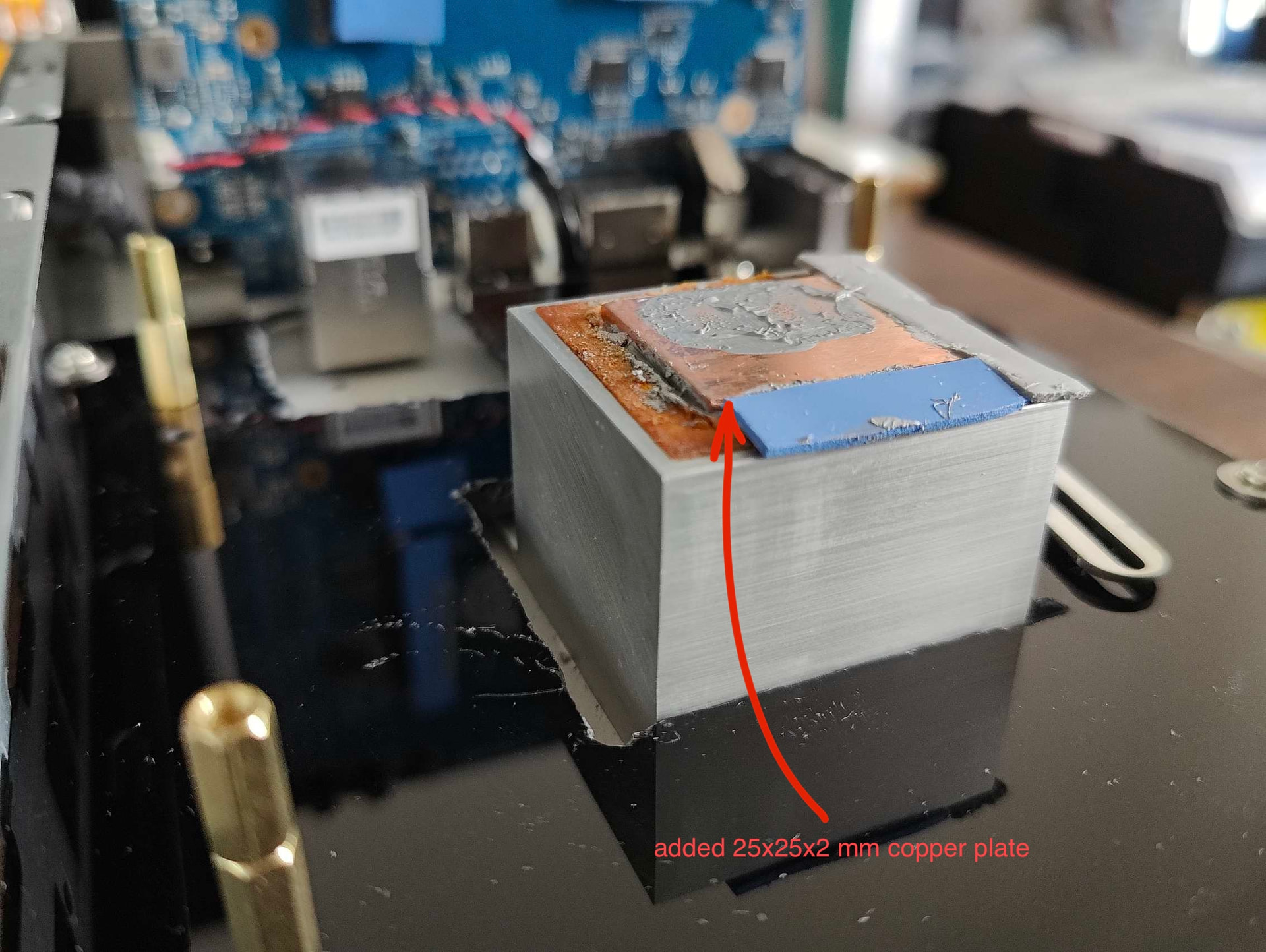
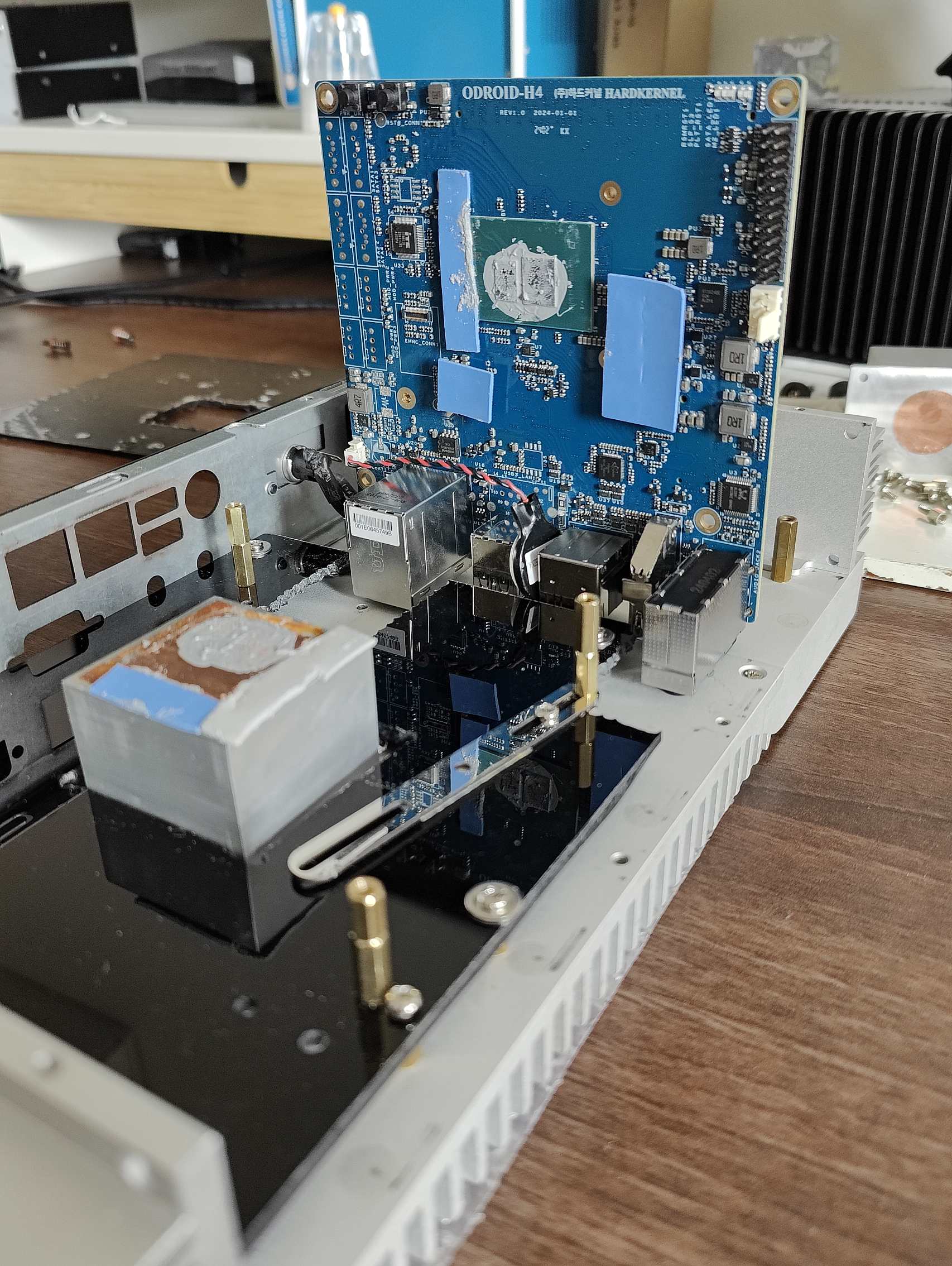
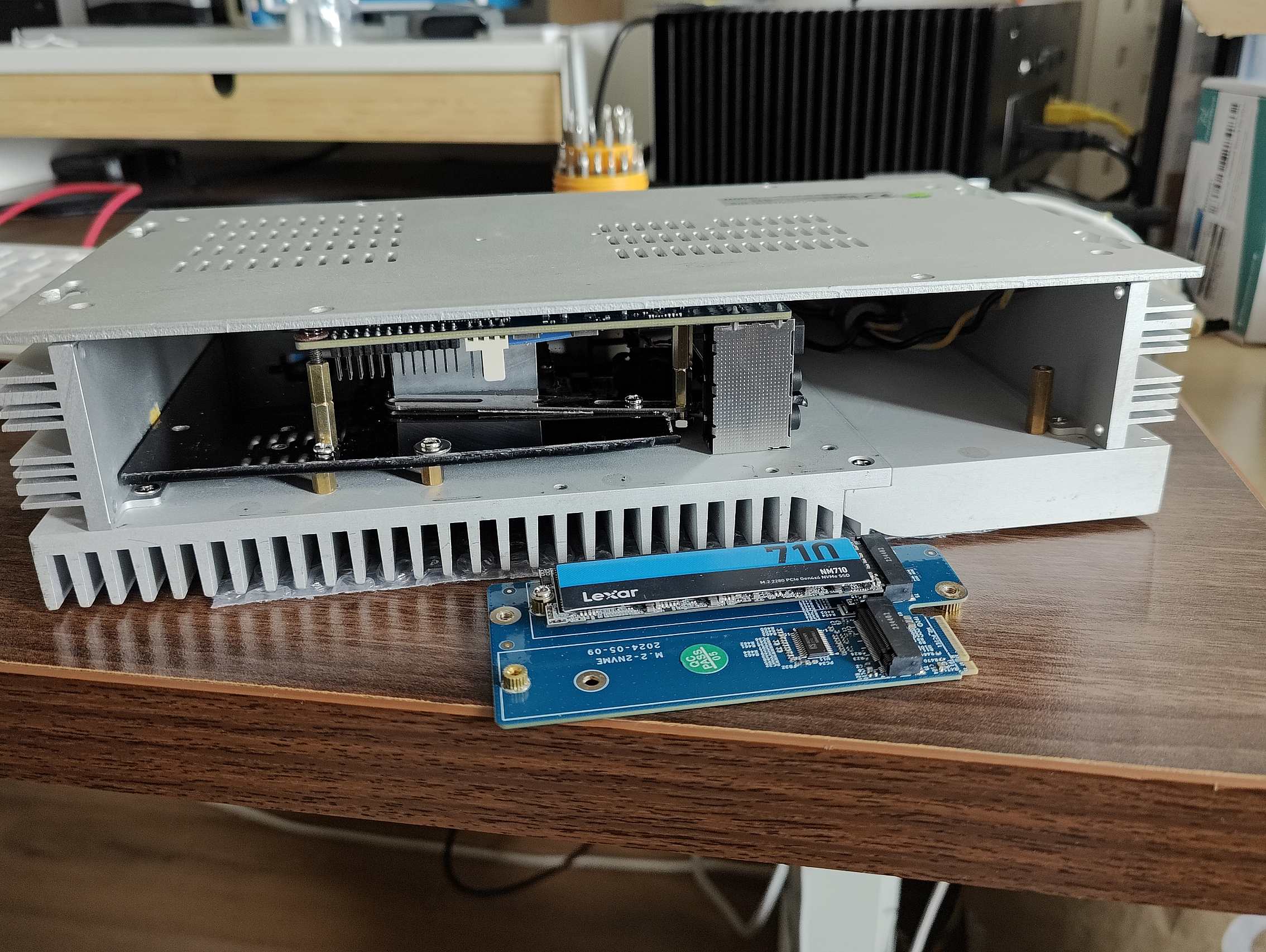
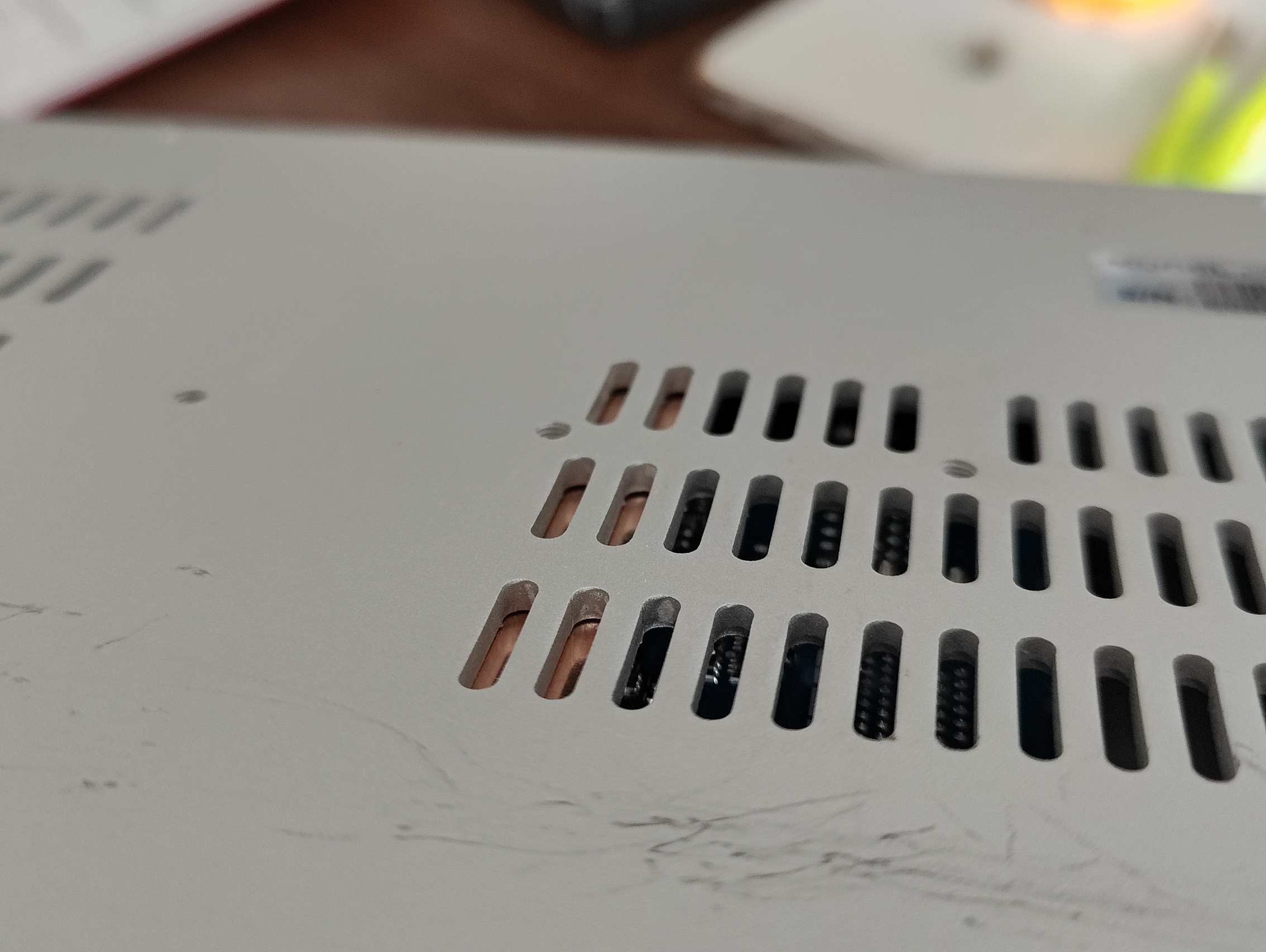
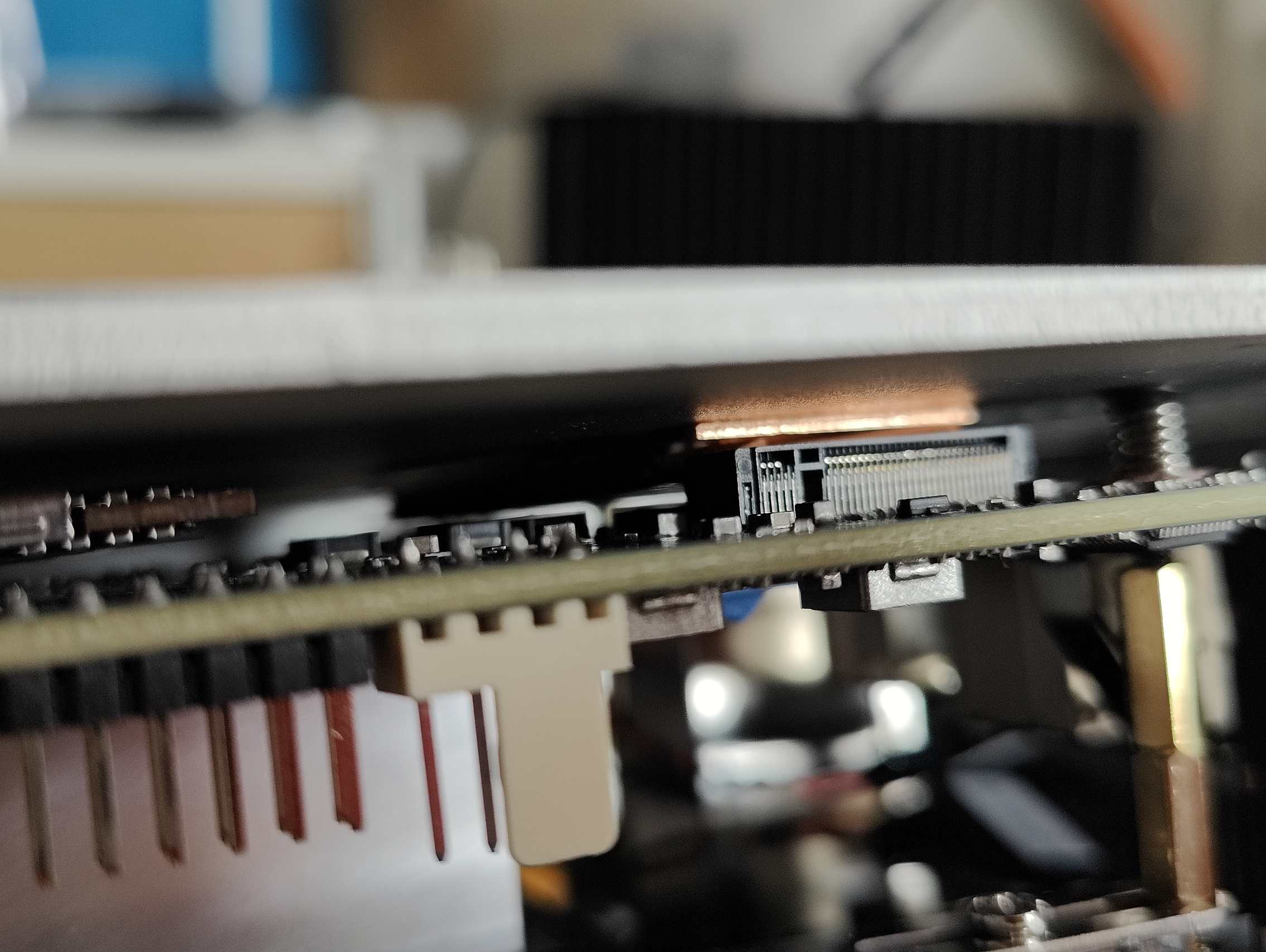
For CPU and GPU there are two large aluminum blocks; the left block (CPU) has a copper cylinder inside. The better one (with copper) was unfortunatelly lower in height - Because of the tall connectors, I used the second one, which was about 3 mm higher. That still wasn’t enough, so I added a 25 × 25 × 2 mm copper plate to raise it an additional 2 mm. The audio connectors are still touching the case (as you will see in the photos).
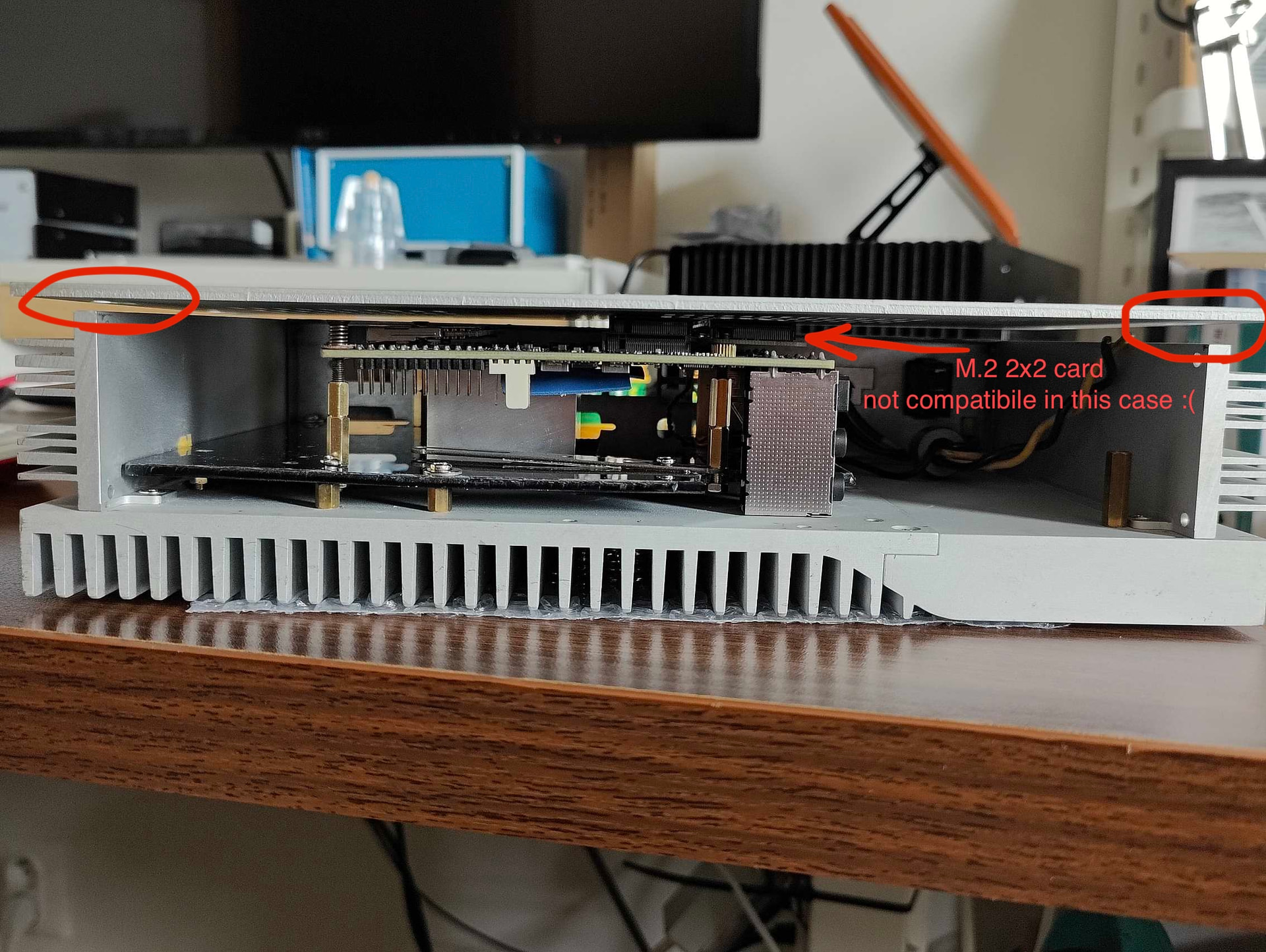
— trying to fit the Odroid H4 with an M.2 2x2 card, but unfortunately it didn’t fit.
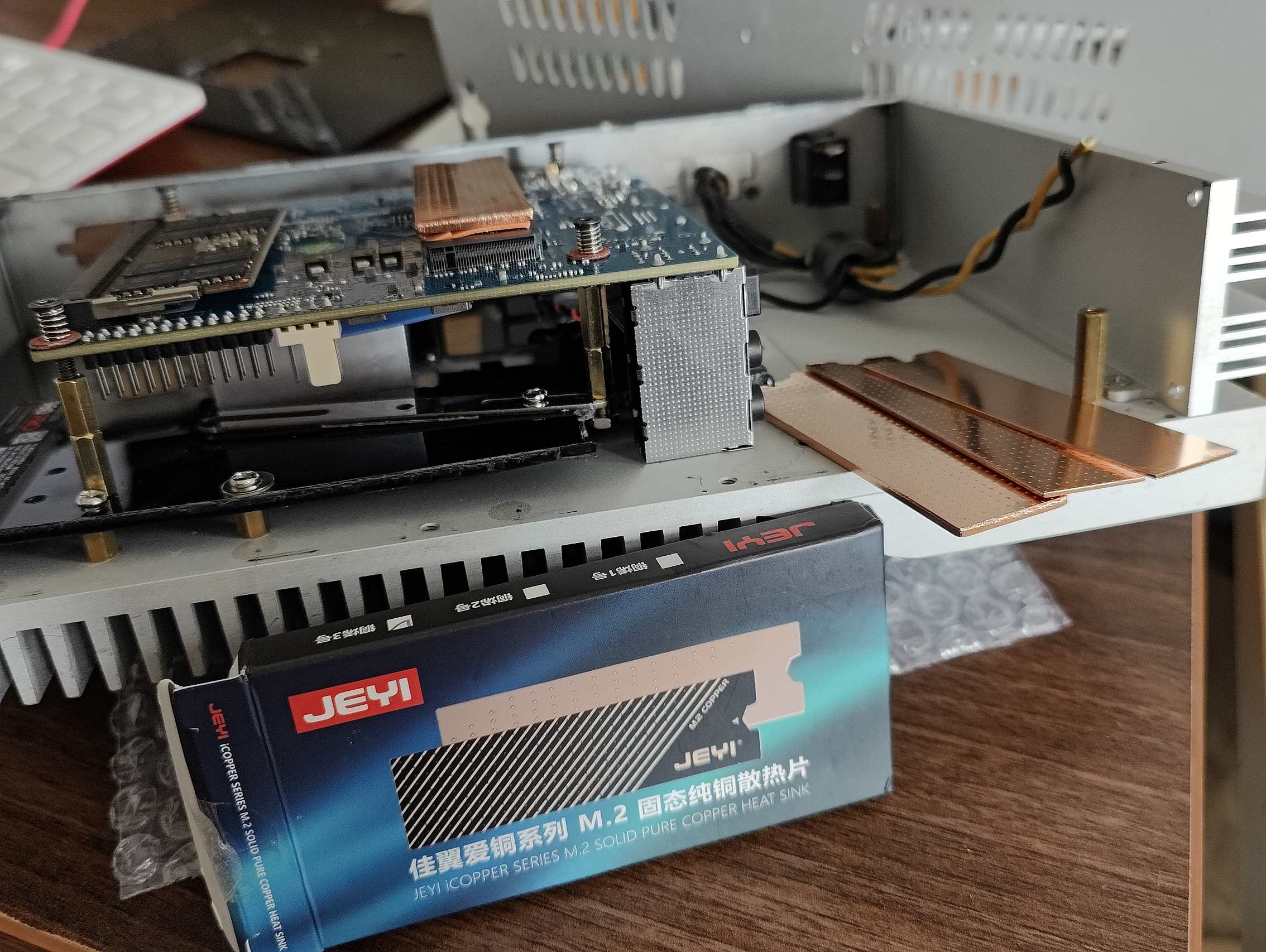
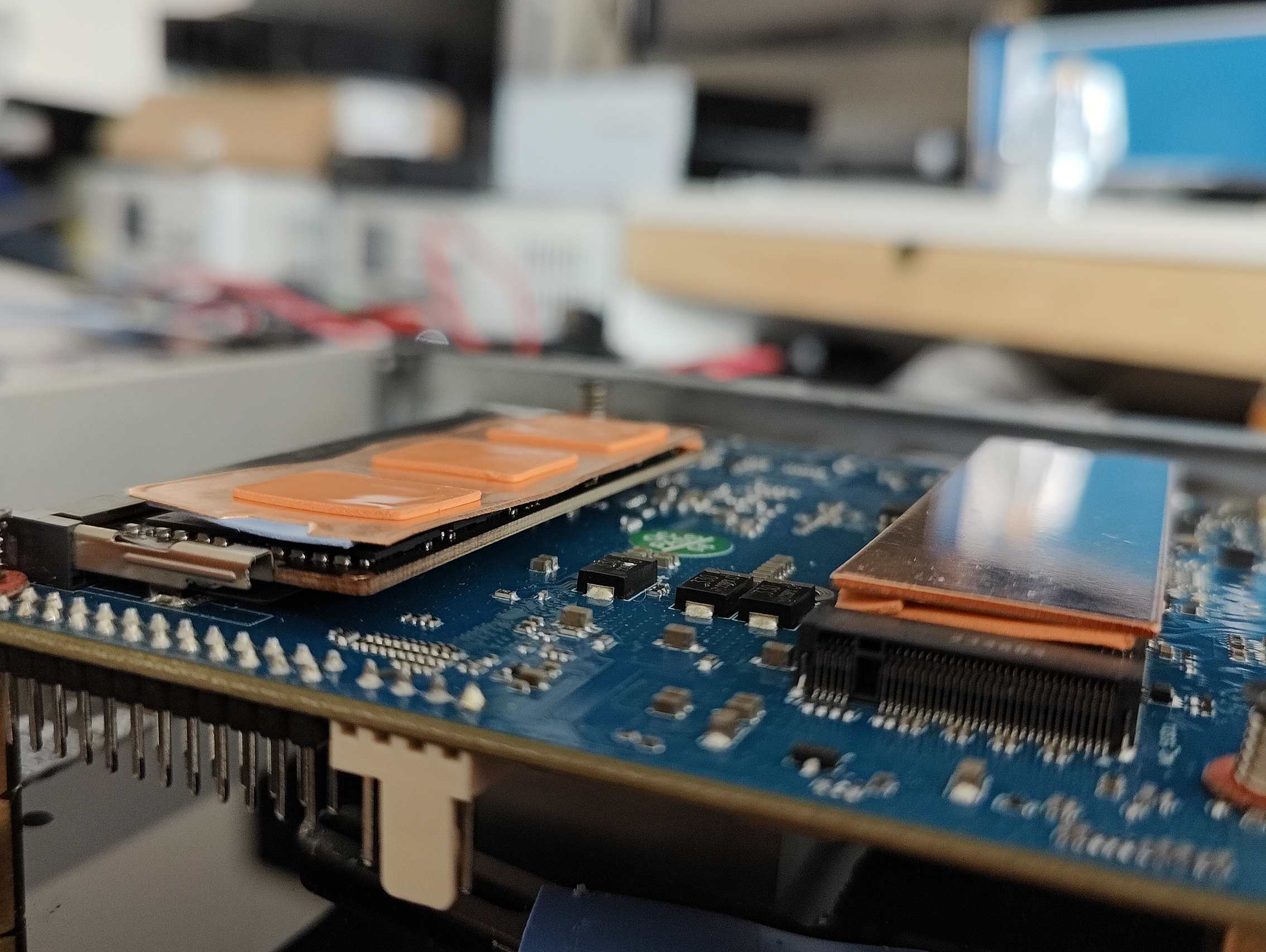
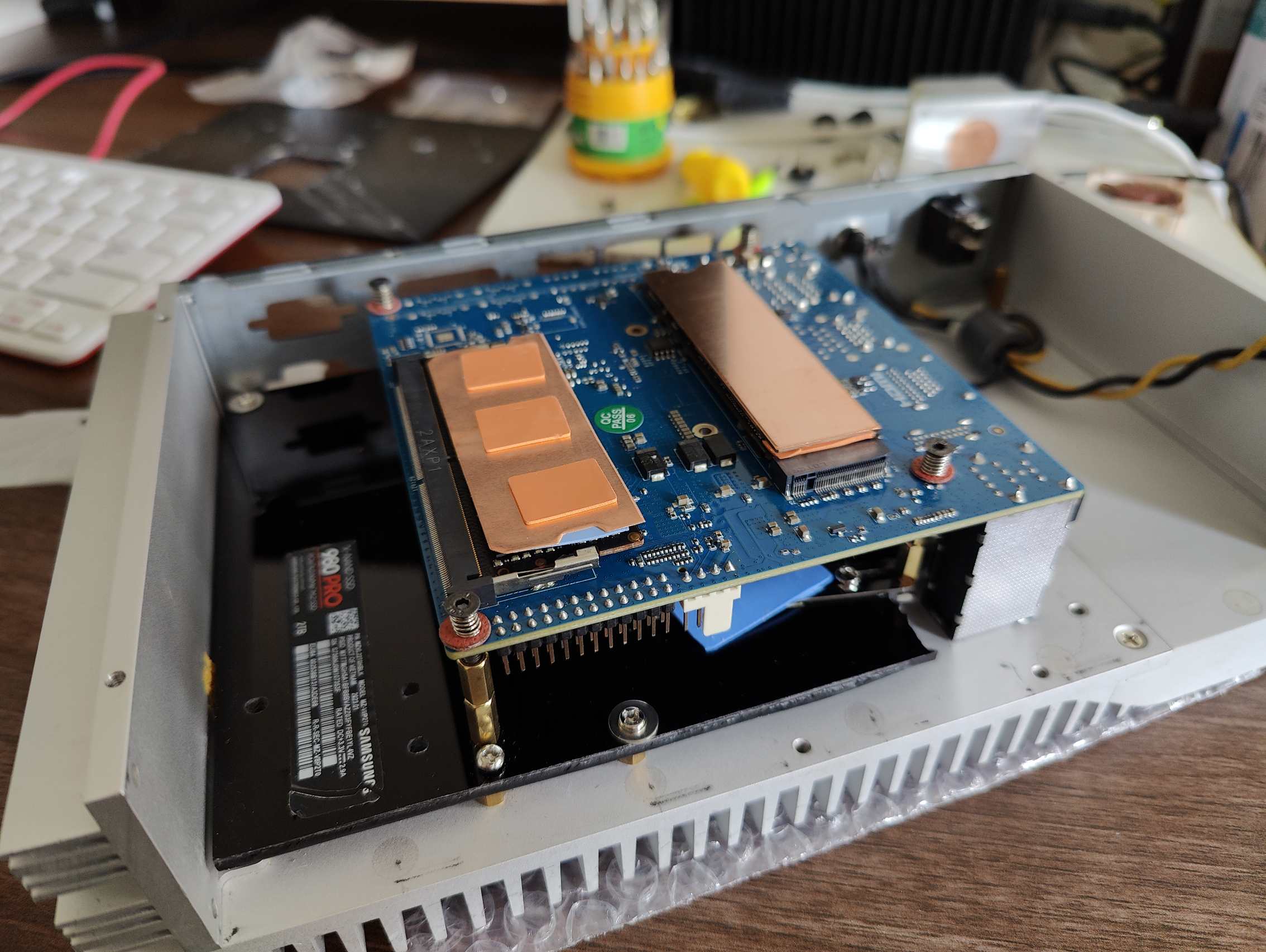
I also added copper heatsinks for the M.2 SSD and for the RAM.
For the SSD, I had to use a thinner 1 mm copper pad because the 2 mm version was too thick for this case.
Question: how important is to ensure cooling for these grey square components on the PCB around the CPU (power inductors (chokes))? With original heatsink they are covered.
If there’s interest, I can add measurements later. Temperatures are definitely lower for the CPU and SSD, and probably for the RAM too (the RAM has no temperature sensor). The RAM does touch the 2 mm thick aluminum cover.
Unfortunately I don’t have precise CPU temperature measurements from before; I only remember the readings were mostly around 45–60°C. Now I see 26~30°C in idle and under 40°C in load (not under stress test).
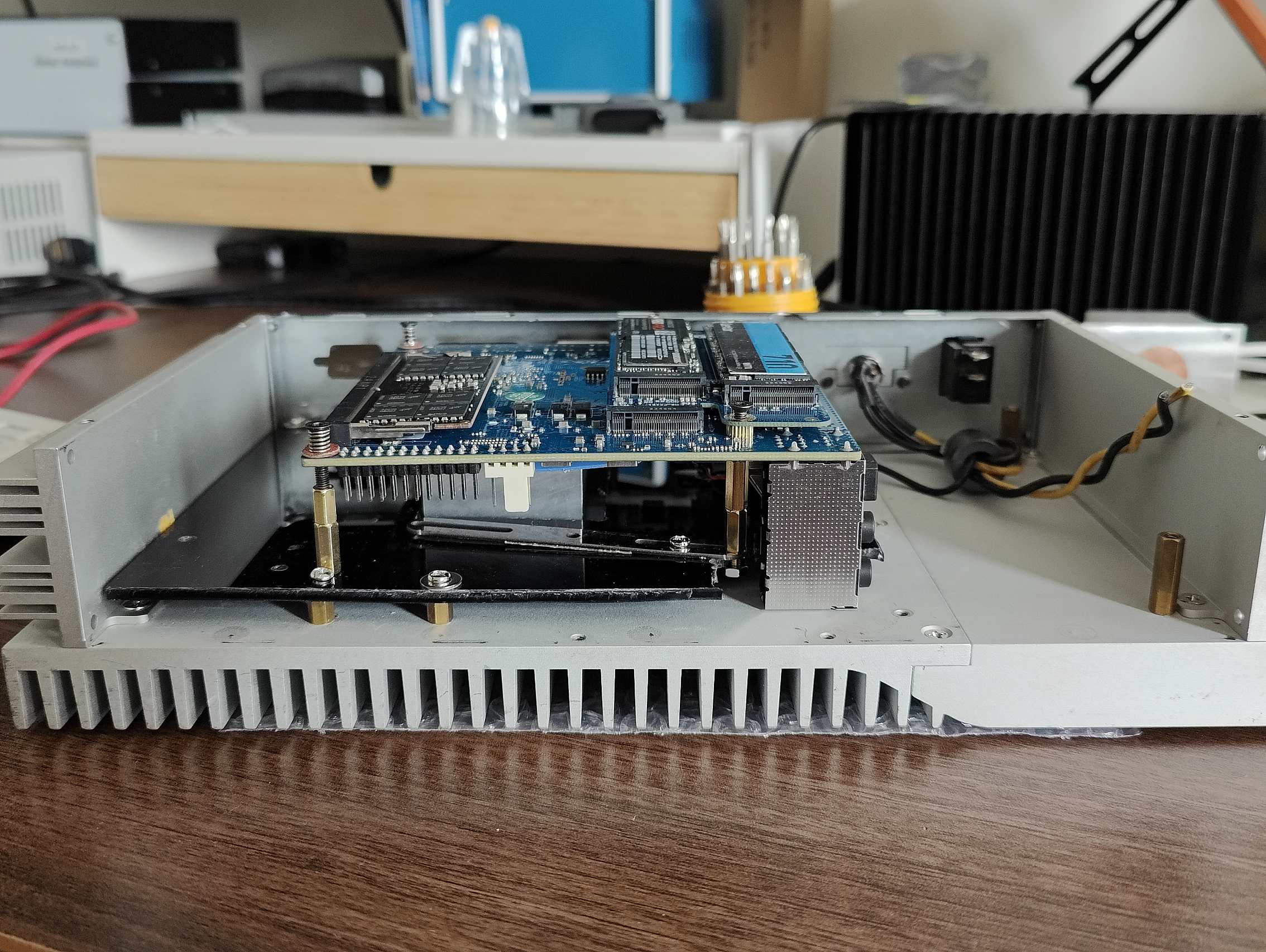
I built it quickly in one evening. I reused the original threaded holes (M3) and I only drilled holes to the acrylic (black) mounting plate for the Odroid. I didn’t want to drill into the aluminum case, and I successfully made zero holes in the aluminium case itself.
It’s always better to have overdimensioned passive cooling than normal or underdimensioned. 
I like the board has all connectors located on one side (I don’t have SATA
I love how it looks now as an enthusiast of fanless and idustrial systems.
I don’t like the connectors are quite high.
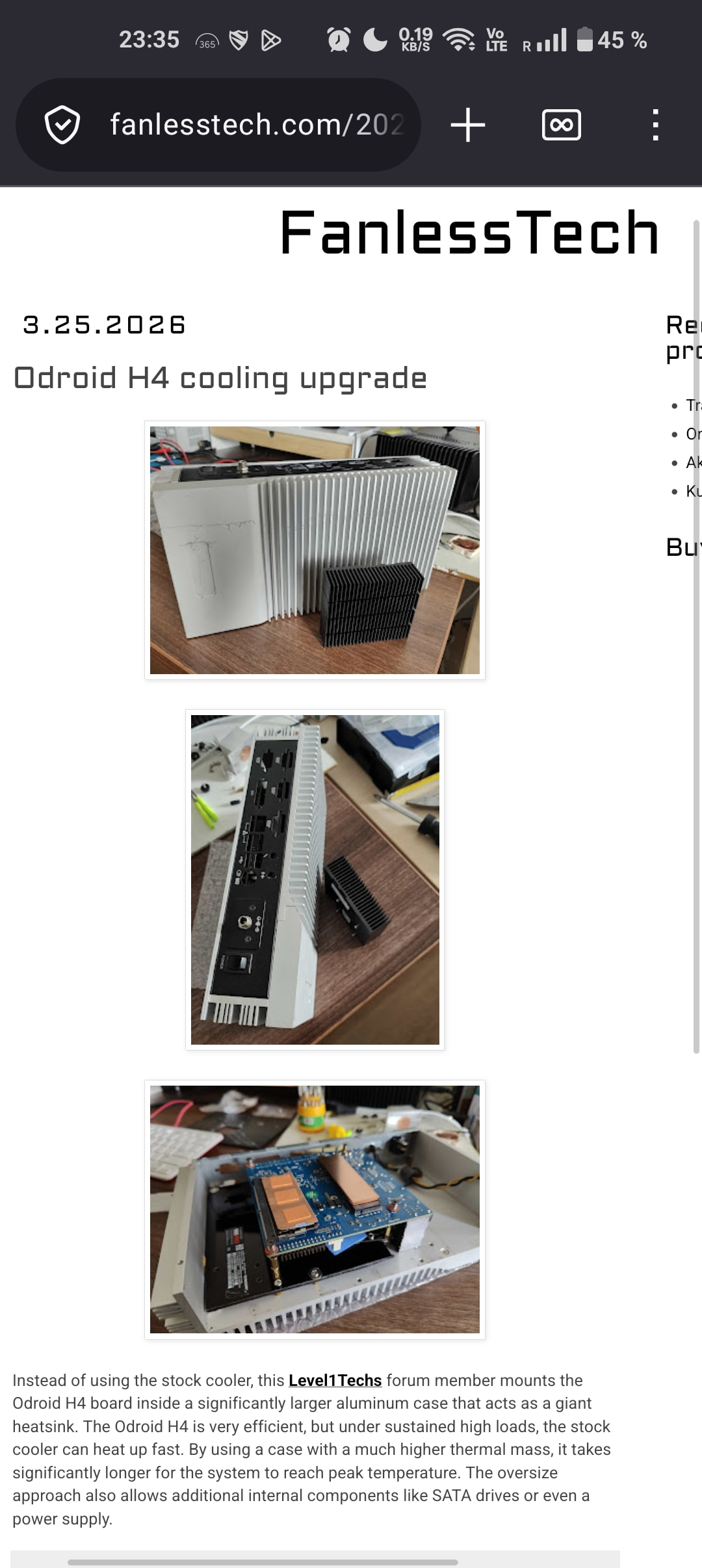
Wooow, my odroid is mentioned on fanlesstech.com 
FanlessTech: Odroid H4 cooling upgrade
it’s hard to find good passive case and fit there Odroid H4. I need one more for Odroid H3. I want get rid of fan.
todo
That is some quality work, but I am curious if it was really necessary.
On my Odroid H4 I just use the basic Hardkernel case for it. I added the fan, but it barely ever runs as the thing produces so little heat, and when the fan does kick on it is so slow and quiet that I can’t hear it at all over background noise.
Right now while running a full Cinnamon Desktop it is sitting nice and pretty at 39C and the fan is not running. Every now and then when I do something like launch a program or something like that, the fan will kick on, but then it quickly turns right off again.
matt@Odroid:~$ sensors
coretemp-isa-0000
Adapter: ISA adapter
Package id 0:  +39.0°C  (high = +105.0°C, crit = +105.0°C)
Core 0:        +39.0°C  (high = +105.0°C, crit = +105.0°C)
Core 1:        +39.0°C  (high = +105.0°C, crit = +105.0°C)
Core 2:        +39.0°C  (high = +105.0°C, crit = +105.0°C)
Core 3:        +39.0°C  (high = +105.0°C, crit = +105.0°C)
The drive is running a little hotter, as it is crammed in bottom of the case under the board where there is no airflow, but it is an Optane 800p, and Optanes both tend to run hot, and are not as sensitive to heat as NAND-based SSD’s are.
nvme-pci-0400
Adapter: PCI adapter
Composite:    +46.9°C