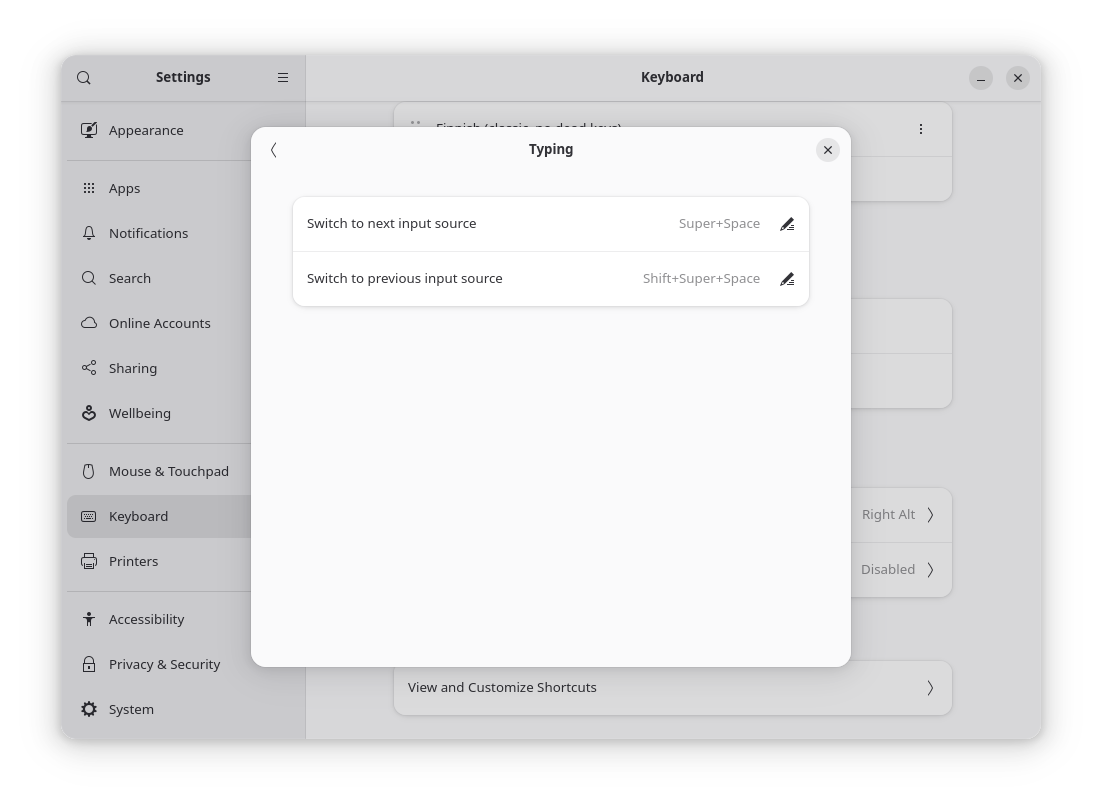
What I am looking for is the functionality, by which one keyboard layout, for example English, has different implementations - US and UK. And you have a 3rd layout, let it be Russian.
Windows has two keyboard shortcuts - one basically switches between groups → english(the last one selected) ↔ russian. And the second one, while “english” is chosen, allows to switch between “US” and “UK”. Meaning that switching from En to Ru and back is one layout change call (instead of going en_us → en_uk → ru).
You have 3 layouts - a,b and c.
B and C are grouped into one layout → D.
The regular “switch to next input source” switches between A and D.
D, by default, loads “B”, but with a press of separate keybind, switches to C.
Example:
A → alt+shift → B
B → alt+shift → A
A → alt+shift → B → ctrl+shift → C
C → alt+shift → A → alt+shift → C
Meaning that in order to switch from/to A I need only one press of alt+shift, and the same key switches to what was selected during D being active (B or C).
The usage of this is that when I’m communicating with someone, I’m switching between A and B, without the need to change layouts two times. But with some people I need to switch B to C, and communicating with A and C layouts (I know how retarded this whole situation is).
I use windows half of the time, and there I have such a config. It would bsod my muscle memory to switch between those two scenarios.
Better off writing (with a big todo of learning the needed things in bash, followed by hooking up binds, praying that they would work in login screen… and also praying that it won’t uncover new google adventures) a script.