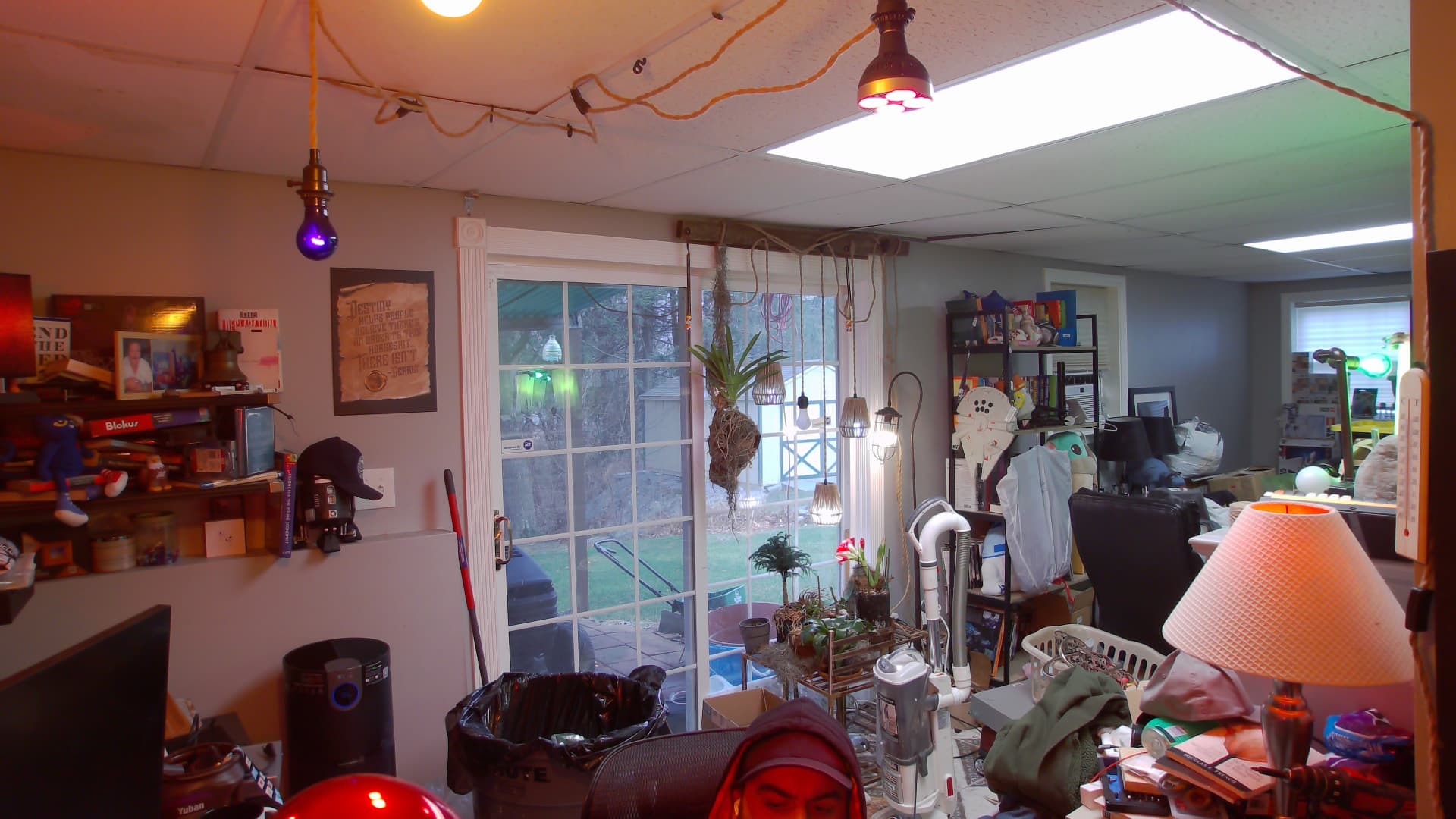
TLDR; Have you ever wanted a really good camera for podcasting or video chatting? Read this 
Let’s rewind the clock back to before COVID for a moment. Everyone and the brother was developing a conference room system. This isn’t Cisco TelePresence vendor lock in anymore. Most of these are COTS parts that are just USB because we live in a glorious age.
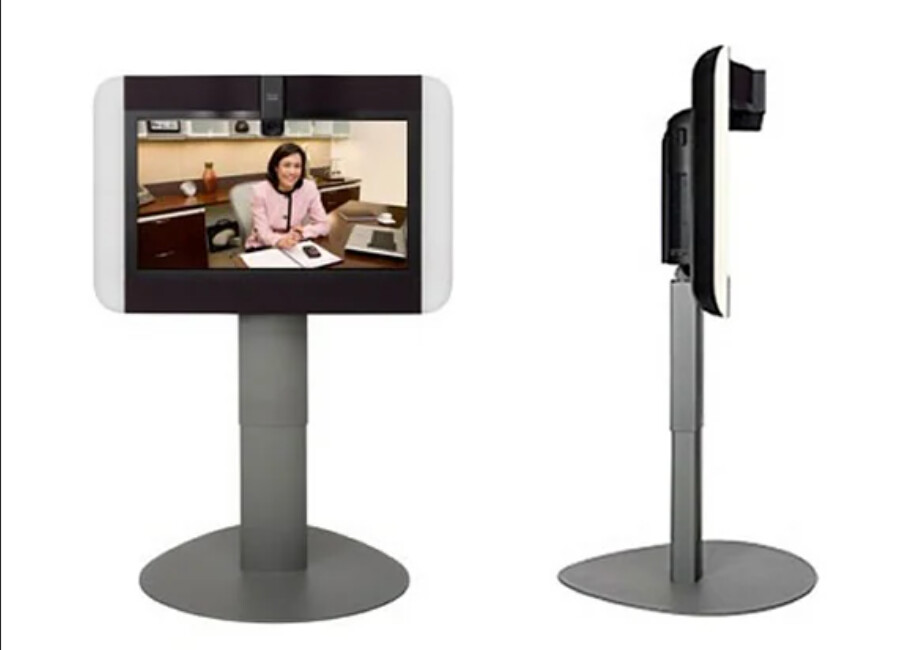
Fast forward a bit to COVID and the demand for these stupid over priced things skyrocketed beyond the normal heavy duty enterprise folk. I literally spent millions of dollars buying these for school systems in 2021, and deployed them throughout most of 2022 and early 2023.
Logitech Rally Plus - Overview, Setup and Demo (youtube.com)
Here are some good ones. They have ones labeled for "Teams Rooms" or "Zoom rooms". There’s no real differences other than the OS on the little hub box they sell with.
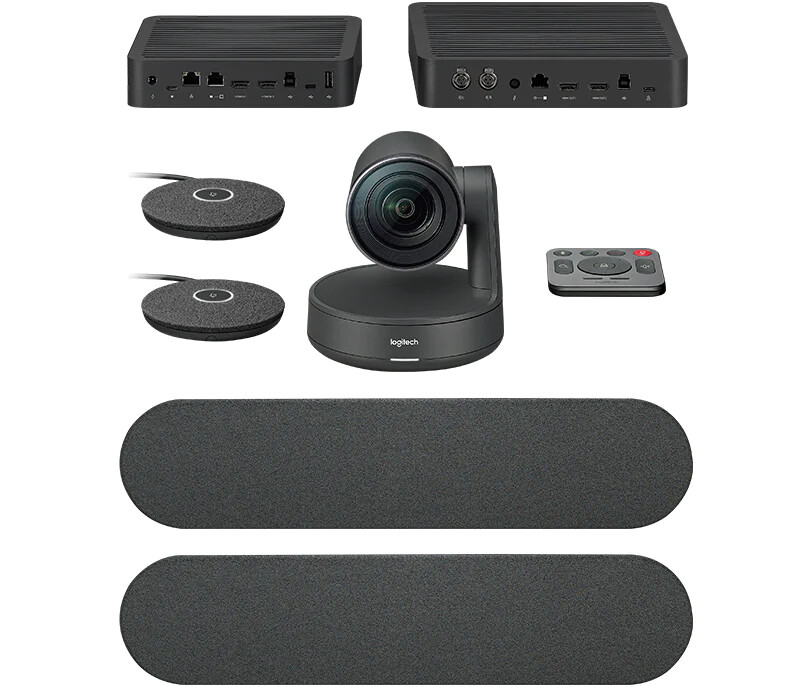
Logitech Rally Plus Video Conferencing Camera System
This is the “Lenovo Version” of the same concept, there are others still, but I am focusing on the Logitech ones.
ThinkSmart Core Full Room Kit z | One-stop solution for Zoom Rooms communications | Lenovo US
There are others still, Poly makes some different SKUs, and so does Crestron. I demoed both and they were also fine.
I work from home now and I spend alot of time in conference calls. This also all works really well for podcasting and discord
and all that jazz. I’ve tried a few different web cams, some given to me form work, some I bought, and they all suck.
I started hunting on eBay and I’ve been finding deals left and right. I really like the Logitech Rally system, it works really well and it’s highly compatible.IIt’s fully modular so you can use as many or as few pieces of the system as you want. For now all I cared about was the camera.
Getting Started page:
rally-qsg.pdf (logitech.com)
Data sheet: rally-accessories.pdf (logitech.com)
Since this is Logitech Enterprise, everything is very well documented:
Getting Started - Rally – Logitech B2B Support
Implementation Guide is actually super helpful:
rally-guide-v2.pdf (logitech.com)
What was 3 years ago a $1500 camera is now selling on ebay for around $200, and they are a hell of alot better than anything you can buy as a webcam, and a hell of alot cheaper than buying a DSLR/capture card.
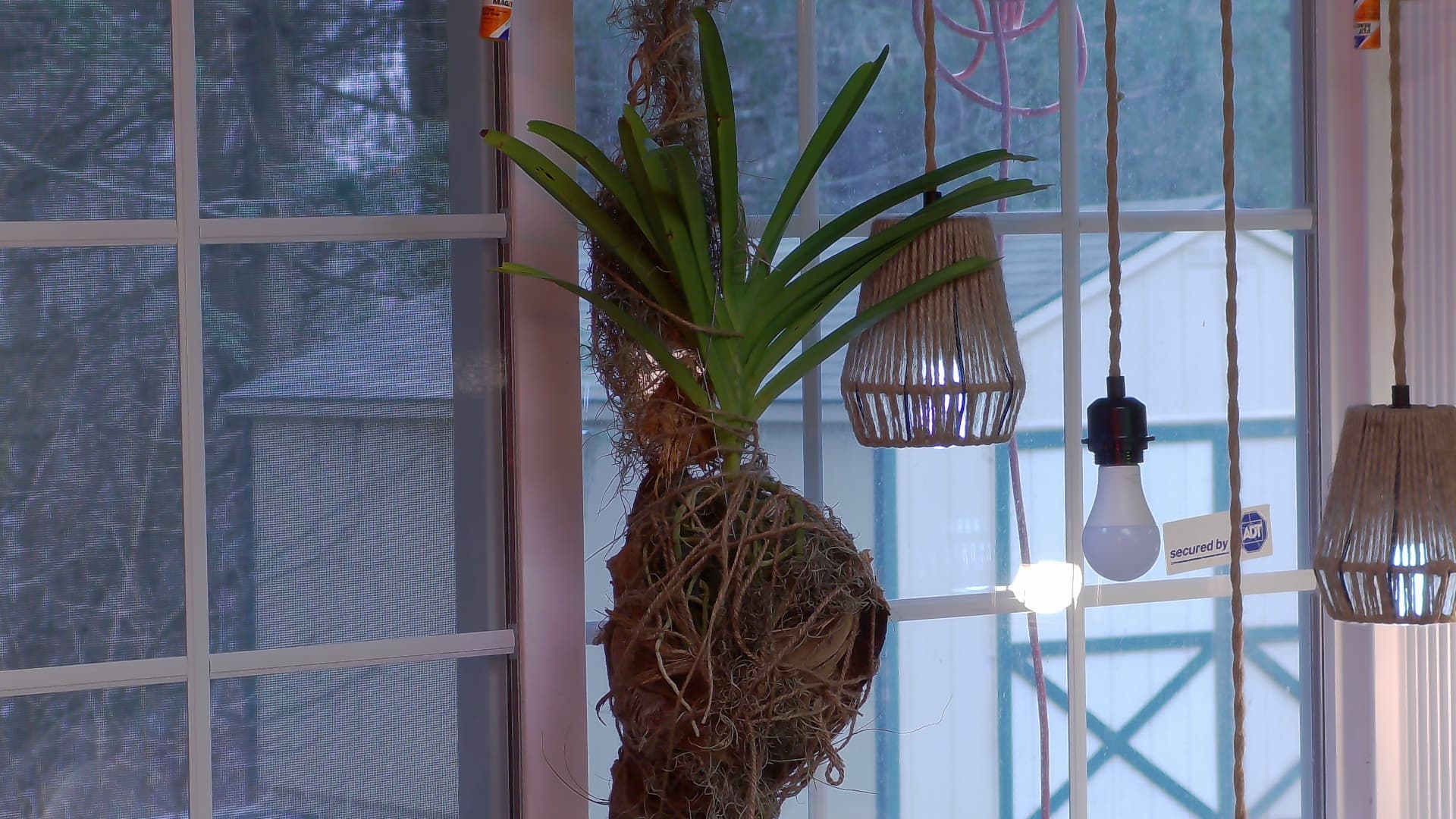
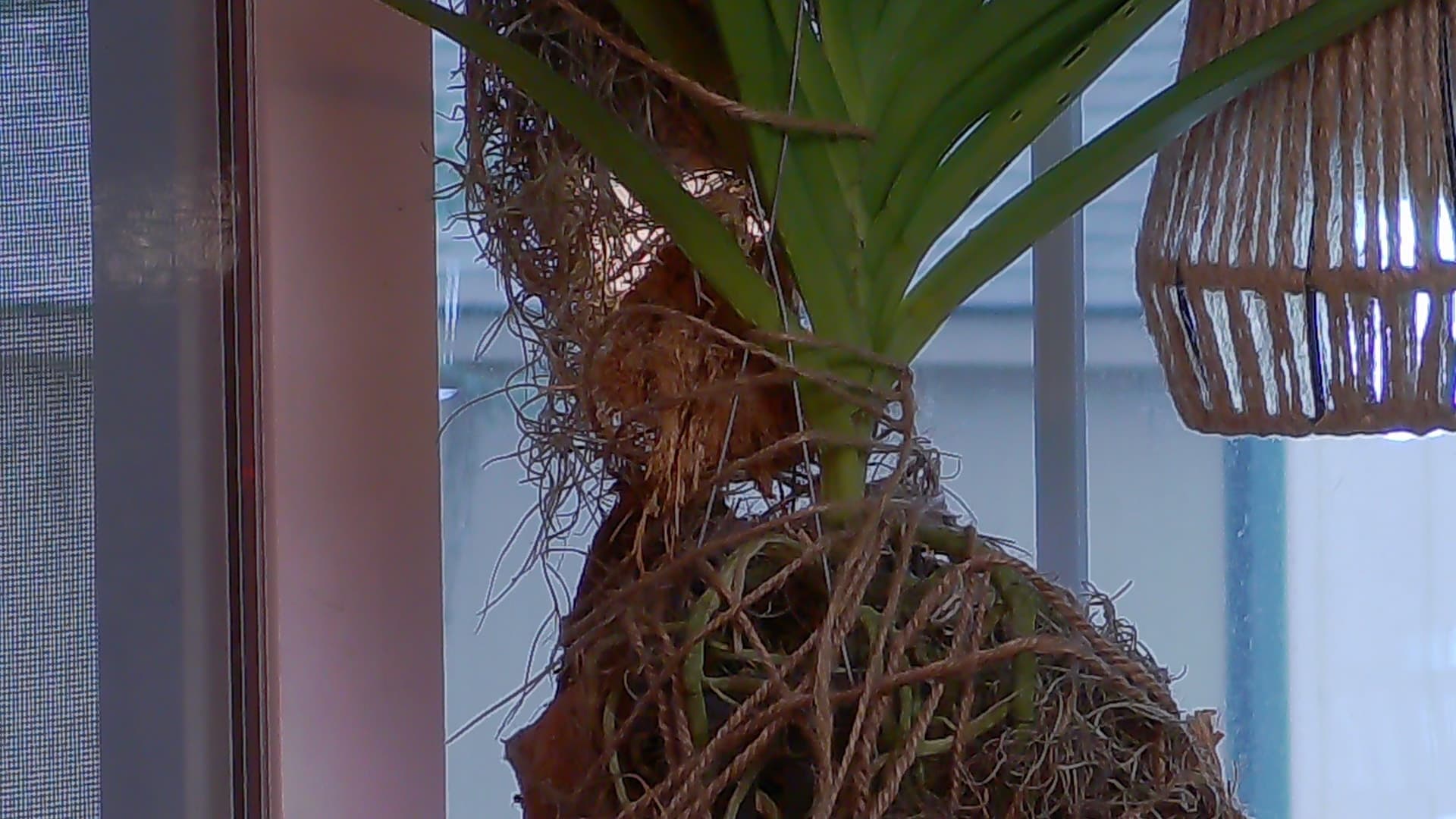
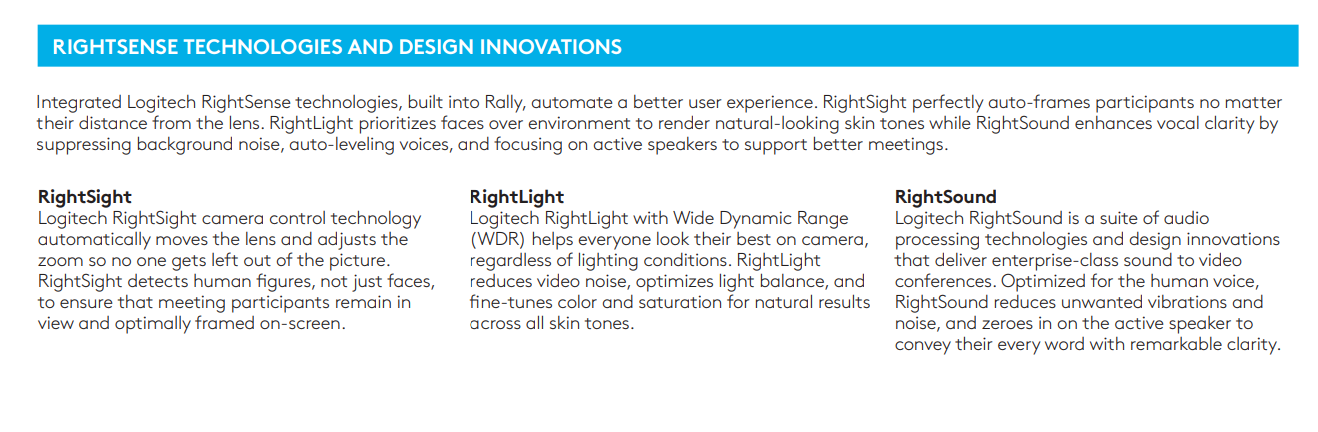
These cameras with either 1080p or 4K sensors that are way better in low light than any webcam, and they also have a really good mechanical autofocus. Best of all it’s PTZ with a 15X mechanical zoom.
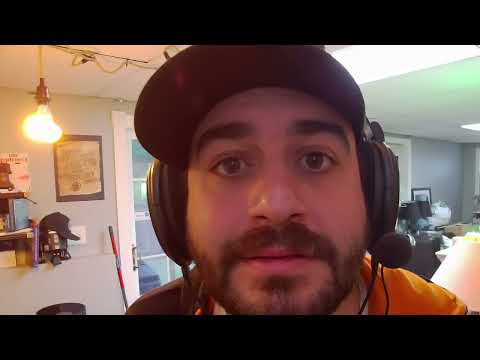
And it just shows up as a camera:

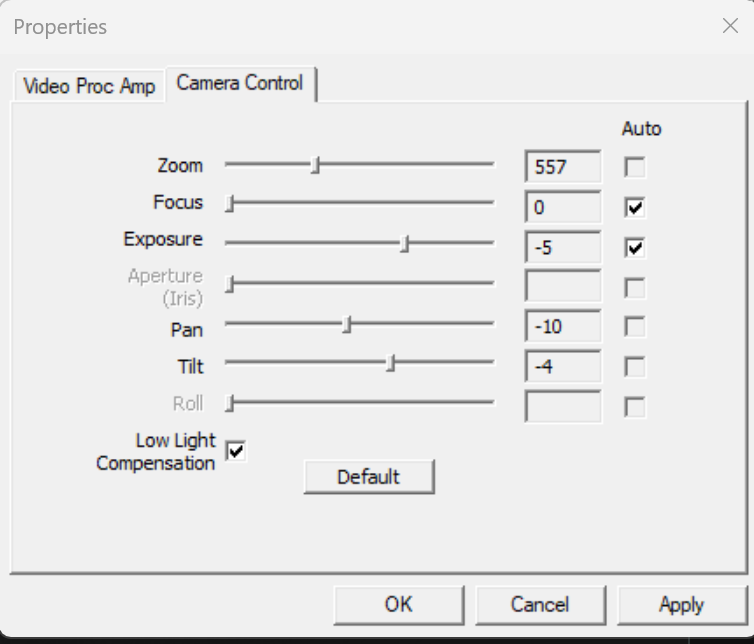
You can control it in software or with a hardware remote:
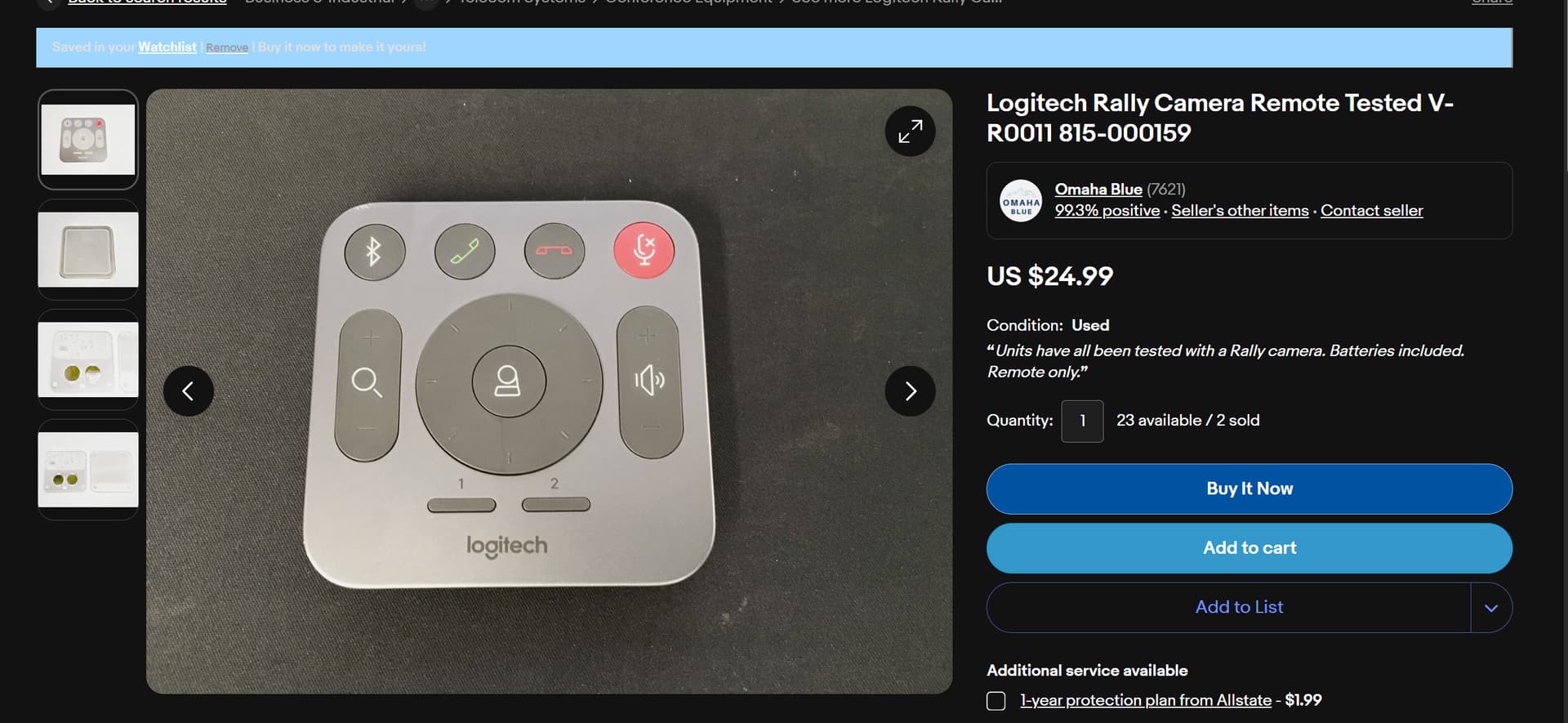
M/N V-R0011 and P/N 815-000159
Logitech Sync, “Conference Room Software” and also firmware updates
Download - Rally ConferenceCam system – Logitech B2B Support
PTZ Control software for Windows (meh quality, prolly buy a remote)
Downloads - Rally Camera – Logitech Support + Download
While its a “Windows Centric Platform” if you’re only interested in the camera, you should be able to use it on Mac/Linux as well as just a web cam, you’d just have to rely on the hardware remote. YMMV on getting any advanced software support like person tracking.
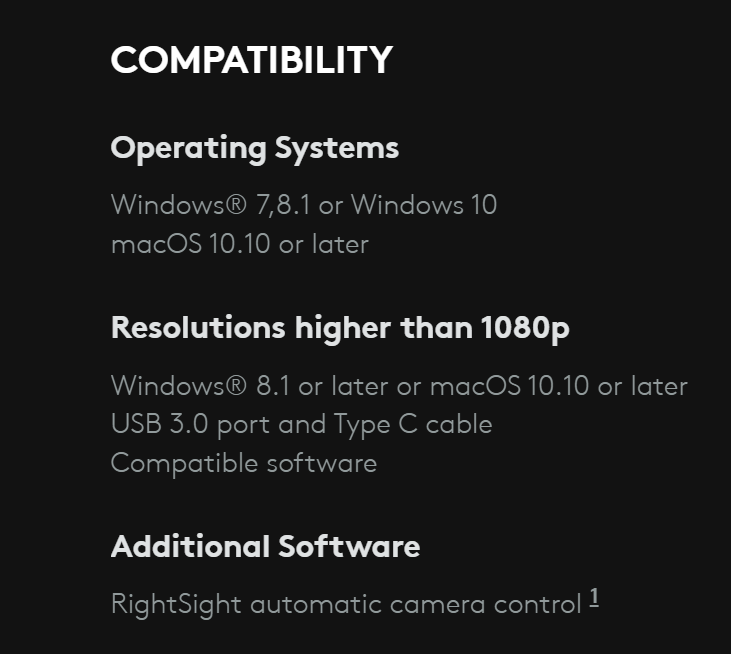
This is a slightly older SKU from 2 or 3 years ago:

This is the price for one new:
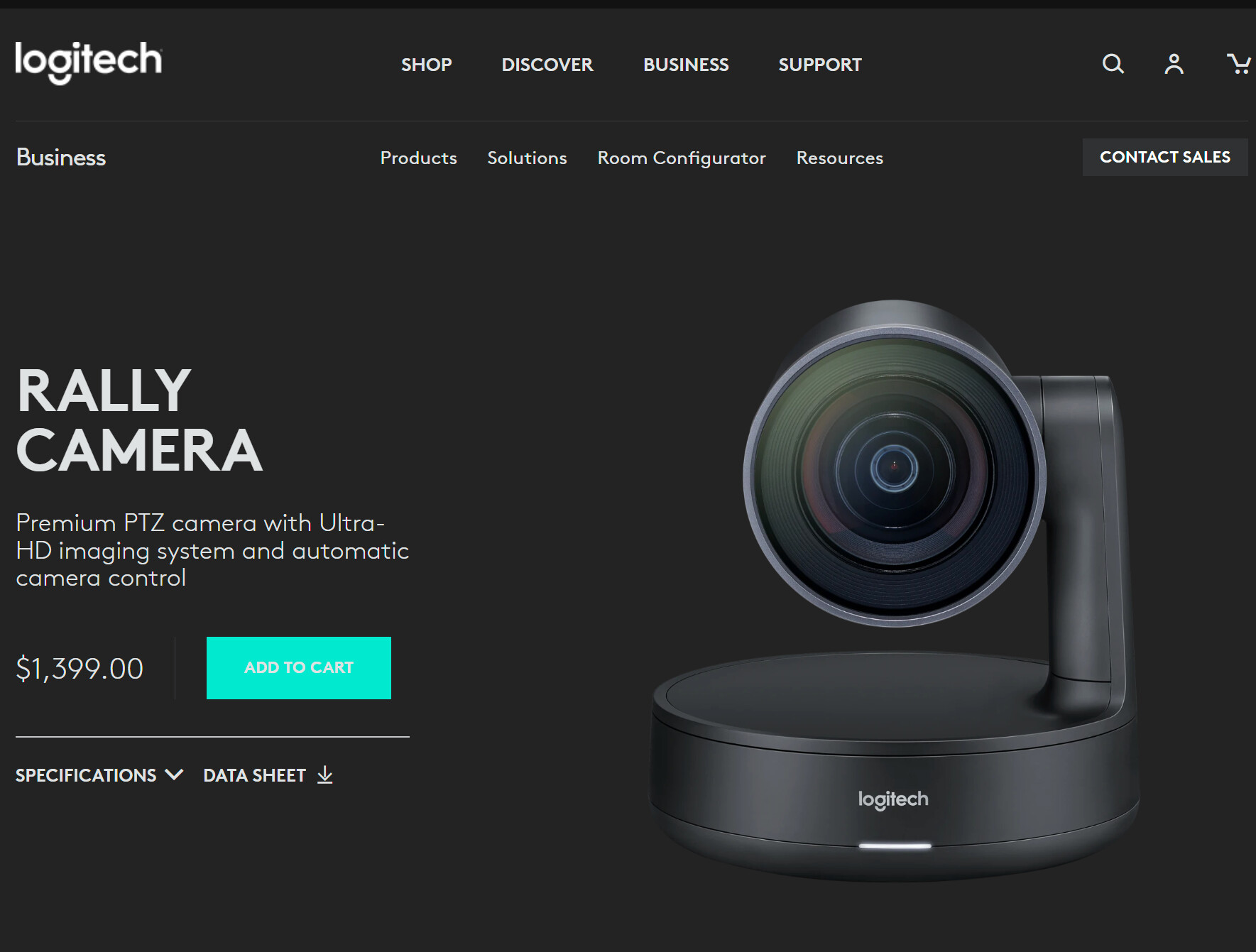
Most of them are M/N VR0010 but there are a couple P/Ns:
Some say logi on the base of the camera and some say logitech These are the 1080p varients (the cheap ones)
- 860-000569
- 860-000551
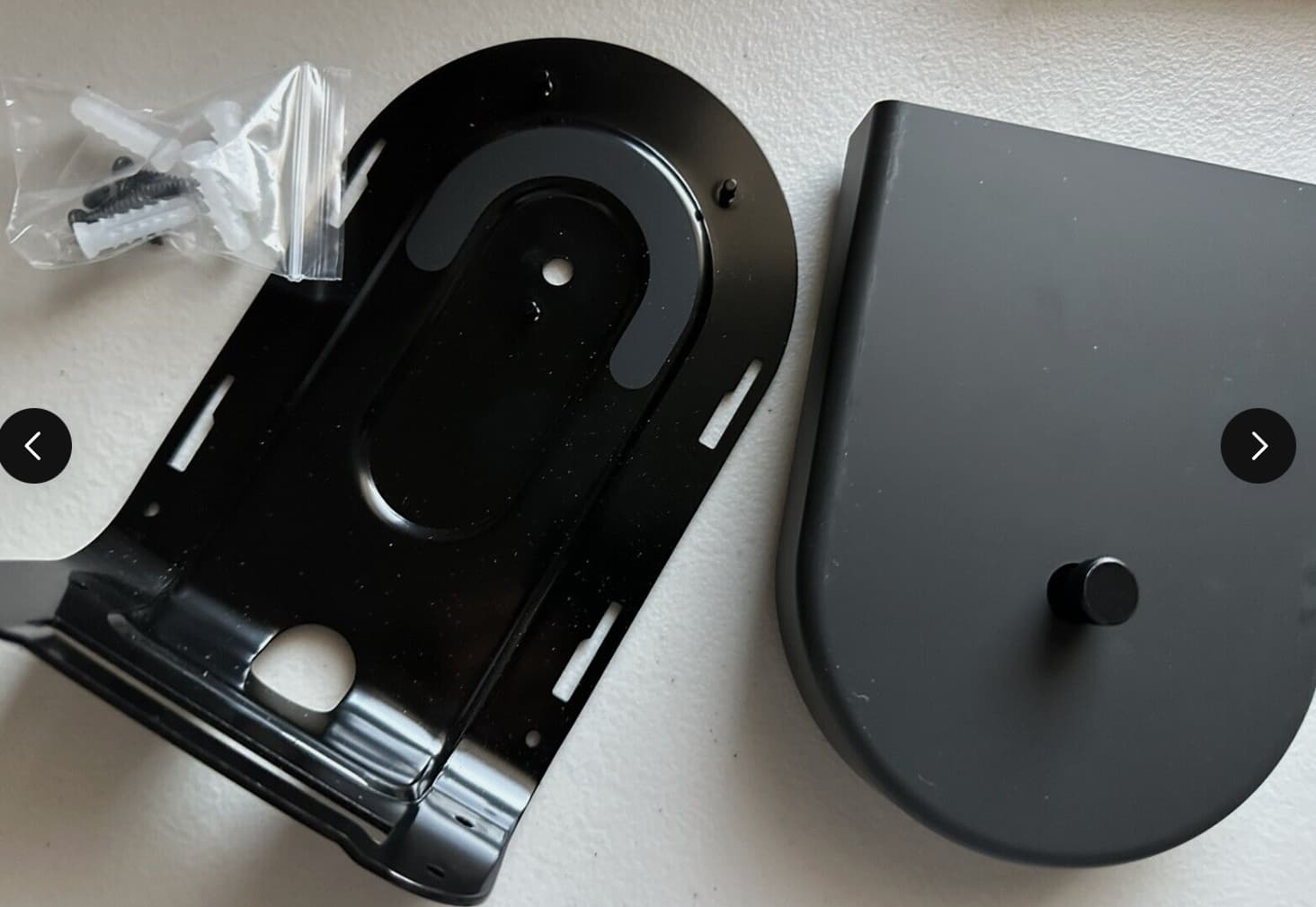
They are wall mountable:
If you want the camera mount it’s P/N 993-001904
The only rub is the damn camera draws so much power, Logitech designed it to run on external (non-standard USB-C) power.
You can piece this together in two different ways.
Deployment Option Number 1:
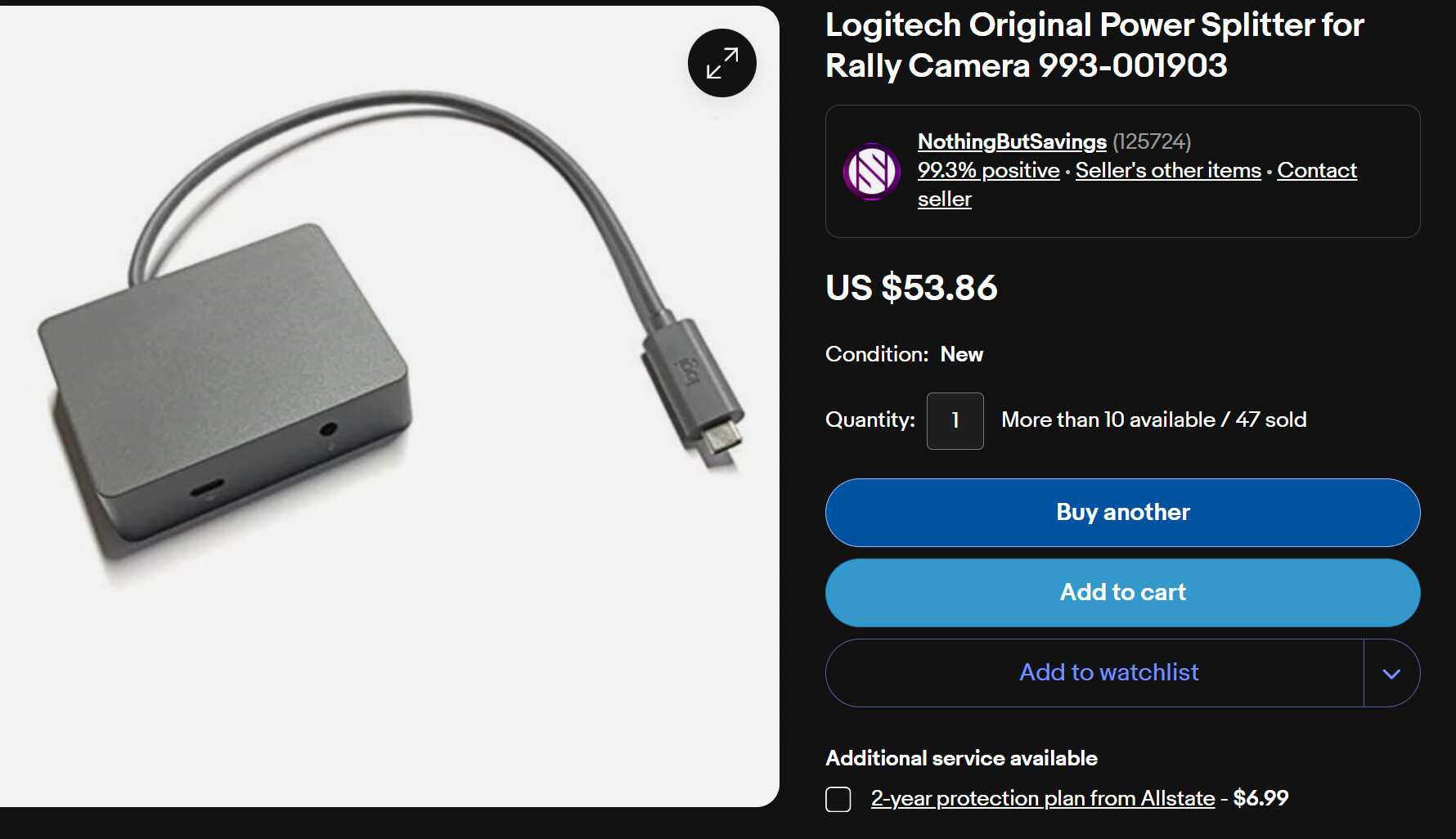
- You need a power splitter
P/N 993-001903 - You need a wall wart
P/N 993-001898
Deployment Option Number 2:
Logitech V-R0009 Rally Display Hub P/N 839-000539

Option 2 gives you the added benefit of having a speaker amp with a kinda strange Mini XLR out, but you can adapt to whatever which your speakers accept.
The first party Logitech Rally Speakers (V-U0048) P/Ns 880-000833 and 880-000822
Are pretty good, and sell on ebay for less than $100.
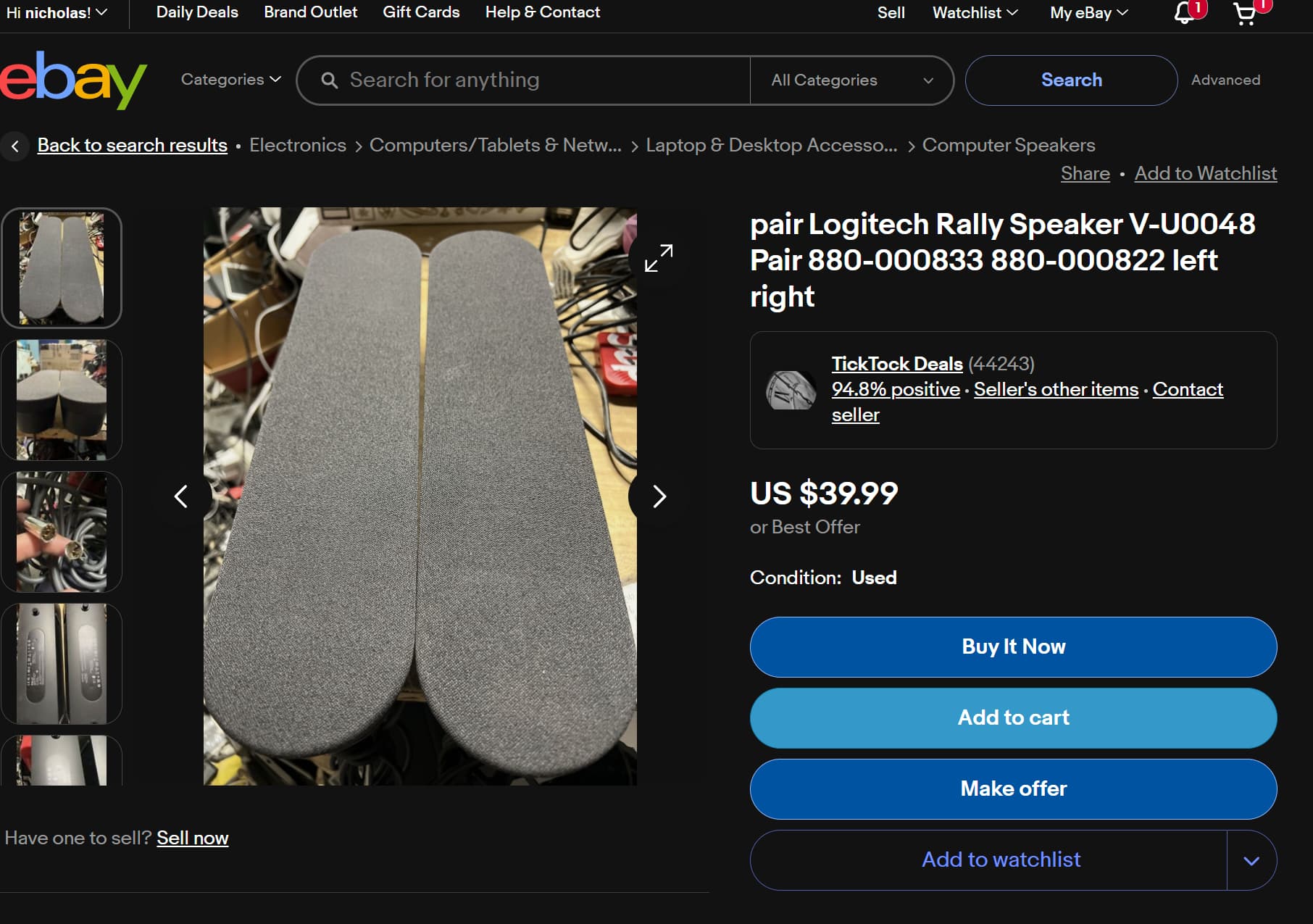
Logitech Rally Speaker for Video Conferencing
The Mic Pods work really well.
Logitech Rally Mic Pod
You should look for M/N V-U0049 or P/N 889-000136
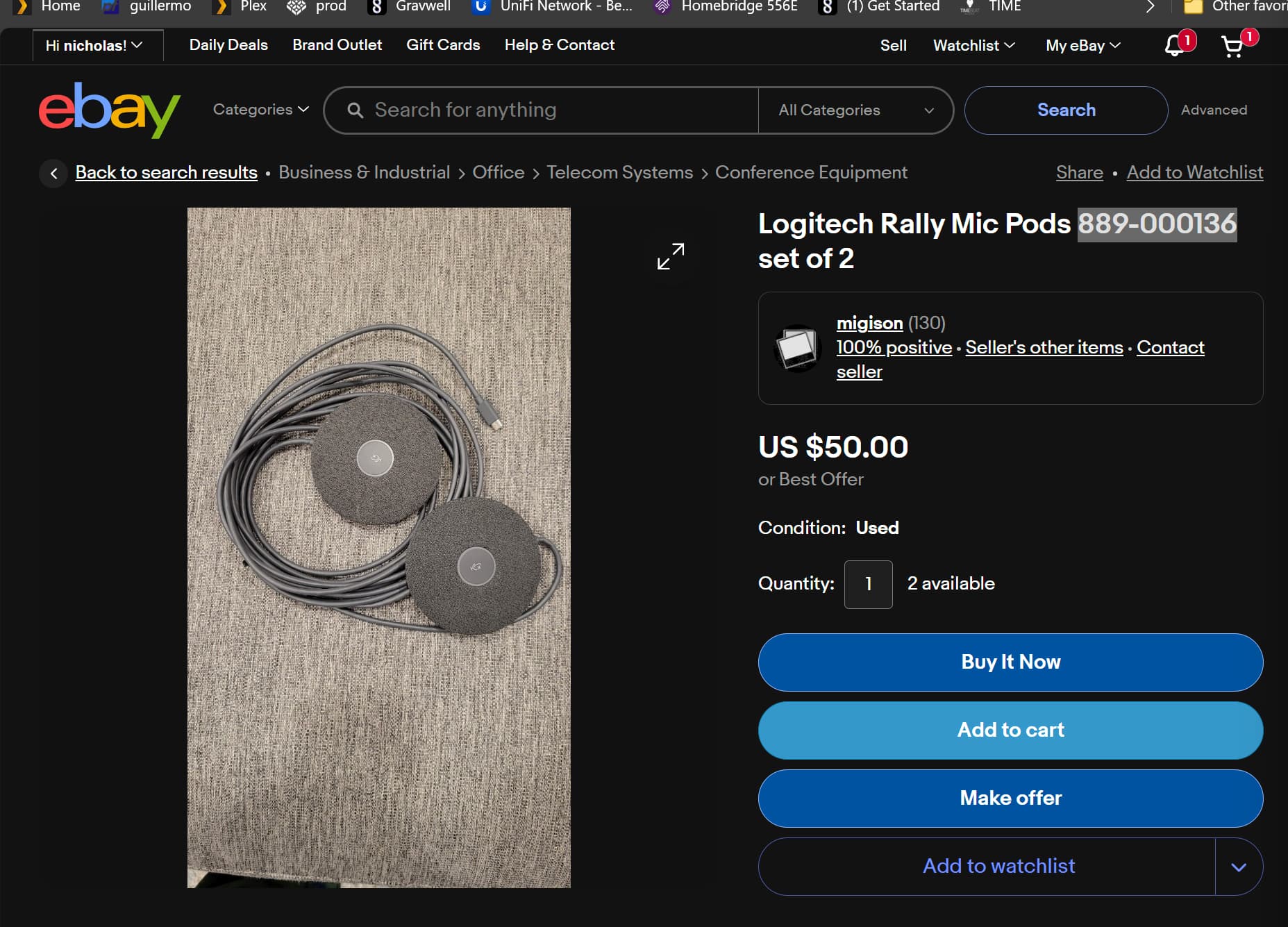
The rub here is these are NOT a standard connector. Because of thatthey have to go to a hub. The hub is M/N V-U0047 and ‘P/N’ 839-000540.
It may be required that you also have the other Display hub above to use it IIRC. They connect together over Cat6.
But there is a USB-3 port which may make that unnecessary. Never tried, but worth mentioning.
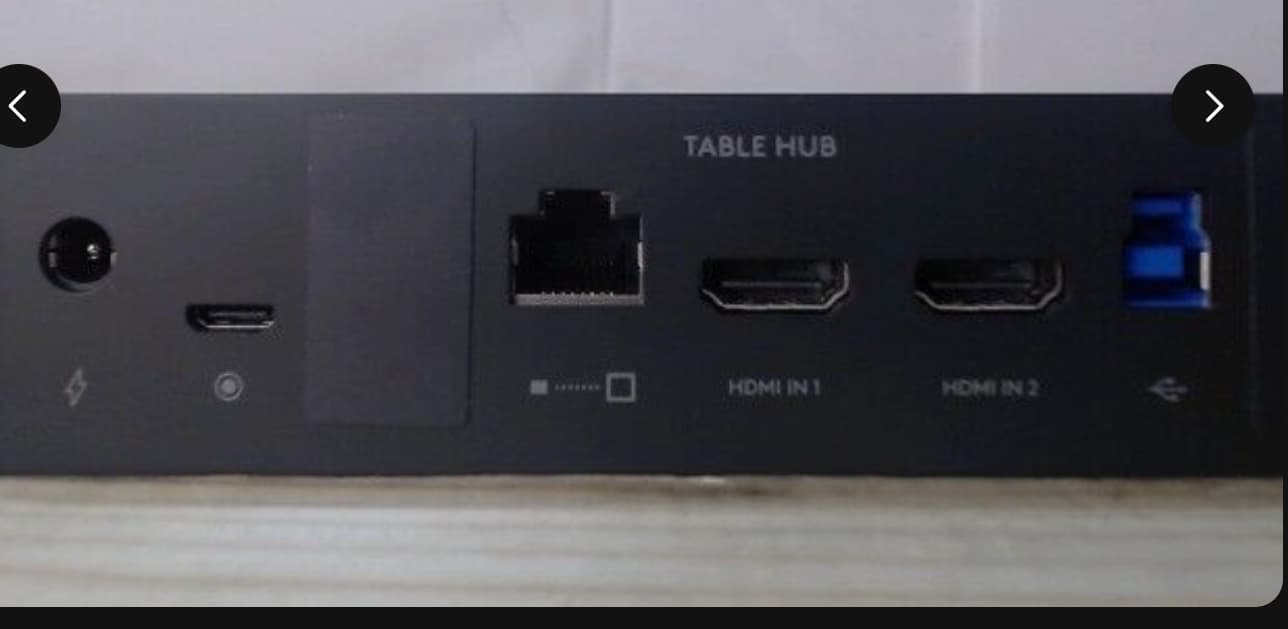
You can do some neat things with displays, so it may not be an altogether waste.
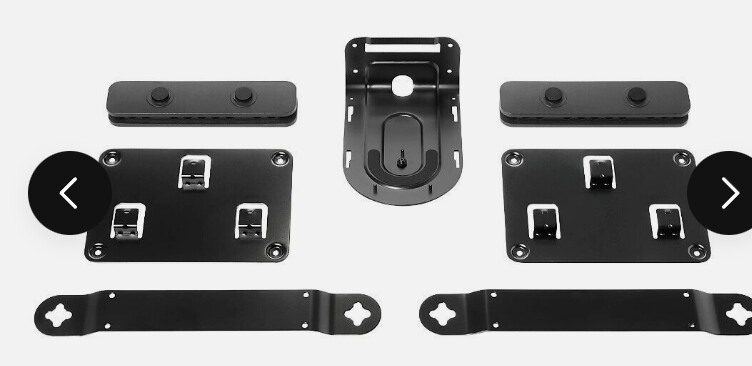
939-001644 Mounting brackets for everything, they also have P/Ns for each component as well if you dont need/want the set.
A bit on the software stack (Windows only IIRC)
I hope this helps some folks. Cheers 
EDIT: Stupid commentary: The first two folks to like this were @kush and @Dutch_Master . I laughed out loud.