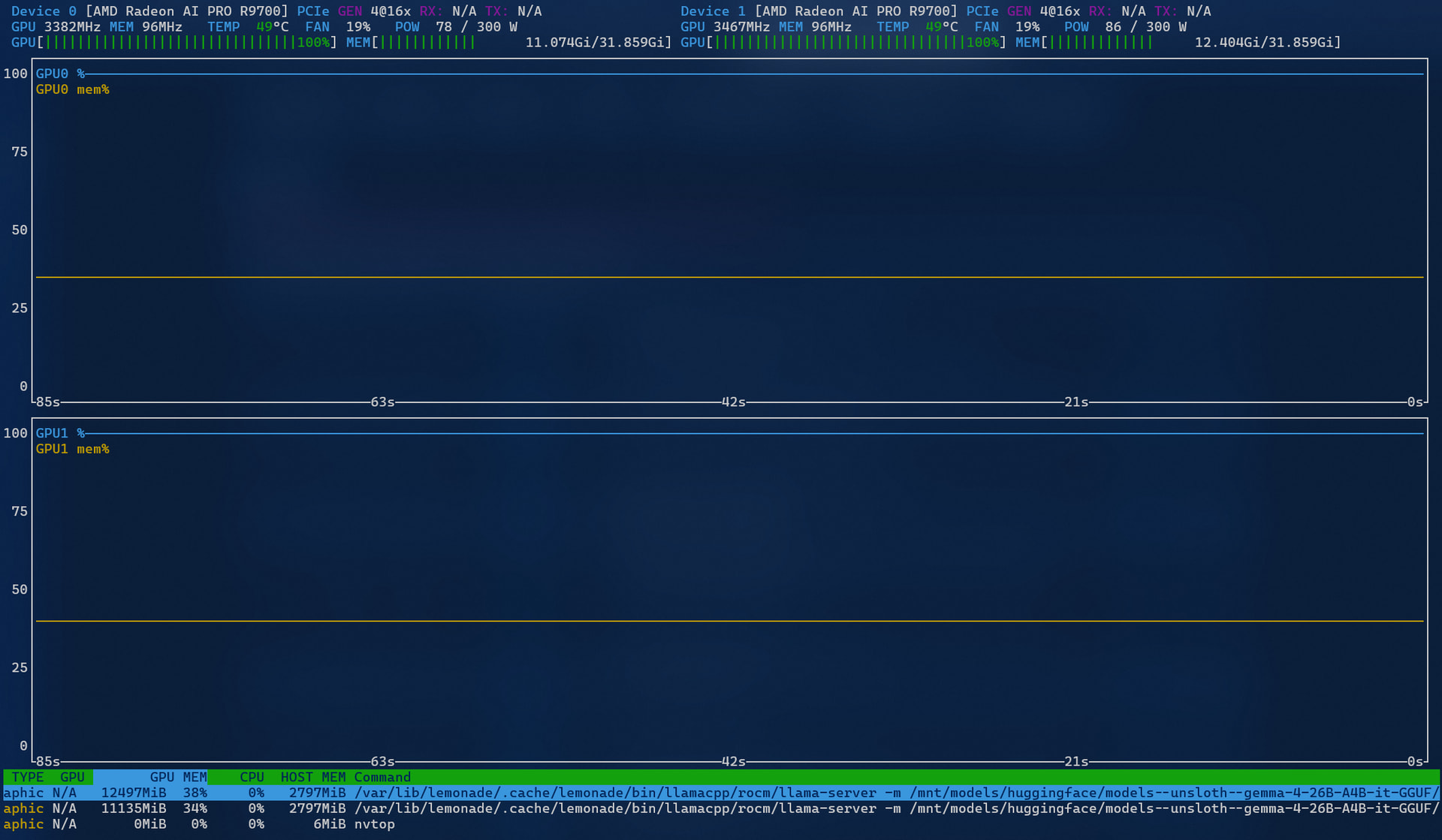
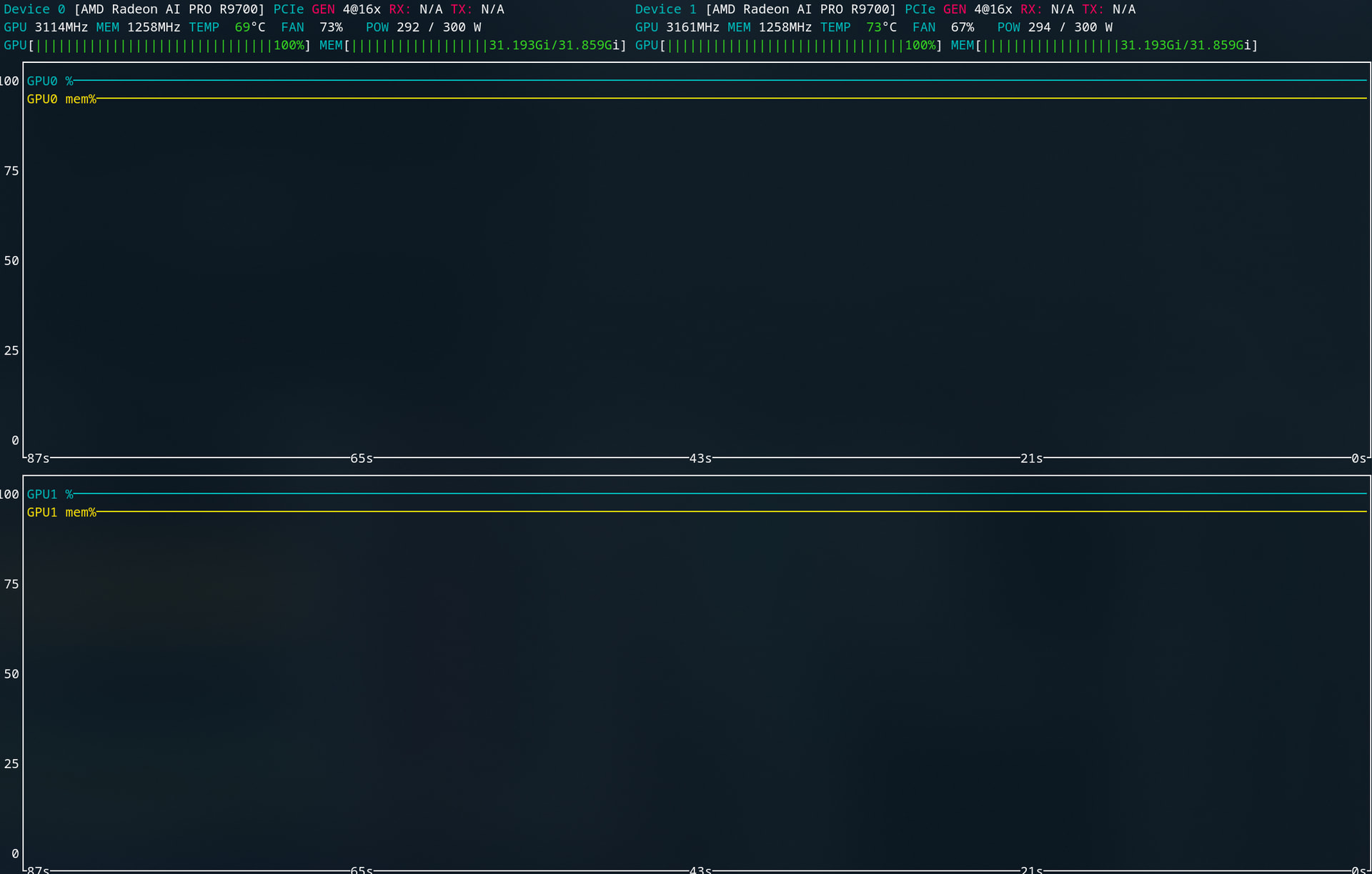
Hello,
I spent last few days power learning how to do more complicated things.
Previously I had the ollama+webui stack.
Yesterday I got vLLM working with webui.
Hardware
HOST - NucBox K8 Plus (GMKtec)
COMPUTER TYPE - Desktop
CPU - AMD Ryzen 7 8845HS (16) @ 5.14 GHz
GPU - AMD Device 7551 (VGA compatible) [Discrete]
GPU - AMD Phoenix3 [Integrated]
MEMORY USED - 10.07 GiB / 78.37 GiB (13%)
SWAP USED - 24.00 KiB / 8.00 GiB (0%)
DISK - 773.04 GiB / 1.82 TiB (41%) - ext4
• SOFTWARE INFORMATION
DISTRO - Proxmox VE 9.1.6 x86_64
INSTALLED DATE - 2025-02-24 22:32:24
KERNEL - Linux 6.17.13-2-pve
PACKAGES - 1647 (dpkg)
UPTIME - 1 day, 3 hours, 11 mins
• DISPLAY INFORMATION
LOGIN MANAGER - TTY
• DESIGN INFORMATION
CURSOR - Adwaita
• VARIOUS INFORMATION
WEATHER - +9°C - Partly cloudy (london)
INFO - fastfetch 2.40.4-debug (x86_64)
Software
-
PROXMOX
VE 9.1.6 -
Install docker on proxmox host (I live dangerously)
-
All of ollama, webui, vllm are running in docker containers
-
Update proxmox to latest
-
Install pve kernel headers
-
Delete unused pve headers
-
Follow AMD guide to install rocm and gpu drivers https://rocm.docs.amd.com/projects/install-on-linux/en/latest/install/prerequisites.html
-
Reboot
-
Make sure you set the correct
HSA_OVERRIDE_GFX_VERSIONin the environment for ollama
Ollama + webui stack
This is fully managed with ansible, labels and ports and volume mounts pre-created and templated in to docker-compose.yml
name: ollama-docker
services:
  ollama:
    cap_add:
      - SYS_PTRACE
    container_name: ollama-models
    devices:
      - source: /dev/kfd
        target: /dev/kfd
        permissions: rwm
      - source: /dev/dri
        target: /dev/dri
        permissions: rwm
    environment:
      OLLAMA_FLASH_ATTENTION: "1"
      OLLAMA_KEEP_ALIVE: '"10m"'
      OLLAMA_KV_CACHE_TYPE: q8_0
      OLLAMA_LOAD_TIMEOUT: '"2m"'
      OLLAMA_MAX_LOADED_MODELS: "3"
      HSA_OVERRIDE_GFX_VERSION: "12.0.1" # IF GPU == gfx1201 == RX 9070 == RDNA4
      OLLAMA_MAX_VRAM: '"60G"'
      OLLAMA_NO_CLOUD: '"1"'
      OLLAMA_NUM_PARALLEL: "4"
      OLLAMA_SCHED_SPREAD: "1"
    group_add:
      - video
    image: ollama/ollama:0.19.0-rocm
    ipc: host
    networks:
      shared_proxy: null
    ports:
      - mode: ingress
        target: 11434
        published: "7869"
        protocol: tcp
    pull_policy: always
    restart: unless-stopped
    security_opt:
      - seccomp:unconfined
    shm_size: "64424509440"
    ulimits:
      memlock: -1
      nofile:
        soft: 65535
        hard: 65535
      nproc: 65535
      stack: 67108864
    volumes:
      - type: bind
        source: /opt/dockervolume/ollama/ollama
        target: /root/.ollama
        bind: {}
  ollama-kokoro:
    container_name: ollama-kokoro
    image: ghcr.io/remsky/kokoro-fastapi-cpu:v0.2.4
    networks:
      shared_proxy: null
    ports:
      - mode: ingress
        target: 8880
        published: "8890"
        protocol: tcp
    restart: unless-stopped
  ollama-webui:
    container_name: ollama-webui
    depends_on:
      ollama:
        condition: service_started
        required: true
    environment:
      ENV: dev
      OLLAMA_BASE_URLS: http://host.docker.internal:7869
      WEBUI_AUTH: "True"
    extra_hosts:
      - host.docker.internal=host-gateway
    image: ghcr.io/open-webui/open-webui:v0.8.12
    labels:
      traefik.enable: "true"
      # many traefik labels
    networks:
      shared_proxy: null
    ports:
      - mode: ingress
        target: 8080
        published: "8080"
        protocol: tcp
    restart: unless-stopped
    shm_size: "6442450944"
    volumes:
      - type: bind
        source: /opt/dockervolume/ollama/ollama-webui
        target: /app/backend/data
        bind: {}
networks:
  shared_proxy:
    name: shared_proxy
    driver: bridge
    external: true
Result
Pros:
-
Very easy to use, easy to modify, and iterate via UI.
-
Wife-friendly, but needs better system prompts and default settings for full-wife-approval.
-
Able to run qwen3.5:27b, nemotron-3-nano:31b, gpt-oss:20b without any issues.
-
I have a TTS model, for when I am bored of reading.
Cons:
-
Issues with GPU/APU. When only using the APU, I had to add HSA_overrides, otherwise the APU is not used, or ollama crashes.
-
High GPU/CPU usage, ollama can really stress out your APU/CPU/GPU with different models.
-
Difficult / inconvenient to have many changes for models (if you want to tune the model parameters).
-
No easy way to run random hugging face models (unless it’s a friendly model https://huggingface.co/docs/hub/ollama )
-
Cannot take advantage of faster iteration cycles of projects like vLLM and llama.cpp.
Updated webui + vLLM (maybe ollama) stack
I have a new GPU, that has a lot of VRAM.
This is fully managed with ansible, labels and ports and volume mounts pre-created and templated in to docker-compose.yml
The biggest change is using vLLM. It’s faster, but also full of sharp edges, and does not always work. vLLM expects you to give it all/most of the VRAM/RAM, that means any warm models in ollama will prevent vLLM from starting.
name: ml_stack
services:
  ml-stack-vllm-kappa-20b-131k-mxfp4:
    cap_add:
      - SYS_PTRACE
    command:
      - serve
      - --host
      - 0.0.0.0
      - --port
      - "8000"
      - eousphoros/kappa-20b-131k-mxfp4
      - --trust-remote-code
    container_name: ml-stack-vllm-kappa-20b-131k-mxfp4
    devices:
      - source: /dev/kfd
        target: /dev/kfd
        permissions: rwm
      - source: /dev/dri/renderD128
        target: /dev/dri/renderD128
        permissions: rwm
    entrypoint:
      - vllm
    environment:
      HSA_OVERRIDE_GFX_VERSION: 12.0.1
      HUGGING_FACE_HUB_TOKEN: ${?"configure a hugging face token mate"}
      PATH: /usr/local/bin:/usr/bin:/opt/python/bin:/bin:/usr/sbin:/sbin:/usr/local/bin:/usr/local/sbin:/usr/bin:/usr/sbin:bin:/usr/bin:/bin:/usr/local/games:/usr/games
      VLLM_ASSETS_CACHE: /root/.cache/ass
      VLLM_CACHE_ROOT: /root/.cache/vllm
      VLLM_DO_NOT_TRACK: "1"
      VLLM_NO_USAGE_STATS: "1"
      VLLM_TARGET_DEVICE: rocm
      trust_remote_code: "True"
    group_add:
      - video
    healthcheck:
      test:
        - CMD
        - curl
        - -f
        - http://localhost:8000/v1/models/
      timeout: 10s
      interval: 10s
      retries: 3
      start_period: 30s
    image: vllm/vllm-omni-rocm:v0.18.0
    ipc: host
    networks:
      shared_proxy: null
    ports:
      - mode: ingress
        target: 8000
        published: "8000"
        protocol: tcp
    security_opt:
      - seccomp=unconfined
    shm_size: "53687091200"
    ulimits:
      memlock: -1
      nofile:
        soft: 65535
        hard: 65535
      nproc:
        soft: 65535
        hard: 65535
      stack: 67108864
    volumes:
      - type: bind
        source: /opt/dockervolume/ml_stack/data/cache/vllm
        target: /root/.cache/vllm
        bind: {}
      - type: bind
        source: /opt/dockervolume/ml_stack/data/cache/ass
        target: /root/.cache/ass
        bind: {}
      - type: bind
        source: /opt/dockervolume/ml_stack/data/cache/hugs
        target: /root/.cache/huggingface
        bind: {}
      - type: bind
        source: /opt/dockervolume/ml_stack/data/models
        target: /app/model
        bind: {}
networks:
  shared_proxy:
    name: shared_proxy
    driver: bridge
    external: true
Result
Pros:
-
Much faster
-
Custom random models
-
Able to plug in to turnstone
-
Less CPU/GPU usage, it does not get as loud it, it does not get as hot.
Cons:
-
Things will break, you will experiment a lot with different models, images and configs.
-
Finding and building vllm images is difficult.
-
vllm images are huge compared to ollama.
-
Wife does not care that you built this to prepare for turboquant support in vllm.
Notes and learnings
Docker images with vLLM and rockm.
-
rocm/vllm-dev:vllm018_rocm721_preview_v2_20260328 == random error
-
rocm/vllm:rocm7.12.0_gfx120X-all_ubuntu24.04_py3.12_pytorch_2.9.1_vllm_0.16.0 == works, old VLLM
-
vllm/vllm-omni-rocm:v0.18.0 == works, new VLMM
Models that work with VLLM (only properly tested few models).
- eousphoros/kappa-20b-131k-mxfp4
How do docker image sizes compare? (docker images -a --format "table {{.Size}} - {{.Repository}}:{{.Tag}}" )
-
3.12GB - ollama/ollama:0.19.0-rocm
-
31.3GB - rocm/vllm-dev:nightly_main_20260330
-
34.2GB - rocm/vllm-dev:vllm018_rocm721_preview_v2_20260328
-
27.2GB - vllm/vllm-omni-rocm:v0.18.0
-
41GB - rocm/vllm:rocm7.12.0_gfx950-dcgpu_ubuntu24.04_py3.12_pytorch_2.9.1_vllm_0.16.0
-
34.5GB - rocm/vllm:rocm7.12.0_gfx120X-all_ubuntu24.04_py3.12_pytorch_2.9.1_vllm_0.16.0
-
24.5GB - vllm/vllm-openai-rocm:latest
How to get HSA_override version to use on ollama?
rocm_agent_enumerator
gfx1201
How to check GPU usage?
amdgpu_top /dev/dri/renderD129
How to check which GPU is which generation?
amdgpu_top -d

#1 DevicePath { render: "/dev/dri/renderD129", card: "/dev/dri/card1", accel: "", pci: "0000:c8:00.0", sysfs_path: "/sys/bus/pci/devices/0000:c8:00.0", device_id: Some(6400), revision_id: Some(197), device_name: "AMD Radeon Graphics", device_type: AMDGPU }
drm version: 3.64.0

Device Name              : [AMD Radeon Graphics]
PCI (domain:bus:dev.func): 0000:c8:00.0
DeviceID.RevID           : 0x1900.0xC5
gfx_target_version       : gfx1103

GPU Type  : APU
Family    : GC 11.0.1
ASIC Name : GFX1103_R1/Phoenix1
Chip Class: GFX11
How to find out which gpu is which gfx generation?
How to check versions of drivers on host?
amd-smi version
AMDSMI Tool: 26.2.2+e1a6bc5663 | AMDSMI Library version: 26.2.2 | ROCm version: 7.2.1 | amdgpu version: Linuxversion6.17.13-2-pve(build@proxmox)(gcc(Debian14.2.0-19)14.2.0,GNUld(GNUBinutilsforDebian)2.44)#1SMPPREEMPT_DYNAMICPMX6.17.13-2(2026-03-13T08:06Z) | hsmp version: N/A