Hello all, I am trying to use a Hyper-V VM for game streaming to other people in my home. Got that all working but it seems that having a Hyper-V VM running is not grounds to keep the host OS from going to sleep…
Is there an easy way to flag processes to prevent system sleep? Basically what I would like is to add certain processes to the output of powercfg /requests but can not seem to find a way to do that… All I can find is making entire power plans to swap to and from and that is not what I would like…
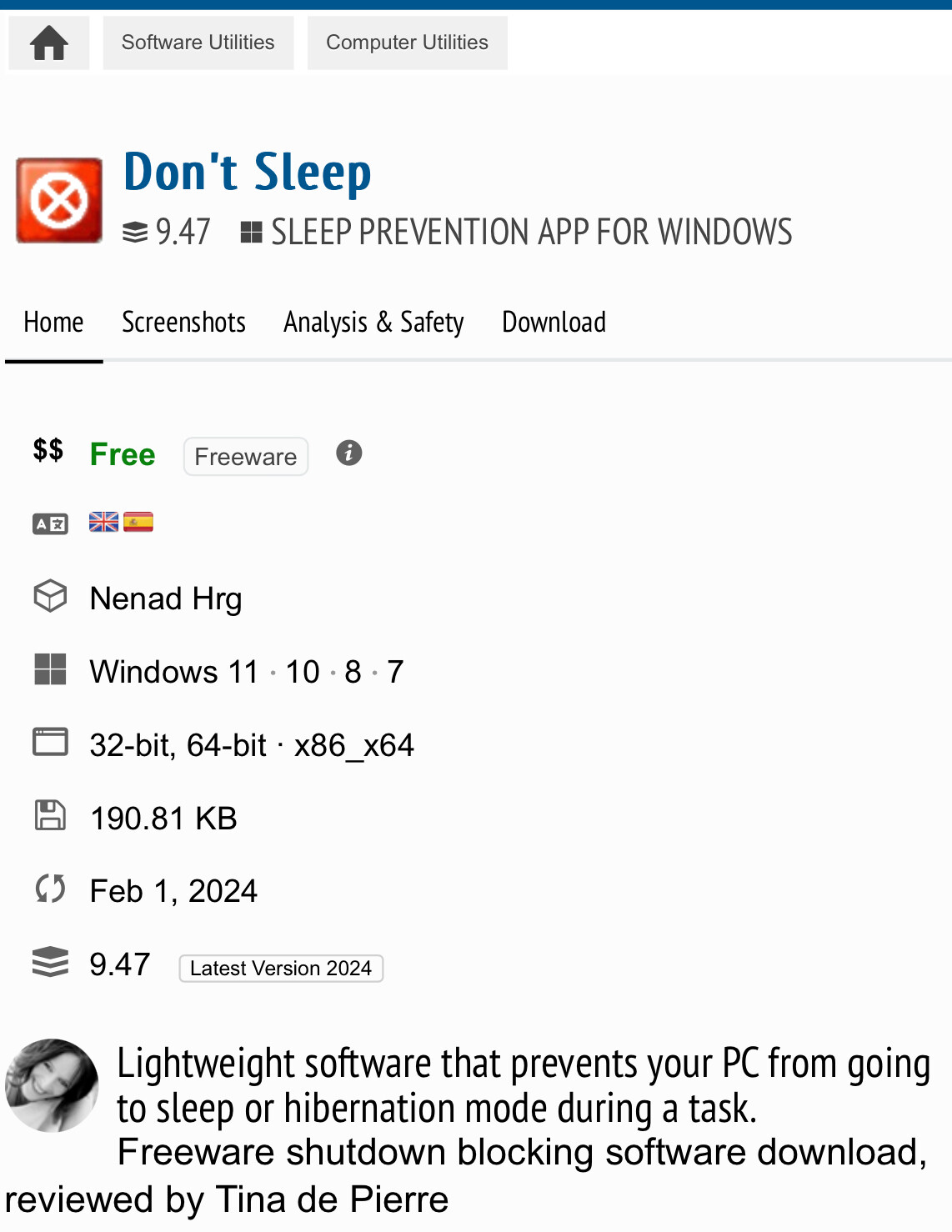
I usually just use a small little application named don’t sleep.
Its 190kb runs in the tray and works pretty well
1 Like
You can use the following to disable sleeps …
sudo systemctl --runtime mask sleep.target suspend.target hibernate.target hybrid-sleep.target
… and the following to reenable it …
sudo systemctl --runtime unmask sleep.target suspend.target hibernate.target hybrid-sleep.target
Really don’t want to add software, especially if I can not see the source code for it.
Not Linux, also this would infer that I have to run these before and after the program and that defeats the purpose… May as well just open settings and just disable and enable sleep…
yeah in the end if you dont want to add software or run commands before/after and your software doesnt support it, that makes it harder for sure, you could just disable sleep altogether and then suspend the vm whenever you are done but beyond that you can save this as a batch file
@echo off
powercfg.exe -x -monitor-timeout-ac 0
powercfg.exe -x -monitor-timeout-dc 0
powercfg.exe -x -disk-timeout-ac 0
powercfg.exe -x -disk-timeout-dc 0
powercfg.exe -x -standby-timeout-ac 0
powercfg.exe -x -standby-timeout-dc 0
powercfg.exe -x -hibernate-timeout-ac 0
powercfg.exe -x -hibernate-timeout-dc 0
then save another with the 0’s as 5, 10, 15, 30 etc to enable it again.
then just click the batch files and run them ad admin i believe, to enable or disable it