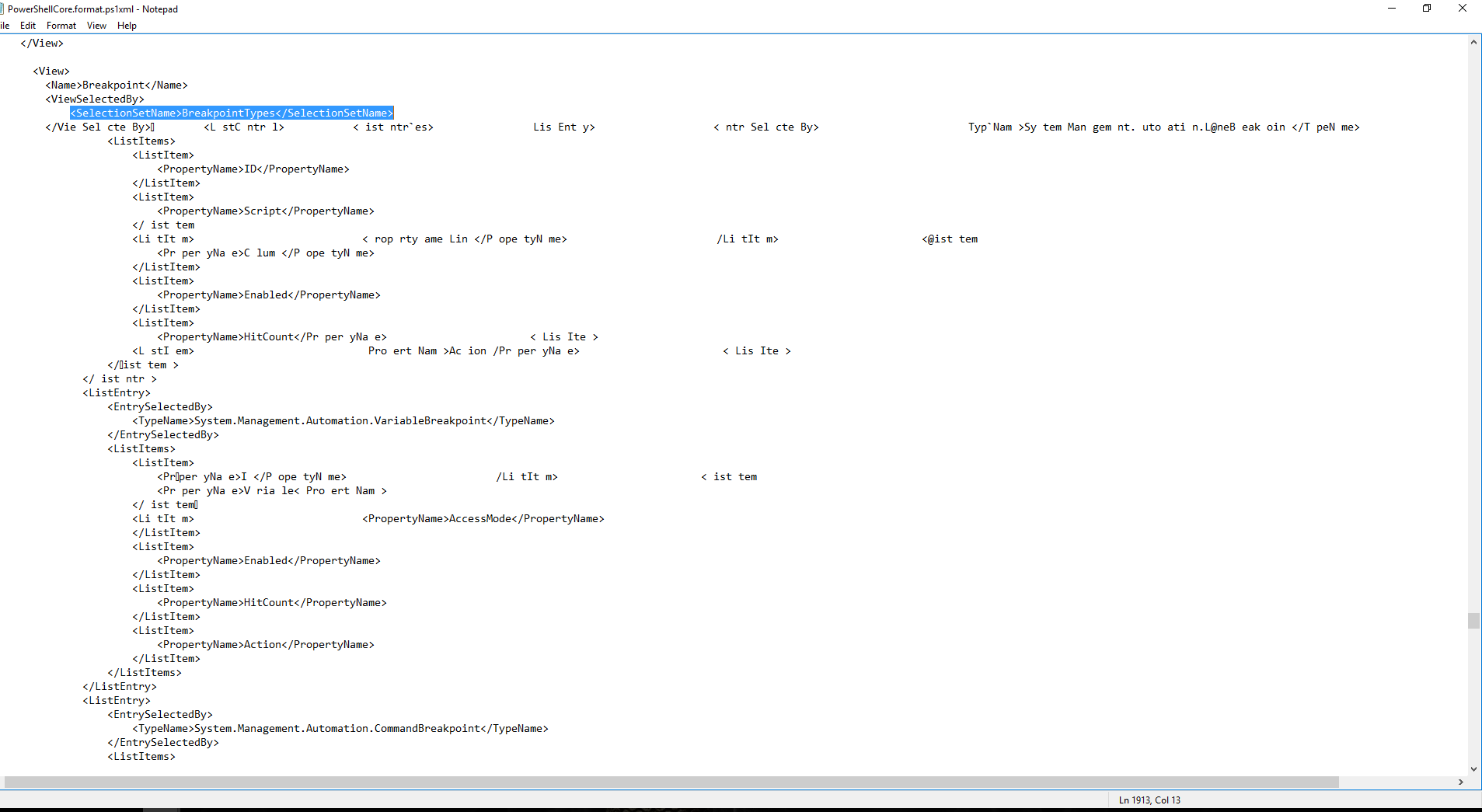
I have this bizarre Power Shell error message that populates as soon as I open PS. Opening with Admin rights doesn't fix it either. I've spent over two weeks googling a solution, but no luck. I'm attaching a screenshot so someone can maybe point me in the right direction to fix it. I have no ability to use PS until the error is resoled.

It's just an XML file, and it sounds like something has changed it - which is hard to do as its a protected file.
Here is a screenshot of those lines in the file on my Win 10 laptop, does yours look different?;

how do i view the line numbers?
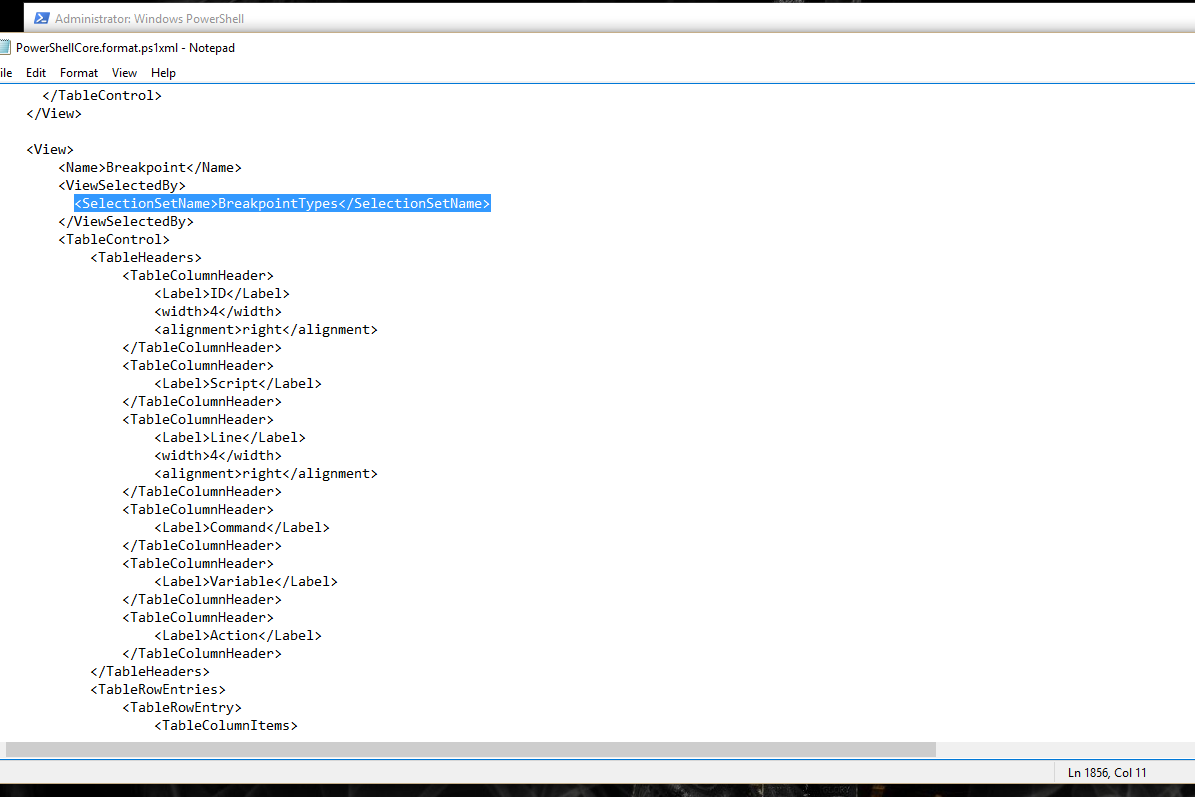
Hi,
I use Notepad++ to open my file, it gives you lots of useful things like line numbers etc.
The entries in your second screen shot don't look right at all. Somehow that file has become corrupted. I'd suggest you try following a guide like this one on fixing corrupted system files.
If that doesn't work you could try getting a copy of the file from installation media (you might need to use a Linux boot disk to be able to overwrite the file when it is not in use).
One thing you could try before doing all that is to create a new user account and see if the problem is the same - I think it will be due to where the file lives but you never know.
I don't know what the hell happened to that file. I tried doing three separate system restores, each one being more in depth than the last (nothing worked). Finally, I said "shampoo it" and just did a full system reinstall. Problem solved