Portable Hard Drive-Which One Is Best?

Hi everyone I have been researching the best external portable hard drives lately because I need reliable storage for backing up files, photos, and important data. I’m looking for something that’s dependable, easy to use, and portable enough to carry with my laptop when needed. Data safety and long-term reliability are really important to me.I’ve checked several reviews and also looked through verified customer feedback. After comparing different options, these two brands kept coming up as strong choices:
• Seagate External Portable Hard Drive

https://www.amazon.com/Seagate-Portable-Hard-Drive/dp/B07VS8QCXC/
• WD (Western Digital) External Portable Hard Drive

https://www.amazon.com/Passport-Portable-External-Drive-Black/dp/B07VTFN6HM

However, I’m having trouble deciding which one would be the better option, and I’d really appreciate some advice from people who have used either of these drives.For context, I mainly want the drive for backups, storing media files, and everyday file transfers. Good durability, fast transfer speeds, and dependable performance over time are my top priorities.Which one would you recommend? Any pros, cons, or real-world experiences would be really helpful. Thanks in advance!
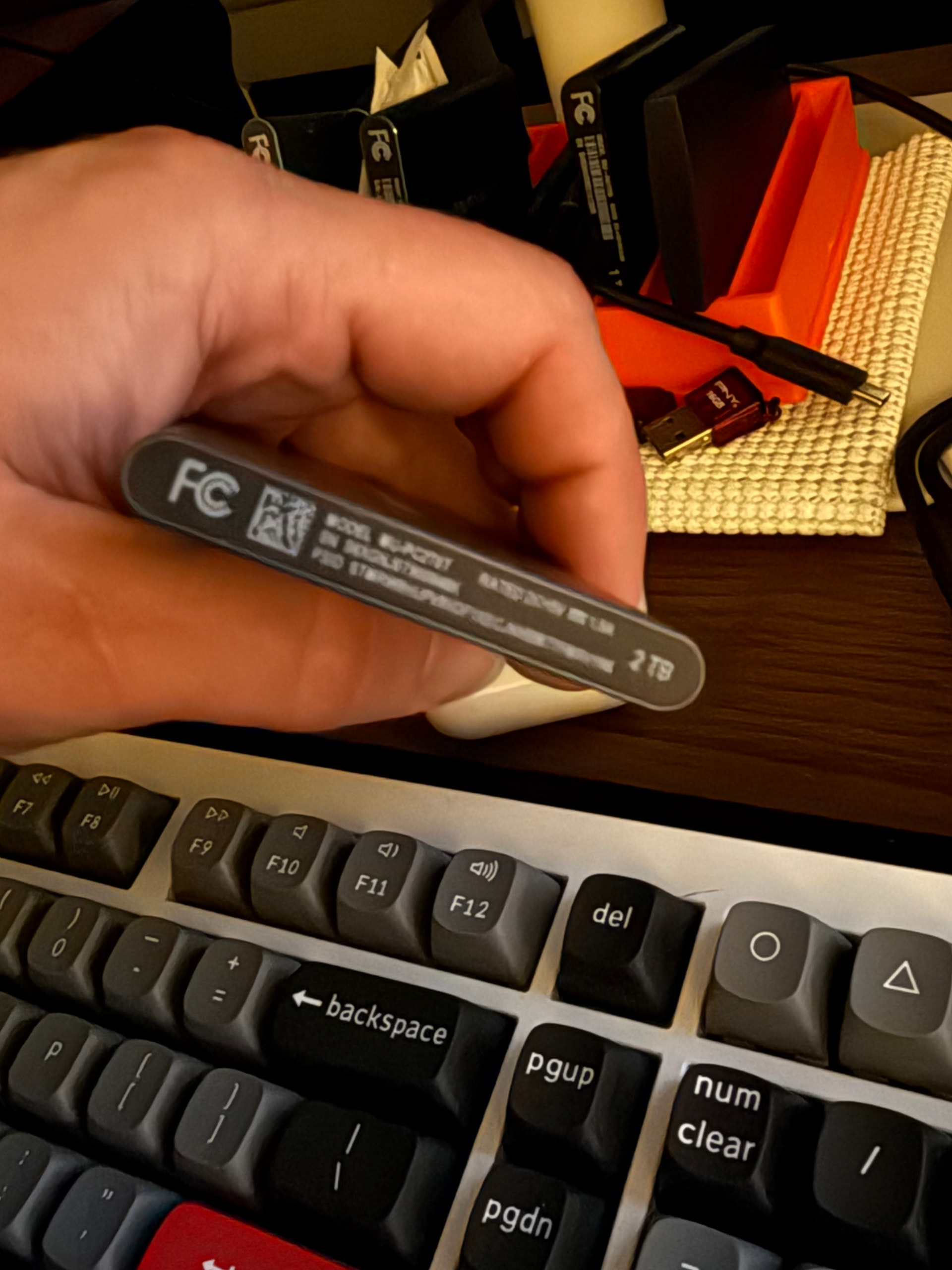
What size do you need? Do you have other proper backup? Portable drives are…portable.. and especially mechanical drives more likely to fail than a built-in drive.

The only HDD I ever saw failing were portable. And the speed will be terrible.

Personally I hate Seagate, but I have no data to prove they are worse for portable. i really recommend SSD. I would even go so far to say, get a good internal m.2 SSD and buy an enclosure. that way you can use that SSD later for a built. Or use an older m.2 you already have. Haven DRAM would be good since USB can’t use HMB.

You can use FFS to sync data for backing up. It also allows versioning. That way you only transfer the changes. But again, reading the HSS will be slow. Unless you need a very huge size, bite the bullet and get SSD.

2 Likes

Loss of cold data on flash is common, or at least degradation to essentially unusable , so this is poorly aligned with the OP’s data safety, long-term reliability, and dependable performance requirement unless specifically mitigated. There do seem to be exceptions, like SN850X, but it’s unclear how much power on time they need for internal maintenance cycles.

I’d also suggest caution in extrapolating from small n experiences. FWIW, so far I’ve yet to have a portable drive fail but have lost track of the number of dead 3.5s.

To the best of my knowledge there isn’t any, one way or the other.

For the small number of 16+ TB enterprisey drives in Backblaze’s data Exos survival is currently tops. But Ultrastar and MG are also quite reliable, so it’s a small difference in the odds. Backblaze’s data below 16 TB carries many Seagate models and few WD and Toshiba models so, not surprisingly, Seagate’s both the best and worst in most categories and size classes. At times Seagate’s ended up selling overflow Exos into their portable line, including 2X14, but that seems unlikely with AImageddon.

They’re probably both consumer hardware, so pretty junky. But, with light use, that doesn’t matter. FWIW what I do is use flash for the everyday stuff and one backup copy with the other copy on 2.5. If you do a full backup resync to flash every few months that forces cell refresh and should pretty well mitigate data and performance loss risks.

Currently my 2.5 backup is a 2 TB WD Passport that’s like 15 years old. Before that was a 130 GB Seagate, IIRC. Mostly I use some 32 and 64 GB USB sticks I’ve had for years for everyday to keep wear off the backup drives.

If you want speed with minimal potential for thermal throttling that’s 2280 in 10, 20, or 40 Gb USB enclosures. 10 Gb isn’t very demanding (I have SSKs), for 20 Gb I’d suggest Silverstone MS12. Haven’t used 40 Gb as yet.

All the decent USB and SSD sticks I’m aware of drop to 75-130 MB/s fairly quickly on thermals, some of the ones I have are worse. Consumer 2.5s and 3.5s I’ve worked with tend to manage ~130 MB/s on large sequential but are prone to collapsing to ~30 MB/s.

Do you assume OP was looking for long-term (unpowered) storage?

I read the OP as in they will be using it while using the laptop. So it will be powered and transported (shaking) a lot.

Samsung T7 or T9, no question, based on my experience. And I use USB drives extensively.

I’ve been using the Samsung T series USB drives since T3, for more than just backups - even for a few VMs (not recommended, and requires tuning, because latency)

I haven’t had a single Samsung fail yet - I have at least 3 or 4 of each generation (T3, T5, T7, T9). They do what they advertise - just be careful not to pay for the higher model(s) unless you have the USB port to support them or you’re payIng for throughput you won’t be able to use. T9 is 20Gbps USB 3 (“2x2”) and T7 is 10Gbps if I recall. With 10Gbps and 20Gbps, the cable quality and length matters, use the one they give you.

Bad experiences? I’ve had those too.

I had a Kingston U2000 drive fail in ~18 months in a way that I couldn’t recover much at all, seems the controller fried - it would reset after a few hundred megabytes of reading. It was not an inexpensive drive.

I also had one of those ugly rugged LaCie 1TB or 2TB drives fail after a year of use.

I avoid Thunderbolt and most of the USB4 drives because they both are effectively external PCI bridges, which is a bit much for me. It’s hard to find true USB4 drives, most of them are USB3.2 tunneled inside Thunderbolt 3, or something like that.

Try a T5 or T7 if you want to save a few bucks, otherwise a T9.

Is it? We got a big thread over in Ssd data retention - the vibe I got that it’s (surprisingly) not that bad.

Regular backups would make it periodically powered. I’ve not lost any data despite leaving flash unpowered for years.

But like any computer part, you have to plan for any single thing randomly dying.

I think the odds of everything being fine are acceptable enough for me if I check my backup integrity each time I do a regular backup. I would need to both lose my primary copy at the same time the backup copy dies, which is suitably unlikely for my needs.

(For really want to keep a long time I’ll keep multiple copies one of which on mdisc, but this is becoming increasing archaic looking).

It would be news to me, and would go against my experience. I still occasionally dig up a 10 year old T1 or T3 and haven’t had a single issue

I’ve been using these Samsung T5 &T7 portable SSDs for years. They have been trouble free and are great for on the go storage especially with my MacBook.

1 Like

I’ve had my WD My Passport for about 7 years and it’s never let me down, so it’s my recommendation