Background
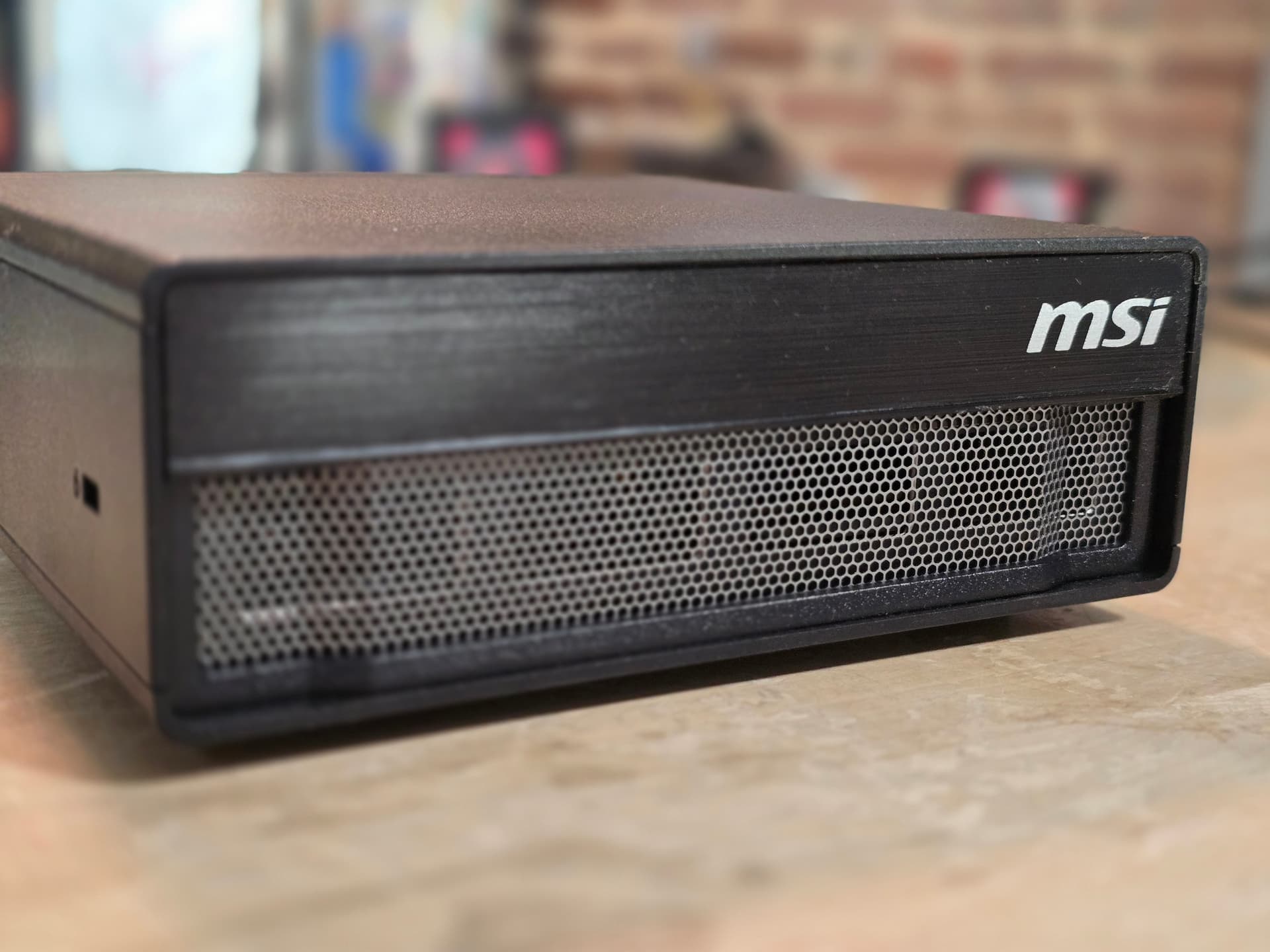
Here’s the MSI EdgeXpert – it’s a GB10 device based on NVIDIA’s DGX Spark Platform with 128G of memory; MSI’s version of the Nvidia Spark. It has better thermal and power dissipation characteristics and as a result is 5-10% better for most tasks.
- NVIDIA® Grace Blackwell Architecture:
- NVIDIA Blackwell GPU & Arm 20-core CPU
- NVIDIA® NVLink®-C2C CPU-GPU memory interconnect
- 128 GB LPDDR5x coherent, unified system memory
- 1000 AI TOPS (FP4) AI performance
- Full stack solution, hardware & software, designed for AI developers
- ConnectX-7 2x100G interface
- 10G RJ-45 Ethernet Interface
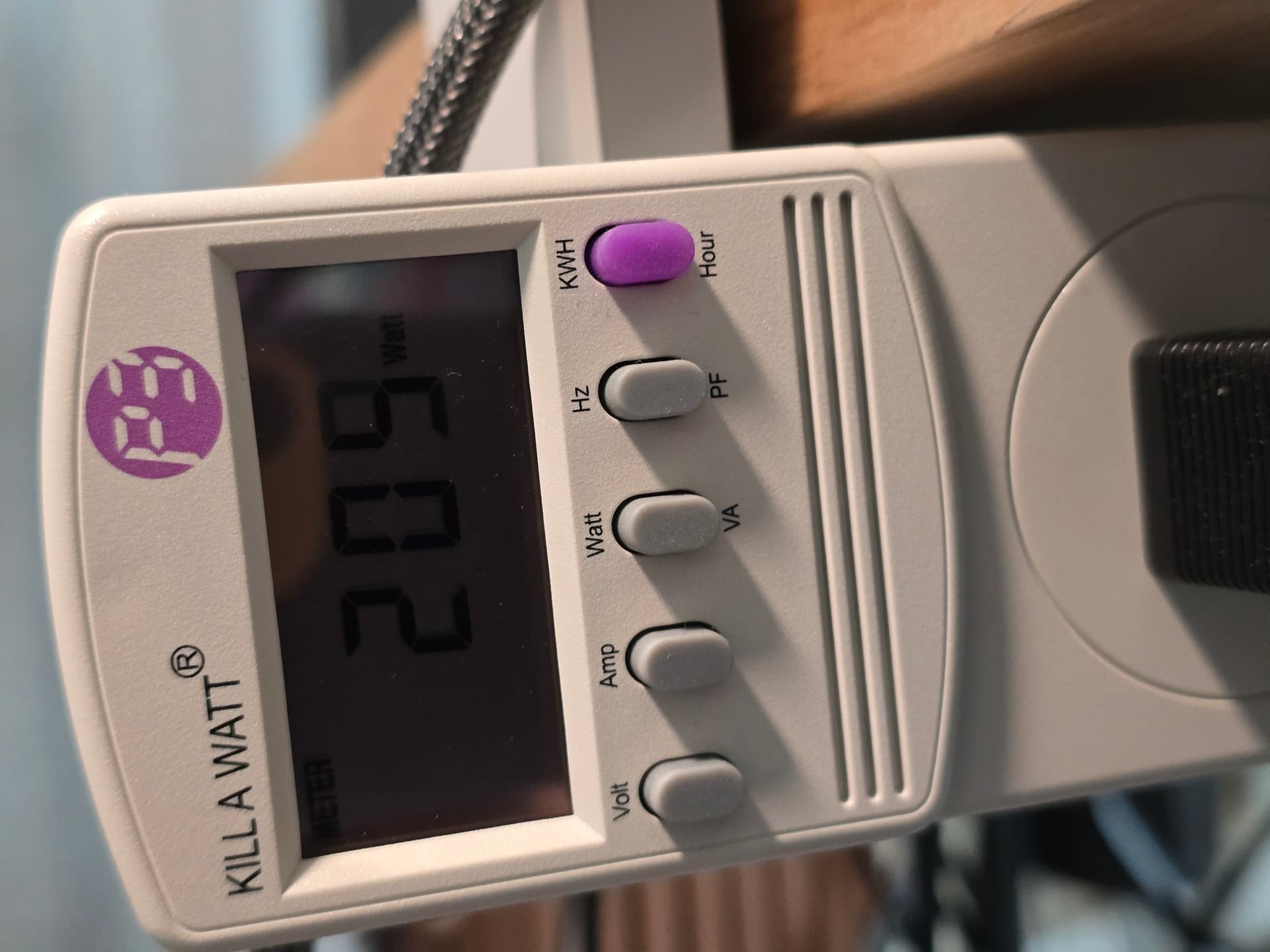
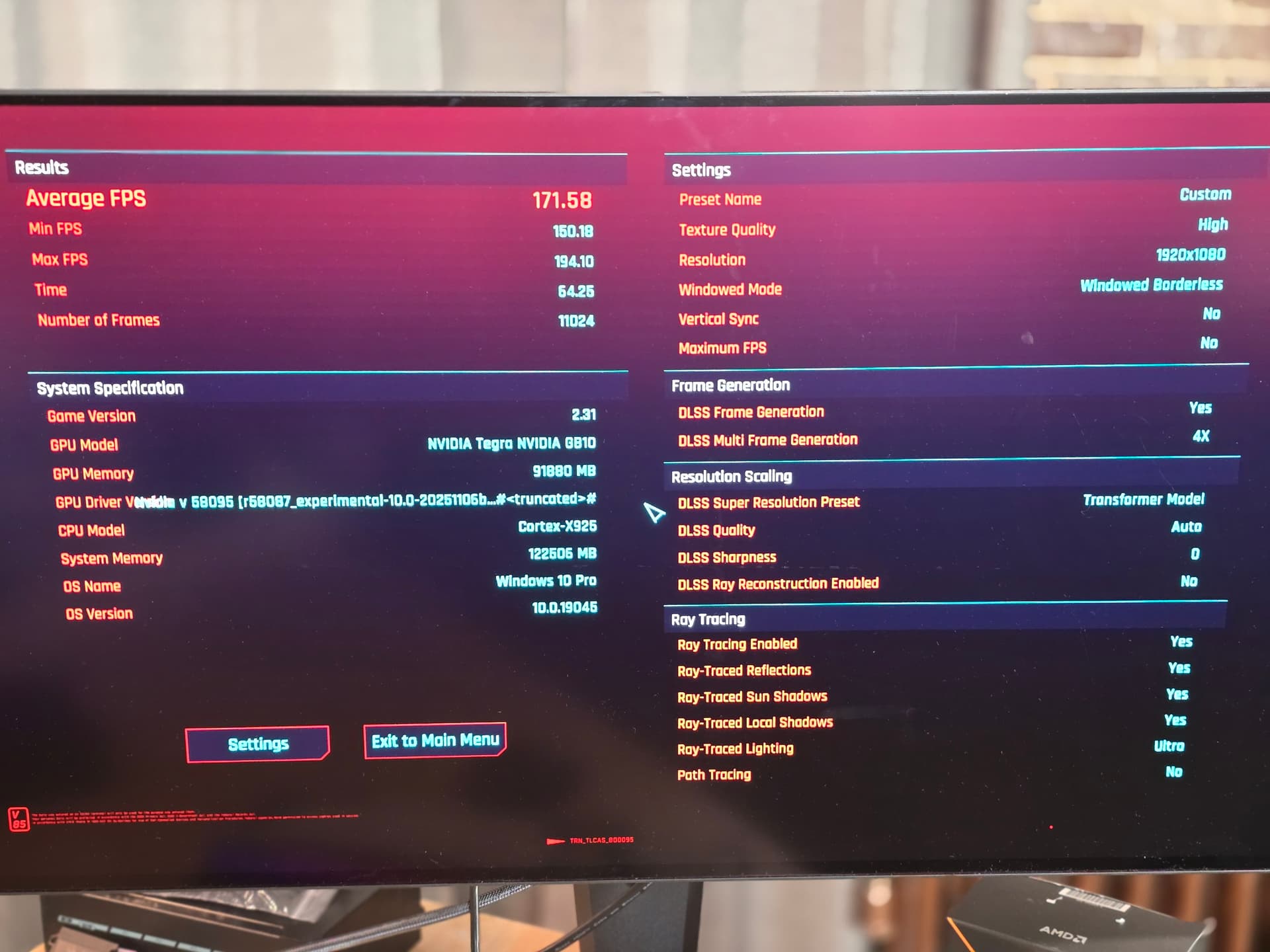
One of the most demanding tasks for this platform, beyond pure benchmark compute, is multi-framegeneration gaming at 1080p and beyond, so it only makes sense to use that as a thermal load in order to test that it is able to sustain 200w+ power draw without overheating or throttling.
While one would not buy this system in lieu of a $3000-$4000 gaming PC, it is a lot of fun to see how it runs.
Step 1 - Box64
This is where I started. I don’t know that this step is really needed with the fex autoinstall (step 2) below. You should be aware of box64 and its ability to run 64 and 32 bit x86 code really well, though. For the sake of completeness, I’m including this here, but I think you only need the step 2 fex_autoinstall. Probably.
git clone this repo:
git clone https://github.com/ptitSeb/box64
cd box64
mkdir build; cd build; cmake .. -DBOX32=ON -DBOX32_BINFMT=ON
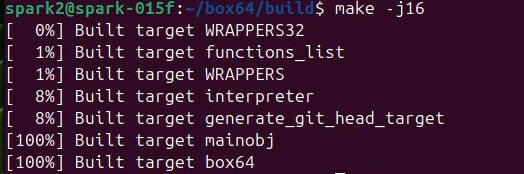
make -j16
sudo make install

Next (re)start the binfmt systemd service:

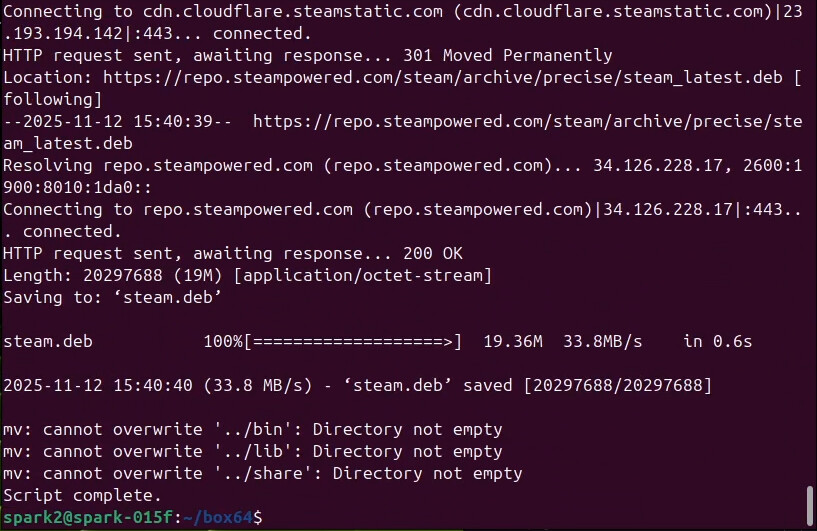
Then run the steam_install.sh script:
./steam_install.sh
… but wait, there’s more!
Step 2 – Steam & Fex Installer for Ubuntu on arm64
forked from:
…which was last updated just a few days ago. I’m not sure which is the better install as of 2025-11-12 but leaning slightly toward esullivan’s fork.
esullivan at nvidia is awesome.
This is what I ran:
https://raw.githubusercontent.com/esullivan-nvidia/fex_autoinstall/refs/heads/main/fex_autoinstall_poc.sh

then from the cli when I ran steam, it picked up all the i386 stuff it needed.
Oddly, it didn’t find libgl1-mesa-glx but it still worked.
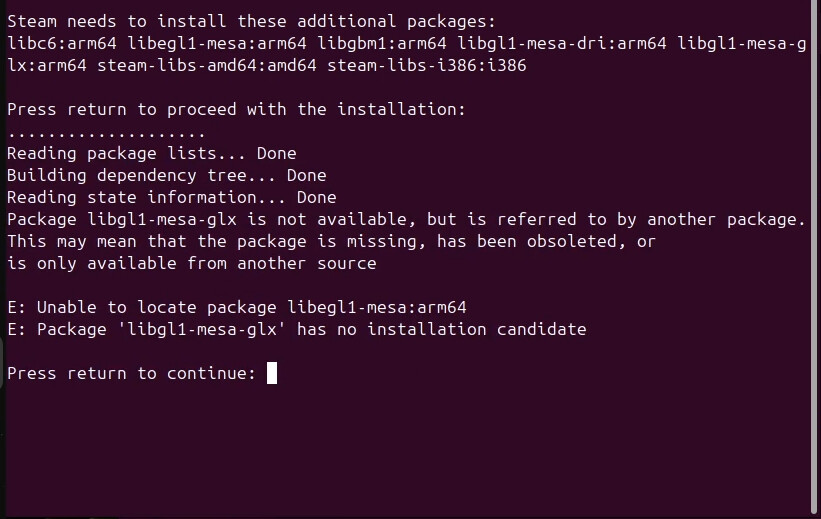
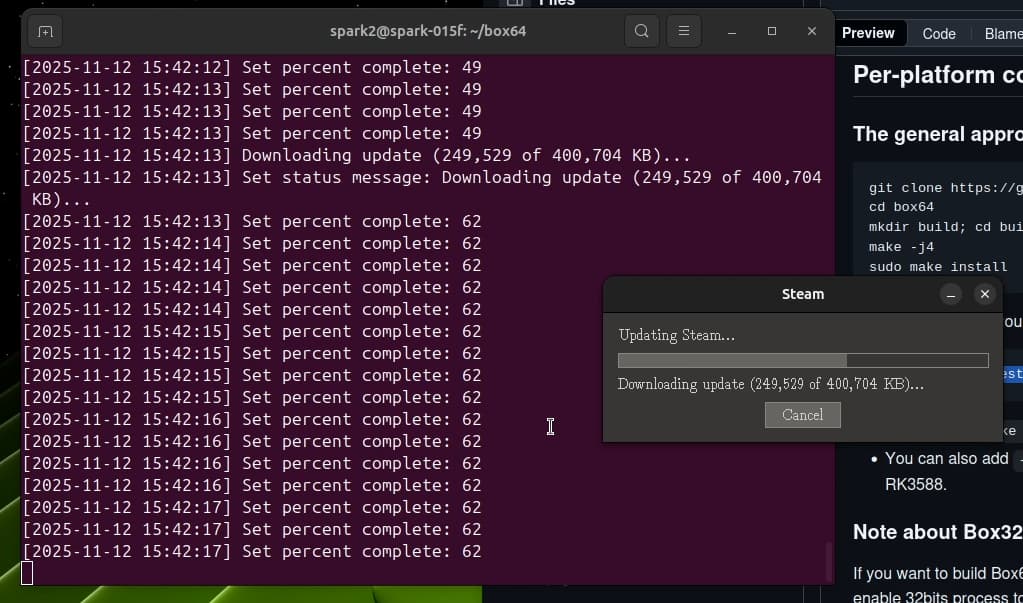
From there steam via the gui or /usr/local/bin/steam should work? and it should self-update:
From there install games, and see how it goes? Here I’m using 4xMFG and playing at “170” fps.
 I’m curious whether or not you’ve been able to try multi-Spark inference yet. Nvidia seems to Not Want To Discuss™ clustering GB10s with more than two nodes and I can’t decide if that’s because it will scale poorly when trying to run larger models than 128-256GB RAM can hold or because they don’t want people thinking too hard about how one might be able to use, say, an 8-node cluster of them to run very large models at something approaching reasonable performance. but I haven’t seen anyone actually post any benchmark results from testing inference on a GB10 cluster yet!