Hello!
Thanks for sharing your setup and experiences.
I’m wondering about your VM server. I would like to ask you for more details about:
Asus Pro H610T D4-CSM + Intel 13400
Because I’m considering to buy exactly the same MB with less powerful CPU (i3-13100) for my homelab upgrade. I would like to have as low as possible power consumption in idle.
Now I’m using Odroid H3 (fanless Intel N5105) with 48 GB RAM and 2TB Samsung 980 Pro and with newest BIOS and enabled ASPM and powertop tweaks it has idle power consumption only 1.2 - 1.5 W (measured on DC side) and with power adapter it draws ~1.6 - 1.9W on AC side (Debian 12 with DietPi with kernel 6.2). This HW is awesome and it’s all I need. I don’t need upgrade BUT it is very tempting for me to try something new (and more powerful).
My questions:
- what power supply do you use?
- what is your idle power consumption? When your common services running and also when nothing is running, only OS ?
- Did you do any tuning regarding power saving? (like undervolting CPU, lowering TDP in BIOS, enabling C-states, ASPM and other power saving features…)
- Are you satisfied with this motherboard?
- Have you considered fanless cooling (fully passive)?
Notes about my new fanless AMD low-power build:
(click to expand)
Recently I replaced my big desktop PC (with AMD Ryzen 3700X, GPU Nvidia GTX1700 Ti 8GB, 32GB DDR4, 650 W power supply, 2x 4TB HDD, 2x 1TB SSD) which had about 60-80 Watts in idle (Win 10).
I wanted something smaller with better power efficiency and also low-noise. I built my first fanless desktop PC. I don’t play games so I’m ok with integrated GPU.
So my new shiny desktop PC:
AMD Ryzen 5600G (6 cores, 12 threads, 65W TDP) with Gigabyte B550I AORUS PRO AX (rev 1.3 with Wi-Fi 6E) + 1x 16GB RAM DDR4 (later it will be 2x32 GB) + 2x m.2 SSD 2TB Samsung 980 Pro + 1x SATA Crucial MX500 2TB.
Everything is in cool new fanless case from AKASA - Maxwell Pro.
10—13 W  idle in Windows 10. During some load tests it can draw 80+ Watts.

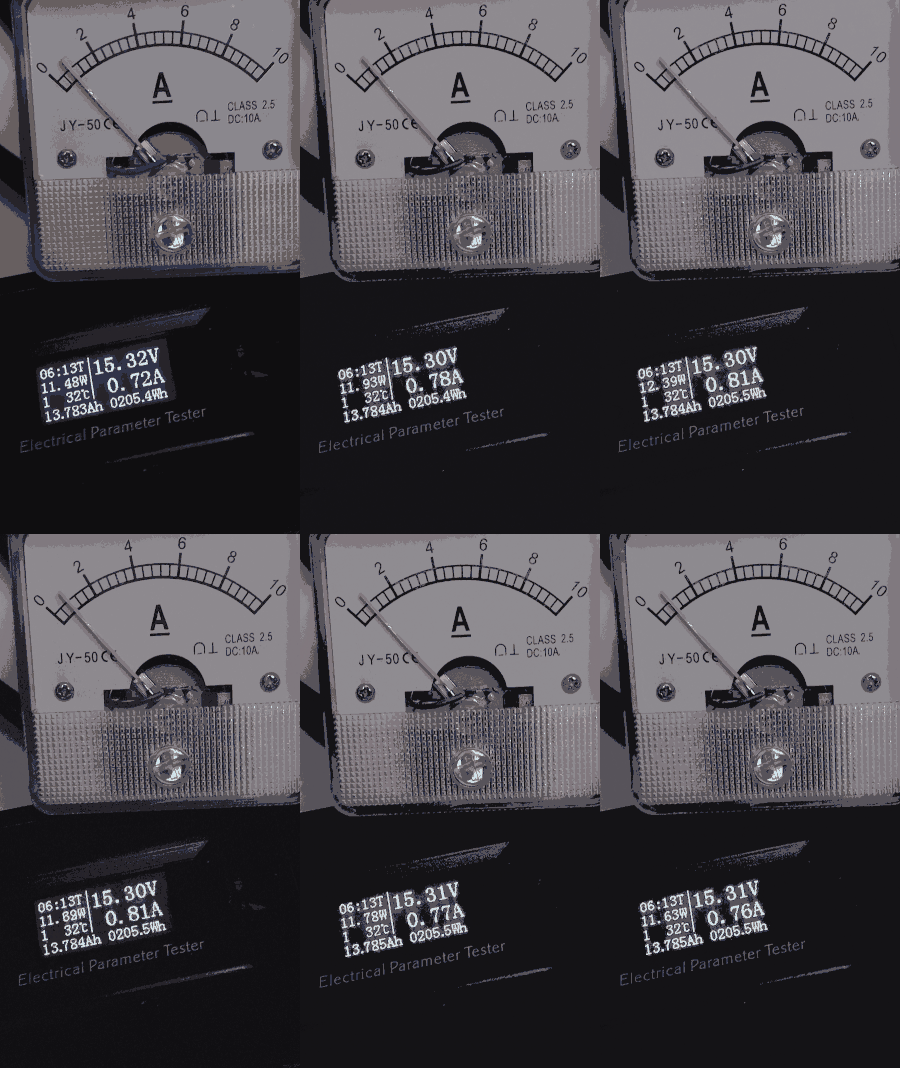
 idle power consumption in Win10 (with enabled power saving settings in power management: Start , and select Settings > System > Power & sleep > Additional power settings)
Also in BIOS I enabled everything related to power save and I started with light undervolting (CPU VCORE: -0,030V, Dynamic VCORE SOC: -0.030V, DRAM: 1.15V)