I was getting somewhat disappointing performance from my old LLM server (R7 5800 / X570 ProArt / 64 GB DDR4 ECC UDIMM / 2× W6800) and I couldn’t run the models I wanted because I lacked the VRAM capacity. So I decided to bite the bullet and build a new one. Unfortunately the RAM crisis did put a stop to going DDR5 and PCI-e 5.0, so I had to compromise a bit. I decommissioned two older servers to get their RAM.
The configuration is as follows:
Part Category
Part
Quantity
Comment
CPU
AMD Threadripper 5955WX
1
Dictated by motherboard choice
Motherboard
ASRock WRX80 Creator R2.0
1
RAM Crisis forced my hand and made me select a DDR4 motherboard with enough lanes to do four cards
CPU Cooler
Noctua NH-U14S TR4-SP3
1
I still had this one in a drawer somewhere from when I had a TR1900X as my desktop and it is finally getting a second life.
RAM
Micron MTA18ASF4G72AZ-3G2B1
4
This kit was ripped out of a gaming server which was decommissioned in the process of this build
RAM
Kingston KSM32ED8/32HC
4
This kit was ripped out of a gaming server which had been decommissioned previously.
GPU
ASRock AMD Radeon AI PRO R9700 Creator 32GB
4
I decided to not mix W6800s and AI9700s, so went with an all AI9700 instead
Storage
Lexar NM790 4TB
2
This was the cheapest ‘okay’ four lane PCI-e 4.0 4TB SSD I could find.
Chassis
Silverstone RM51
1
The chassis had to be tall enough to fit the cooler and have eight expansion slots, as well as being rackmountable with easy to use rails.
PSU
Seasonic Prime PX-2200 ATX 3 (2024)
1
I needed a PSU which could handle four 12V-2x6 GPU connections. The initially selected Hydro PTM PRO ATX3.1 1650W did not have enough PCI-e 8-pin connectors to make this work with adapter cables, even though a 1650W PSU should be able to handle such a setup. The FSP will be put to good use in the old GPU server and the PSU of that server will go into a gaming build I intend to sell off.
The name will be Wisent, which is the dutch name for a species of European Bison.
Some WIP pictures:
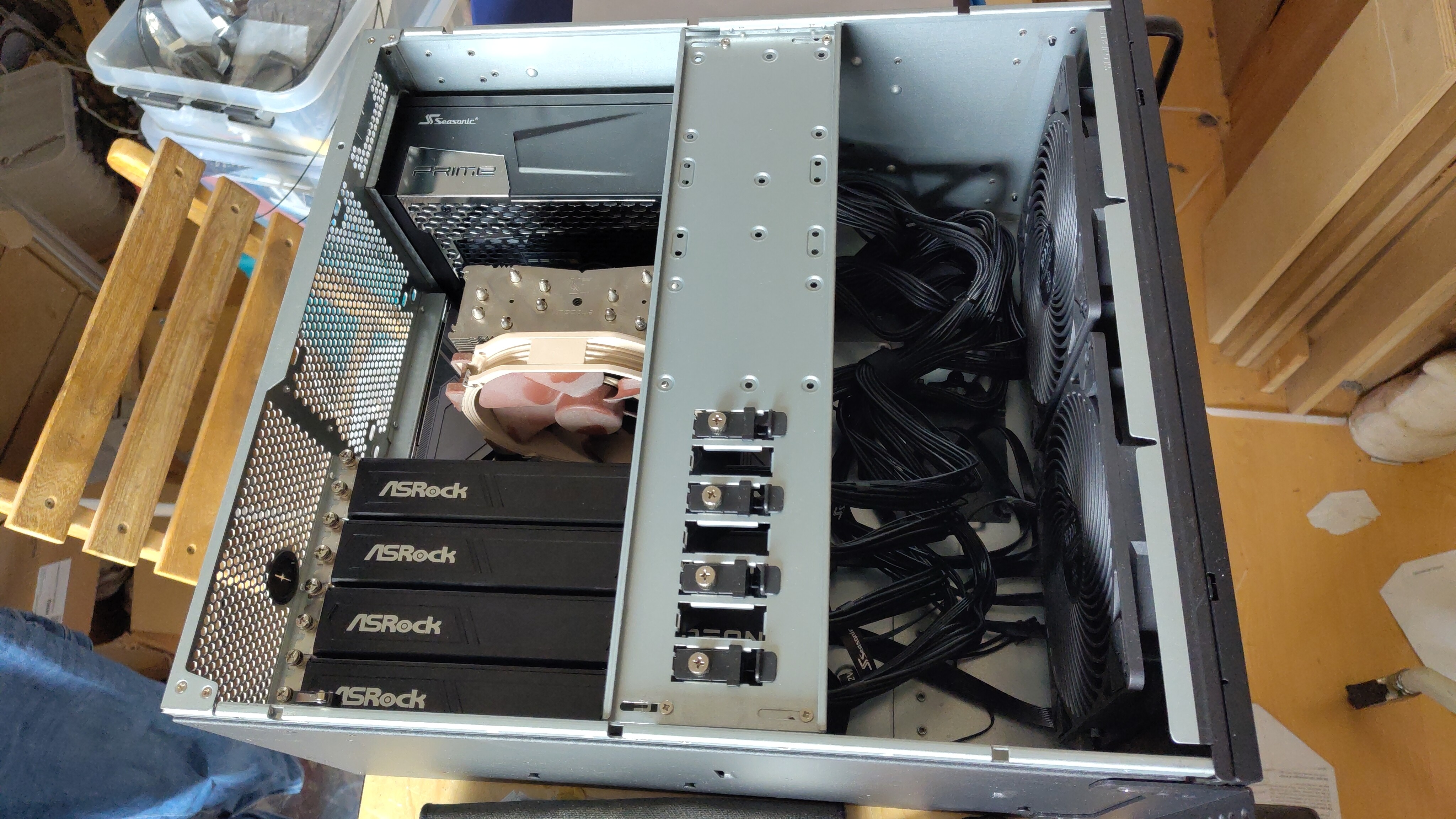
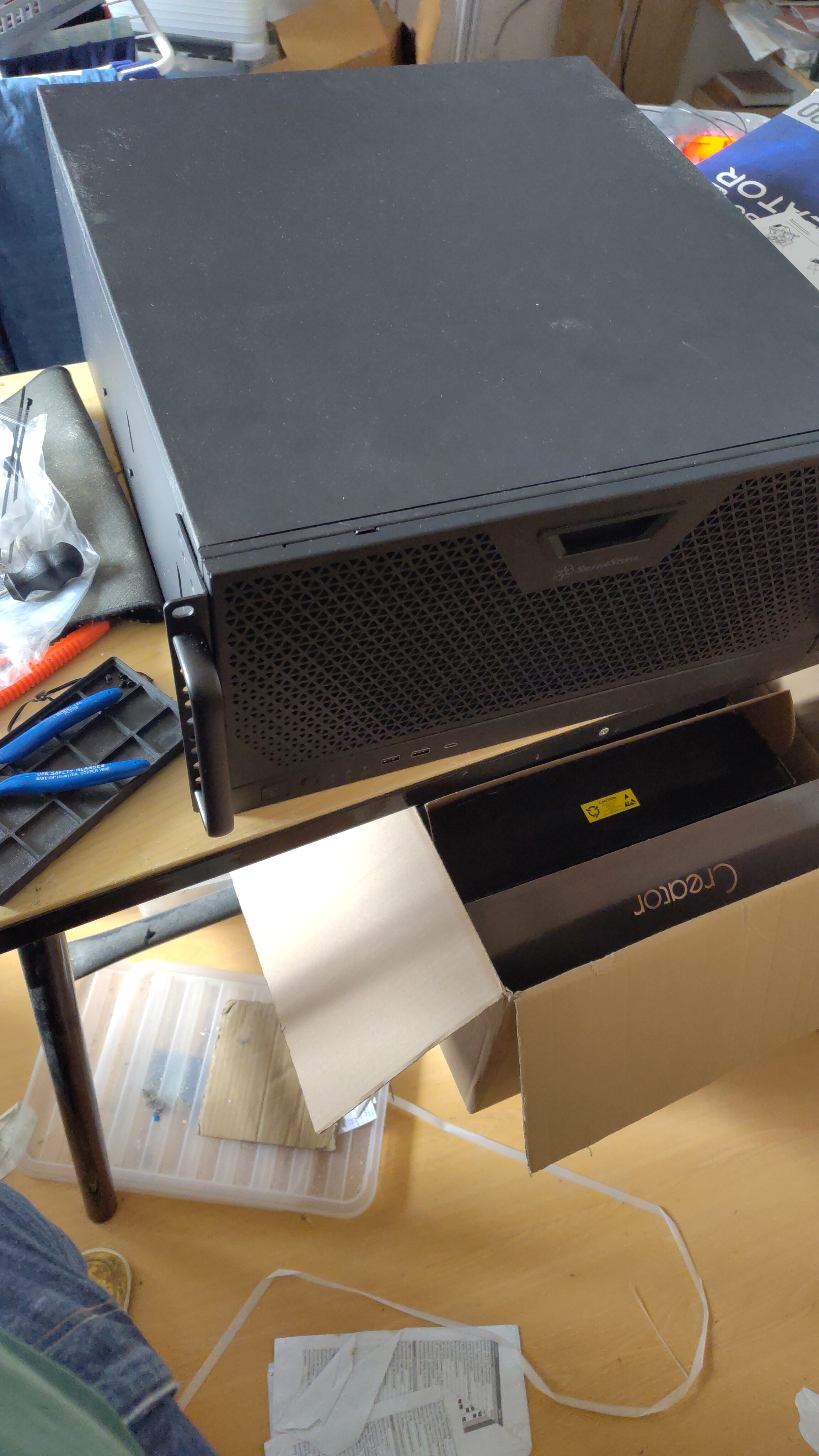
The PSU was delivered this morning, so I started the build by mounting the PSU and Motherboard, which had the CPU already placed onto in beforehand, into the chassis, which had been delivered earlier this week. After installing the motherboard I then proceeded to install the SSDs. One peculiar thing is that the heatsink plates use the M2 mountings, which is a bit awkward when mounting the right SSD (the plate next to the CPU socket in the picture)
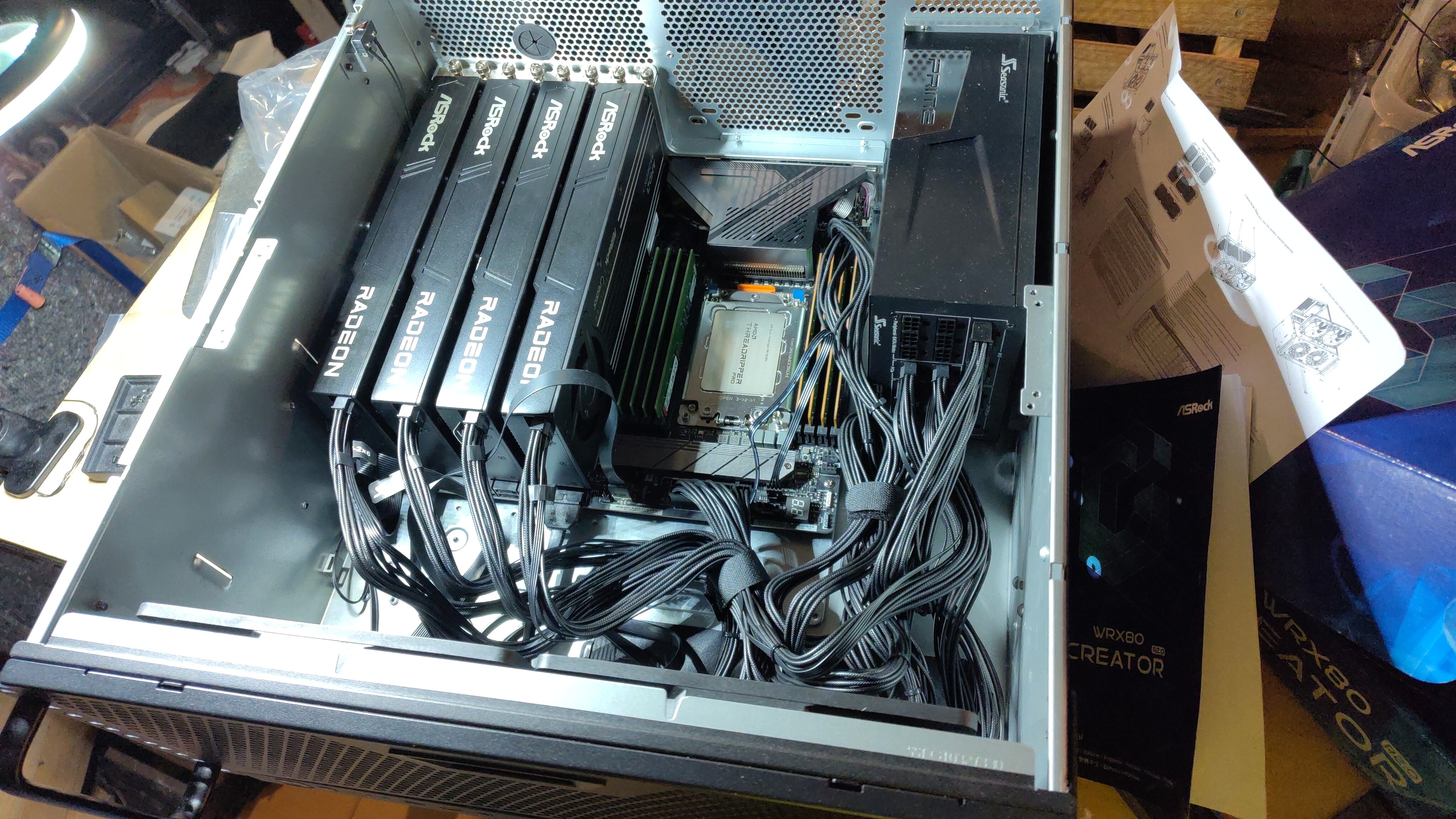
Once I had the motherboard and PSU installed I took the RAM out of the old servers and placed it in the RAM slots. The Kingston memory on the left and the Micron memory on the right. I then placed a couple of cards into the PCI-e slots, but I forgot about the front panel wiring, so I had to remove a couple to get access to the headers. It also turns out you need to remove the SSD mounts on the left side of the case if you go with an eight slot setup. Not a problem, as I will use NVMe SSDs anyways.
I have a syringe with plenty of NT-H2 cooling paste here somewhere, but I can’t find it right now. So I’ll continue the build on sunday.
Thanks! I was getting okay, but not great results with coding, so I decided I wanted a larger model and I wanted it to be faster as well. I’m also going to set up some agents to see how that all works. Finally, with larger models I also hope to get better answers on knowledge questions. I was/am using Ollama on the old machine, but I’ll probably switch to llama.cpp on the new machine. I am still undecided on whether I will run the LLM stuff in a VM or on the host OS. Having it in a VM would make it easier to also host other stuff on the side.
That makes sense. vRAM spanning across GPUs is something I always wanted to try. I have a Tesla P100 on a Supermicro Xeon v4 system and I wanted to get another for 32GB of vRAM. Hows the performance scaling across multiple GPUs?
Is it pretty equal, 1:1 or is it less than that? Token per second wise I suppose, or time to first token.
The syringe with cooling paste is MIA, so I have to wait until I receive a new one before I can finish the build
In the mean time I’ll just have to tidy up my appartment, as that is one of the possible causes of my not being able to find the damn thing.
soo… Somehow you’ll always find the thing you’re looking for when you’re not looking for it. While preparing lunch I just happened to spot the box with the cooling paste in a corner of my apartment
Of course, mounting the cooler is not that much of a job, so I completed that ASAP. Here’s the case with all the hardware mounted. I’m not sure if the fingers on the crossbar do anything, but I adjusted them to touch the cards anyways.
I still need to mount the rails, but I guess I’ll get to that once I discard my lack rack and set up the 42U open rack mount cabinet I still need to put together.
Nice build, I am on WRX80 too still with my servers and workstation because of the price of DDR5. Totally get that this makes sense. Other then that seems like a fine build, I’d be interested in a review and performance numbers when you used the 9700s.
I’ll do some simple testing to see how things stack up once I have it running. I need to do some other stuff as well and I have decided I’ll install the software later this week or maybe next week.
Nice build and good compromises. There may be a silver lining in your platform choice, especially in the context of four GPUs hanging off one board. I run a 3× Nvidia Blackwell rig on WRX90, and enumerating all cards at Gen 5 is a circus act at best. I hit it from both ends — boot-time enumeration failures with hung boot loops, and dropped workloads once the system was up and under load. Forcing all PCIe slots down to Gen 4 in BIOS solved both completely.
For my workloads the cost is basically a rounding error — maybe a 2–4% hit versus Gen 5. One caveat: I’m sitting on 190+ GB of VRAM across two cards, so my models fit without sharding and the bus barely gets touched. If you’re splitting models across all four R9700s, PCIe traffic goes up and the penalty may be somewhat larger — though llama.cpp’s layer-split hands off sequentially between GPUs rather than syncing constantly, so it’s still fairly light on the bus.
The honest truth is that even on WRX90 you’d likely have ended up negotiating down to Gen 4 for stability anyway, so the Gen 4 hit isn’t really a compromise you made — it’s just where multi-GPU rigs land in practice. You skipped the debugging tax and arrived at the same place. Well done!