I just finished a build, I never had AMD before, I am fairly new to gaming pcs/ building them in general. I have heard the first gen of RYZEN had a lot of problems, it took me a while to build this which is why I have the first gen. because you know money lol. However the problem I am having is my GPU doesn’t show up in my task manager and it is instead showing the power usage. Also my ram is Corsair - Vengeance RGB 16 GB (2 x 8 GB) DDR4-3000 Memory but is being used at 2100 MHz.
Any help would be appreciated, thank you!
1 Like
You have to set the memory speed in the BIOS
What GPU do you have?
Where is it plugged in?
Did you plug in the power cable(s)?
1 Like
well this is my build
[gtx 1070ti]
I have it plugged in with the vga cables and I did plug in my power cables. It was showing up previously until I updated the drivers.
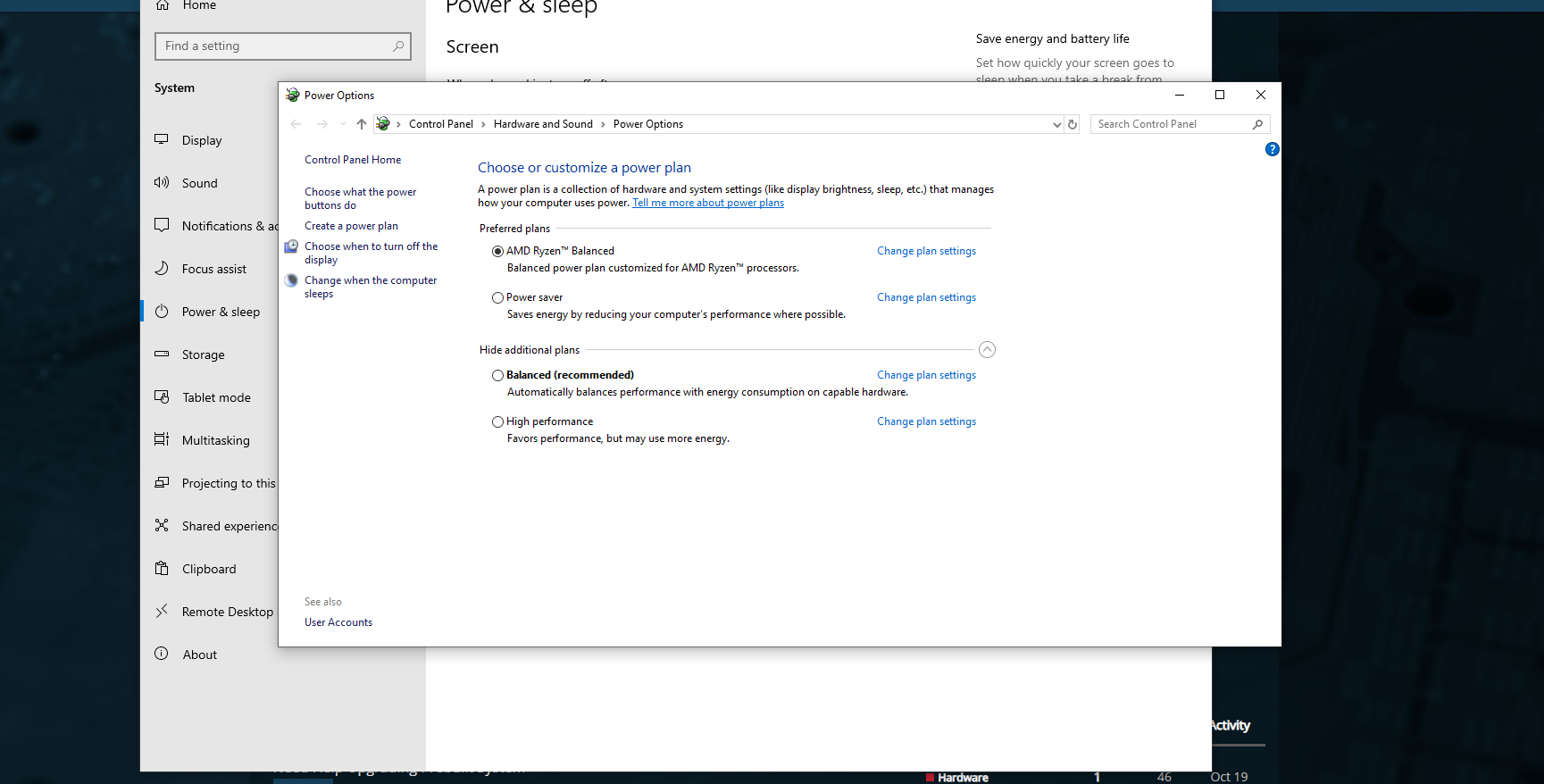
also which plan should i be using for gaming?
Power plan wont matter, just leave it where it is.
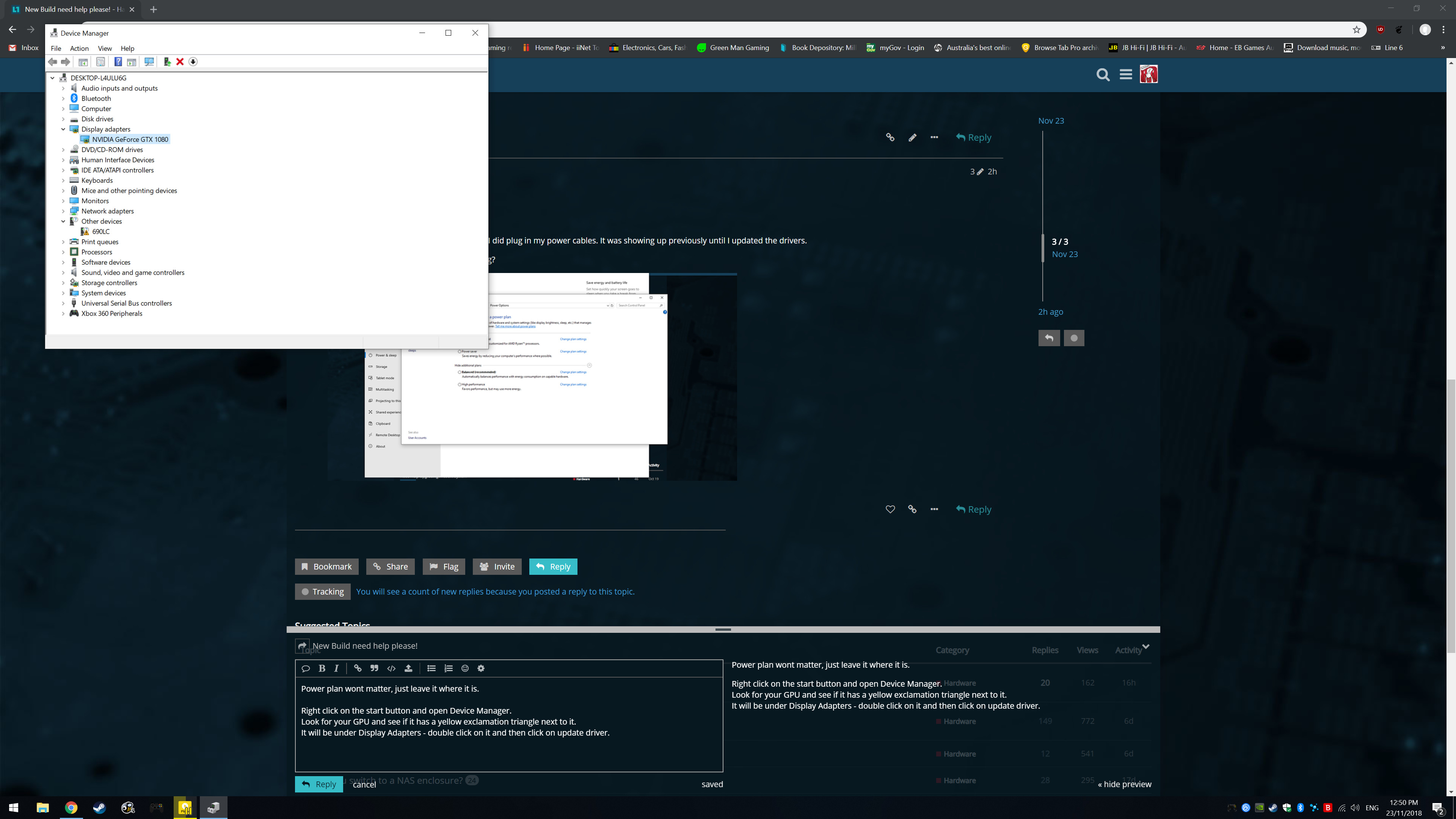
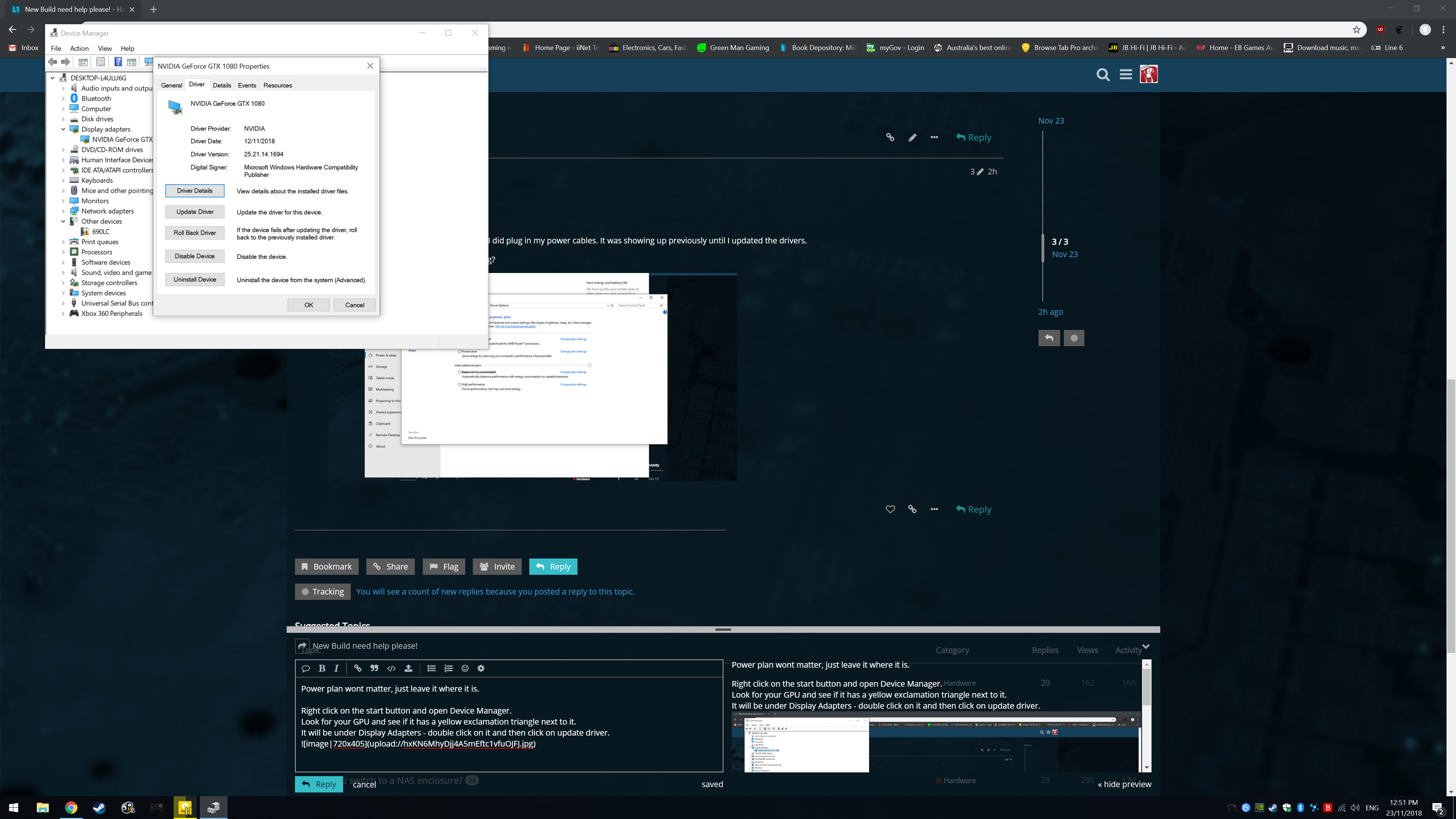
Right click on the start button and open Device Manager.
Look for your GPU and see if it has a yellow exclamation triangle next to it.
It will be under Display Adapters - double click on it and then click on update driver.
Thank you, what drivers do you recommend for me to download because i dont want to download bloatware i just want what is needed. Also what is the chipset? it said RAEDOn because isnt that for an AMD graphics card because I have a nvidia graphics card.