Netgear coined the term “smart switch” way back when as a way to sell a mostly dumb switch that has just a few managed features like extremely basic vlan settings. It is technically a managed switch that can just do very little. Good for home use though when all you want is just to add vlans to your network and nothing else.
2 Likes
You have one subnet per VLAN.
It helps to use the VLAN ID in the third octet.
You should learn how to configure a firewall.
Because if you implement VLAN consistently, you’ll have shared resources in a separate VLAN.
Let’s assume your SAMBA server is in VLAN 11, with the subnet 172.16.11.0/24, your private VLAN has VLAN ID 12, and your Plex server is in VLAN 13 (172.16.13.0/24).
VLANs 12 and 13 therefore require at least access to all ports required for SAMBA, everything else should be inaccessible.
To learn how to use a firewall, you need to start with the basics.
1 Like
VLANs are a way to divide one switch into operating like multiple smaller switches. It’s really that simple. And VLANs also allow you to subdivide a single uplink into multiple independent uplinks. That’s what a managed layer 2 switch is. Then you need a router (your OpenWRT device) for devices on different VLANs to talk to each other at all.
Layer 3 switches simply ARE ROUTERS, themselves. They will do all of the traffic routing between different VLANs. You will need to write firewall rules (ACLs) on each one to permit or limit what traffic can go from one network to another. Do you want or need 4+ routers inside your house? If so, you want layer 3 switches.
2 Likes
You need to understand the difference between routing and switching as you are mixing up the layers of the OSI model. Vlans involve layer 2 which means they deal with frames. When a device wants to reach something outside of its subnet it will send a packet encapsulated in a frame destined for the default gateway. On your router you would then set up a Firewall to control traffic between the zones.
1 Like
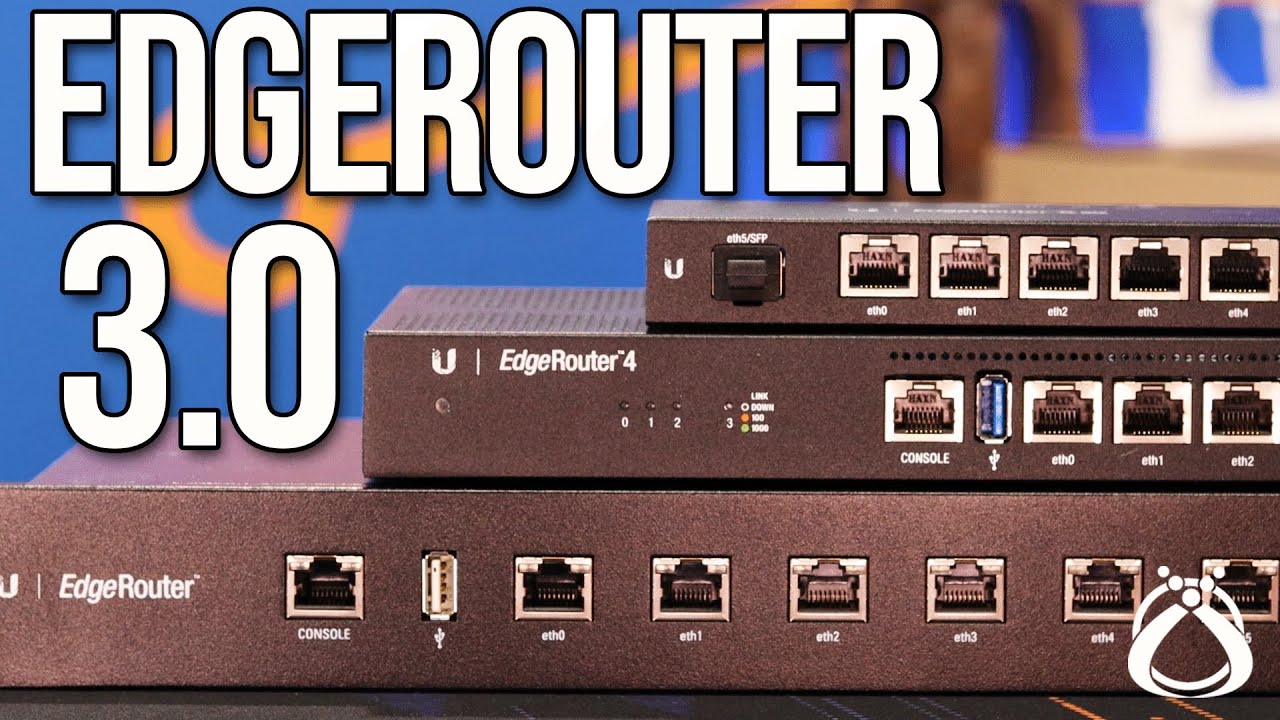
The only thing I’ve found that it can’t do at the moment is run wireguard or openvpn, but I suspect that I need to update the firmware so I need to investigate a bit more, otherwise it doesn’t seem like the edgemax os (or whatever the its called) is too bad except that some of the help box descriptions of particular features and functions aren’t as helpful as I need in some instances.
So I’ve been trying to do more research and I think I might have finally gotten my head around it. I dont think that i knew how much i didnt know initially, but I ended up watching the first half of this series that @Janos linked a video for in the playlist, and i think that it really helped me understand https://www.youtube.com/playlist?list=PLIFyRwBY_4bRLmKfP1KnZA6rZbRHtxmXi
I was researching the odd thing mentioned in the thread before and I either felt like I was going down a rabbit hole I couldn’t understand or was becoming irrelevqnt to what i needed to know for my query, or I researched one bit that I didnt realise still left me without the wider understanding. I think I’m a ways off where I’d like to be yet, but I think I understand the basic concept.
Initially I think I was thinking that you choose to separate on a network with either subnets or VLANs and that you can’t use a combination of the two, now that I’ve gotten my head around the basic packet header information and such that it has helped.
Despite that though I’m still yet to determine if I want to use any subnets to separate my network or if in my required configuration if it will work, or if I just use VLANs. But ive also realised my router doesn’t have WIFI so I now need to figure out if I can use multiple subnets through a single AP, and I need to actually conceptually map out my network and figure out if it will work, and I need to figure out the security side of setting up the router … I think I either overestimated my skill/knowledge coming into this, or underestimated the complexity of the job haha.
Yeah and the affore reccomended Netgear GS308E seems to be defined as a smart managed switch, so it makes it hard for someone like me to know if I’m getting what I want/need.
See I was looking at this and that now makes sense to me in some ways, the part that when looking more into it left me with more questions is, why is a subnet mask ALWAYS required as when traffic is needed to be routed out of the network (1.1.1.1 for example) the router knows it can’t be inside the network as its not a 192.168.x.x or 10.x.x.x etc so why is a subnet mask needed, is it for the from destination so packets can be routed back to the correct destination?
You don’t happen to know a good video to recommend to help me understand the fundamental do’s and don’t do you? I feel like I’d probably be able to manage alright enough, but I also thought I could just throw a network together in an afternoon and yet here I am 
Yeah I think I more or less get it now, I think I was taking the OSI model more literally than It is used in reality, and as a direct step by step method as to how traffic is routed which I think confused me more. I also didn’t understand it in more than a single hop network which I think confused me more too as to why and when the subnet is read and required when packets are being routed vs the MAC address, and also not quite getting the VLAN tags.
1 Like
Netgate, the company behind pfsense, has its own YouTube channel
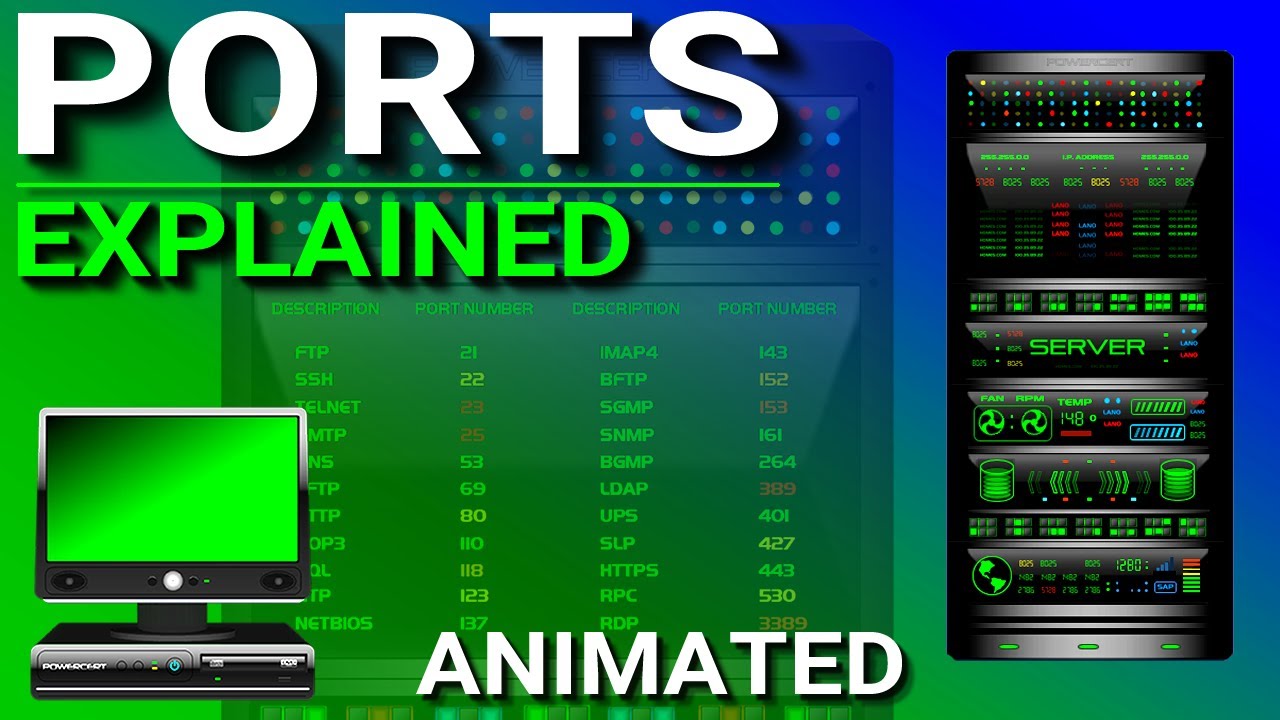
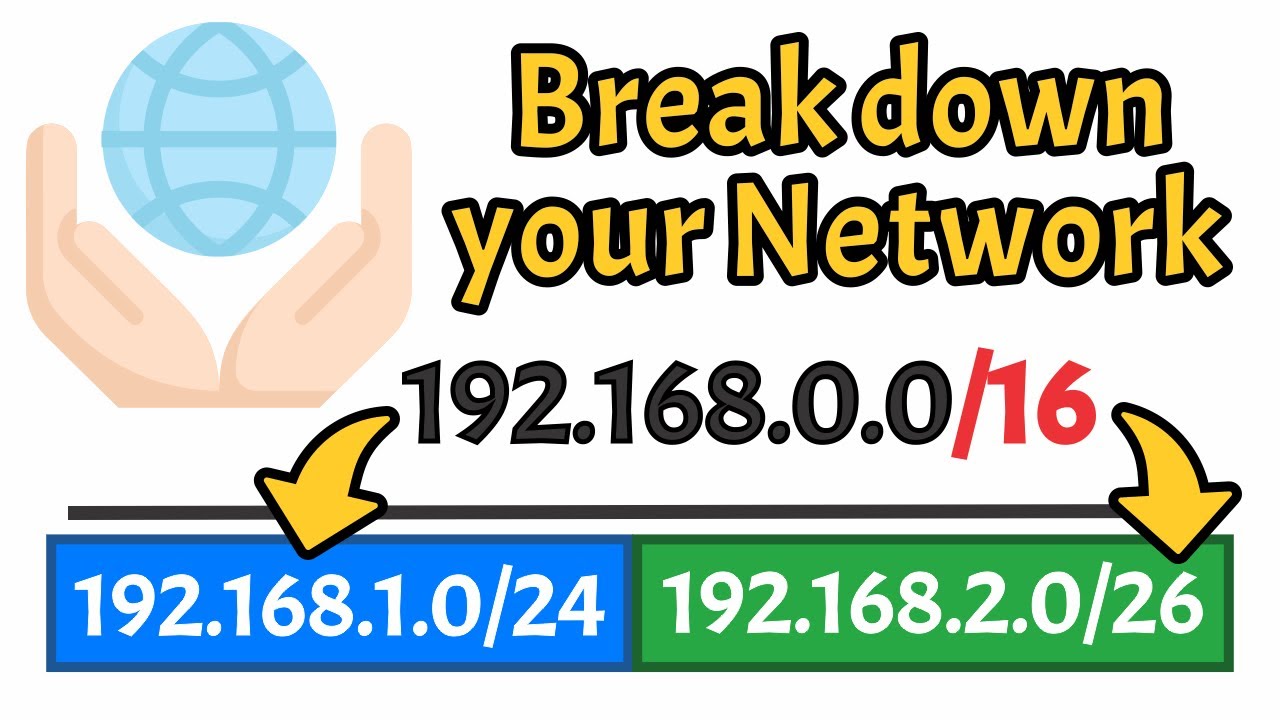
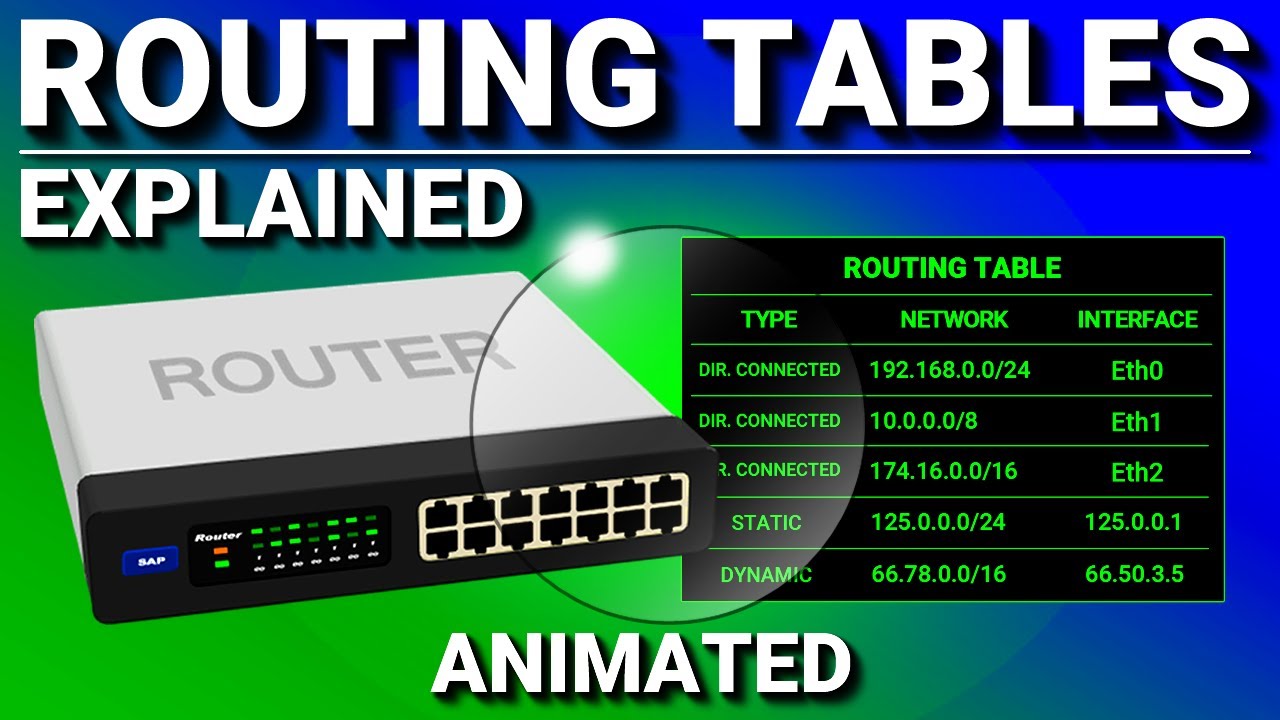
But before you start with the firewall topic, take a look at ports, subnetting and routing.
These topics must first be somewhat understood, the in-depth knowledge then comes with learning the firewall and most importantly, testing it!
I have chosen these videos as an example, there are thousands and you will have to find the ones that explain it in a way that you can understand.
Network Ports Explained
Subnetting Explained: Networking Basics
Routing Tables | CCNA - Explained
Firewall and NAT Fundamentals on pfSense

pfSense Firewall (totally) Rules! Basic rule setup
Maybe a few basic things regarding firewalls.
Keep your firewall rules organized so they’re easy to understand.
Check out the topic of aliases
https://docs.netgate.com/pfsense/en/latest/firewall/aliases.html
Allow only what’s necessary, don’t use an “allow all” rule.
To ensure no application bypasses your DNS, only allow DNS from your firewall.
If you do end up using pfSense, check out pfblocker.
If you’re using OpenWrt, you’ll need to use pihole with unbound for DNS filter.
Don’t do simple port forwarding from the internet to an internal system, if you do, place the system in its own subnet (VLAN) and use a reverse proxy.
1 Like
How would a router (or your PC) know whether you’re just using 10.1.2.1-255 on one network segment, or you’re using the entire 10.0.0.1-10.255.255.255 range for a single network? The subnet mask in the only thing that tells it how big of an IP address range each interface has.
With a subnet mask of 240.0.0.0, your 10.x.x.x network would be on the same network as 1.1.1.1 and would NOT require routing out to another network.
1 Like
The subnet mask was added later, initially there was only the IP address.
Looks like official Wireguard support (instead of adding the package via command line) was added in the 3.0 release: