Hey everyone. I recently reconfigured my home network and replaced some cat6 cables with optical fiber cables. I thought I’d share my current configuration here just in case anyone is interested. The original plan was to replace a couple of 30m cables linking two switches with fiber just for something to do and because fiber is pretty cool, but I ended up getting rid of two other cables by using VLANs and reconfiguring the switches a little.
These are the cables I replaced

They are four cat6 cables which run from the computer room which contains my servers and router out to the lounge room where everything else is. Two are in a link aggregation group and link the two switches, one goes to the modem which is in the kitchen (where the phone line is) and the other goes to an wireless access point. I use PoE for the modem and access point and have the PoE injectors connected to a UPS in the computer room. But After I initially replaced the cables linking the switches I decided to get rid of those cables too and put a new UPS in the lounge to power the rest of the network.
Here are some pictures of the new set up.
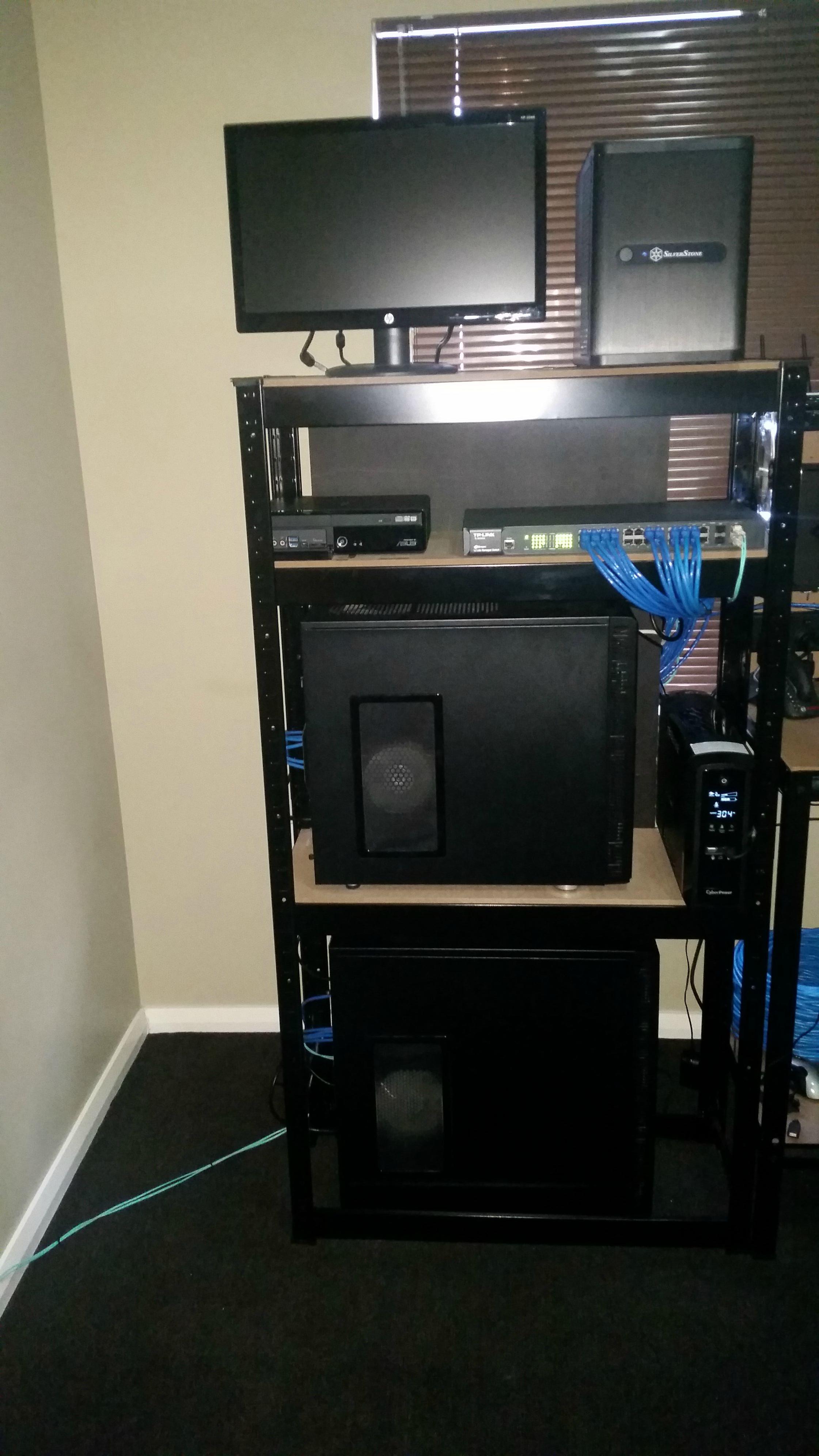

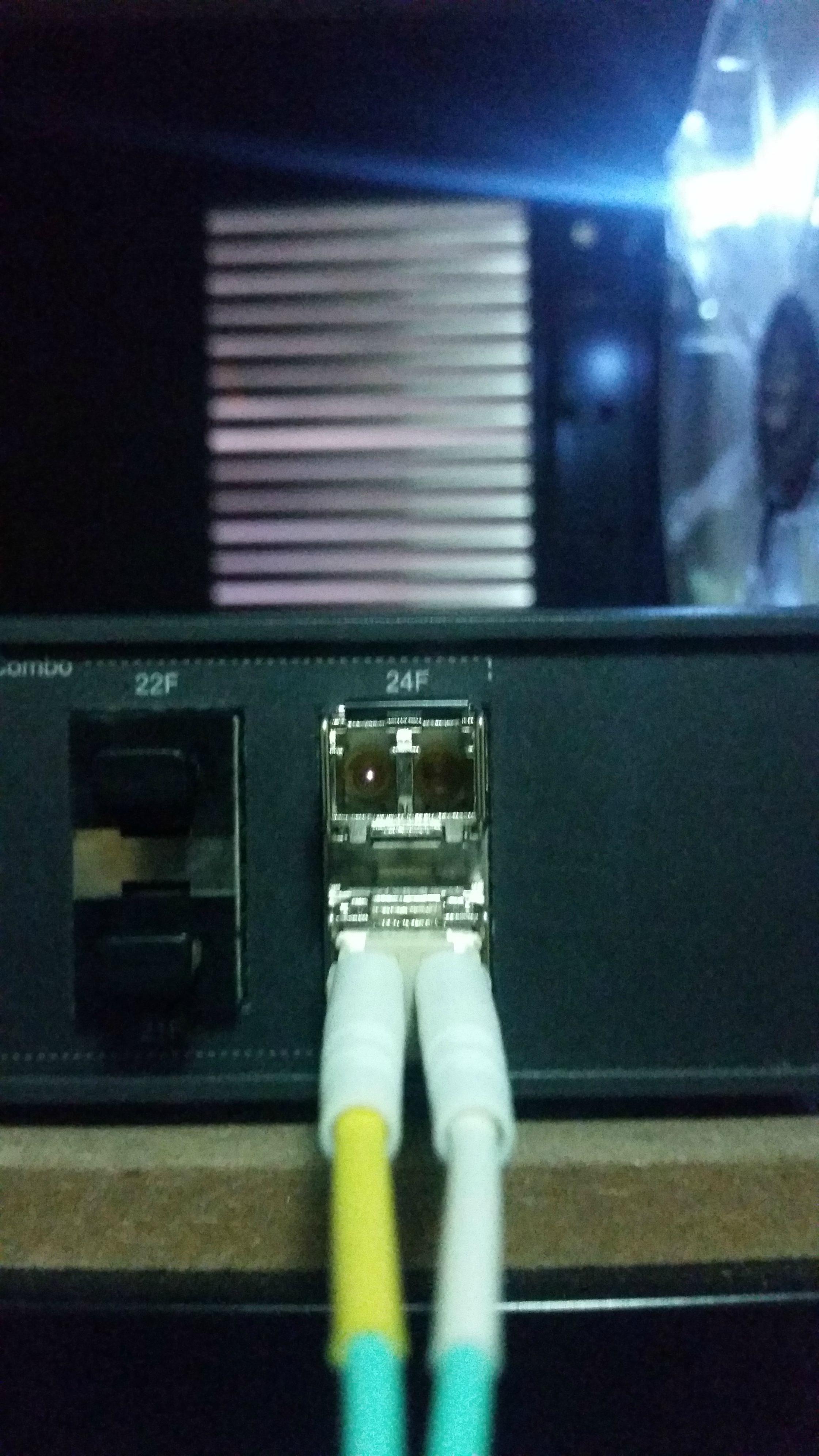
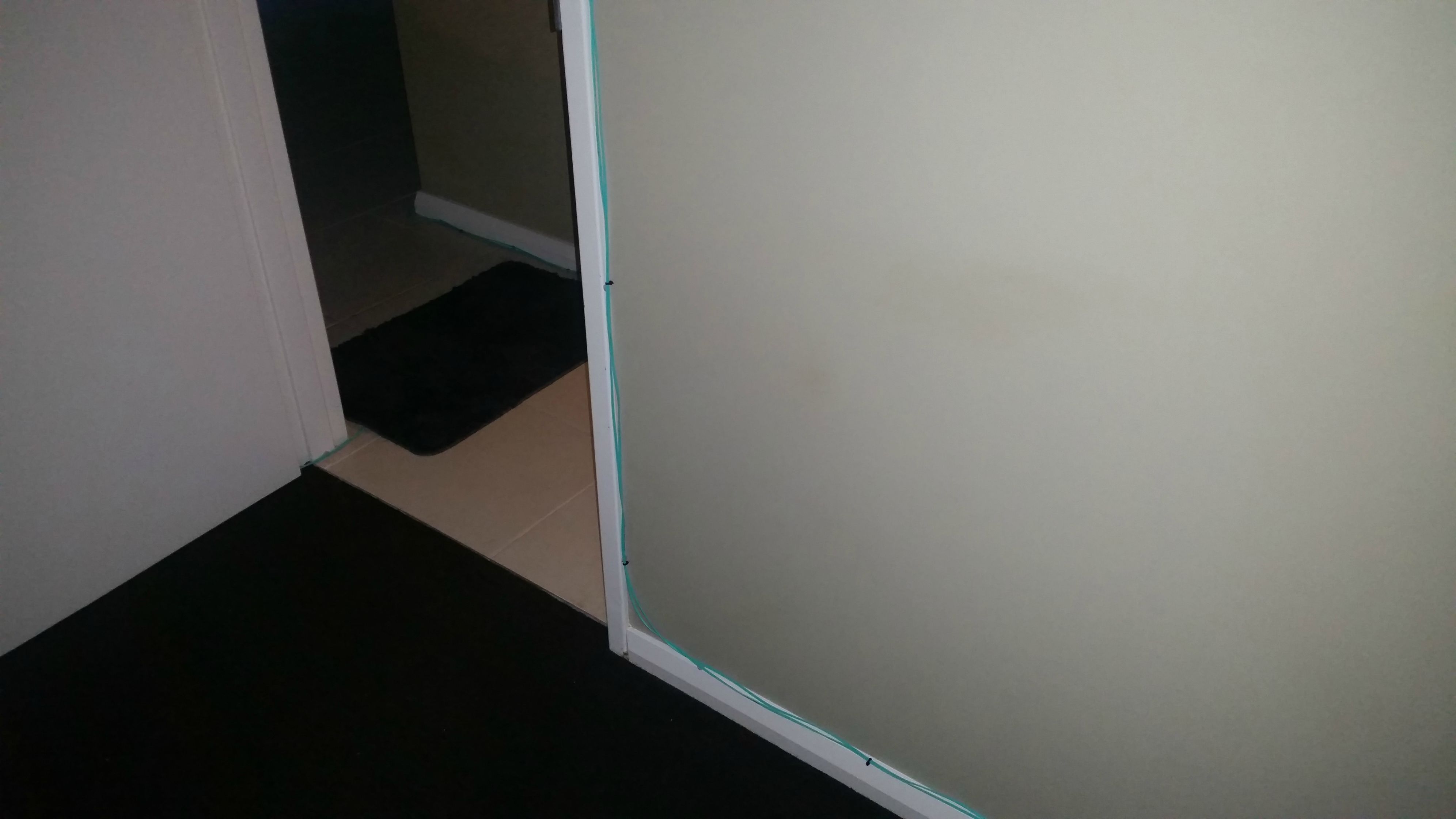


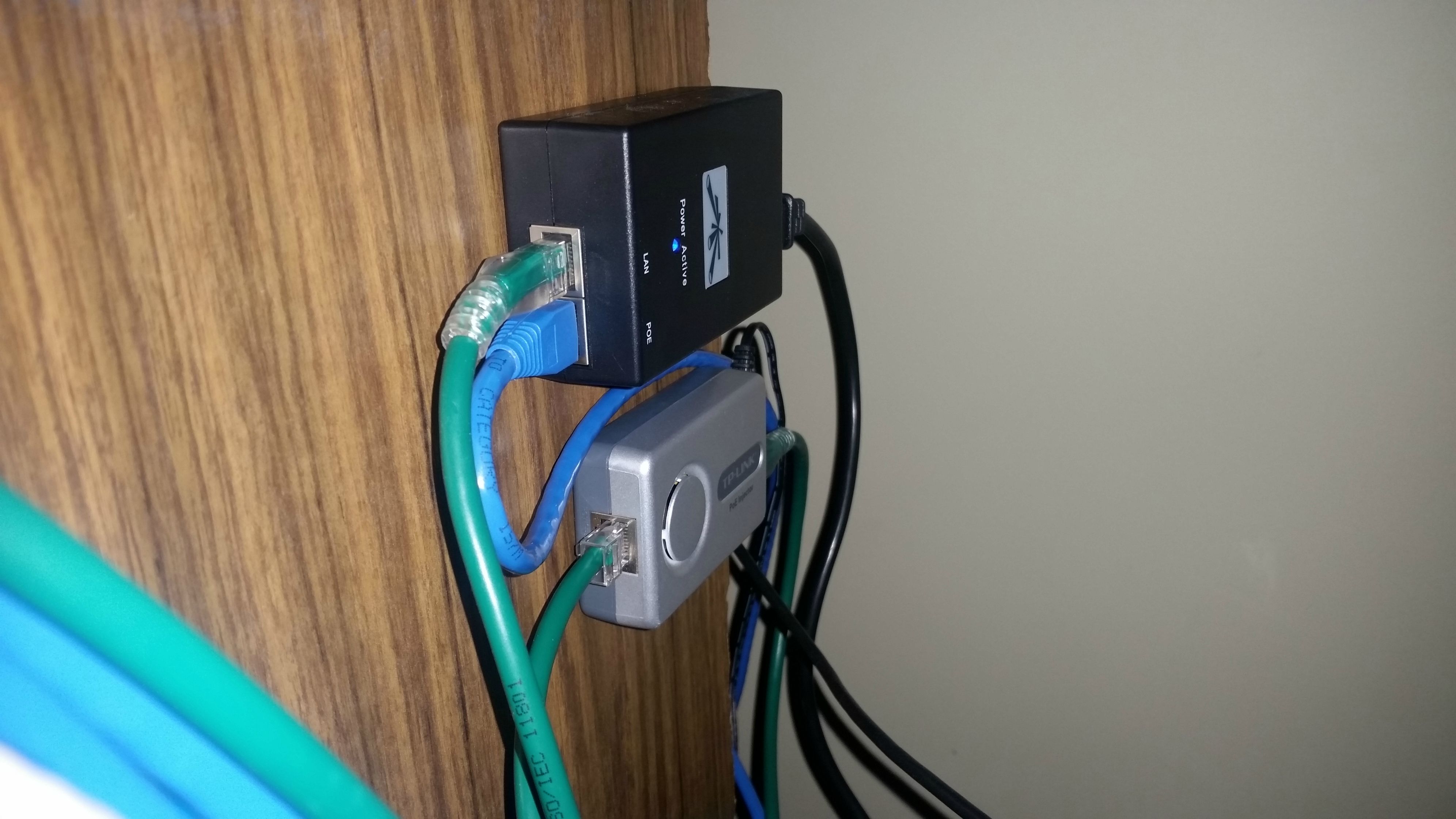

The fiber cables are really easy to work with, I was able to stick them around the door and walls using a little bit of blu-tac and if I cared I could have used smaller diameter and white cables and they would be barely noticeable.
I have recently started using VLANs a lot more, which is how I was able to get rid of the modem and access point cables. Here are some notes I made when initially reconfiguring one of the switches, I’ve changed it a bit since then but you can see sort of how the VLANs are set up.
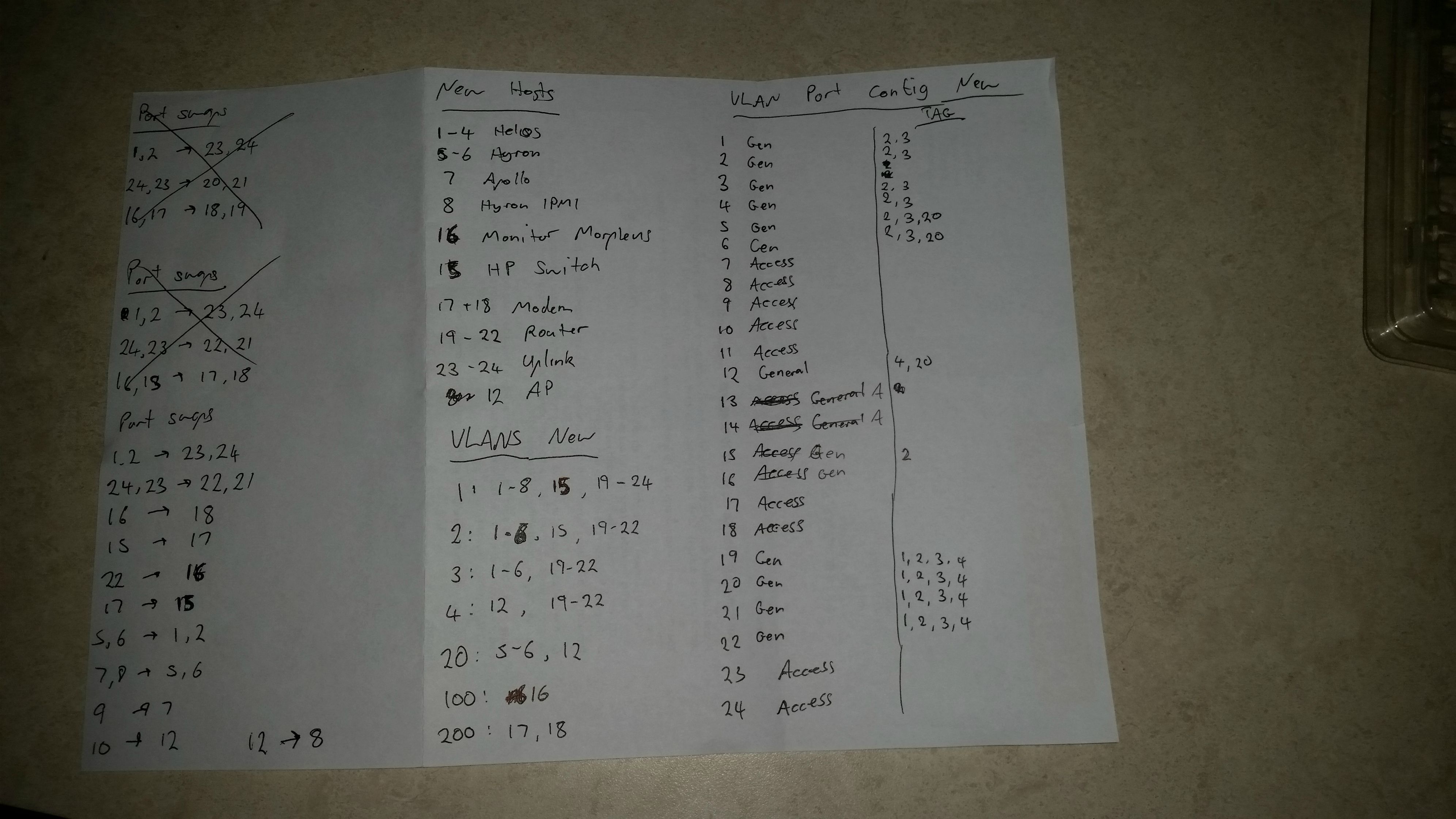
When I made these notes the modem still had it’s own cable running to the computer room but it was still connected to the switch and then to the WAN port of the router. The reason I had it set up this way is so that I could use port mirroring to monitor the WAN interface using wireshark. In the current configuration the modem connects to the lounge switch and using VLAN 200 it ends up at the WAN interface of the router.
The router is running pfsense and has six network interfaces. 1 for WAN, 1 for the public network and 4 which are in a link aggregation group which are using for LAN, DMZ, and WiFi. I use VLAN tagging for those interfaces which allows the three networks to share the four ports. The reason the public network has it’s own interface is so I can monitor it using port mirroring the same way I do with the WAN interface.
Another nifty thing I did with VLANs is on the public network. There are two VLANs, 2 and 20. There is a public wifi network on VLAN 20 which goes from the lounge switch to the computer room switch and to a VM running untangle, the VM has a second interface on VLAN 2 which goes to the router. I have the two interfaces bridged and this allows me to have the untangle VM between the access point and the router so I can run a web filter without needing to physically wire it up that way.
Anyway, that’s my network. It’s a little overkill but it gives me something to do  Feel free to post any questions or suggestion, or your own set ups.