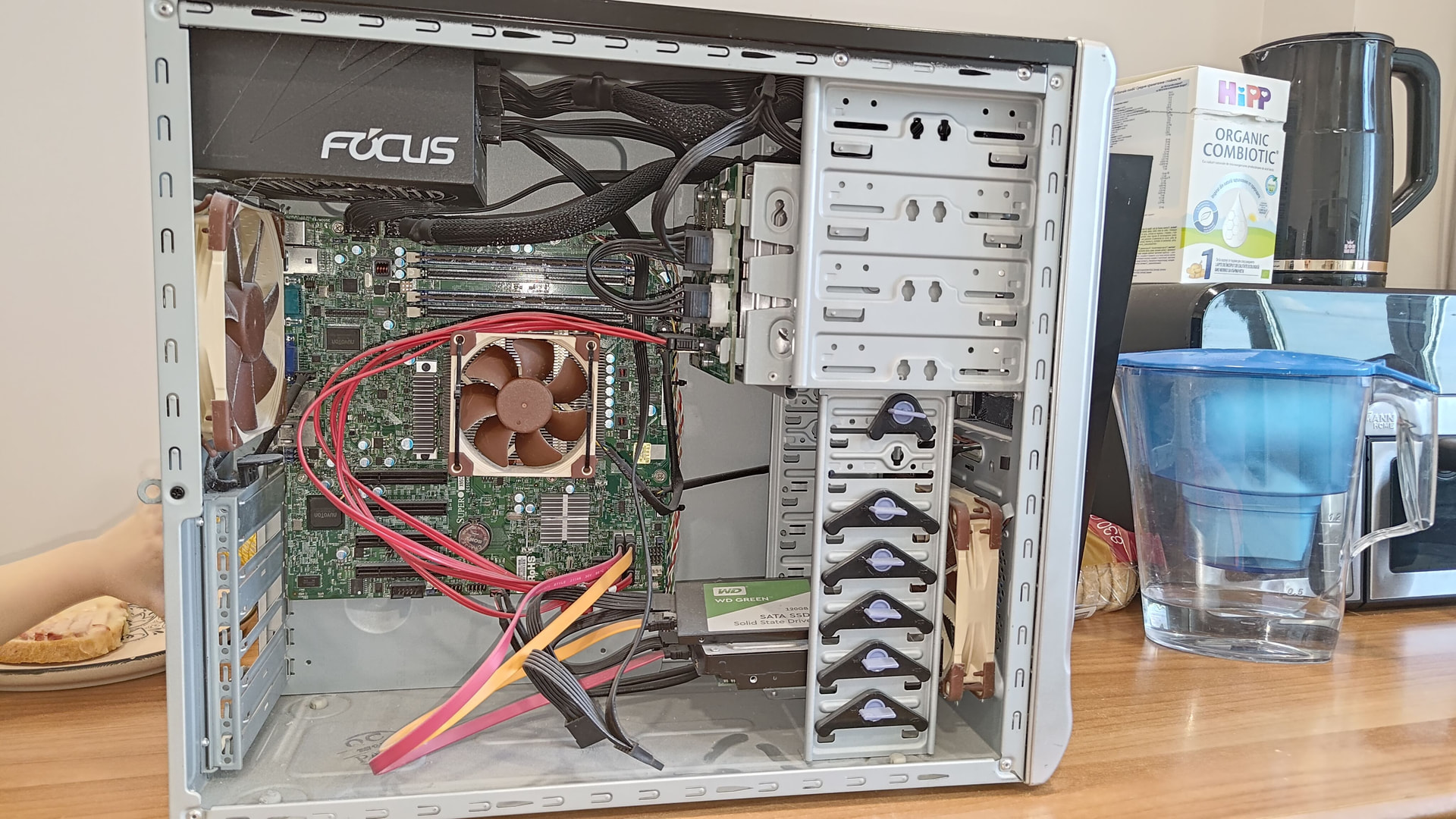
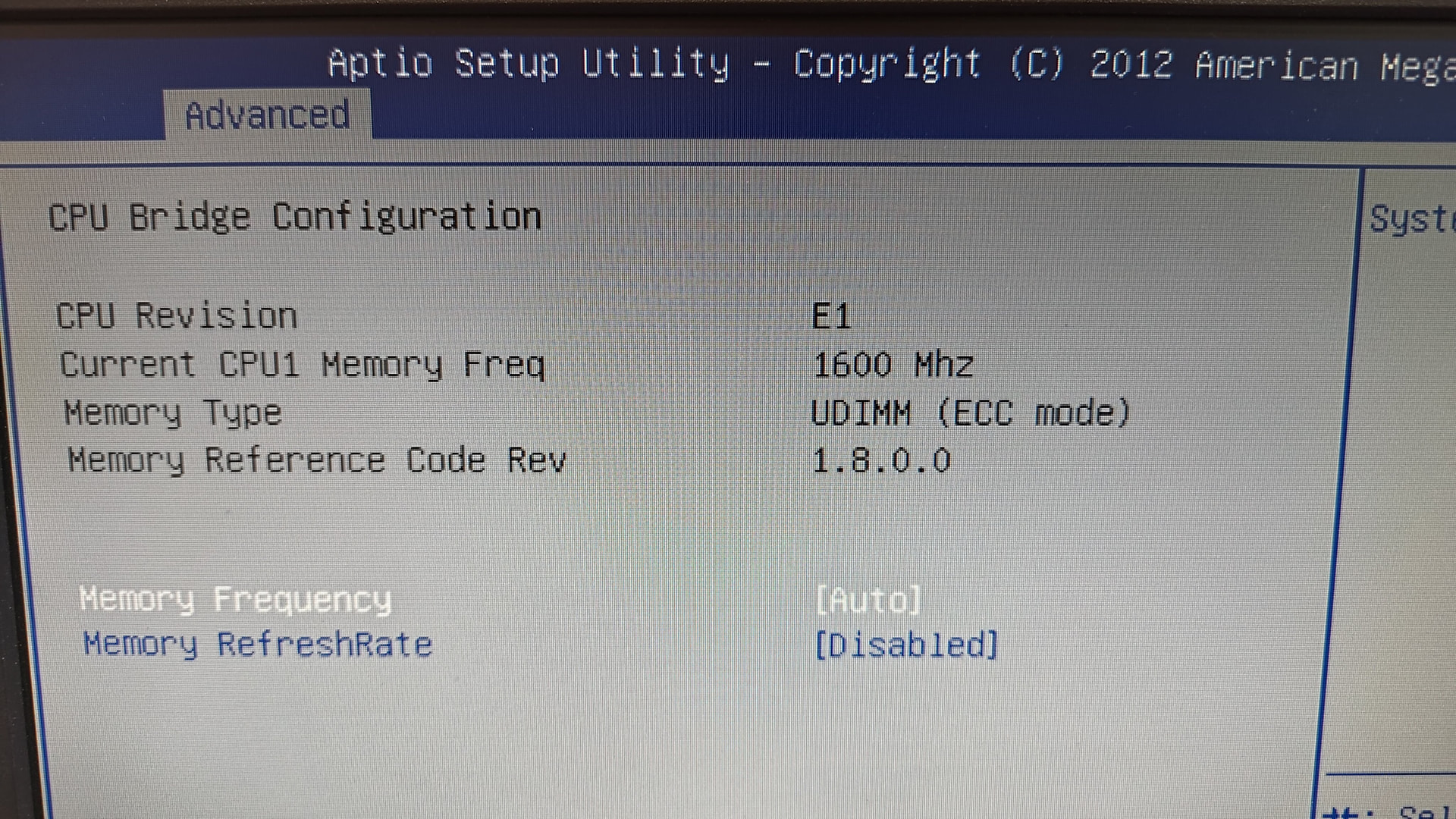
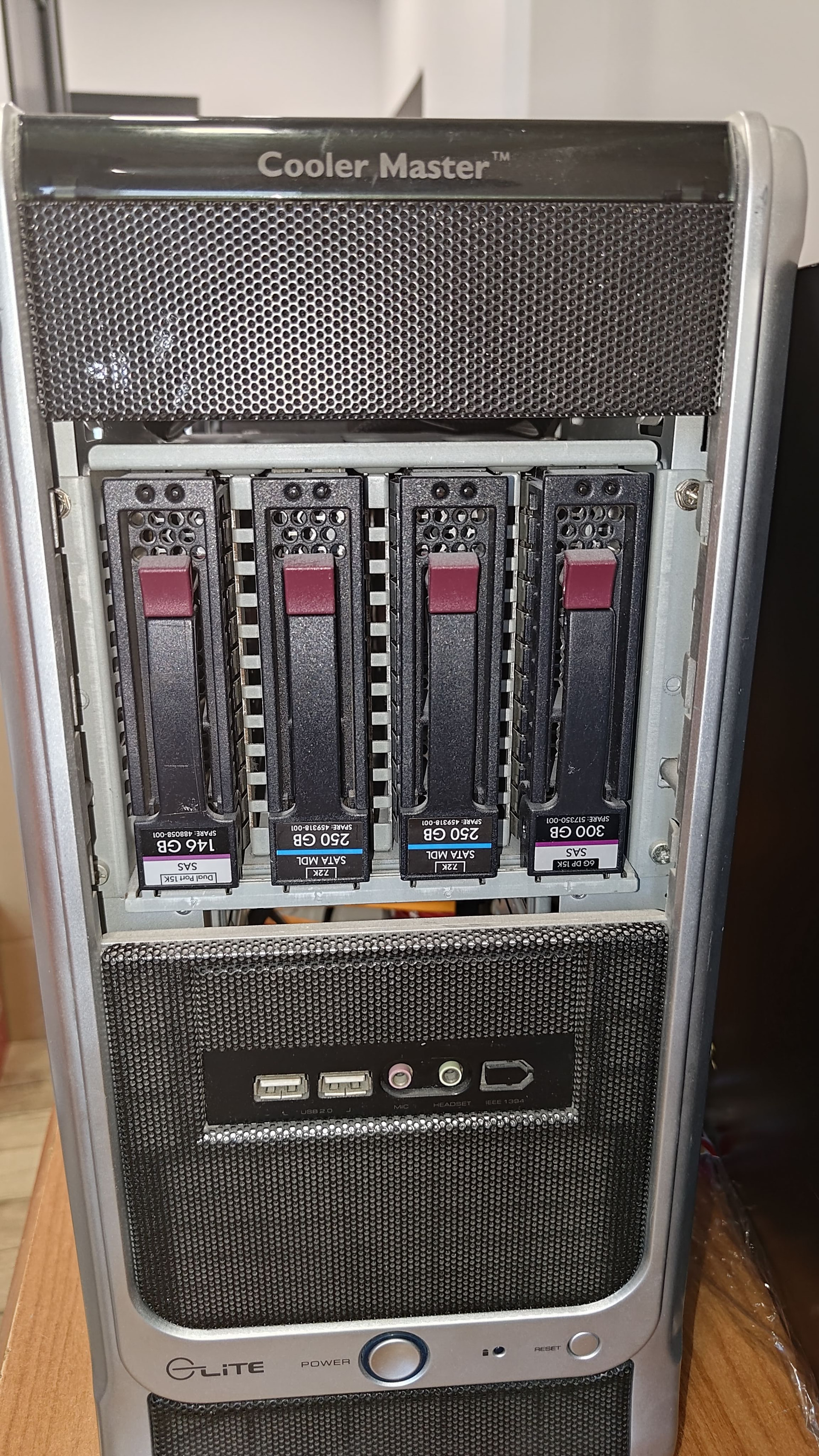
I have moved to new appartement and I am upgrading to 10Gig Lan. I have an old NAS that I’ve bought more than 5 Y ago. Its a SuperMicro X9SCM-F in a old tower + some shenanigans running Unraid . I have 4X1 TB HDDs WD Red that I bought new and they have alot of life left in them. This NAS was running max. like 6 months. Don’t have any HBA so I’m limited by the onboard SATA contrl. This was fine 5Y ago for file sharing and backups. Now What to get a lot more hosted in this machine. Ineed NextCloud, DNS Server, Small NVR (1-2 cameras), home assistant, and god knows what else I will what in the future. To be honest I don’t need a ton of space, min. of 5TB usable is OK for me with an option to upgrade. I am limited on space. I have a small 19” 10U X 22” depth rack for my Net gear , UPS and NAS.
Can you plese advise me if this antique is going to cut it , If I add 10Gig NIC and an HBA ?
If not, what can you suggest to me to buy in this similar format? Ideally max3-4 U rack mountable; short and quiet. Ideally should be able to saturate 10Gig or come close.
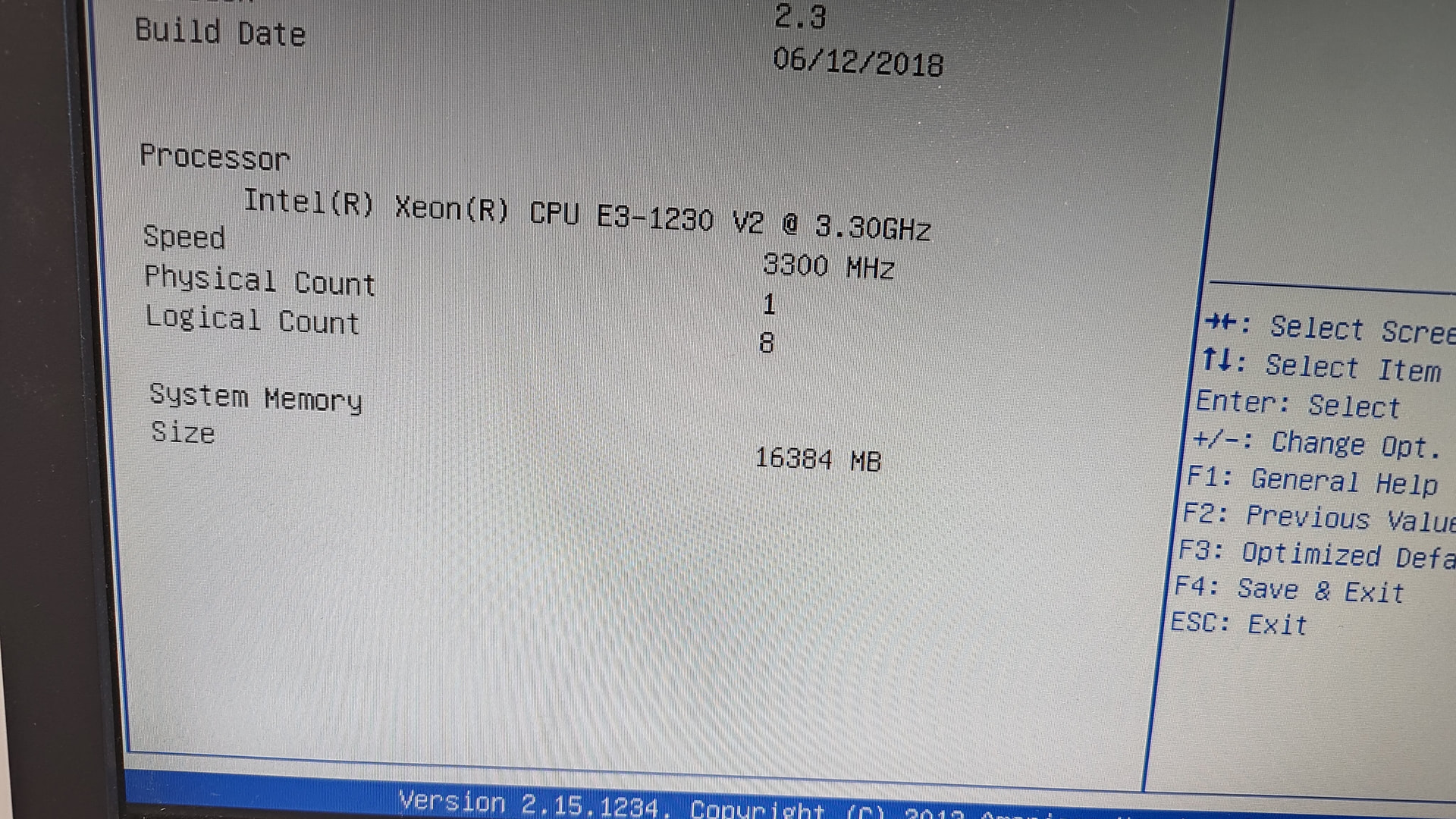
The e3-1230 and 16gb ram it will probably struggle to run well, I don’t have a lot of experience but I suggest looking into a AM4 platform, But try setting up some of the services and just see how they run no harm in trying.
Your CPU is basically a 3gen core i5 but with no GPU acceleration. Even if it has enough muscles to do what you want, which I doubt, it will use a lot more power then a modern cpu.
The reduction of operating costs usually makes the investment in to newer equipment make sense.
Had to lookup your board. Looks like slot 7 & 6 are pci-e 3.0 8x, so you’ll have to use those for 10Gb & not the bottom 2. Good news is you have 2 pci-e 3.0 slots (1 for 10Gb & another for HBA). The other 2 are pci-e 2.0 which looks like they share a 8x lane splitting 4x/4x if you use both. Each pci-e 2.0 1x lane supports 500MB/s, total of 8 SATA on the pci-e 2.0 slot(s) and 16 SATA on the pci-e 3.0 8x.
I don’t see the services you listed being demanding on the system, but I would start one up at a time just to see how well it handles the load. With Unraid, you could just buy 1x large hdd that will easily full fill your storage needs in addition to your current storage.
The biggest hurdle you have is the amount of RAM in the system. The NAS will need RAM & will generally use what you have available. While the services you listed aren’t super demanding, they can stack up against your RAM usage quickly. If they are addons within Unraid, you should be okay, but if you need to start creating vm’s for each, not good. Maybe 1 or 2 vms with the load between them might work as well. Again, the more services you can run locally, the better.
I have 2 of those boards. You can mod the bios on those boards to support booting from nvme ssds. The good news is DDR3 isn’t too hard to find at a decent price.
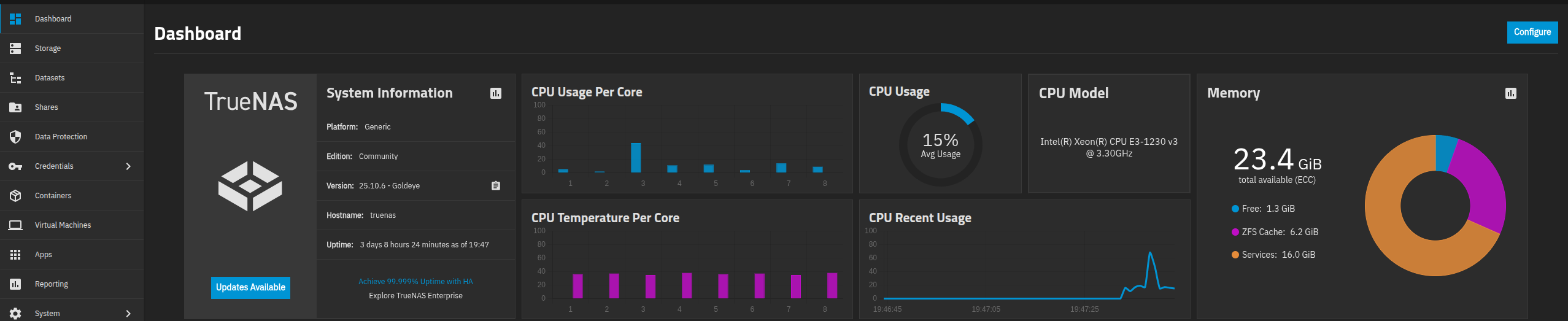
Thanks everyone for your feedback. I guess I need to Buy min. a 10 GIG NIC and possibly a HBA. I am limited to 6 devices on my Unraid license, but I like the path of docker container in Unraid, whithout spinning VMs. I will try to deploy this in my new network and add servises one by one. Also my guess is once i play around with the SW side i will come up with better Idea how I wnat to structure deploy it. I also consider to try TrueNAS
What do you think about upgrading the CPU & RAM or you think this platform is going to become even more power inefficient and its wrth upgrading the platform?
What you have is better than most prebuilt 4 bay home nas solutions. Using any desktop system conversions wouldn’t be that much better other than increasing RAM capacity and cpu workloads & maybe supporting pci-e gpu’s, but you’ll be forking out some serious $$$ with the current conditions. If storage is all you need, what you have has plenty of life. You’ll just need to increase the hdd capacities.
For VMs you can even build a Proxmox (or other) system that connects to the NAS for backups, images, and some zvol storage (recommended min 32gb RAM for iscsi or nvme-of).
I haven’t kept up with Unraid, but benefits allow mixed drive sizes with redundancy, but paid for license.
I use TrueNAS Scale Community edition nightlies which is free, but you have to conform to same size drives for the same pool (excluding hybrid special vdevs). You can build stripe pool of mixed drives with no redundancy. If you see expanding past your 6 devices on Unraid, definitely worth moving to.
I don’t see any issues with the cpu and ram. You have 4 drives, if somehow you are miraculously able to pull 500mb/s sustained from them simultaneously while also trying to push an equivalent amount of data through the NIC, maybe you will be disappointed by the performance. If the server is consistently pushing an 80% load or something, yeah you’ll have problems adding hba and 10gbe.
Otherwise based on your description I think you are good to go.
16GB of RAM is a lot of memory if one doesn’t squander it!
I noticed some of the cheap 10gig PCI SFP+ NICs are based off very old Intel chips, like the X520, that are PCIe 8x 2.0 cards, which is very awkward since my AM5 build has much faster lanes but not many of them.
It is the trend lately for consumer boards to have less capacity for PCIe expansion, and for the non-consumer boards that do to be unaffordable. So your current system looks alright from that view.
Personally I’d try using what you have, get a cheap 10Gb NIC, see how it goes. If it doesn’t work out the NIC goes in the new build.
If you use electric heaters, it’s not so bad having a more power heavy server, it’s just a more complicated heater. But if you use air conditioning, it’s more bad as you have to pump that heat out.
Cooling is something I didn’t elaborate until now. My small rack goes in to a cubbie hole that is not much bigger than the rack. It’s closed with a sealed door. I have put a serious in-line fan that sucks hot air out of the rear top side of cubbie into the buildings ventilation system. Need to sort out the air inlet and dust filtering on the door. I need to experiment a bit to check my system temps. Hope that my cooling concoction will suffice. My apartment is air-conditioned so max inlet air temp shouldn’t be more than 26-27 deg.C.
If someone is interested in the cooling setup I can post pictures when I deploy everything. I am not sure when I can finish this , I have a baby and a toddler at home.
This is the one I worry about. You did not specify exactly the implementation of the NVR. But doing transcoding on cpu is resource intensive. You can probably find a way to make it work with the restriction of your hardware. File server I am not worried about. You might not beGive it a try. But on to my point about upgrading.
e3-12x5 v2 model with iGPU might make sense if you can make use of second gen intel quick sync. That would make the platform more efficient. Otherwise it is a platform upgrade. If the current CPU is having continuous high load getting a newer platform with the benefit of iGPU acceleration might quickly pay for it self.
I bought a used Dell PowerEdge T40 with E-2224G (9th gen) for 90 euros.
Average EU price 0.3 euro/kWh means I need to save 90/0.3=300 kWh before it pays for it self.
300kWh/8760h= 0.034kW = 34 Watt of continuous power over 1 year. My self I looked on a 3 year period. Hence 11.4 Watt of savings and the server pays for it self.
This is just one generation newer than yours. It has been runing before truenas was on linux (core). It still serves, along with two newer truenas scale servers, xeon e3 v6 generation, across a tailscale network over three locations.
It is serving as backup target and local workstation iscsi drive. Only lost a DDR3 ECC to errors and could not replace it. All else is golden still. Not your exact use case, but a case for longevity, which is part of your question.
Think about the throughput you will achieve with your vdevs before thinking of a 10G network. Then look at your actual use case. First limit is the ram, 32GB I would think. then the 8 vcores, for VMS. If these are enough for now, there is no reason to invest yet.