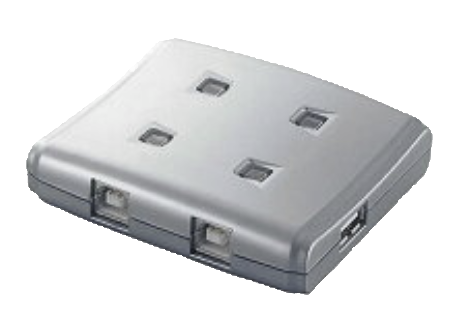
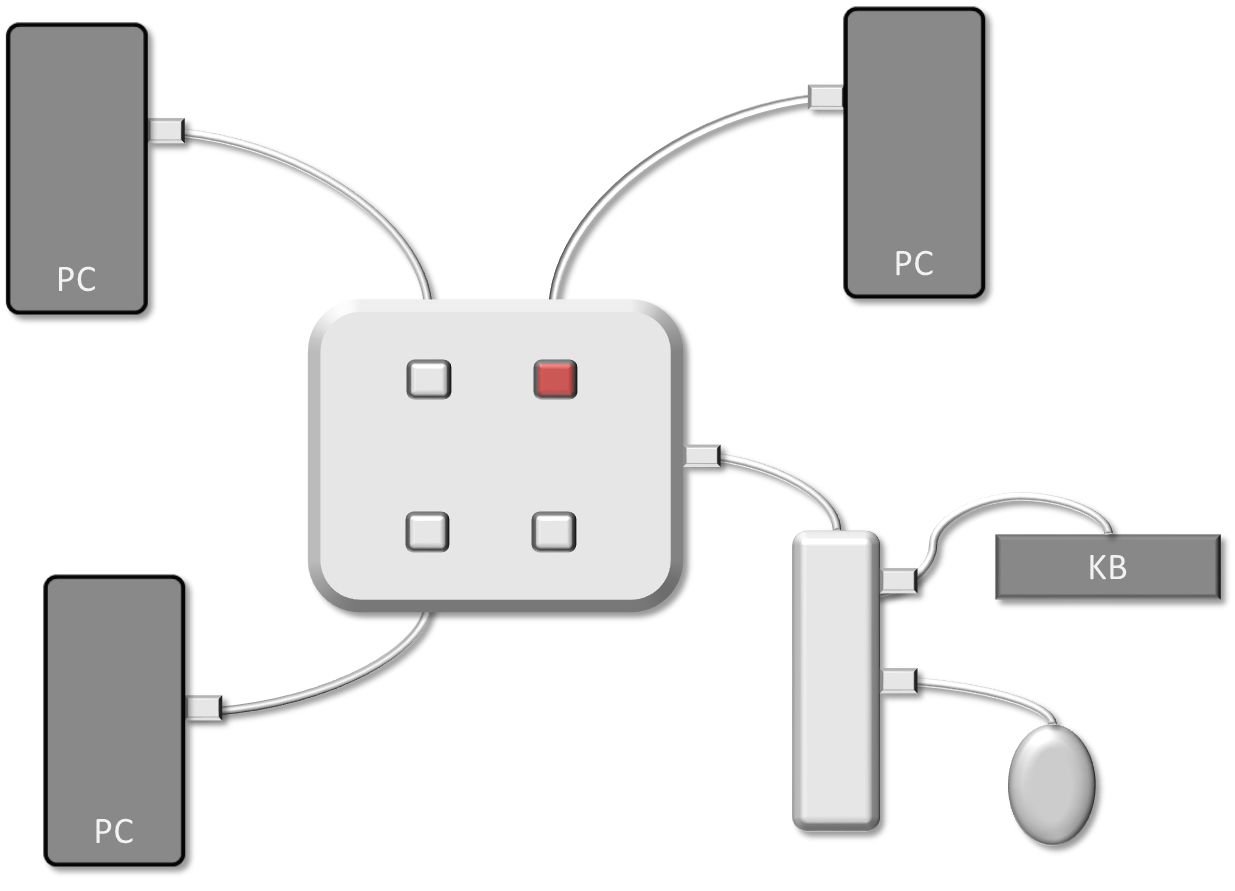
Currently I manage two computers with the same mouse and keyboard through one of these:
I am planning to get some cheap mini-PC to act as head-end for my management plane and take that responsibility away from my workstation (in theory reducing the attack surface).
Hence I would like to procure a KM switch that can hook up to a third PC, with a similar remote-switch type thing as pictured on this 2-PC one.
I spotted the 4-PC one on the L1T store, but it is well beyond overkill for me, out of my price range, and I don’t want to deal with the hassle and expense of getting stuff shipped to the UK from the US.
I did find this from the same company that made the 2-computer one I currently have:
which seems to be able to do everything that i’m looking for, albeit with video too.
I don’t need/want video functionality since I game on one of the PCs (hence not wanting to introduce extra latency/etc into the video pipeline) - meaning that overall I’d rather not pay for video handling if I’m not going to use it (money is kinda tight right now).
If you don’t need screen switching I’m assuming you have 3 screens, or can do picture by picture on one of the screens? Maybe a free software solution is the way to go, at least to see if it’s sufficient to keep your USB switcher, then run the software option to control the least important device.
If you have a logitech keyboard and mouse that is compatible you can try Logitech Flow, I don’t think it will work for non Logitech peripherals.
Then the PowerToys Microsoft Mouse Without Boarders.
Or Deskflow on github.
I haven’t really played with these recently, I’ve been using separate mouse and keyboard for different computers, or an easy to switch between 3 devices wireless logitech MX Master keyboard & 2 device MX Ergo trackball.
I have 3 monitors, correct, and I just switch the input manually on the relevant monitor when I click the USB switch over. I don’t need to be managing all 3 computers simultaneously (or even any combination of 2 of them). There’s no space on my desk for a dedicated management mouse and keyboard hence wanting the switch. Software is not going to work.
The Leve1Tech store has several KVM and just KM switches:
Some are sold out at the top of the page but there are several near the bottom in stock. I have two of their switches and they’ve been pretty solid, plus their team supports the hardware in-house.
I’ve never tried the KM switches, but a buddy of mine has one (he has three different machines with different monitors) and says it works great. That seems like what you’d be looking for.
There are also software solutions like Barrier which I’ve used in the past between two Linux boxes. Looks like it’s not maintained anymore though
There are always work arounds, and software looks to be free to try out, easily worth making it work because you said money is tight right now.
Otherwise Tailscale may be a very workable software solution.
A Remote KVM like from Glinet may be another option, you need some hardware even if you setup a piKVM, and it will let you control a device remotely so you don’t need one of the 3 computers actually displaying to a monitor. It controls off a single ethernet port, so you can run it to whatever segregated internal network you have.
The other option which in theory should work is to get a second USB switcher like a UGreen 2X2 USB-A SHARING SWITCH for $30 and have it feed into your existing switch on one of the ports. That means you have 2 KM switchers with 2 buttons to manage, but it would be near line speed and cheap not over network control.
ah sorry, my fault. I should have read your original post more carefully.
I use a BliKVM in my server rack, but it’s going to have the same costs limits as a piKVM (and the software is kinda meh honestly).
If you punch some firewall holes just for something like Barriers it might be worth it to try out. It’s all about cost tradeoffs at that point, but it seems like the switch you mentioned might just be your best option.
I’m using Elecom USS2 W4 on my desk, 3 PCs are connected to this one.
BTW last I checked, the video delay introduced by KVM switch chip is order of 10 to 20 scan lines, KVM video switcher does not have memory to store 1 frame of image.