So, I find myself needing (wanting) a NAS for backups and the odd bit of media.
Now to start off, power consumption is a concern. 10W idle vs 100W idle is a difference of 130 euros per year.
I have been trying to find a reasonable solution between a used server that idles at a ridiculous power draw, but has ECC ram, an off the shelf solution that is cheaper and idles at 10W power, but no ECC.
A reasonable middle ground should be an AM4 platform with ECC memory, but right now a stick of DDR4 UDIMM costs the same as an off the shelf ready NAS box…
Another option is a Supermicro or ASRock Rack embedded board, but they cost anywhere from 400€ to over 1k, and that’s without RAM again…
Any ideas on this topic? Is ECC a necessity? If it is, then I don’t think I can get a NAS at this time. Burning a lot of power is completely pointless, and I would rather wait it out and use a cloud backup or two for the same price as just the idle power.
I also don’t need compute power for transom or anything, I have that on demand. So a pure NAS box is enough.
If your ECC isnt registered, I dont know how much value it really provides. On desktop boards/chips id probably just skip it.
On a NAS where power consumption is the primary concern, that really rules out most big boy chips and boards.
How many (and what specific model) of drive are you planning to use? If you are going low power, older SATA SSD’s are probably your best bet, but that turns into a $ vs capacity discussion.
At small scale, that older am4 desktop setup is probably fine.
In your view, why is unregistered ECC RAM less desirable than Reg ECC RAM?
For me the primary benefit of ECC memory beyond the fact that it will correct some types of errors is that it reports back when there is a memory error which is very valuable because it can alert you to a failing DIMM before it corrupts your data. Unregistered ECC memory can report memory errors just like registered.
There are some platforms that have proven to be very reliably and stable even without ECC memory, but there are even more that were IMO engineered with less care and greatly benefit from ECC.
Which platforms have problems and which don’t is hard to tell and you’ll only get a subjective answer if asking about them on the internet due to everyone having different personal experiences.
if every dimm was ecc - that would be nice. but they arent, and manufacturers tend not to validate them very well in desktop platforms.
udimms protect against bit flips and the stray cosmic ray. sec/ded but lack advanced ras features in the memory controller.
those rdimms in your threadripper though can detect a failing rank, copy the data to a spare rank, take the bad rank offline, and continue operating.
additionally rdimms solve for things like signal loading, timing skew, and bus capacitance. For high availability, there are all kinds of sparing features, patrol scrubbing, mirroring for dimm isolations on failure…
but I guess my focus on highly-available hardware could be skewed.
I’ve run my NAS for years on pre-Zen AMD desktop boards just fine (AM3, AM2, FM1, FM2 plus variants) prior to switching to Zen. Current NAS is on an X470D4U board (EoL) and AMD 1700 (non-X) CPU with 64GB of non-ECC RAM.
For your use case, in this economy, I’d suggest an Intel NUC board (N100 or N150 series), you’d need to hunt around for good deals and proper spec’s for your usage. Put it in a Jonsbo N-series case, add HDD’s to suit your budget. A NAS doesn’t really requires a lot of memory, so you’d probably get away with 8GB (at least for the time being) in either 1x8GB or 2x4GB sticks. If remote management is a hard requirement, add a PiKVM or similar to the system.
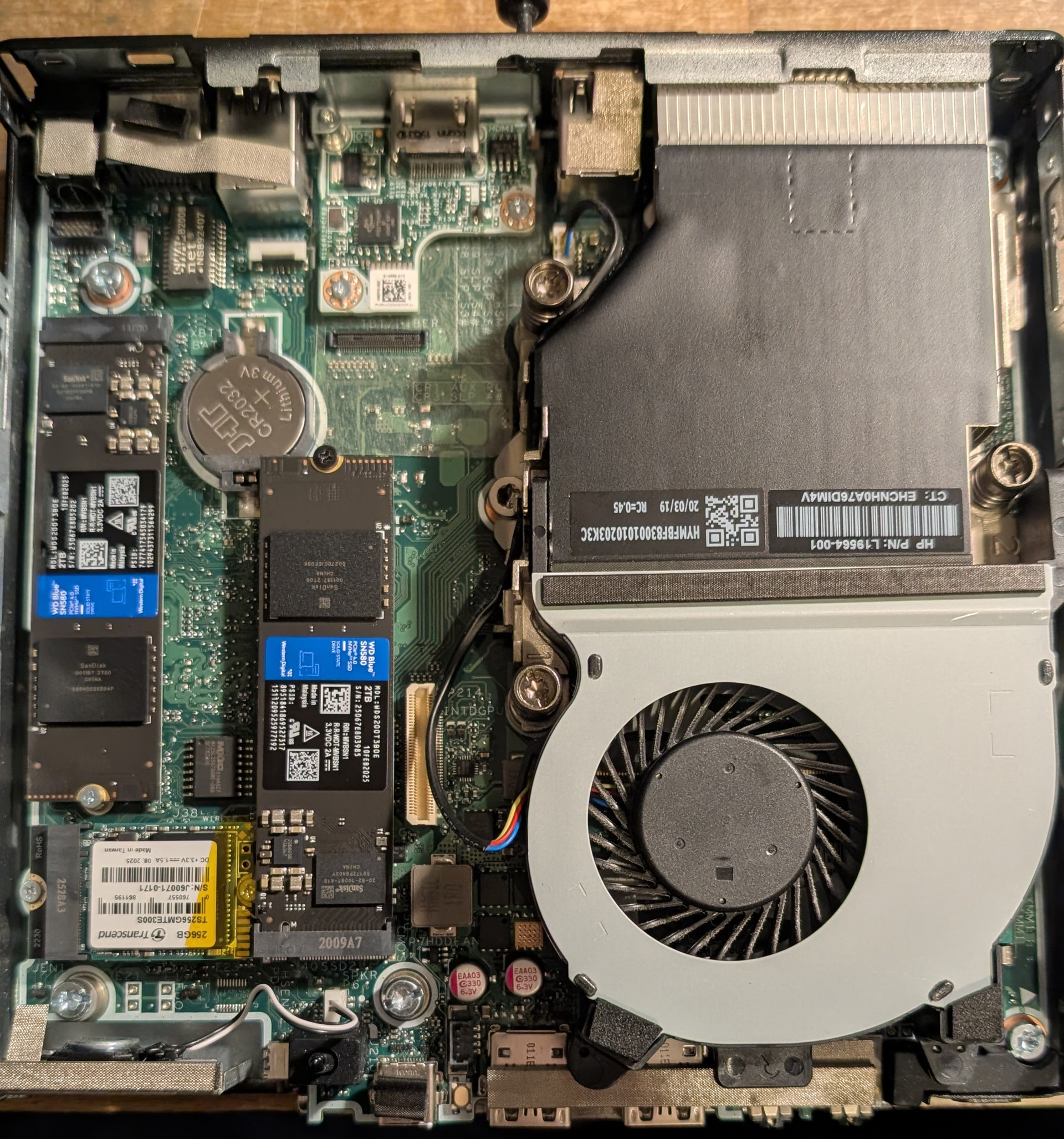
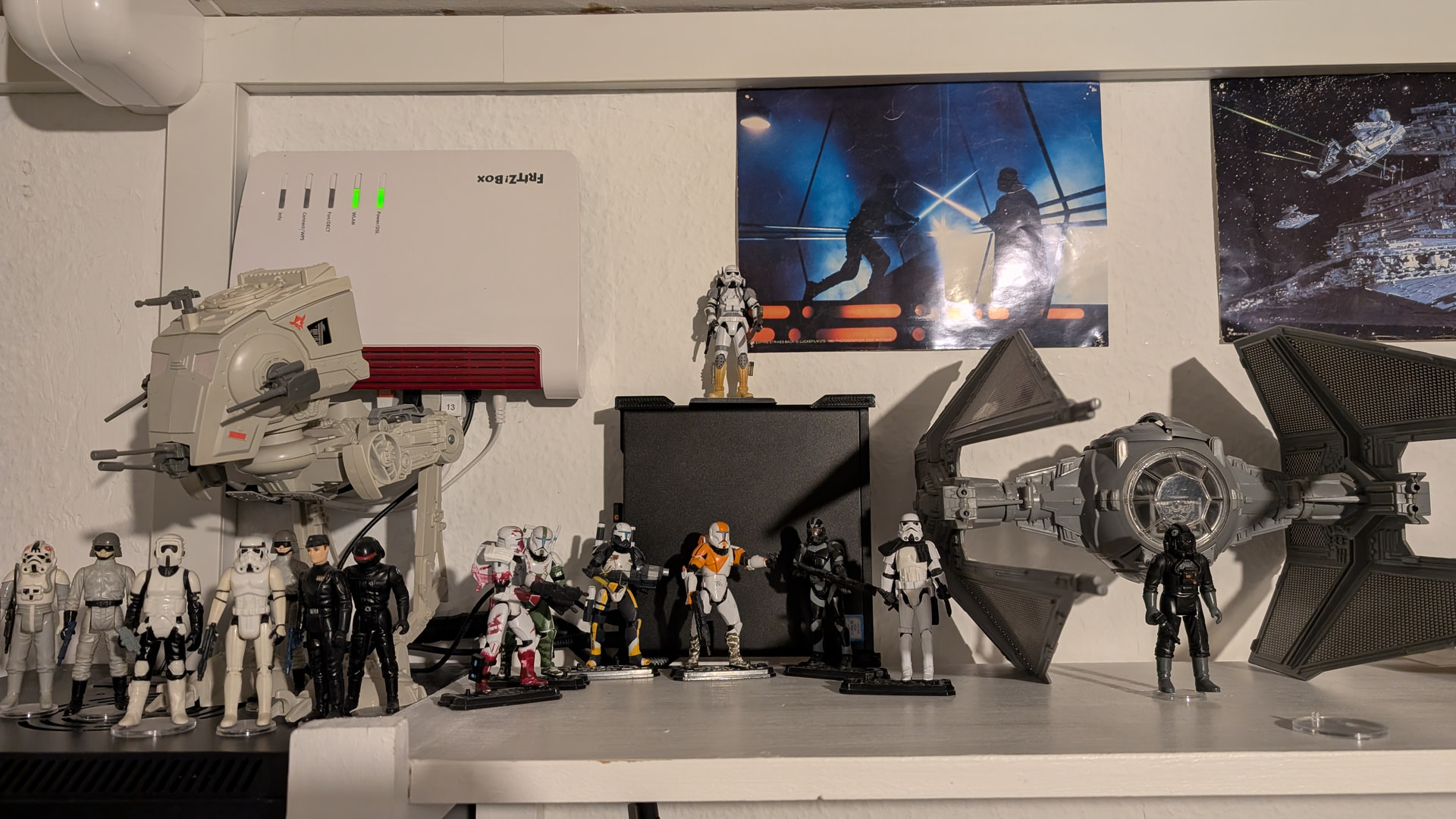
I made a low-effort NAS box, using a HP EliteDesk 800 G5 Desktop Mini PC, with Open Media Vault. It has 32GB RAM, which is a bit overkill, but I had them collecting dust in a drawer, so anyways
For the OS i installed a NGFF A+E-Key Male To NVME M-key Female Extension PCI-E 4.0 Adapter with Bracket, and a Transcend 300S TS256GMTE300S 256GB.
I added two Western Digital Blue SN580 WDS200T3B0E 2TB in a Raid1
The PC is nice and quiet, and data transfer is pretty fast.
Some questions you’ll have to consider if you want useful answers:
How many TB do you need to store? Remember, it always grows and eventually you’ll have to juggle over to increased capacity if you undersize things. Are you wanting M.2 nvme, U.2 nvme, Sata SSDs, sata HDDs? A mix?
How much and what type of parity/filesystem safety do you want? ZFS mirrors/zraid? BTRFS? Plain dumb raid 1/5?
What is your budget for the box (everything minus the disks themselves)? Keep in mind this includes whatever PSU and connectors you’ll end up needing to attach your disks.
If your planning to reuse parts you have lying around, you should mention what parts those are.
Your system will spend most of it’s time idling, and the idle draw of enough HDD disks can overtake the idle of the system. M.2 drive are high cost lower capacity and eat pcie lanes, but use negligible power. U.2 drives have much higher idle, and can demand something like 25watts I think under load. While that won’t happen for long, they need dedicated airflow.
Also keep in mind, how fast do you want your network to be? 1g can be saturated by a single HDD streaming from the outer parts of the disk. 10g is nice, but even 2.5g is a big improvement.
Furthermore re idling: you may have the HDD’s set to spin down to save power and perhaps the OS does this automagically. Can your chosen FS handle this? If not, you’re in for a rude awakening (sic ). If you don’t need the NAS to be on 24/7, switching it off when not in use is actually a good idea. IPMI/BMC have your back for remote controlling of your NAS. Unfortunately, those are usually reserved for workstation and server boards with associated real and inflated costs, but recently (last few years) the option of using a PiKVM (or similar, there’s options!) allow similar functionality for normal and “gaming“ main boards. But that’s another cost for your NAS budget.
My NAS does have a workstation board (now EoL) and I keep it off unless I want to make a backup of new data from my desktop. It idles at just 10W, instead of 250-300W with all HDD’s spinning.



 ). If you don’t need the NAS to be on 24/7, switching it off when not in use is actually a good idea. IPMI/BMC have your back for remote controlling of your NAS. Unfortunately, those are usually reserved for workstation and server boards with associated real and inflated costs, but recently (last few years) the option of using a PiKVM (or similar, there’s options!) allow similar functionality for normal and “gaming“ main boards. But that’s another cost for your NAS budget.