Hi,
I have one ultra wide monitor connected to two computers (PC laptop and Mac Mini) as a split screen.
I purchased the “ 4-Port KM Switch with USB 3.2 Gen 1 Mouse Roaming Function” from level1
As i need the mouse roaming feature without toggling any buttons when hovering to the edge of the split screen but still the feature doesn’t work with me.
Please is there any hardware based solution for my use case other than the software solution, as it’s prohibited in my company.
what mouse? it should work if you toggle it on and your mouse is a “normal” mouse in this use case @Level1_Amber this may need to be moved to the right support sub-forum
I’m using MX Master 4.
When i reached to the edge of the split screen it won’t move to the other PC/Mac.
Some say that when you use PBP mode you won’t be able to. have mouse roaming.
moved 
By split screen do you mean PBP (picture by picture)? This should work.
For mouse roaming your mouse needs to be in on of the white HID ports, please double check what port it is in!
Hi
Yes it’s Picture by picture
And the mouse and keyboard receivers both are set in the white ports.

Here is a video showing that the mouse is not moving to the other computer when hovering to the edge of split screen unless i press the button.
I added the video link in my bio, as i’m not able to upload it here
I requested access.
Is the mouse roaming hotkey turned on? I think it’s off by default
I made the link public
How to turn it on
Please help
I can check the manual for the hotkey once I’m in the office
Left_Ctrl + Left_Ctrl + Left_Alt (Hold) + Q + 4
1 beep = enabled
2 beeps = disabled or input incorrectly
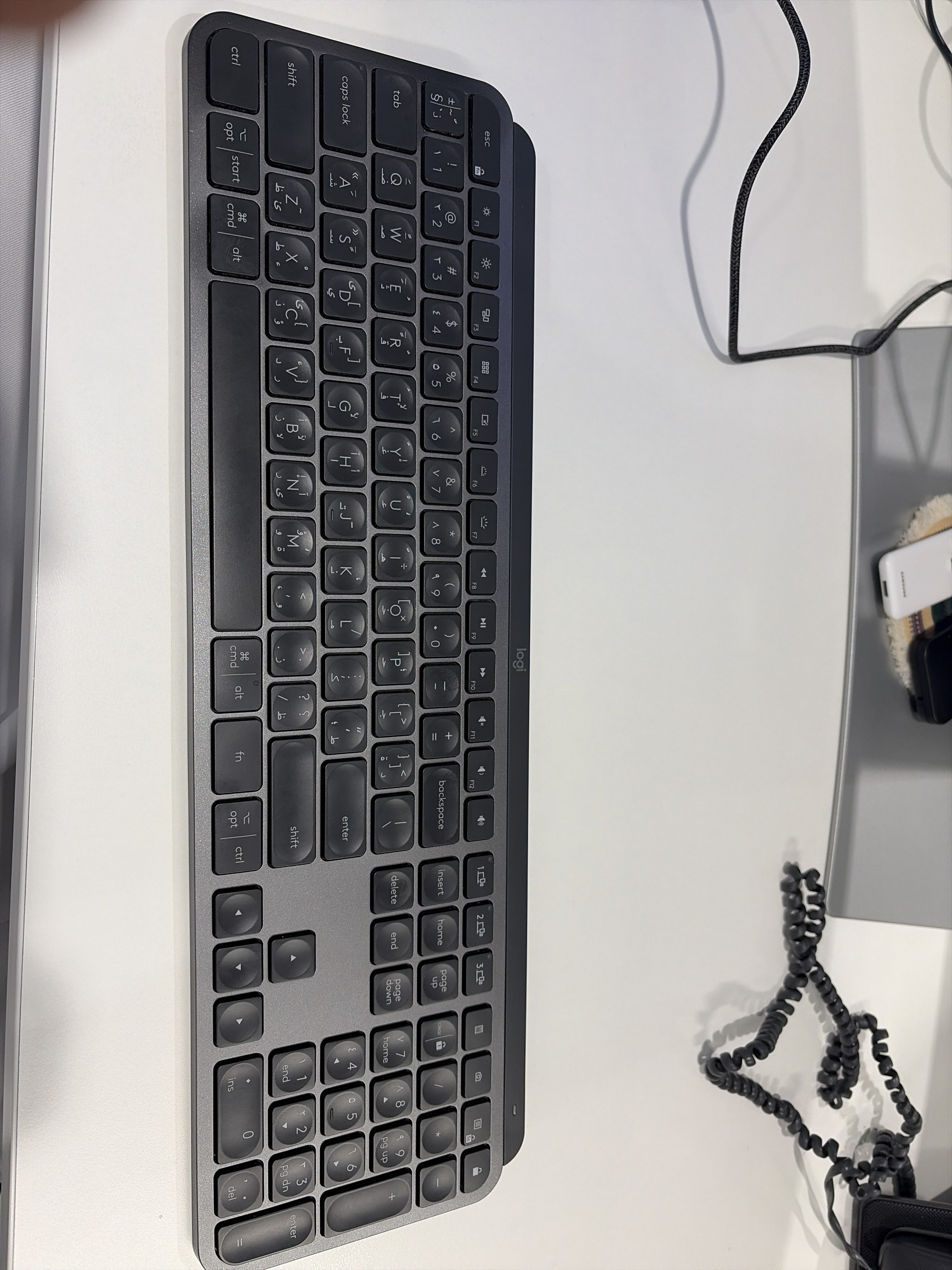

I think the mouse roaming without pressing any button will not work on PBP mode connected to two different computers
In what way? Did you hear nothing? Did you hear 2 beeps? Is the keyboard plugged into one of the HID ports?
Mouse roaming does work in PBP mode. You need a HID compliant mouse to roam and a HID compliant keyboard to use the hotkey to enable it.
Just in case the issue is the hotkey always failing, here’s an example of me inputting commands:
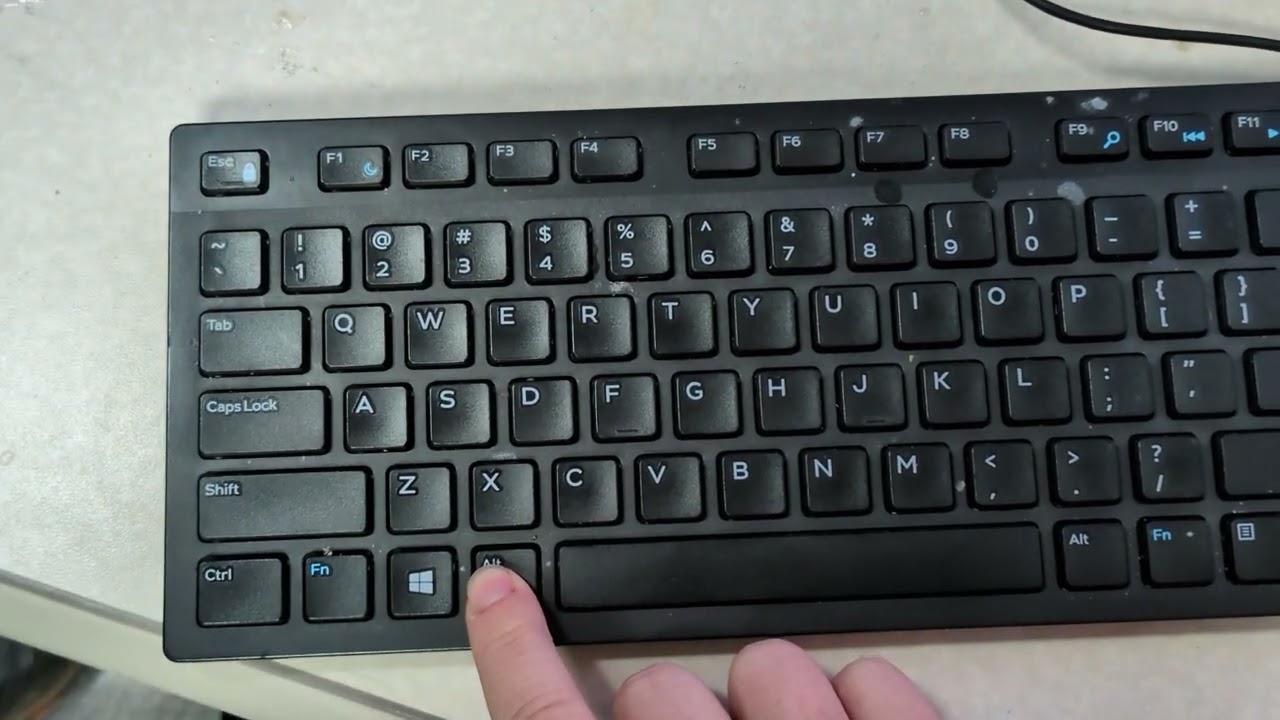
Worked
Thank you so much for your help and support
1 Like
No problem!
This topic was automatically closed 273 days after the last reply. New replies are no longer allowed.