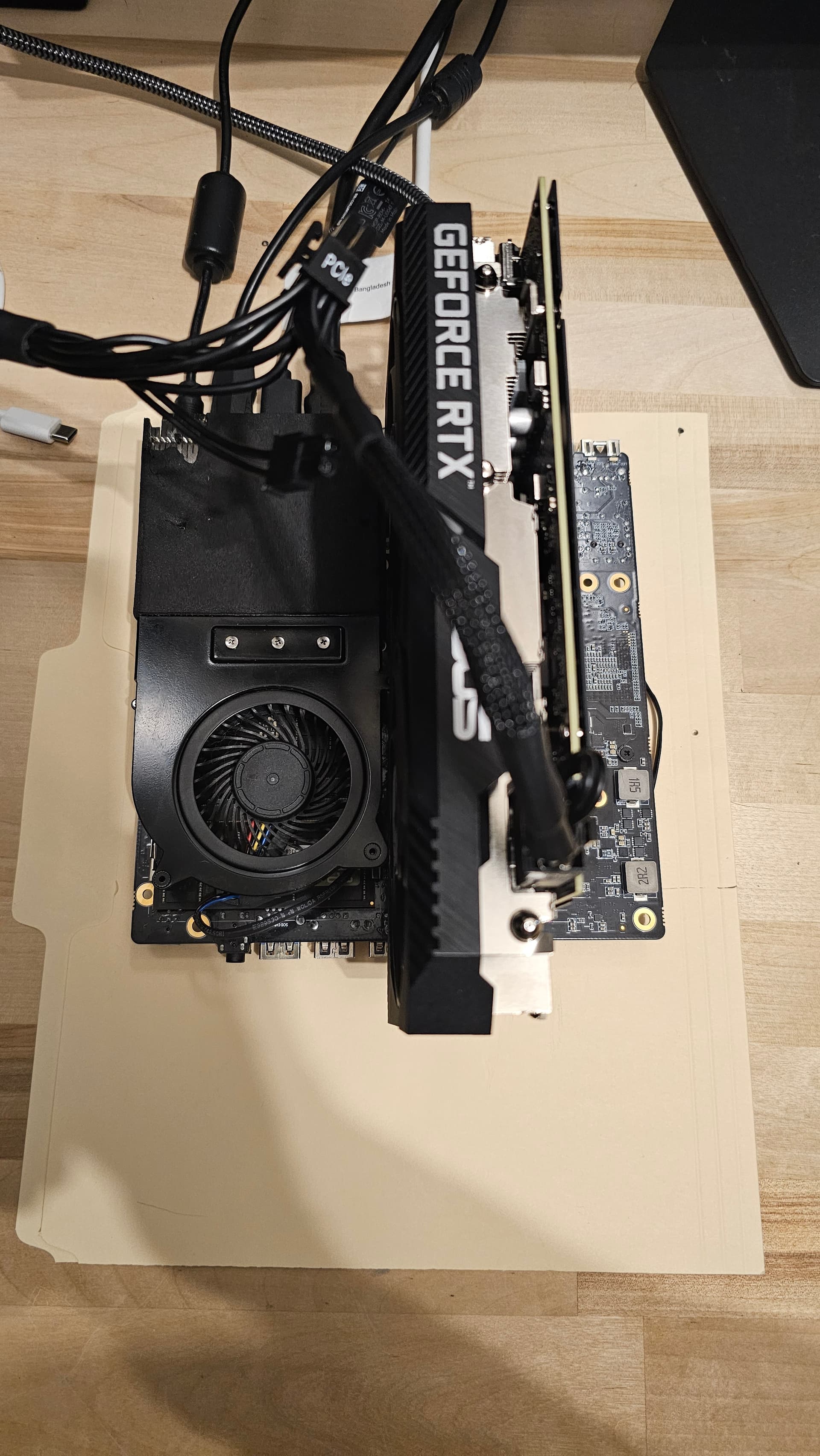

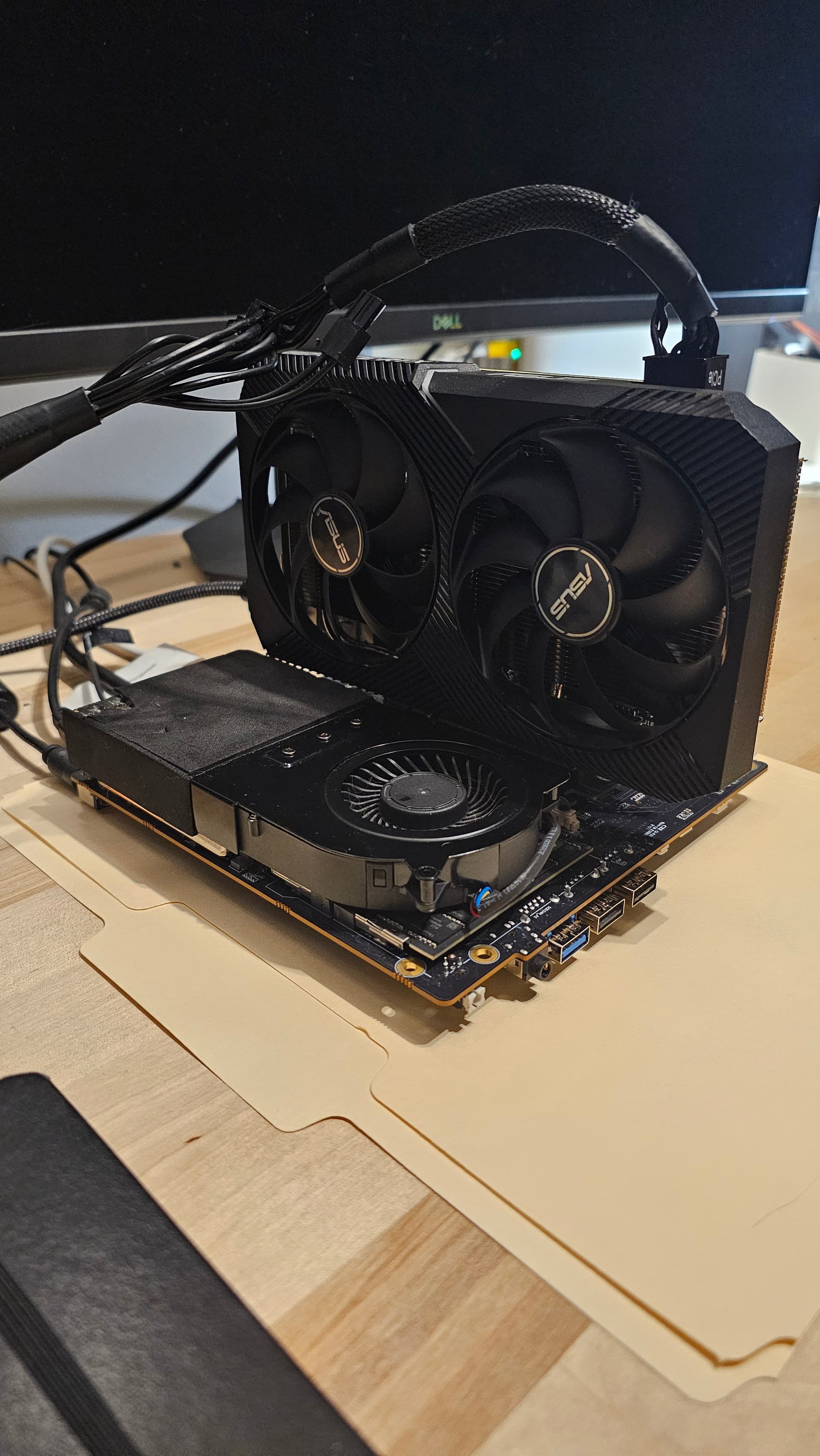
5 Likes
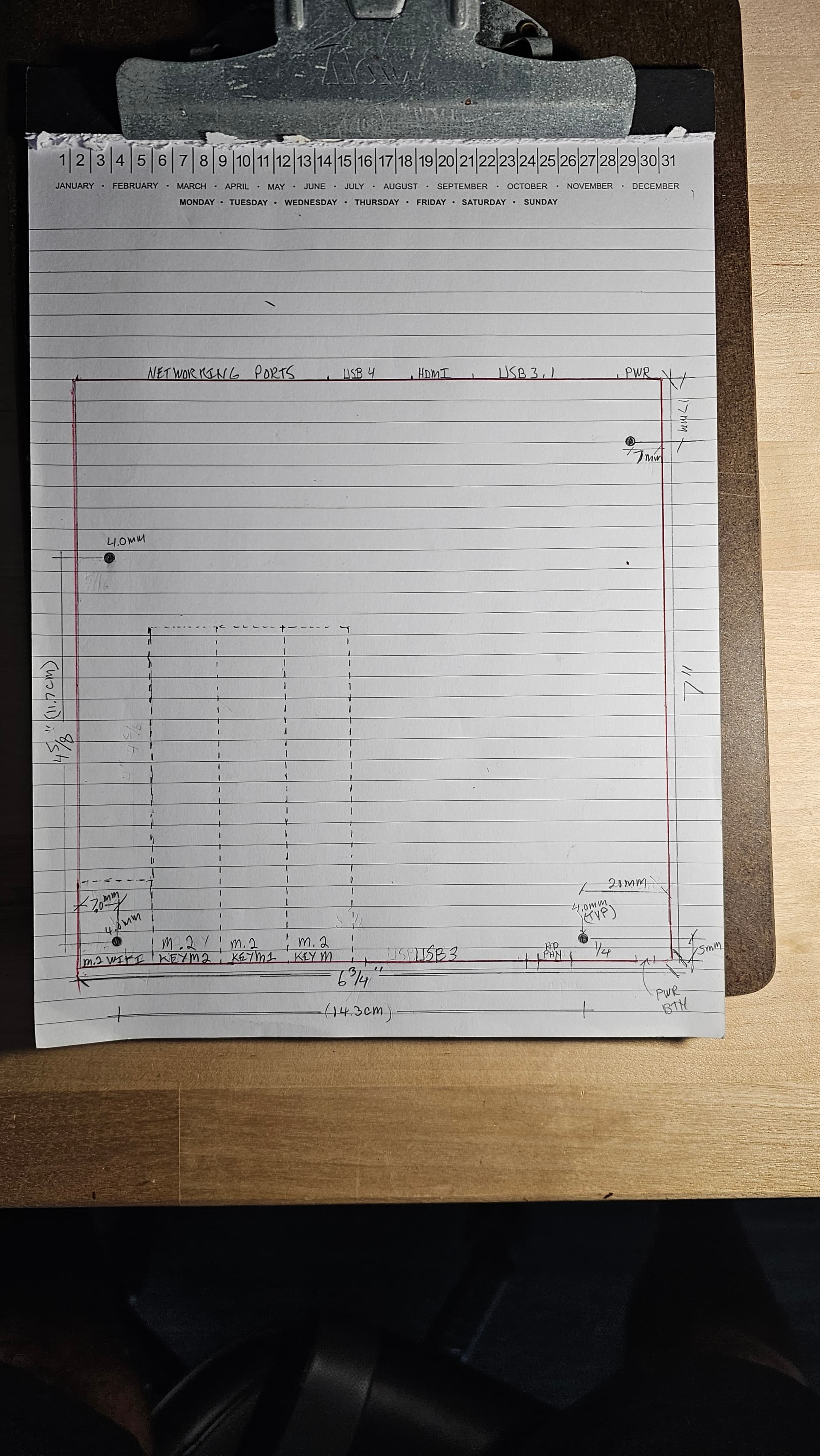
3 Likes
Hi, I have a smiliar set up as you except I am going with a 1080ti.
I am connecting 1080ti with a PCIe riser to the PCIe slot on MS-01 though. I have an external PSU to power the 1080ti though.
However, my OS (both win and fedora) do not recognize the device at all. It is very weird for me.
Do you have to enable any BIOS option or do anything else?
Also I wonder if you could share your BIOS version.
1 Like
I read that you also have a similar problem at another post. I wonder if you could share the way you get the problem resolved.
Hey theres a setting in the bios for the PCI slot. Make sure thats on. I had an issue with the other ports as well and ended up turning off my 10gig eth port and putting my NVME Drives in slots farthest from the PCOE if that makes sense. I think they have shared the lanes and its weird. I dont uae thw 10Gig Eth Port so it didnt matter to me. I only have 2 NVME drives and removed the WIFI card because i dont use it. Itonically enough all my flex cables and the hard 90degree pci with extension worked. It took me hours to figure out the PCI lane issue. Lmk if you need anything. I still have 2 flex cables and tthe 45 degree hard plastic pcie. I got it to work with the shopped bios. Just downloaded the latest one and installed without issue from minisforum. Did it on a windows 11 image on nvme. Lmk how it works out. I went full degen and tore mine apart one day intending to put it in another case but you know how that goes. Cya
2 Likes
Oh and i also run an external power supply to my card. I had to jumper it because its only connected to the card . Its a 800 watt one I had laying around to build with someday. The pin configs are all over the internet to show you what to jumper. If you dont you may not get power. Im not aure how much a 1080ti consumes power but that pcie is only lile 70 watts i think. Good luck
1 Like
Thank you so much for the reply. All great information. It is weekend now so I am gonna test all your recommendations.
It seems that I have no luck with this configuration. I wonder what version of BIOS are you running. I am running 1.22 though. It is the latest I can find on the official website.
Currently, I am trying to get dual GPU working. The 3060TI is connected through an Thunderbolt eGPU and it works fine. Only the 1080TI is having struggle. I have a 750W PSU powering 2 GPUs. I don’t think power is a problem since I have 2 different cables from PSU to 1080TI.
I have also disabled all PCIe device, leaving only the PCI Slot and 1 3.0x4 ssd (the middle slot) enabled. So no 10G port, no Wifi, all I226 ethernet port is off, 2 out of 3 nvme slot are also off.
Regarding the PSU, I think my PSU started and power 3060TI just fine so I guess I dont have to jump it? I might be totally wrong though.
FYI, I have the I9 12900 version.
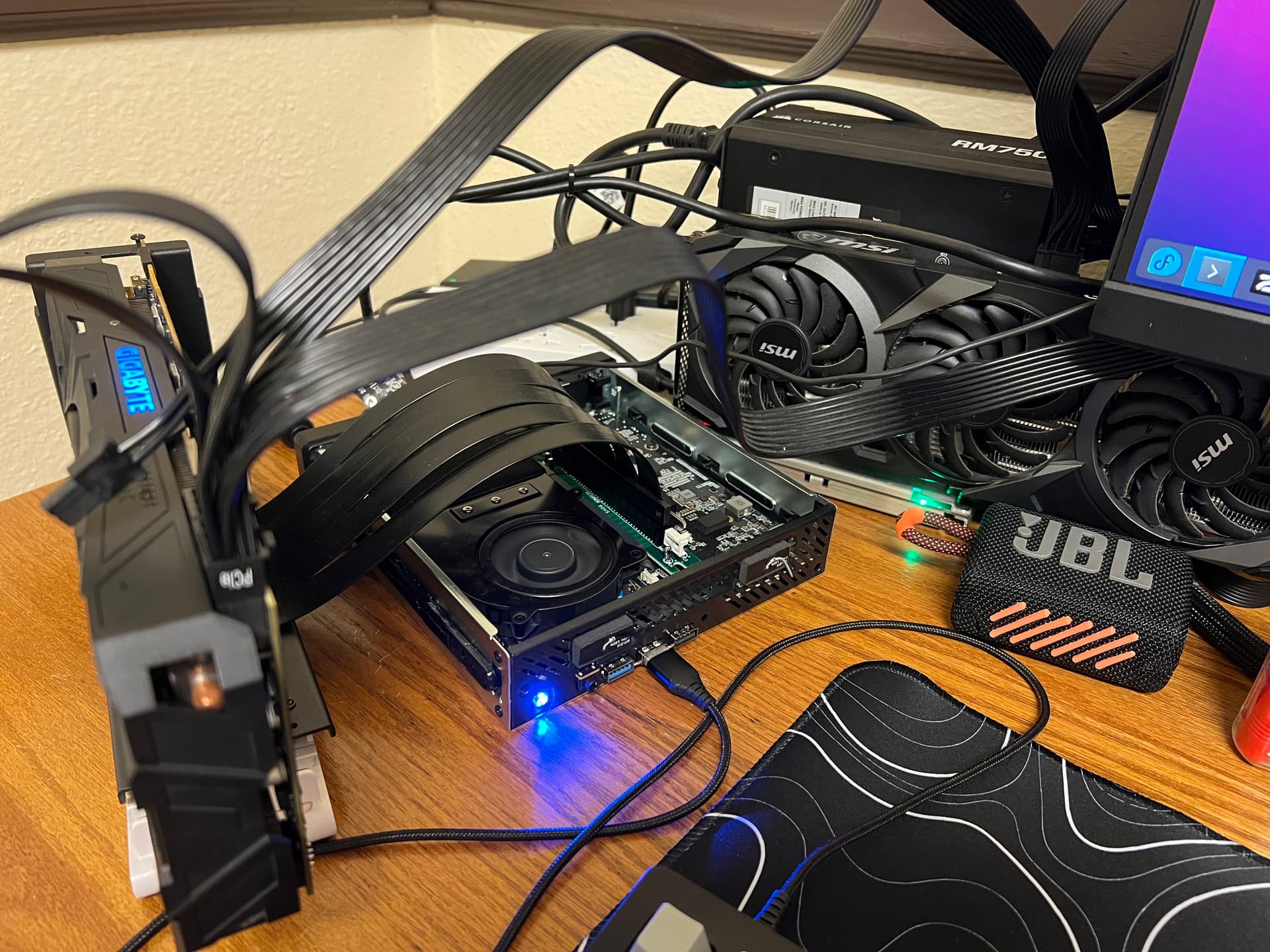
diggin the open air case
1 Like
Thanks. It was out of necessity. Kinda need to raise it up off the bench a bit for airflow.
I havent been on in a while. I definitely had to jump mine. Keep playi g around turning things off and on. Youll get it. Remember the pci only uses 8 lanes and the rest are not functional. Lmk how it goes.
This topic was automatically closed 273 days after the last reply. New replies are no longer allowed.