Margine OS: my super fast atomic Linux distro

Introducing Margine OS

Hi everyone. After months of work (I wanted something genuinely stable before sharing it), I’m announcing Margine OS, an atomic Linux distribution. Yes, another one; but I think it earns its place, and I’d like to explain why.

Why Margine

It grew out of a long hunt for “the right distro,” and three projects that struck me as genuinely fresh:

  • CachyOS: how much more responsiveness you can get out of the same hardware. Real new life for older machines.
  • Fedora Atomic (the Silverblue / bootc lineage): shipping the OS itself as a built-and-tested image gives you a level of stability and reproducibility that’s hard to get any other way, without the Debian-style trade-off where “stable” means fighting your own hardware.
  • Bluefin / Universal Blue: the hard part of Linux is usually after install: codecs, that folder of FLACs that won’t play, updates that need a terminal. Bluefin hands you a machine that works from minute one, updates quietly under the hood, and can roll back if something breaks.
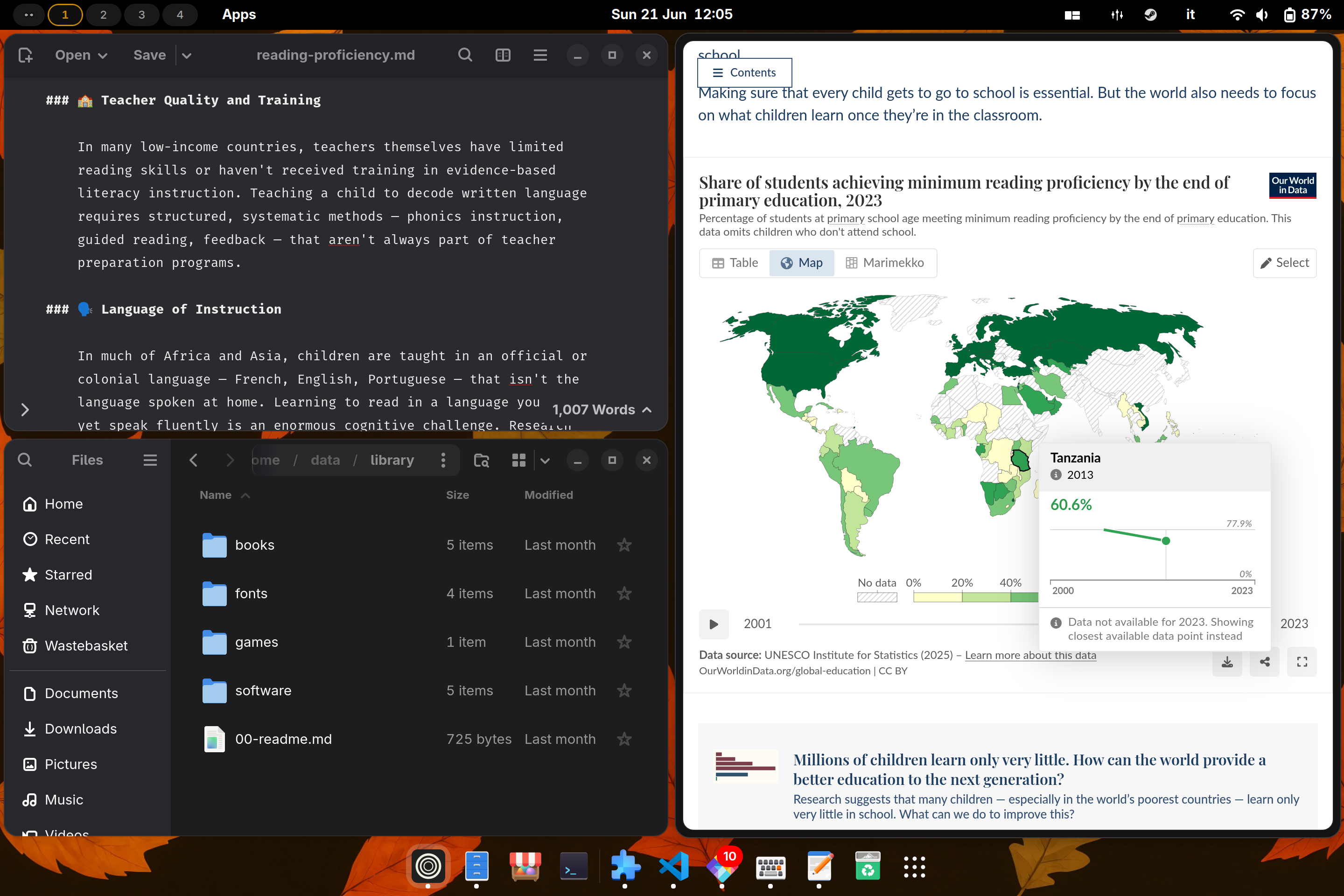
What Margine is

Margine builds on Bluefin DX (same atomic model, same “ready out of the box” feel) and changes the things I cared about most:
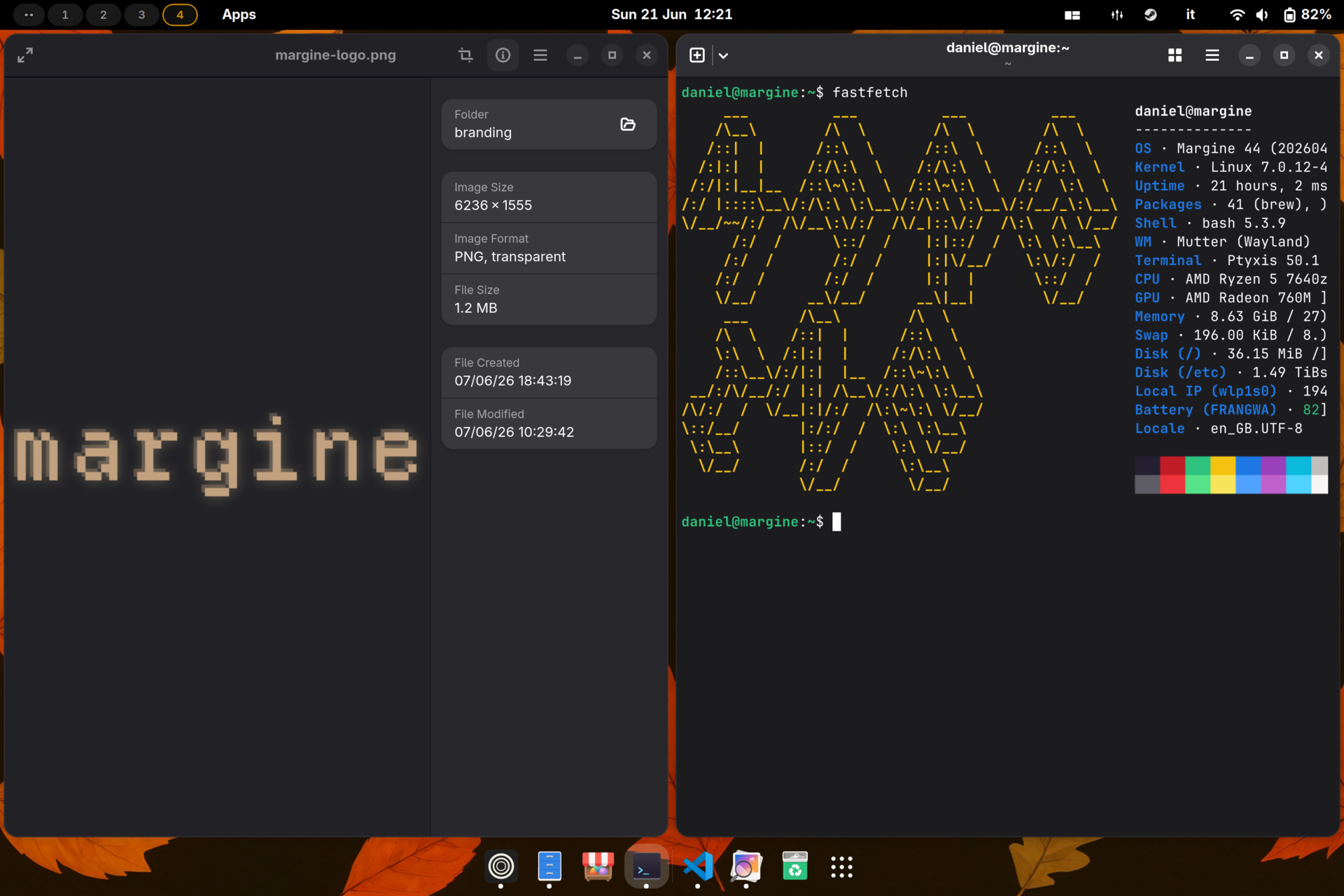
  • CachyOS kernel (BORE scheduler). Pulled from the bieszczaders/kernel-cachyos COPR and re-signed with Margine’s own key so it boots cleanly under Secure Boot.
  • Secure Boot without the pain. The ISO’s GRUB walks you through MOK enrollment, so you keep Secure Boot on instead of disabling it.
  • CPU scheduler from a GUI. Switch between the scx schedulers on the fly, no config files.
  • Touchpad tuning GNOME doesn’t offer. Scroll speed, pinch-zoom and pinch-rotate, via Wayland Scroll Factor with a GUI.
  • Tiling out of the box. A curated, months-vetted set of GNOME extensions. The standout is o-tiling, a heavily-improved, actively-maintained fork of System76’s Pop Shell (which System76 itself is winding down as it moves to COSMIC), with binary-tree tiling, an animated accent-colour focus border and plenty more on top.
  • Gaming when you want it. ujust margine-gaming-native layers Steam, Lutris and RetroArch as native RPMs (full Proton/Wine, MangoHud/GameMode out of the box, Mesa always matching the system); a sandboxed Flatpak variant exists too. Bazzite-style, on the CachyOS base.
  • Reproducible and signed end-to-end. The whole build + test pipeline runs on GitHub Actions; SHA-pinned dependencies, cosign signature + SBOM, ISOs distributed torrent-first via the Internet Archive.
  • Plus a clean three-folder home (data / dev / scratch), full-disk LUKS with optional TPM2 auto-unlock, and an experimental NVIDIA kernel I can’t test myself.

Performance: what we actually measured

The one structural change worth benchmarking is the kernel, so I ran a clean A/B on the same laptop (Framework Laptop 13, Ryzen 5 7640U): switching only the ostree deployment between Margine and stock Bluefin DX. Same userspace, governor pinned to performance, start temperatures matched, median of four runs, all under a background CPU load.

Metric Margine (CachyOS/BORE) Stock Fedora Δ
Context-switch latency 4.45 µs/op 7.97 µs/op ~1.8× faster
Context-switch rate 224k ops/s 125k ops/s +79%
Thread throughput 88k events 57k events +54%
Thread latency (avg) 4.1 ms 6.3 ms 55% lower
Wakeup latency (p50) 2.08 ms 2.98 ms 43% lower
Wakeup latency (p99, tail) 12.0 ms 10.7 ms ~11% higher

Honestly, it’s not “wins everything”: CachyOS/BORE is dramatically better in the common case (throughput, median/average latency) and slightly worse at the worst-case tail. That’s the textbook BORE trade-off, and a sign the test wasn’t cherry-picked. Full method, raw data and a reproduce-it-yourself script are in the kernel performance docs in the github repo.

The apps: built for creators

Margine started as a personal distro, and creative work is what I mainly use it for, which is why it’s so opinionated. It ships a hand-picked Flatpak set:

  • Image & design: GIMP, Inkscape, Pinta, Darktable, Loupe
  • Audio: Audacity, Reaper, EasyEffects (system-wide DSP), G4Music
  • Video & streaming: OBS Studio, Showtime
  • Writing & office: LibreOffice, Apostrophe (Markdown), GNOME Text Editor
  • Everyday & utilities: Zen Browser, Thunderbird, Bitwarden, the GNOME suite, plus Flatseal, Warehouse, Mission Center and Déjà Dup

It’s atomic: uninstall what you don’t use. Longer term I may slim the base down and spin the creator set off into its own optional layer.

Links, and a small ask

  • Site & download: margine.the-empty.place
  • Github repo: daniel-g-carrasco/margine-image

It’s a personal project, one maintainer, still young. Feedback and criticism are very welcome. And if you have NVIDIA hardware: there’s an experimental NVIDIA kernel I genuinely can’t test (no NVIDIA machine here), so a hand testing it would mean a lot.

4 Likes

Nice! Will check it out in a VM!

Thanks!

1 Like

Thanks for giving it a try! Really looking forward to your feedback :grinning_face:

Quick VM tip: boot it as a UEFI VM (not legacy BIOS) so it comes up properly.

So this is effectively Universal Blue, but running a sort of PopOS Cosmic desktop, using Cachy’s kernel?

It’s not the COSMIC desktop, but GNOME with a preinstalled and preconfigured extension that provides tiling-style window management. The distro is mainly built around the cachyos kernel and allows you to switch CPU schedulers instantly through a GUI (during the package build process, the kernel is also signed for Secure Boot)

Cool! Will do that!

Thanks!

1 Like

Thanks to you! :grinning_face:

Please, feel free to share any feedback !

Hey this looks pretty cool keep up the good work! :+1:

2 Likes

all my respect for creating your own distro. @daniel-g-carrasco can you tell us some more about the time you needed to create it and the time you’re spending to keep the system actual (hours per week or daily) ? that would be great. nice job :+1:

1 Like

Nice idea. One thing I’d document early is the trust/provenance side: where the image is built, how the signed Secure Boot kernel/key is handled, and whether users can verify the rpm-ostree/bootc image digest after install. For an atomic distro that matters almost as much as the scheduler choice, because rollback is only comforting if the base image chain is clear.

1 Like

Really appreciate this, provenance is exactly the kind of thing I want Margine to get right rather than bolt on later. Most of it is already in place and documented; current state:

In public GitHub Actions from daniel-g-carrasco/margine-image no local/manual steps in the published image, pushed to GHCR.

every image is cosign-signed by digest and everyone can verify after install by this commadn:

cosign verify \
  --key https://raw.githubusercontent.com/daniel-g-carrasco/margine-image/main/secrets/cosign.pub \
  ghcr.io/daniel-g-carrasco/margine:stable

The rebase itself is signature-enforced (ostree-image-signed:docker://…), so a tampered/unsigned image won’t deploy.

an SPDX SBOM (syft) is built per image, attached as an OCI 1.1 referrer and cosign-signed; oras discover → oras pull → cosign verify to inspect contents.

additionally the CachyOS/BORE kernel and every module are signed at build with the Margine MOK (sbsign on vmlinuz, sign-file on the modules). The public key is enrolled via MOK Manager (Anaconda on ISO installs, a one-shot service on rebases); SB stays on and the chain is verified each boot. The private half never leaves CI.

It’s in the README (“Verify the image signature” + the Secure Boot section). If a single consolidated “trust & verification” page would be clearer, I’m happy to add one. :slightly_smiling_face:

This is a distro that everyone should try! It’s visually appealing and built well, the only fly in the ointment, for me, is that it is using wayland. If wayland could keep it’s windows in the same position you put them I would be happy. Alas this is not the fault of the author but of wayland. And that is the only thing holding me back from using it as a daily driver! I would love to but wayland stops me cold. Sigh…

Kudos for putting the time in to make this! I will use it in a VM to keep up with further developments!

Thanks!

1 Like

What’s the compatibility like with common CAD slicers?

Looks excellent enough for controlling my printers on older hardware!

Thank you so much! I honestly wasn’t expecting such kind feedback.

Margine uses Wayland because it follows the current Fedora, Bluefin and GNOME stack, and the aim was to provide a more “modern” desktop environment with a good support with scaling with multiple monitors, better secutiry, etc, while GNOME’s X11 session is no longer actively supported upstream…

I completely understand the issue you’re describing, though. Event today, in most cases, Xorg simply works fine as it should be, out of the box.

Maybe in the future we could experiment with a separate Xorg-based edition using Cinnamon, similar to Linux Mint. No promises yet, but it could be an interesting option!

Great question! 3D-printing slicers should work very well on Margine. PrusaSlicer, OrcaSlicer, Cura, and Bambu Studio are all available on Flathub, which is fully enabled by default.

I tested OrcaSlicer directly on Margine, and it launched and worked without any issues. The Flatpak has access to USB devices and the network, so it should work with both USB/serial-connected printers and network printers, including setups using OctoPrint or Bambu devices.

However, I don’t own a 3D printer, so I wasn’t able to test an actual print.

1 Like

You are quite welcome!

I do like this distro and will be looking forward to an X11 version!

Put me at the head of the line to test it out!

Thanks!

1 Like