Warning: I killed some hardware doing this, you might do to!
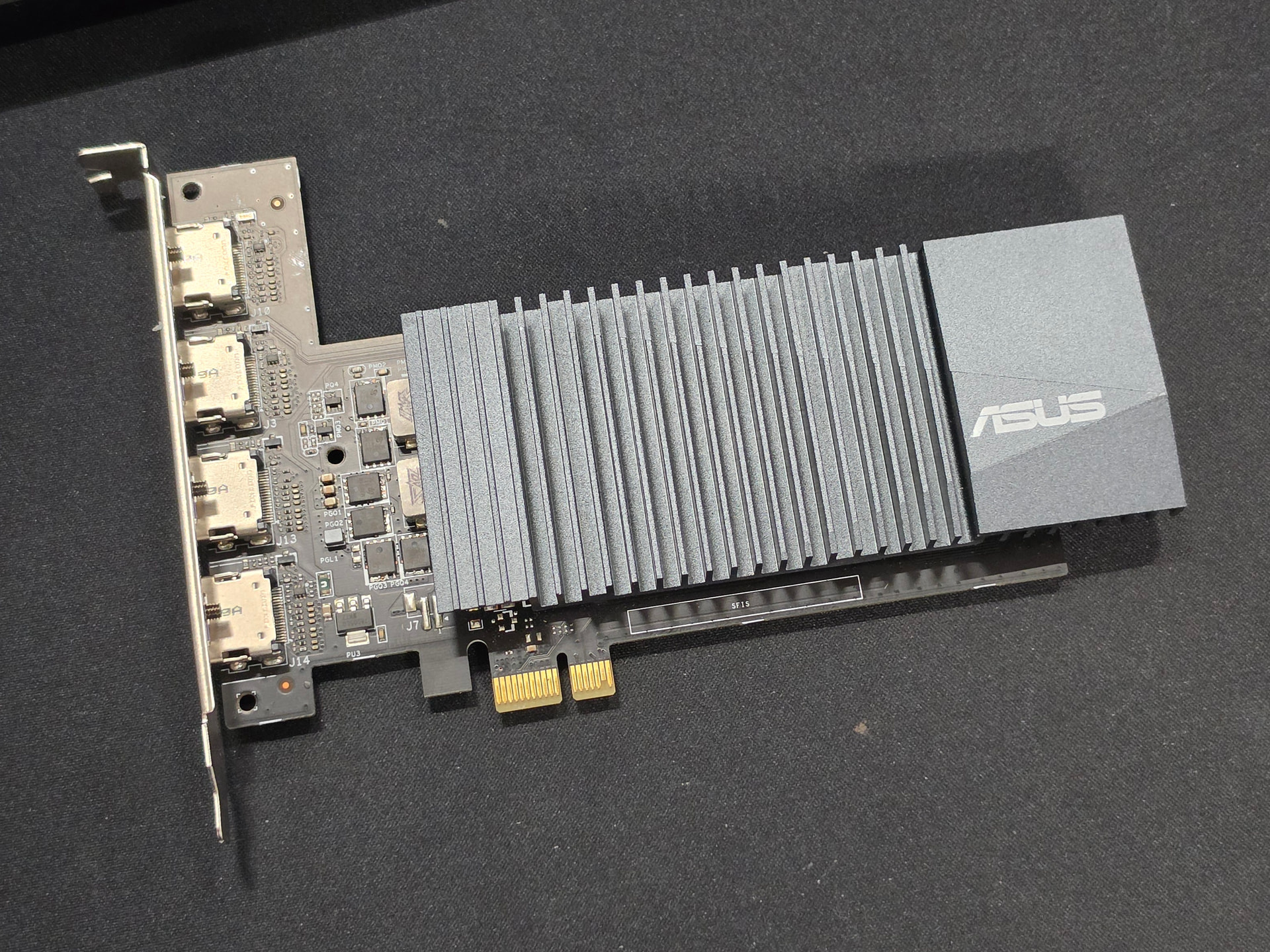
PCIe x1 GPUs are useful when you only need a graphics card to get a system to boot and it doesn’t have integrated graphics, especially if the machine will run headless anyway. I’ve used them in older ProLiant servers where I couldn’t justify giving up an x4 slot just for video output. They’ve also been handy in a home server with a dedicated GPU for AI workloads, where I didn’t want to waste PCIe lanes on a second graphics card instead of something more useful like NVMe storage. You can buy x1 cards new, but from memory they’re expensive, at least relative to eBay used cards anyway.
A couple days ago I scored this GT 710 x1 for £15 which I’m pleased about. Often though they are more, which doesn’t feel like a good deal, particularly when x2 and x4 slot cards are £10.
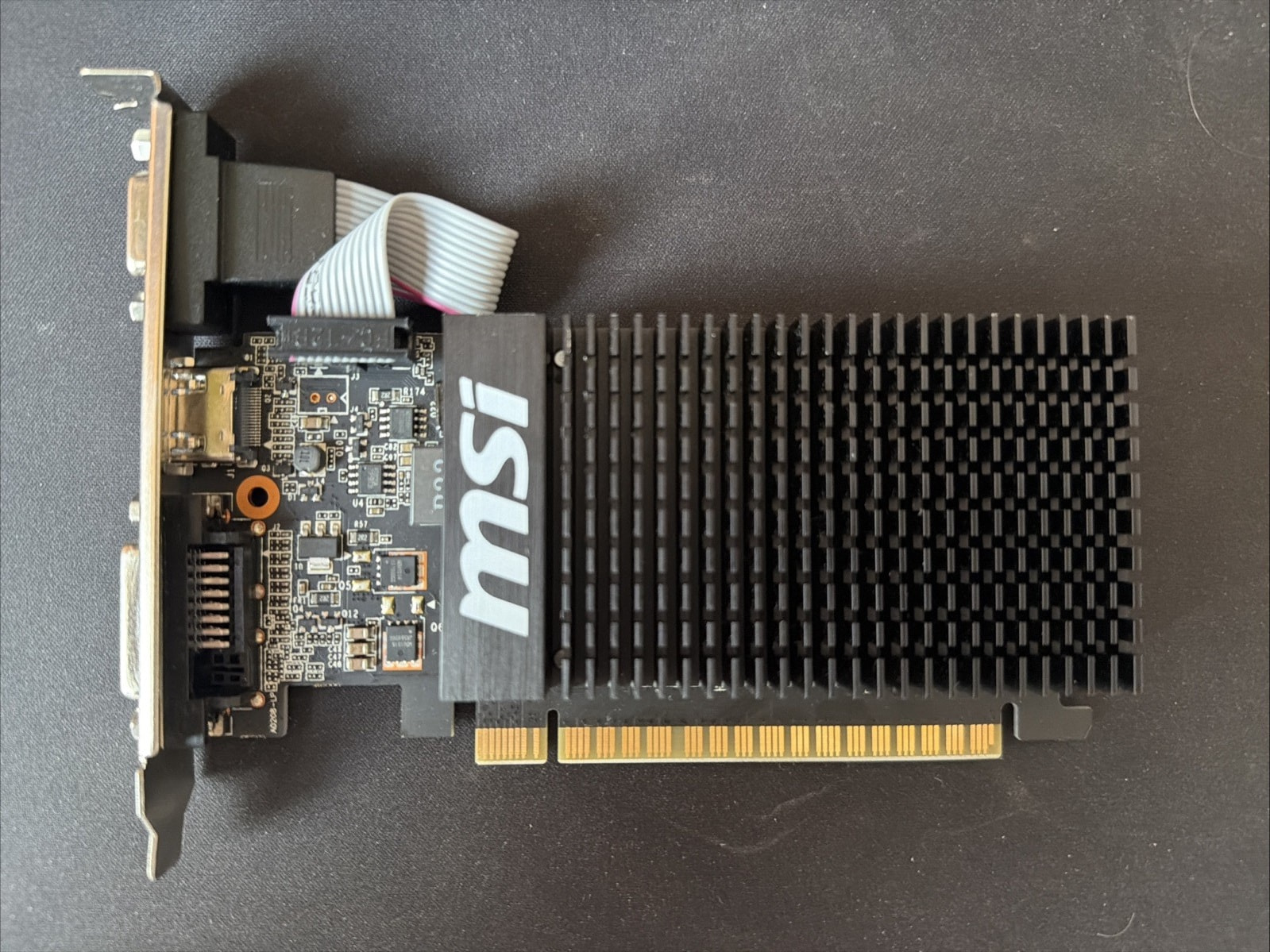
But what if I told you you can MAKE your own x1 card! Behold, another GT 710 x4 slot card…
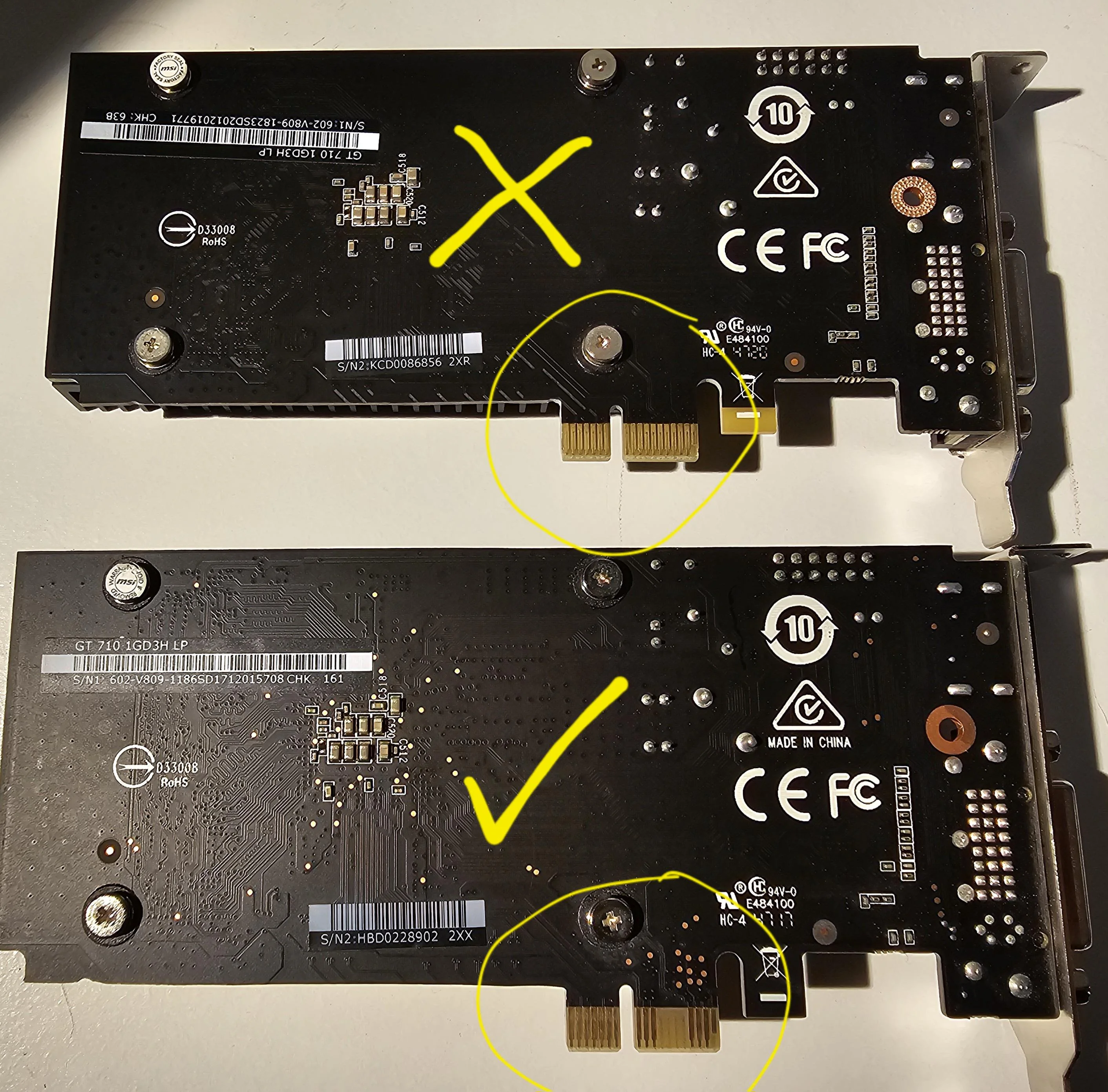
Now you can get a x4 to x1 riser adapter to test a x4 card it in a x1 slot, and it might work (or cook something and burn your house down, I’m not an electronics engineer). Then you can carefully Dremel off the bits that are superfluous to your needs, file it tidy, and marvel at your ingenuity. I have made two of these that have been working a couple years non stop now in some HP Proliants.
I have tried variants on this card, but failed. You have to pay attention to the pins on the card to see if it can be chopped down. Try it in a x1 to x4 riser card to start with. See below for one I know that does not work. I should have tested it first.
That’s strange, all the power comes from the first tooth that you are not touching. You are just sawing off the data lines and pcie is supposed to always be able to negotiate width down to x1.
Maybe there is something shorted in the part you cut, or you cut too greedily and too deeply
That’s really interesting, I hadn’t realised they should negotiate down. I had read that those other lines just weren’t used, which didn’t seem to make much sense at the time.
I could have broken it, it looked like I got close to one line but didn’t catch it. Maybe the card was fragile anyway.
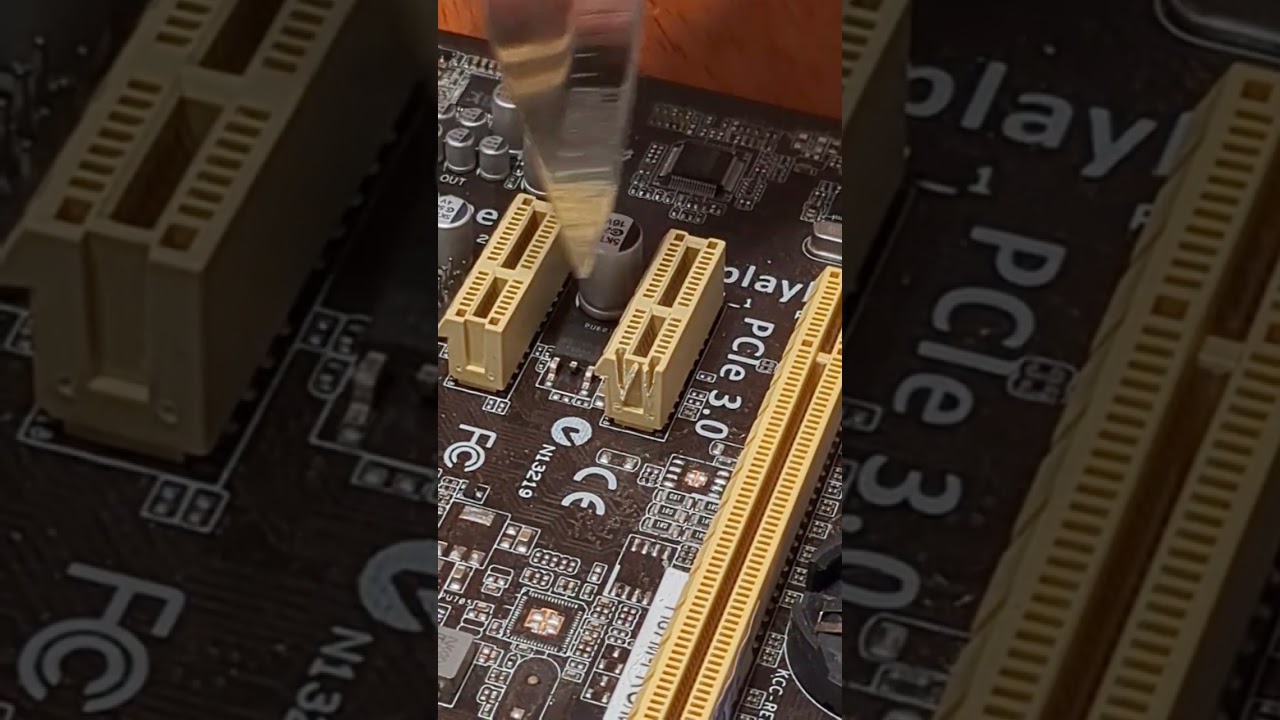
On a side note my NVME heatsink gets right in the way on this board, so hacking up a card was the only option for me it seems. I have to rest the card on it as it is.
Btw, I did this same dremel magic trick to some intel i350 dual port cards from supermicro and fujitsu, that for some strange reason were on a x4 pcie when a x1 is perfectly fine for 2x 1gbit ports.
Along with a bunch of grounds and three PRSNT2s. So, besides the possibility of a cutting disc creating a metal bridge between PCB layers, there’s conceivably interactions with the card’s ground topology or slot detection. Either would be odd, but cutting down does usually work after all.
Also some of the x2 and x4 PCIe chipsets don’t offer x1 functionality. Cards have to run at x1 to negotiate but they don’t have to do the thing they’re built to do. I don’t know specifically for GPUs but, should the same apply to a particular chip, x4 or wider might be required for operation. A possible diagnostic would be to see if a non-functioning GPU’s enumerated on the bus.
If the mobo doesn’t have components in the way, yes, but my experience is the odds of that get fairly low by x16.
FWIW all the ASRock boards I’ve built lately use open back x1s if they have them, with clearance to put in an x4 card but not, IIRC, x8 or x16. Conversely the MSIs I’ve built are all closed back x1.
never seen a card or board that cares about the slot size sense pins.
Also never seen a pcie device that does not run with less lanes.
Its worth keeping in mind here that both cards are using the same nvidia chipset so should both work.
Also worth keeping in mind everyone and their dog during the Cryptomining times was putting gpus on pcie switches that gave the gpu only a x1 and there has been no report of issues.