I am curious how well the M-Chip Macbook Pros support local AI models. I use VSCode with Codeium (not with a local model) on my desktop, and I am curious if a Macbook Pro with a local AI model would work well enough to be useful for times when I don’t have internet access (or possibly as a replacement for paid AI models liek ChatGPT?).
1 Like
Apple makes memory prohibitively expensive. You can run models that can approach Claude, but when you have at best 64GBs of memory for more than 5000 USD, there are two things fighting against your specific scenario: those GBs are better suited for tooling (of which small models can be a part of), and your money better spent on dedicated hardware for LLMs.
I use small models (~3/4B) for simple F-I-M tasks that are usually repetitive. I have an ‘old’ desktop at home with an Nvidia card for more complex tasks that I don’t want to send to Claude for whatever reason.
This is a good place to get started:
Performance will be pretty usable on a pro/max chip I believe. You do need a decent amount of RAM though. If you only have 8, you’re out of luck for most models. With 16 you can do it but won’t have much left for other applications.
There’s plenty of YouTube videos on the topic with more details and demos of performance.
3 Likes
Thanks for the input. Suppose I get the M4 Pro (14/20 CPU/GPU Cores) with 24GB RAM, which is the one I am leaning towards from a cost/performance standpoint.
Would that be sufficient for on-device AI to serve as a coding assistant (the main thing I use AI for at the moment).
With that amount of RAM, and the currently available open source models, what kind of accuracy/performance could I expect compared to something like ChatGPT 4o-Mini?
How does Apple’s “shared” RAM compare to RAM on a GPU. If users report a certain model runs well on an Nvidia GPU with 12GB of RAM, is it safe to assume it would run well on a M* chip Mac with 18ish GB (accounting for the fact that the OS and other apps/processes need RAM, too)?
+1 for ollama
I’ll raise you a lmstudio. It is great for finding out which models are compatible for your hardware
For inferencing (using a pretrained model), the unified memory is great. I don’t know if model training is better as pytorch doesn’t have a native version for apple silicon. IIRC Wendell talked about it on a link with friends show I can’t remember. The macbook is great if you need to be portable and offline, but much more expensive to scale out the memory
I have a m2 pro with 32gb of shared ram and a desktop with a 8gb RTX 2070, Gemma 2 9b q8 runs very well for following instructions and doing text classification.
If you are confused by the naming, the structure of the name for gemma-2-9b-instruct-q_8_0 is as follows:
gemma-2: model name9b: number of parameters for model settings,B=billions of parametersinstruct: the task the model was fine tuned on, instructions following instructions vs code generation modelq_8_0: Quantization level, the datatype of the model weights and how compressed the model weights are.
A quick heuristic I use is for every 1B of parameters, it’s about 1 GB of ram/vram. Each drop in quantization level is a lower quality output q8 > q4 > q0. I try to find a model with the highest quantization possible with the the highest parameters my hardware can handle
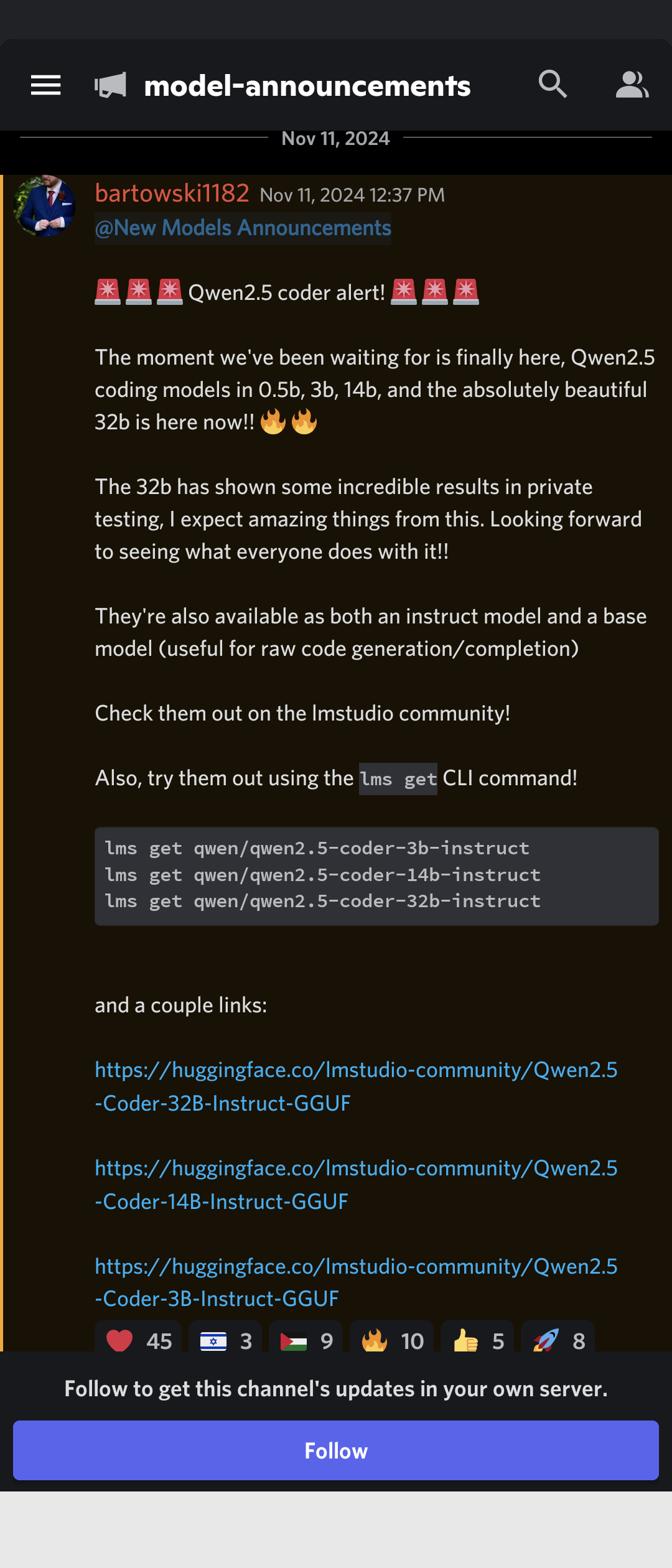
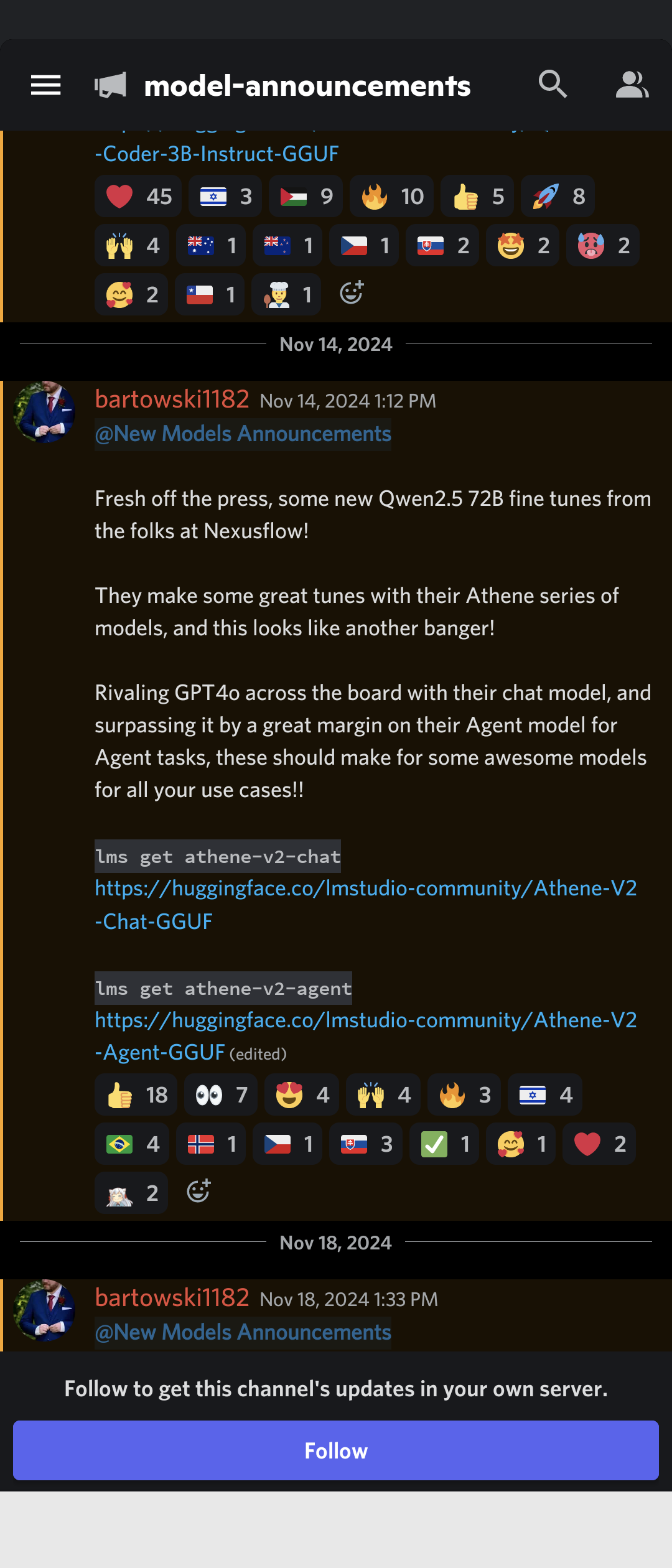
For coding, you might want to try out qwen, deepseek or any coding models in the lm studio discord
2 Likes
You can try hosted models that are small enough to fit in a consumer laptops memory e.g. on https://chat.groq.com/ Llama 3.1 8b is probably the right ballpark. But for coding the big hosted models (not runnable on consumer hardware) are significantly better.
I would personally not choose a device specifically for that purpose. Especially a laptop. Developments are fast and I’m also sceptical of the utility (but maybe that’s personal - I don’t find the coding assistants too useful). You won’t be able to upgrade if better things come along and running llms will kill the battery life (though the apple silicon devices have it to spare).
It is a great laptop otherwise - good price to performance and the best on the market if you can live with osx and no upgrade path. If you were buying one anyway it is a nice use case - just know the bigger better model is probably around the corner and you won’t be able to run it.
Yes, if you load an 8 GB model the GPU reserves that amount from the shared memory just like the CPU does for applications.
2 Likes
I have a MBP M3 Max 36GB, it’s able to run some models with decent speed (way slower than my 3090s tho), and can run models up to the 40B range at q4 if I’m not doing much else.
Problem is that, since it’s unified memory and I’m a real ram hog, I barely have enough free RAM for most of my daily tasks (I usually sit around 30~34GB in use with 10~40GB in swap), so having a model running at the same time would just make the laptop unusable for me.
Thanks for the input.
As of now, the most compute intensive tasks I do are 1) photo editing, which isn’t really that heavy of a lift other than AI denoise in Lightroom, and 2) using AI as a coding assistant.
That said, the only time I’d really need local AI is when I don’t have internet access, which is somewhat often since I travel a lot.
Apologies for the late reply. It’s an excellent machine (I just bought that SKU, for other reasons), but I wouldn’t advise spending that money solely for LLMs, or even AI in general.
With 24GB of memory, you could partition about 8GB for <8B models, as others have said in this thread. If you are willing to use up to 16GB for your models, you can use some of the larger 12B-30B coding-specific models such as Codestral or Qwen Coder. Be careful, quantization matters as much as depth, you will need to balance the two. 4-bit quants will be quicker to hallucinate compared to 8-bit quants. However larger (deeper) models will be able to understand your context in ways that smaller (shallower) model cannot.
Either way, none are anywhere close to hosted models whether they be GPT-4, Claude, or even hosted Llama 70B/400B. As long as you understand that going in, you’ll be satisfied.
Memory is unified, and addressable by both the E- and P-cores, the NPU and the GPU. Keep in mind you will also require a couple of GB for context, software libraries, embeddings, etc.
Yes, LM Studio isn’t FOSS like Ollama, but for beginners it’s an excellent intro. Ollama does not come with a GUI, for instance.
The GPU isn’t fast enough to do training at an acceptable speed. Even LoRA fine-tunes are very slow.
I wouldn’t purchase the Pro chips if that was all you need it to do. The base chip is good enough for CodeGemma 7B Q8, and quite a bit cheaper. The MBA should be out before WWDC in June, if you are willing to wait and save a little more.
(Given of course, if Trump doesn’t put tariffs on Macs. I’m sorry for bringing it up, but it might be a concern if you’re in the US.)
1 Like
So, what type of use case would justify purchasing the Pro/Max chips with the higher amounts of RAM?
How much RAM does a person need to get performance and accuracy that comes close to something like GPT-4/Claude (or is that even possible with a Macbook?)
Thanks for the in-depth reply! I Hope you had a good Thanksgiving.
My particular use case is specifically for daily work. I do contract work for local businesses, and my old machine was a System76 Oryx Pro that cost me about the same 5 years ago. I no longer require VMs for testing as everyone is using “containers” or some SaaS solution that I can hook into. So a new machine that is as fast as the 5950X in my personal desktop, with vastly better battery life, mics, speakers, camera and display was worth the cost to me, even if I went from 32GB to 24GB of memory. The GPU is apparently slower than what was effectively an under clocked 2060 in the old machine, but I use Claude’s API anyways.
The old machine is getting refreshed to act as a compute server for family, that is something the Mac will never be able to do.
If you mean generally, Macs with large amounts of memory are usually for high bitrate video editing. Of course there are those with large sums of money that spend it on hobbies or as toys, but I can’t think of people in the software, data or IT industry using the Max chips purely for work. I know a few data scientists in academia, they’re using “cloud” tools for working with data lakes.
The short answer is: IMO it isn’t possible.
The closest model to GPT 4 or Claude is probably Llama 400B. This is a GGUF conversion of a 400B fine tune, technically Ollama can run it. Even 4-bit quantized models require more than 200GB of space, so while you could run it with Ollama, you will be limited by the latency and throughput of the memory subsystem. Macs have slower (both latency and throughput) memory compared to Threadripper IIRC.
Those deep models take a lot of effort to traverse, and even the upcoming Ultra chips may not be as fast as something like Grace Hopper. While it may not be that exact model, the API requests you make to ChatGPT, Anthropic, Mistral, etc. run on that kind of hardware.
There was something that Wendell mentioned about using something from Solidgm to act as Optane for VRAM, but I have no experience (or money) with those setups.
Thank you! Ours was in October, we usually get snowed in by November  .
.
Pretty well actually.
I can generate images in diffusion bee in under a minute (m4 max) and running local LLMs like Gemma 27b (64 GB ram here) I get similar speed to cloud LLMs.
Obviously limited in size, and I wouldn’t specifically buy a Mac for LLMs, but if you have a Mac or are thinking of one… it works surprisingly well.
I’ve been playing with lmstudio and diffusion bee a bit and so far am impressed.
disclaimer: coming from someone just experimenting with AI. The models I’m playing with would fit into a 24 GB machine, just.
With regards to the unified memory this is one advantage of the Macs at the moment. I can run models in GPU that would require a desktop 4090 on the PC side as I have up to 64 GB of GPU memory available (well, minus what I need for the OS).
Apple just announced the M3 ultra Mac studio, which for a whopping 9500 US dollars gets you 512gb of ram, the thing it, the quasi-entirety of that ram can be allocated to the the integrated graphics.
What this means, is that you could run the full fat 671b deepseek-r1 model on “Vram”. Something I’d assume you’d pay significantly more for on the DYI or server side of things.
Can someone correct me on this ? How expensive is it to buy a server with either enough dedicated graphics cards to total 512GB of Vram?
I think the more interesting comparison is going to be how many Ryzen cores can you buy with (9500 - 512gb Dram - server Mobo), and how fast is it compared to the m3 ultra’s 80 graphics cores…
You’re hijacking the thread somewhat, but yes that is correct. Only for sure when it’s been tested of course.
The M3 Ultra has about 800GB/s of memory bandwidth which is close to 3090/4090/5080 bandwidth so it should perform accordingly, as long as implementations for Mac are available.
Not quite full fat but a quantized version, yes.
Very expensive… I think it’s about 30k for an 80GB nvidia card. HOWEVER, the total memory bandwidth will be MUCH higher. E.g. a 5090 has almost 2TB/s for 32GB, so 16 of those give you 32TB/s at 512GB. Even if you lose 80% of that to communication overhead (dependent on model and implementation), that is way more than apple offers.
So total memory bandwidth is closer to a threadripper/epyc system than to an actual GPU cluster (though price is as well)
IMO a very interesting system for developers that want to build something on top of an LLM or AI model (agents?) but probably not performant enough to do finetuning of even training of large models…
1 Like
I have used this on several different M1 and up MacBooks no problem
1 Like
As already mentioned, a number of the popular inference engines support mac metal backends, but I have noticed an uptick in people mentioning mlx which might be a new mac focused engine.
I haven’t tried it as I don’t have any mac kit. Just mentioned it in case it is of interest.
Cheers!
This topic was automatically closed 273 days after the last reply. New replies are no longer allowed.