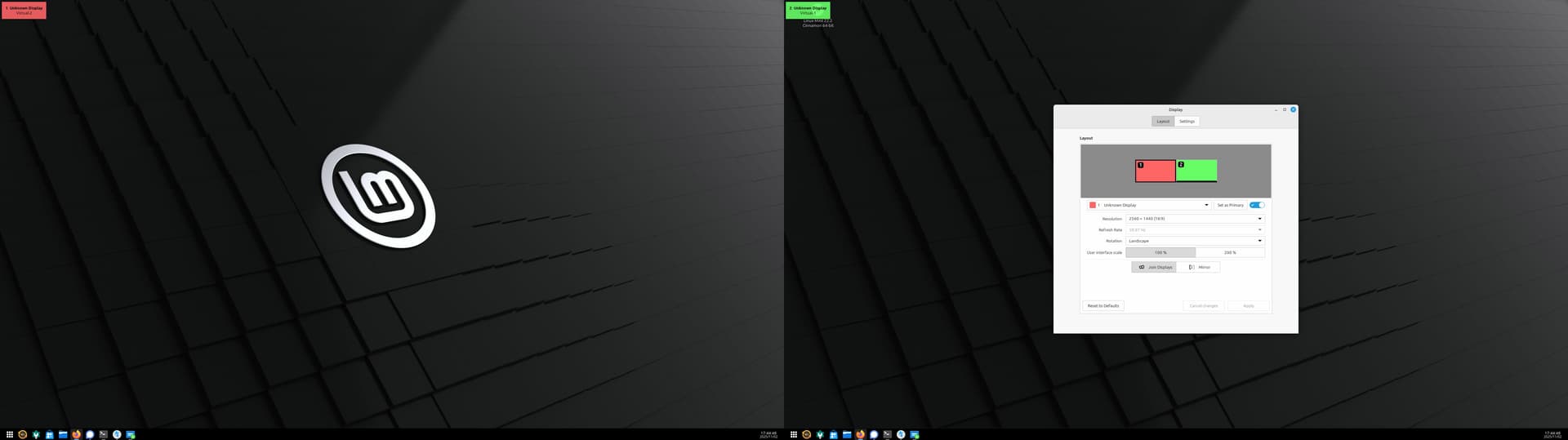
I’m working on switching away from windows to Linux and I’ve settled on Nobara as my main, but I need to remote into a Win11 work machine at the office.
Note: I’m still quite new to Linux.
I’m trying to create a Linux VM that I want to use just for work and to mainly remote to a stupid Win11 machine at the office. However, I need help/advice with either the VM config or tweaking the OS on how to get the VM to use 2 different displays of which one is 1080p and the other is 1440p. I do have a basic Proxmox machine I’d like to have this VM on, but for now I’m experimenting just on my main rig.
I’ve tried Linux Mint XFCE and although it works, it’s 1080p resolution on both displays… I can’t have 1 display 1080p with the other 1440p.
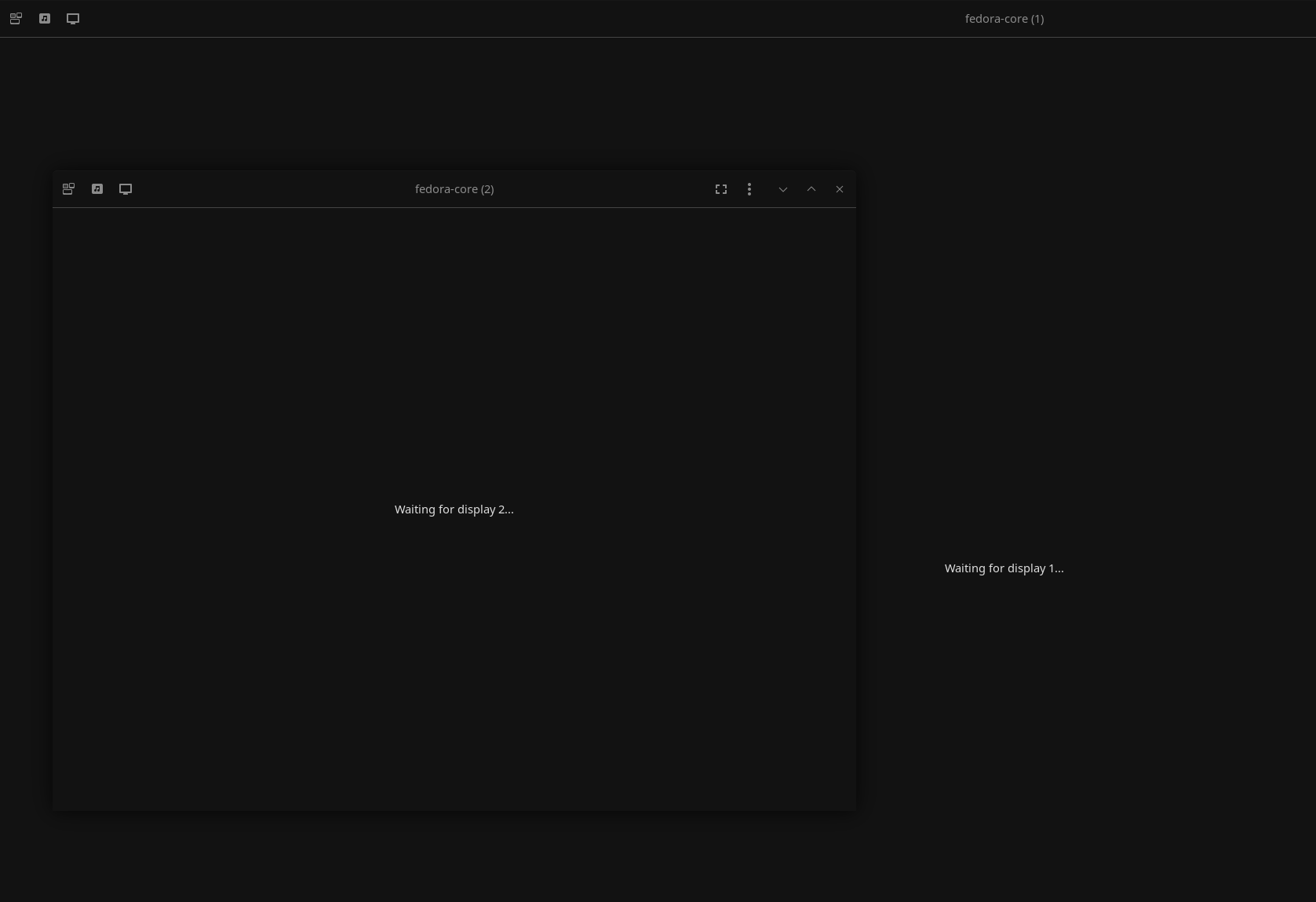
I then tried Fedora and it looks like it’s trying, but as soon as the 2 virtual displays have different sizes it gets stuck on “Waiting for display #” like in the screenshot below. I’ve tried full screen on both “displays” as well with the same result
It’s not the end of the world if I can’t get this to work, but I’d like to try.
More background:
I have 3 monitors. My main display is a 27" 1440p placed in between two older 1080p monitors. I normally have work spread across the left 1080p + my main 1440p displays while the right hand side 1080p monitor shows my main desktop where I run Teams in the browser.
To separate work and personal stuff I normally have 2 VMs of which one VM will be my personal dev environment while the other VM is setup purely to connect to the office.
Up until now, I was using Windows + VMWare and Windows 10 as my VMs. VMWare on windows allowed me to run a VM over 2 displays and the Windows VM handled it fine. This meant that when I used RDP inside the VM to connect to the office machine, my work PC filled both monitors.
I’ve been trying to get a Linux VM to use 2 monitors, but they seem to not like the fact that one monitor is 1080p with the other being 1440p.
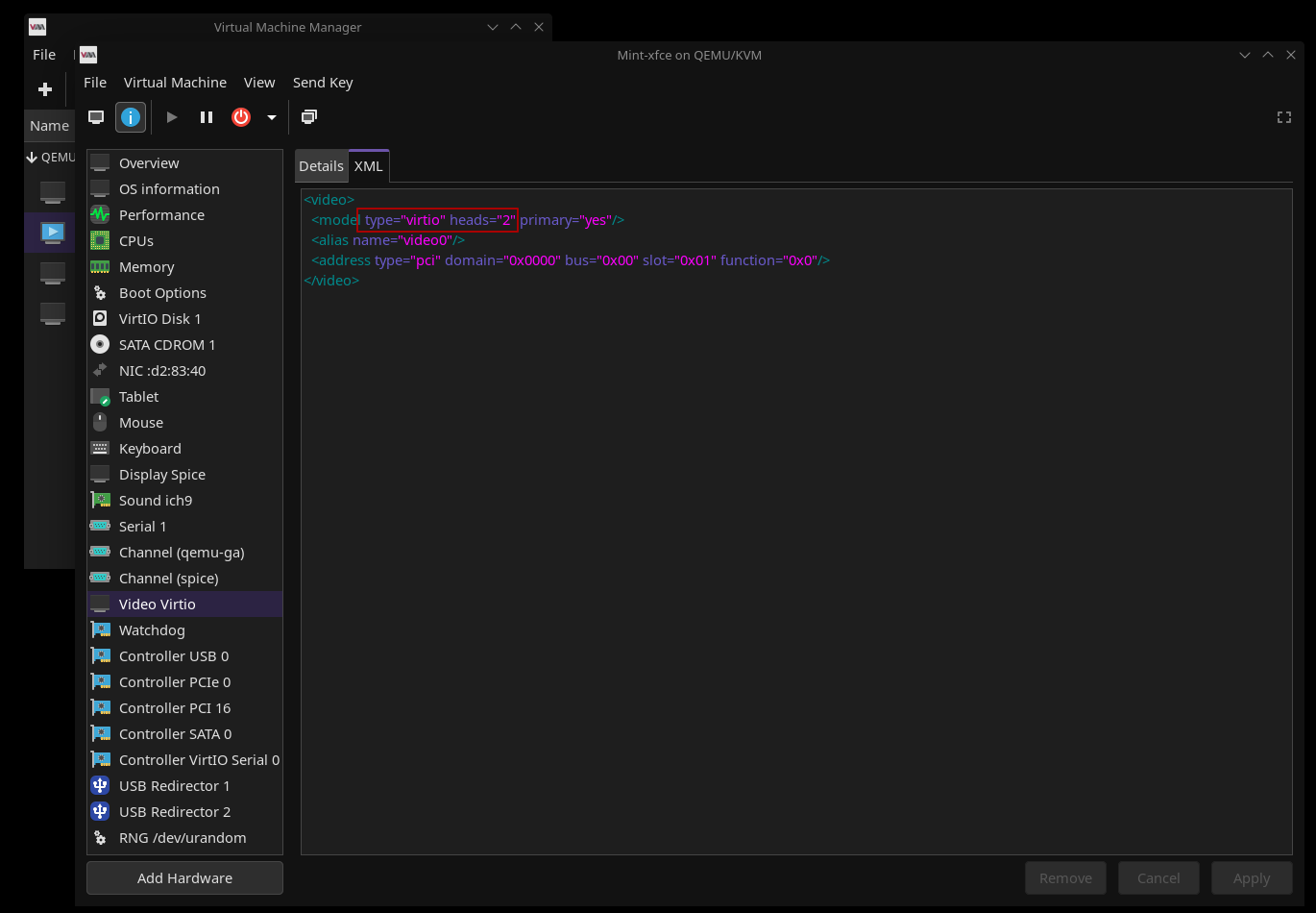
Got it working with Mint. So far everything I’ve googled said I should use QXL and not Virtio, but I decided to take a chance and switched to Virtue and then editing the XML to set head=“2” and now I have 2 virtual displays, extended, and at 1440p.
Next step is to find a really lightweight and simple distro that I can host on my Proxmox machine which will then be a dedicated VM to connect to the stupid Win11 work pc.
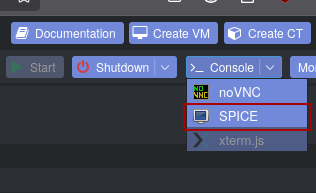
I shouldn’t need 3d acceleration. I just want a portal to the Win11 office PC and I’d like that portal to live on my Proxmox machine so it’s not dependent on my main rig as much. So from main PC I use Spice to connect to VM on Proxmox server, then from that VM I RDP to Win11 machine using office VPN.
I will still have my personal dev environment/VM hosted on my main rig as the Proxmox machine is an old 4th gen intel, but it should be good enough to host a portal to the office
I just found that the guest host experience with 3d acceleration was great. I guess our usage differs. Advantages of computing haha, no one size fits all.
Finally got something that works. Google was being no help so I did a search on github directly and found:
I then created a .sh file on my desktop using one the example commands lower down on the github page and made it executable. Doesn’t feel as clean as I would have liked, but it works and even opens 2 displays by default.
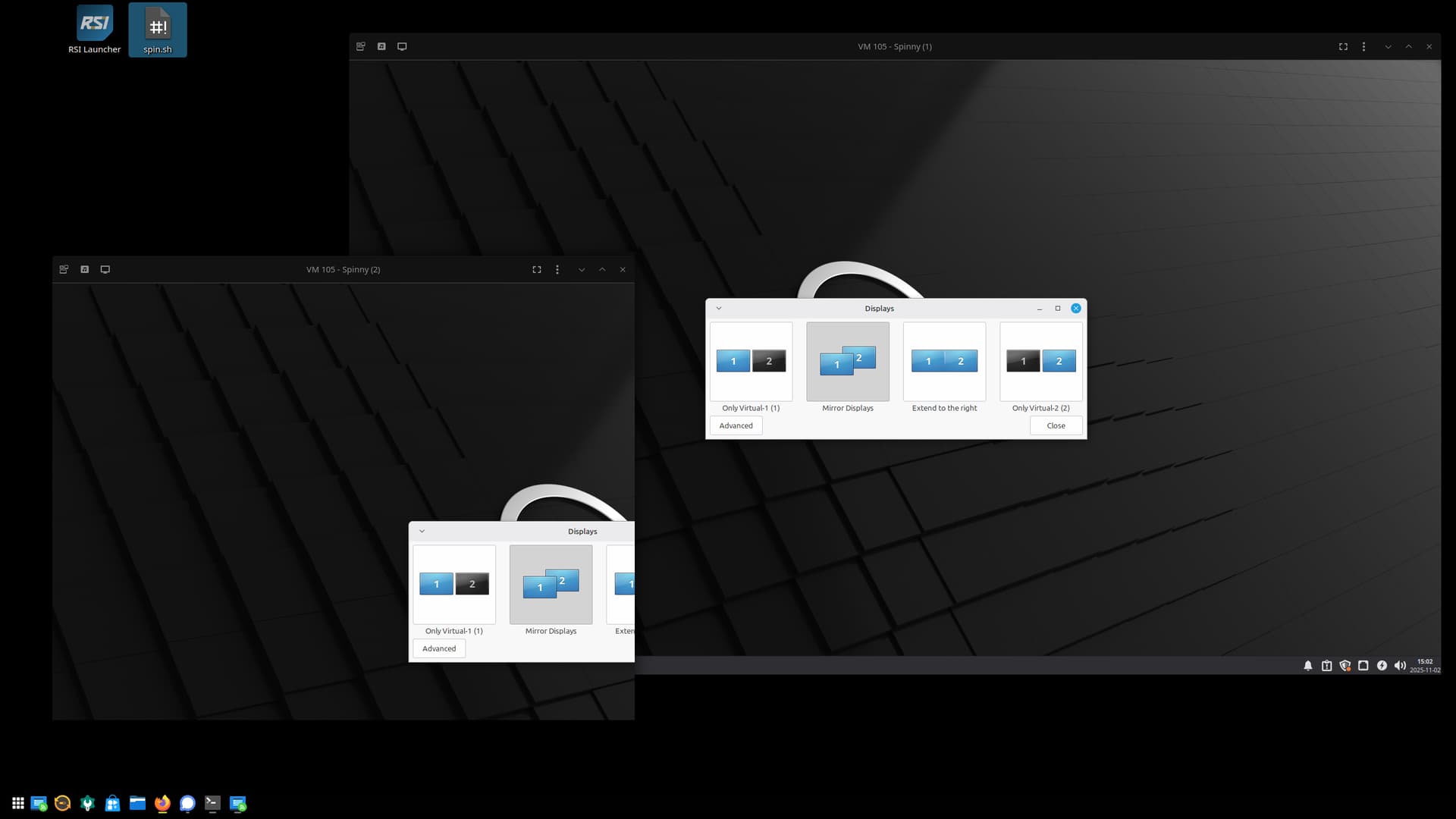
I celebrated to early… I have 2 displays for the VM, but it will ONLY mirror. It’s so infuriating when I set it to be extended, hit Apply, it says it’s all good, but it didn’t do anything. At least give me an error message or something!?