An interesting forum post about a recent Windows 10 update not sure if it's been posted already...
This is old news bro. Any Windows update that updates the Windows bootloader (you never really know which update does) it will fiddle with a Linux partition. The only way you remedy this is to use a separate drive, or use the Windows bootloader itself instead of GRUB.
Sorry for the Duplicate post
A horror story opportunity:
So I went into my Win7 partition to resize it to give more space to Linux later on, I went to the Disk Management screen and proceeded to resize the NTFS partition. Something strange happened ( it was taking a very long time and it shouldn't have ) When I rebooted, the Windows Disk Management tool wrote 135MB of windows crap over the Linux partitions I had (2 LUKS 1 Root all seperate disk) erasing the encrytion key headers... YUP ! The LUKS partition were basically toast. Photorec / test disk was a waste of time.
--- Windows Horror Stories
1 Like
I could understand the horror story if the user is new to Linux. however, if you've been using Linux for a wee bit. that is very stupid mistake to do.
Kind of unrelated, but thought I'd share.
I am giving an older laptop to my sister for her birthday, which was last year, so she is in on it. It's a 2011 Samsung NP530U. She is used to windows. Big deal, I'lll just put windows 10 on it, right? Doing the whole install thing and update only to find out it is in a boot loop if it does not have the USB key with the install image. This is strange, I think. After wading through more trouble shooting guides and forum threads than I care to admit, and nothing of it working, I remember that there is a 16gig internal iSSD on the mobo of this laptop. I once tried installing linux on, but the iSSD is not recognized at boot time, so obviously that didn't work. Okay, looking at disk management, and sure enough, the win loader is located on the iSSD. Okay, reinstall windows, it self selects the iSSD for the loader partition, every time! I tried 3 times, and every time it would put the loader on the iSSD, for real microsoft? I can't even choose on which device I want to put the loader? Yes, which device, not just partition. Geez man!! So, thinking outside the box. What if I install GRUB on the HDD and let it point to the loader. Great thinking Zumps, it is now not stuck in a boot loop, however, found out the loader is corrupted and nothing from the aforementioned guides and forums fixes it. The win loader is simply broken. At this point I don't know if it is my install media (possible) or because the iSSD is riddled with bad sectors, which it is.
I called up my sister and told her she will just have to learn how to use linux. She accepted so now one more family member is moving to linux because I have been out of the windows loop for too long and can't for the life of me figure out the logic of Microsoft products.
Edit: It just dawned on me. I have become the lazy user, that just wants it to work, and behave the way I am used to. I am the typical windows user, but with linux O_o
1 Like
You forgot the better option : not to use Windows 10 at all
2 Likes
Until you decide you want to game and run back to it like a battered wife who can't see that their husband is abusing them.
Quick OP rename the thread to Linux horror stories.
1 Like
I am also a typical Windows user, expecting things to work on Linux. Which is why I prefer the dumbed down "baby" Linux distros. If their is no gui for something, I'm not using that distro.
No problem here, ever since I quit playing GTA my entire library has native Linux support.
I am kind of in an existential crisis here. I used to see myself as an OS agnostic "Use the tool that works for what you want to accomplish", but this experience and subsequent acknowledgement that I am not indifferent to what OS I am running, has given me doubt in whether I can actually live by that mantra.
1 Like
So Windows disk management erasing partition headers ( in this case a LUKS headers ) is a newbie mistake? I mean you basically have to resize your NTFS partition in Windows. Gparted doesn't do a good enough job at it.
1 Like
He has games that are Linux/SteamOS compatible
No. Windows in general messing with Linux Partitions on the same drive has been well documented for years. These stories are nothing new. As time goes on and you become more aquatinted with Linux. You learn to circumvent these things.
Is it a newbie mistake? No. It's a horror story a lot of people go through that in the same fashion people can circumvent very easily.
Ah I see the mistake you misread that the LUKS drives were on seperate disks see below in bold.
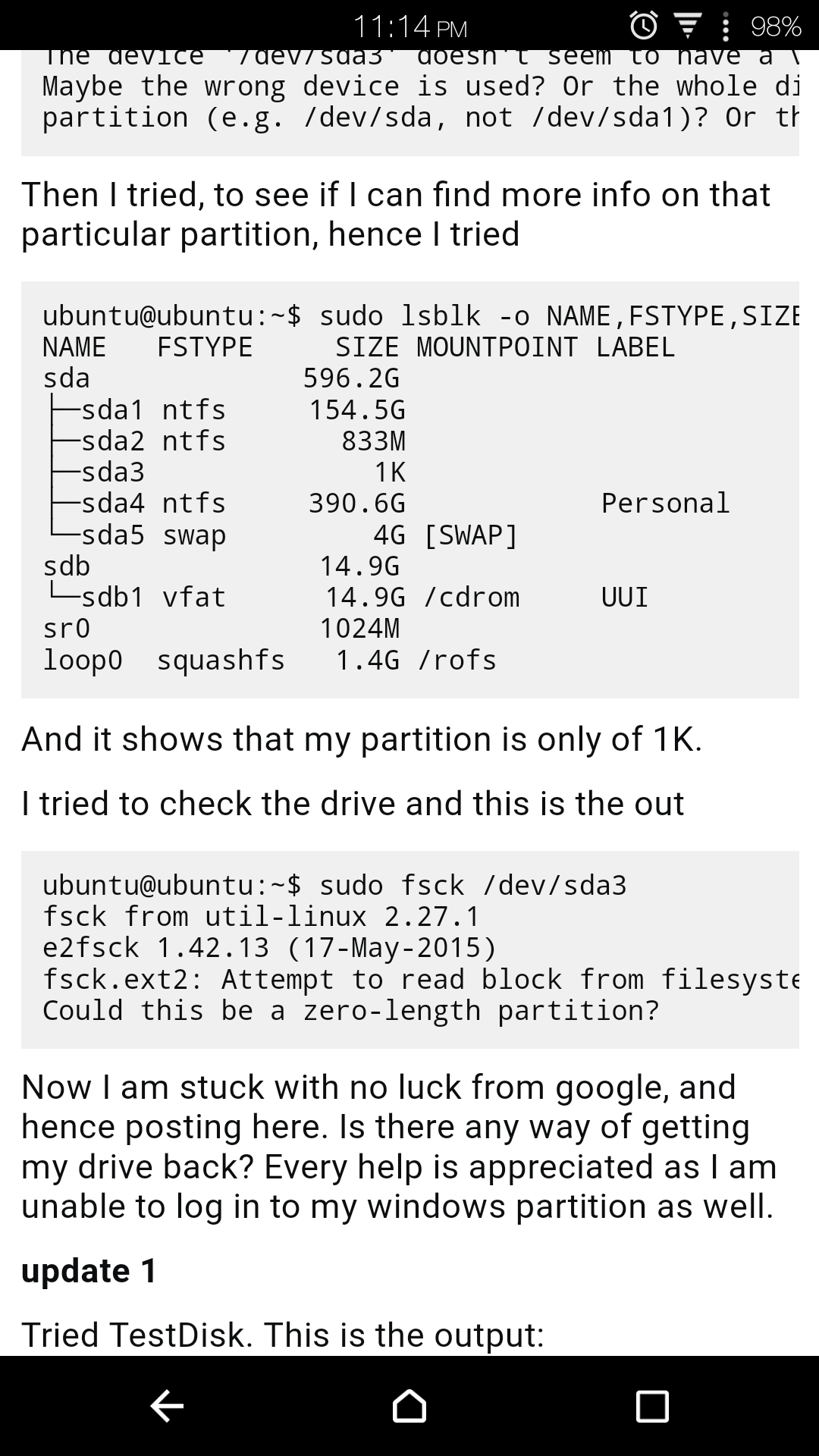
I was responding about the link you posted from the very beginning of this conversation. and from that second story you posted that sounds like a user error than something windows did on its own..
It downloads the games again the first time you sign in to Steam's Linux client. After that they're on your Linux install so you can play them just like you normally would.
I haven't tried copying any games over from my old Windows install, somehow I have a feeling that that won't work.
But we're going off topic.
1 Like
This is why you need to run Windows - if you want to run Windows that is - in a kvm container, and only have Linux on bare metal.
NEVER EVER use Windows recognizable file systems in Linux, use the better and much more advanced and safe Linux filesystems, btrfs etc... Windows can't even recognize those, can't mess with them, etc... and in the KVM container, Windows will only need about 80 GB of space for the system and the software you need. The rest you would want to use in Windows, like Steam backups, operational data, etc... is shared to the Windows container through SMB, which works well enough, and is shared by the linux host to the Windows VM, whilst the data itself is written in a Linux filesystem on a disk governed solely by the Linux host. Also, mount those SMB shares manually, do not leave the SMB server service running in Linux, but wait until Windows starts up in the VM, see what it is up to, then when it's not updating or doing it's usual evil, start the SMB host service in the Linux host. It's very little discomfort for a lot of benefit.
Main benefit is not even data security, but is purely practical: since Windows 10, Windows has been self-destructing its system files at a tremendous rate, even worse than in Windows Vista. The number of "sfc /scannow" interventions has been enormous, but also reinstalls/recoveries/long milestone updates with a lot of undesired effects, etc... a lot of time and energy lost... a KVM container solves all of that: you simply snapshot the fresh Windows container, which takes a few seconds at most, and when Windows does something that prevents you from enjoying life (which it does all the time), just simply recover that snapshot and dump the whole container and have it fresh in seconds. It's a huge plus in comfort and uptime.
From kernel 4.10 on, hardware passthrough on hardware that is bound in the linux host, will work out of the box in linux so there really is no reason left to not do it this way, the number of benefits of only using Windows in a kvm container on a Linux host have reached 100%, there are literally no downsides left at all, only huge benefits.
using ubuntu
Fucking terrifying. The thought makes me break out in a clammy sweat
Yeah, when The anniversary update hit it fucked up my linux drive. It was on a separate drive and everything and windows still fucked with it. So thats when in a fit of rage I nuked windows and went full linux.
1 Like