Allright, so fair warning. This write up will be a lot of reminiscing and documentation of my PC building journey, written in 2027. Someday, there might be a part two. That day is not today. Feel free to add your own thoughts on this approach to PC building.
Background
Back in high school, I was introduced to the philosophical ideal of The Ship of Theseus. I thought it was a perfect match for PC building, but me being a poor S.O.B. with no income or savings, felt ever starting my PC journey was far, far away. Then came college, and all of a sudden… It looked a lot closer. I did build a system before this, back in 2007, but I gave that away to family as a whole working unit and the internals are lost to history.
Now… I have always supported the idea of upgrading incrementally rather than buying new, and believe it is the fastest road to success. So let me show you my PC building journey and how this paid out. And please note… You are always paying in some end. In my case, it was with time, and quite a bit of discomfort and sub-par experiences. So if you factor those in… I would probably make some different choices today. Still happy where I am now, but I would probably do a few adjustments in the journey. 
I have included prices with the corresponding USD and EUR so the prices should be more or less historically accurate. They include VAT in SEK and EUR but exclude VAT in USD. The total cost for each system reflects what the upgrade cost, not the total cost of the system.
August 2010: Antec Three Hundred 1.0 (wolverine)
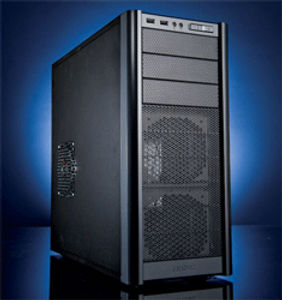
I did not have the foresight to take good build log pictures back in 2010… So enjoy this stock photo of the Antec Three Hundred!
I was in a Marvel phase at the time, and Wolverine fit - not the best, but good enough and punches above the weight class. Officially, I will go by the case names.
At this point, I wanted to build a decent gaming PC, had a stable job, and thought I could build something great on the cheap. So I built this. The Core 2 Duo was not that impressive even when I bought it, but what I put together was pretty good for what I wanted it to do. The SSD shown in this table was purchased in May 2016, while everything else was purchased in August 2010.
I also managed to buy a worse PSU than I should have; a 400W PSU turned out to be too weak for Battlefield 4 - the GPU tripped it when I attempted to play with my friends.  But for most other tasks there were no problems whatsoever with this build.
Unfortunately, further college studies made me kinda-sorta abandon the whole rig in 2017 or so. I started using it less and less in favor of playing on my Nintendo, I just could not be bothered with Windows by that time and Linux eventually got installed. Here is the build:
| Type | Item | SEK | EUR | USD |
|---|---|---|---|---|
| CPU | Intel Core 2 Duo E7500 | kr1093.00 | €115.70 | $123.30 |
| Motherboard | MSI P43-C51 Socket LGA775 | kr691.00 | €73.10 | $78.00 |
| Memory | Kingston Value 2x2 GB DDR3-1066 CL7 | kr904.00 | €95.60 | $102.00 |
| Storage | Samsung Spinpoint F3 1 TB 3.5" 7200 RPM | kr576.00 | €60.90 | $65.00 |
| Storage | ADATA Premier SP550 120 GB 2.5" SATA | kr399.00 | €43.00 | $39.00 |
| Video Card | Sapphire 100297L Radeon HD 5830 | kr1790.00 | €189.40 | $202.00 |
| Case | Antec Three Hundred | kr549.00 | €58.10 | $61.90 |
| Power Supply | Corsair CX400 400 W 80+ | kr429.00 | €45.40 | $48.40 |
| Optical Drive | Samsung SH-S223C DVD/CD Writer | kr197.00 | €20.80 | $22.20 |
| Total | kr6628.00 | €702.30 | $741.80 |
December 2019: Kolink Satellite 1.0 (buttercup)
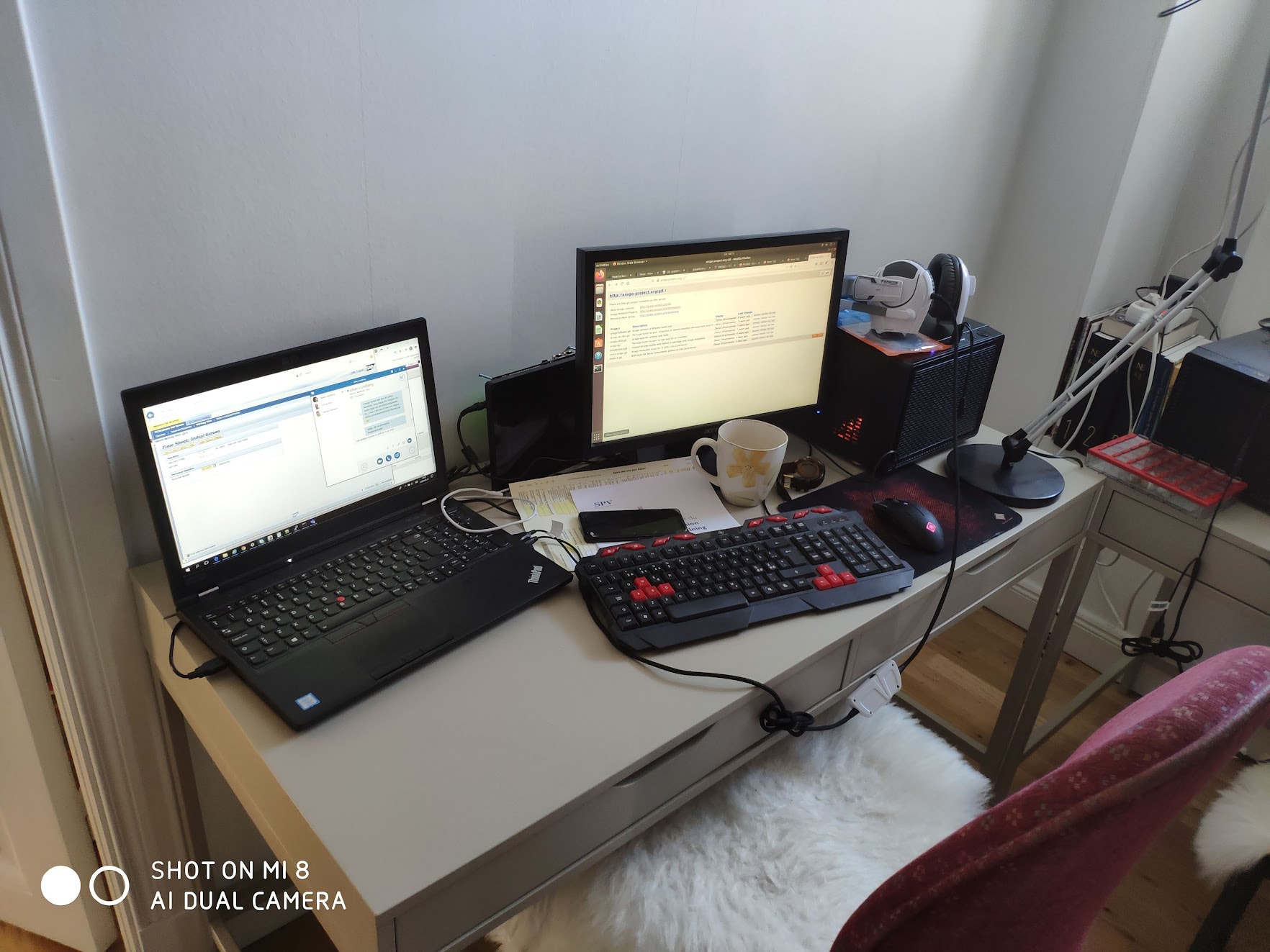
The full system in action
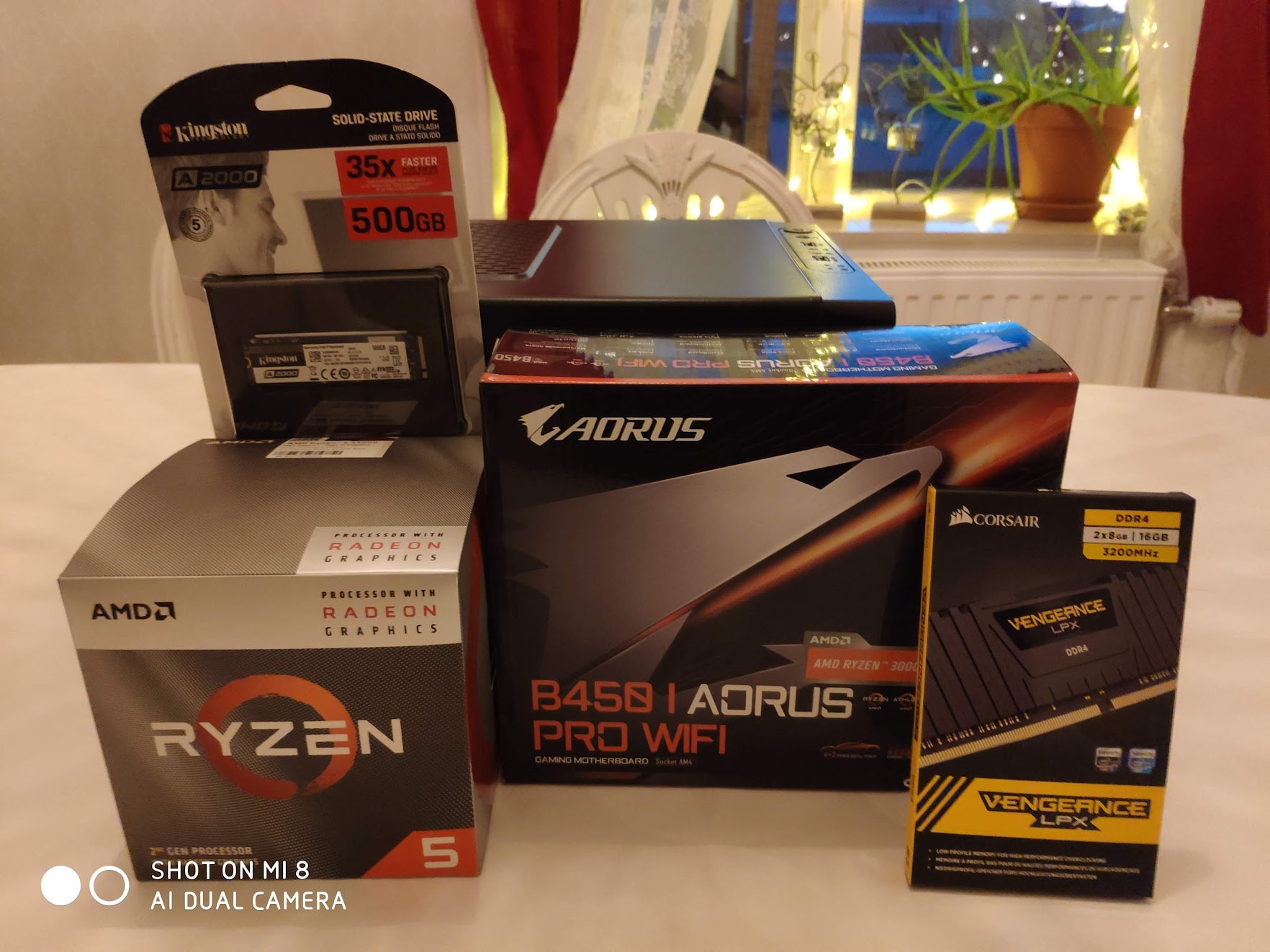
Photo of all the new parts
Yes, the computer was named from the Powerpuff Girls. This system was built as part of a trio, actually (buttercup, blossom and bubbles - all small, cute, and sharing the same DNA). And all three got upgraded along the ride, so all Kolink upgrades should read as three separate systems upgraded simultaneously right up until December 2024.
It was obvious that with a new apartment me and my family needed smaller systems - and it also became apparent to me that with so much stuff moving to USB and onto the Motherboard like external DVD / Bluray, sound mixers, HDDs → m.2 SSDs, it should be possible to downsize quite a bit. Mini PCs at this point sucked. So, I opted for going full ITX and SFF.
This case lasted me for seven full years, and I think, unless you need to build a stronger rig than the 300W system I put in this box… This case has earned its keep many times over, at $30 at the time the value is ridiculous. Relatively easy to build in, could fit three full HDDs or 4 SATA SSDs for a mini NAS, full size ATX cards and support for two slot 270mm GPUs. At the cost of $30 / €40! What a steal.
Otherwise, build was extremely bang-for-buck oriented. I did not have the budget for a ~$250 RX 580 at the time, so I decided to wait until I could save up the remaining money. BIG mistake :crying: However, the power draw? Estimated peak is 150W and probably less than 100W on average draw - even when gaming. So very, very efficient for what it could do.
| Type | Item | SEK | EUR | USD |
|---|---|---|---|---|
| CPU | AMD Ryzen 5 3400G | kr1399.00 | €113.10 | $119.50 |
| Motherboard | Gigabyte B450 I AORUS PRO WIFI | kr1249.00 | €118.80 | $106.70 |
| Memory | Corsair Vengeance LPX 2x8 GB DDR4-3200 CL16 | kr889.00 | €84.60 | $75.90 |
| Storage | Kingston A2000 500 GB M.2-2280 PCIe 3.0 | kr739.00 | €70.30 | $63.10 |
| Storage | Samsung Spinpoint F3 1 TB 3.5" 7200 RPM | kr0.00 | €0.00 | $0.00 |
| Case | KOLINK Satellite | kr329.00 | €31.30 | $28.10 |
| Power Supply | Corsair CX400 400W 80+ | kr0.00 | €0.00 | $0.00 |
| Total | kr4605.00 | €438.10 | $393.30 |
May 2022: Kolink Satellite 1.1 (buttercup)
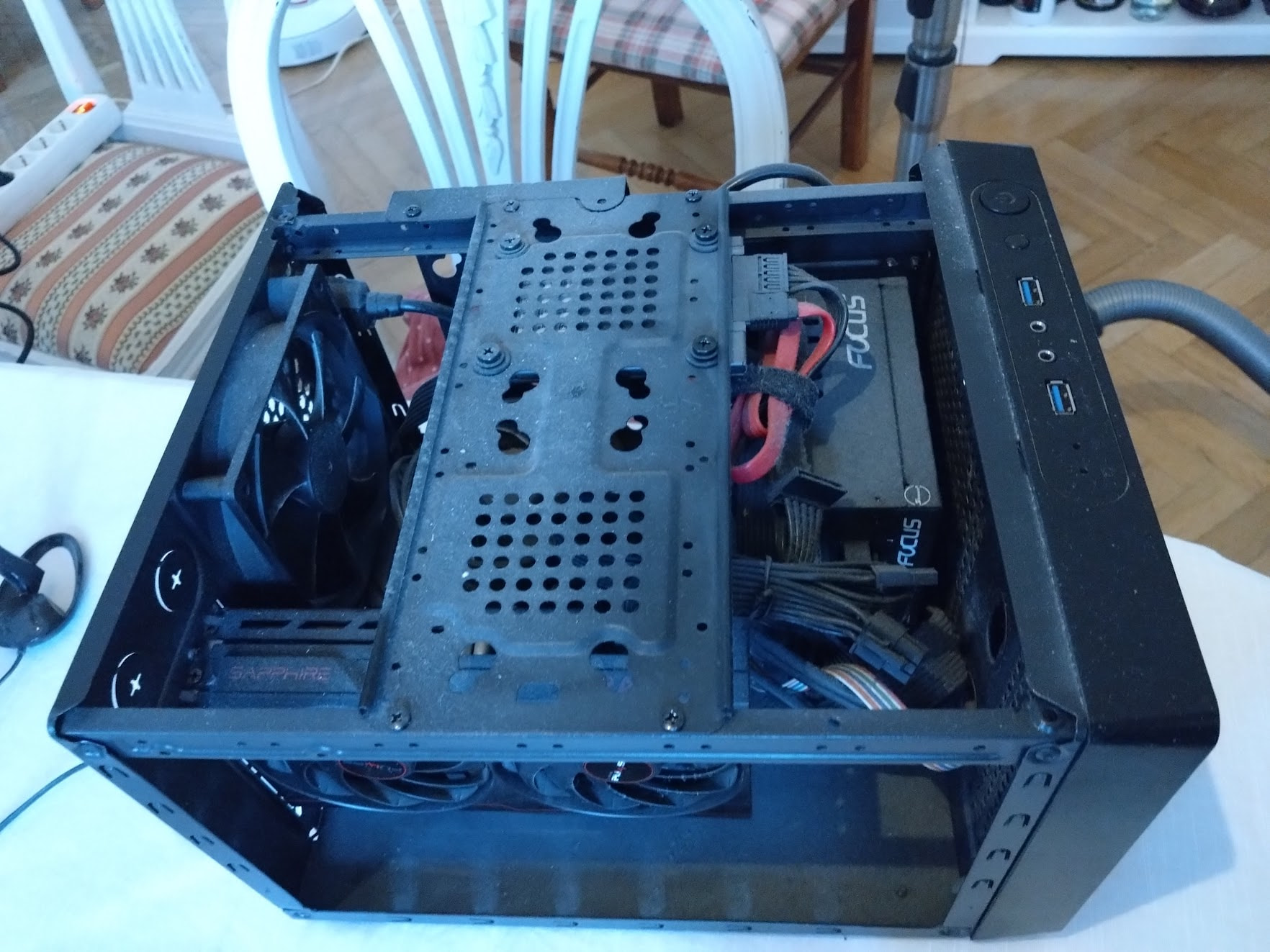
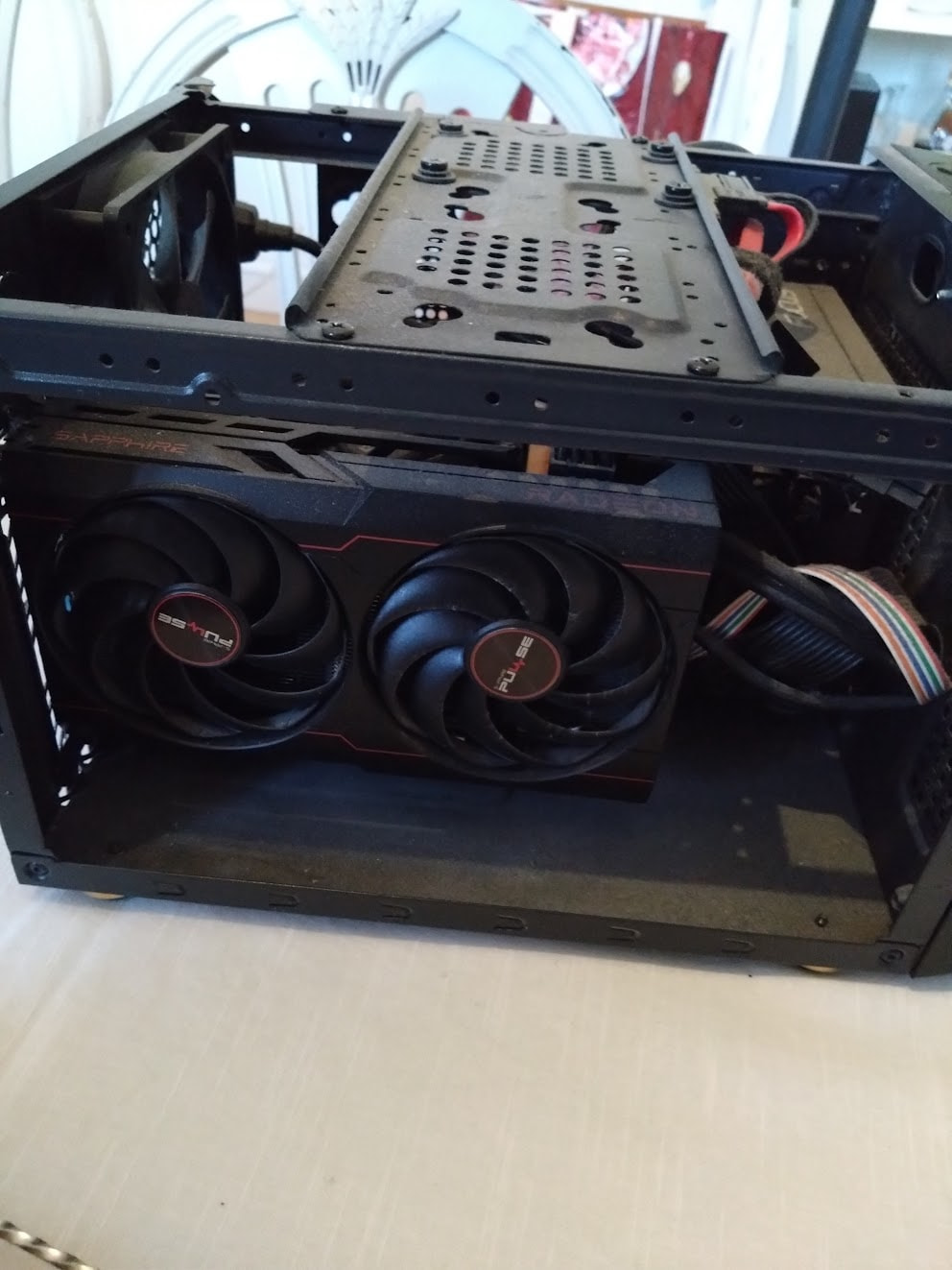
Two quick photos of Buttercup 1.0 before I did the transplant for 2.0…
Still on good old buttercup. Except now she is a wee bit more powerful.
This is actually the result of several incremental purchases made from Feb 2021 to May 2022; A400 SATA SSD in February 2021, Seasonic 650W PSU in Aug 2021, RAM in November 2021 and finally the GPU in May 2022. The total looks a bit much; but it was well worth the investment. Especially the RAM was necessary to run some maps in Cities Skylines.
What is there to say about this build? Worked like a champ and could play most games medium settings on 1080p. Not the best gaming machine out there. But small, sleek, space saving, and an estimated power draw of 250W on peak loads. The RAM helped and the GPU finally allowed me to play things like Hogwarts: Legacy and Final Fantasy VII Remake without Slideshow Bub making an appearance. All in all, pretty happy about this upgrade.
| Type | Item | SEK | EUR | USD |
|---|---|---|---|---|
| CPU | AMD Ryzen 5 3400G | kr0.00 | €0.00 | $0.00 |
| Motherboard | Gigabyte B450 I AORUS PRO WIFI | kr0.00 | €0.00 | $0.00 |
| Memory | Corsair Vengeance LPX 2x16 GB DDR4-3200 CL16 | kr1290.00 | €121.00 | $102.00 |
| Storage | Kingston A2000 500 GB M.2-2280 PCIe 3.0 | kr0.00 | €0.00 | $0.00 |
| Storage | Kingston A400 960 GB | kr919.00 | €86.00 | $73.00 |
| Video Card | Sapphire PULSE Radeon RX 6600 8 GB | kr4990.00 | €468.00 | $396.00 |
| Case | KOLINK Satellite | kr0.00 | €0.00 | $0.00 |
| Power Supply | SeaSonic FOCUS SGX 650W 80+ Gold Fully Modular | kr1249.00 | €117.00 | $99.00 |
| Total | kr8448.00 | €792.00 | **$671.00 |
December 2024: Kolink Satellite 2.0 (buttercup)
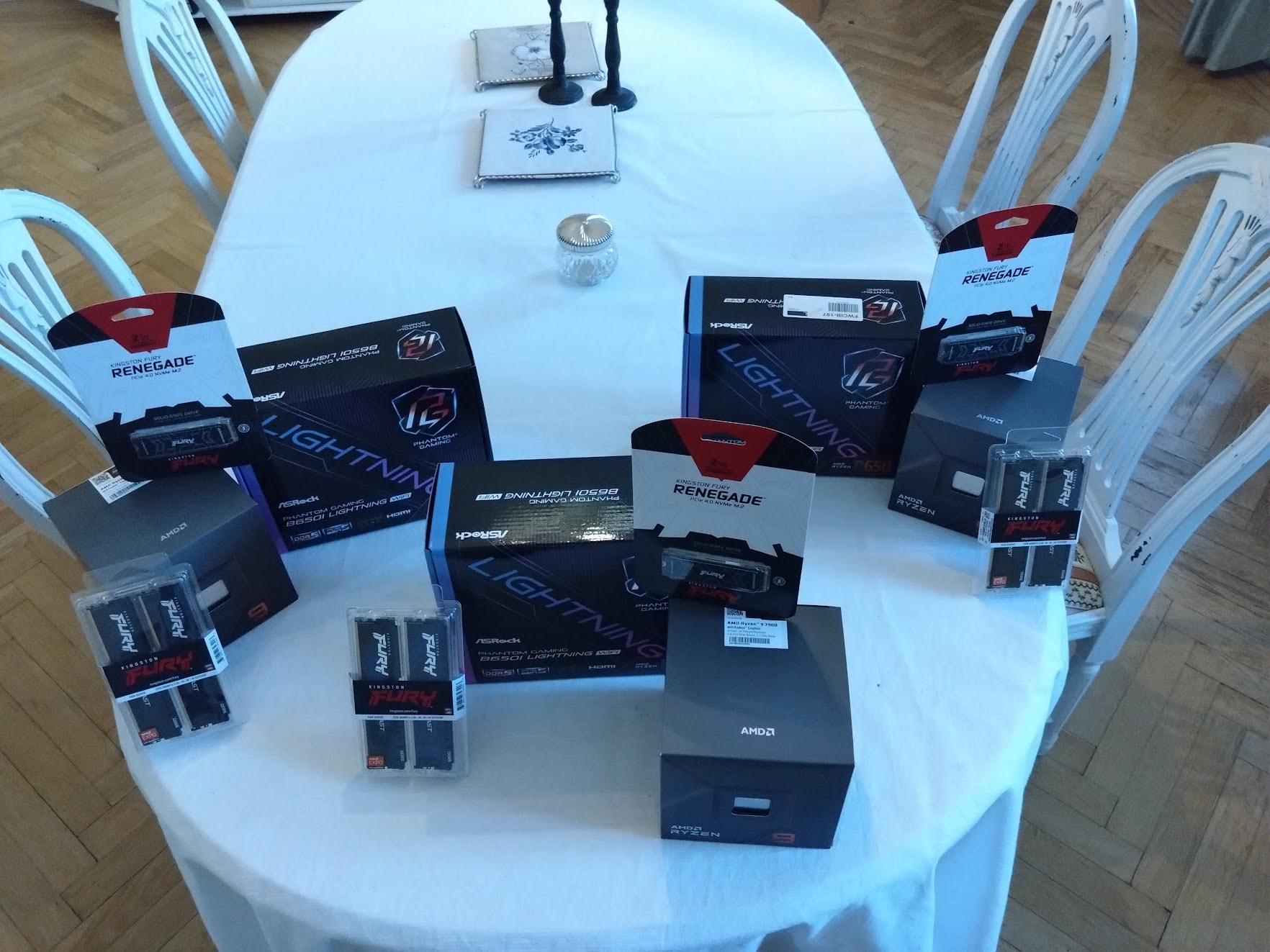
parts acquired for a full upgrade of Buttercup, Blossom and Bubbles
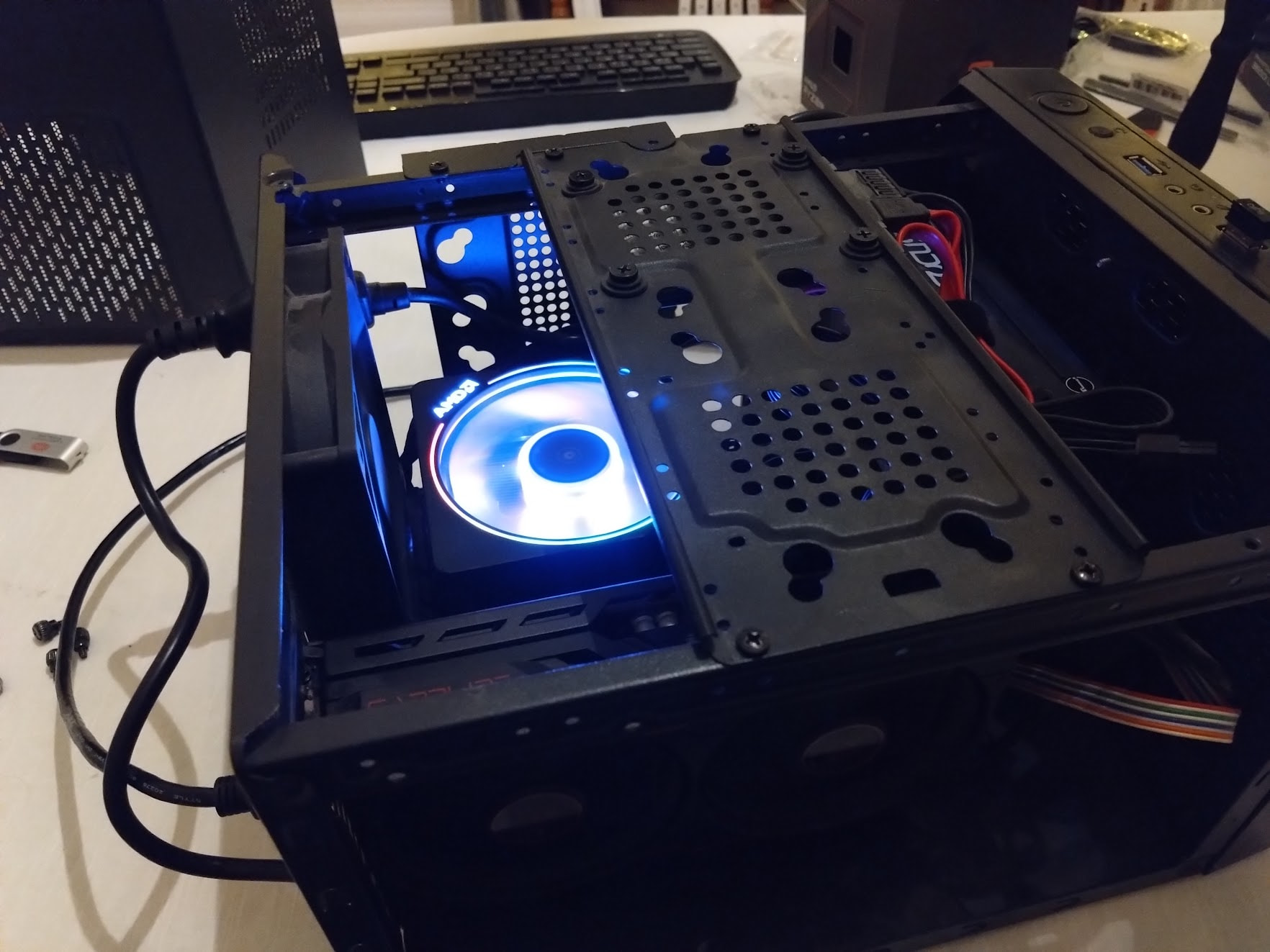
Transplant went well. Hello, beautiful!
Good old buttercup served me astonishingly well. This new iteration stresses the Kolink case to the max and I actually managed to get thermal throttling and even game crashes now! Scaled back a little in temps and I used an external floor fan to provide fresher air around the Kolink, and it was just about enough for what I wanted to do. Still, the hunt for a new case started.
The 7900? Honestly, amazing. The prism, the 64 GB RAM, the 2 TB of storage… I got to the WOW!!! factor twice over. Building Yocto went from 4-6 hours to 30-45 minutes! As a dev machine it rocks the socks. As a gaming machine… My 1440p 180 Hz screen is not convinced. But it’ll do just fine until the RX 90xx series get a decent successor.
And this entire system should only draw ~300W on the peak loads. Awesome final build for the case that could.
| Type | Item | SEK | EUR | USD |
|---|---|---|---|---|
| CPU | AMD Ryzen 9 7900 | kr4249.00 | €372.00 | $322 |
| CPU Cooler | AMD Wraith Prism | kr0.00 | €0.00 | $0.00 |
| Motherboard | ASRock B650I Lightning Wifi | kr2163.00 | €189.00 | $164.00 |
| Memory | Kingston FURY Beast 2x32 GB DDR5-6000 CL30 | kr2199.00 | €192.00 | $166.00 |
| Storage | Kingston A400 960 GB | kr0.00 | €0.00 | $0.00 |
| Storage | Kingston Fury Renegade 2 TB M.2-2280 PCIe 4.0 | kr1399.00 | €122.00 | $106.00 |
| Video Card | Sapphire PULSE Radeon RX 6600 8 GB | kr0.00 | €0.00 | $0.00 |
| Case | KOLINK Satellite | kr0.00 | €0.00 | $0.00 |
| Power Supply | SeaSonic FOCUS SGX 650W 80+ Gold Fully Modular | kr0.00 | €0.00 | $0.00 |
| Total | kr10010.00 | €875.00 | $758.00 |
September 2026: Fractal Design Mood 1.0 (Leela)
Well… Here we are in 2026. What happened? Three things. The RAMpocalypse, AMD deciding to delay the next Radeon lineup for at least a year, and then… buttercup died. Or the Kolink did, anyway. Front is completely wasted due to an unfortunate drop. Rest of the hardware survived intact. I duct taped the Kolink, but the damage is done. Time for a new case.
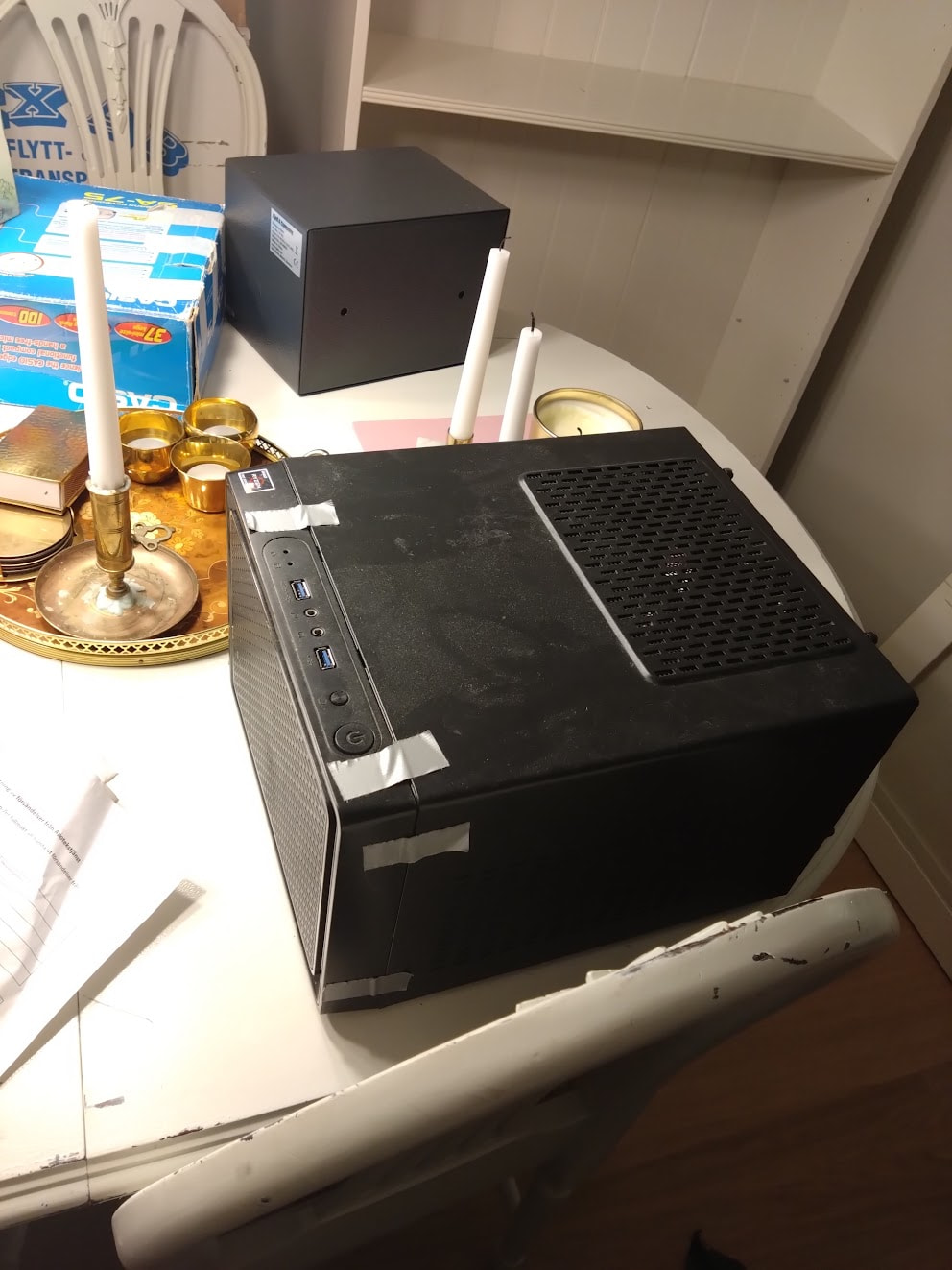
Uuuuh… Buttercup? Are you okay?

Nope, apparently not. New chassi, it is!
So. New plan. New chassi - the Fractal Design mood - chosen for it’s low footprint on the desk, which makes it ideal to put in the corner. Just like Baby in Dirty Dancing.  The transplant went well. Everything checks out. Except now there is an eye that stare at me all the time.
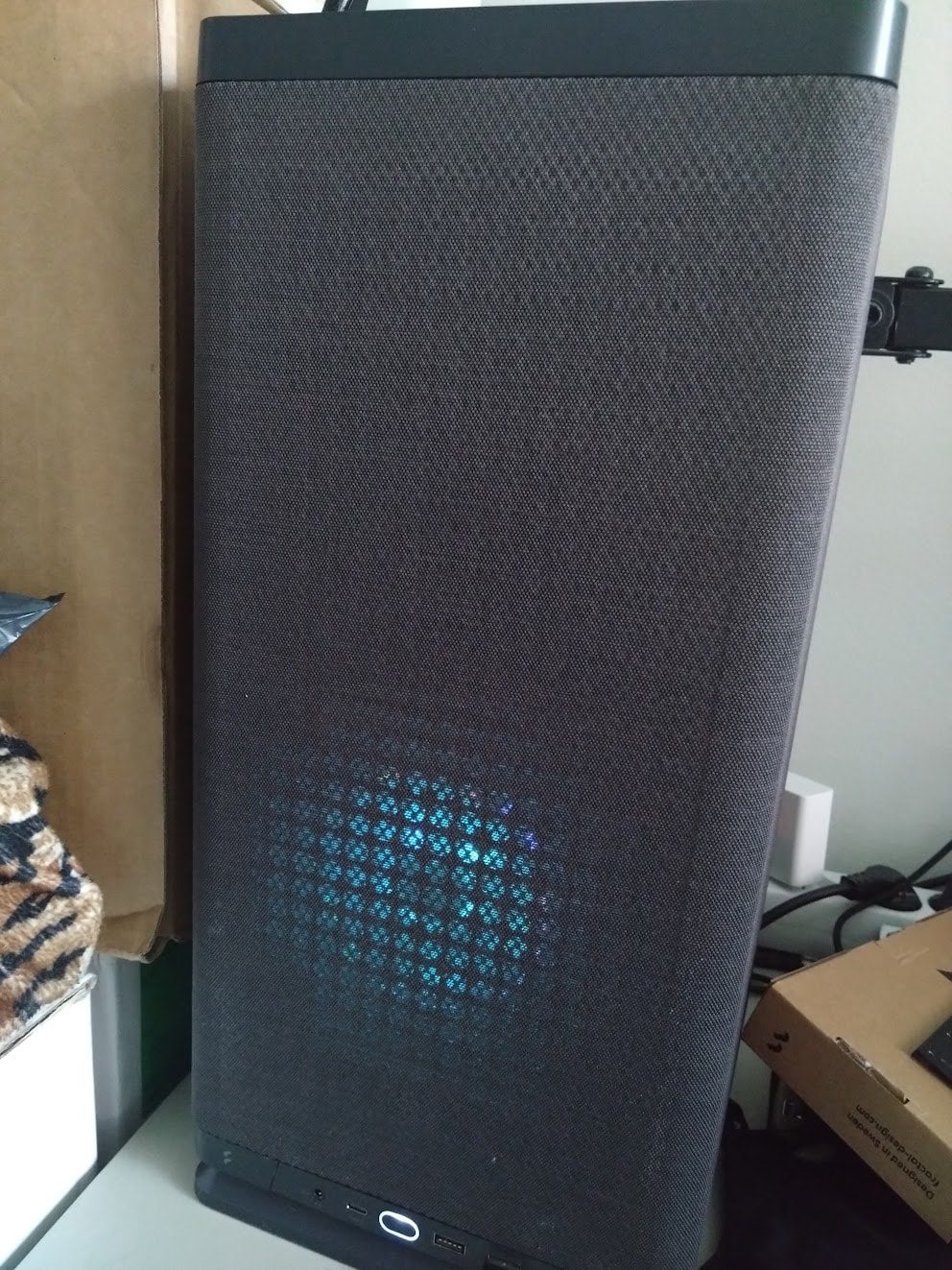
… Leela, is that you?
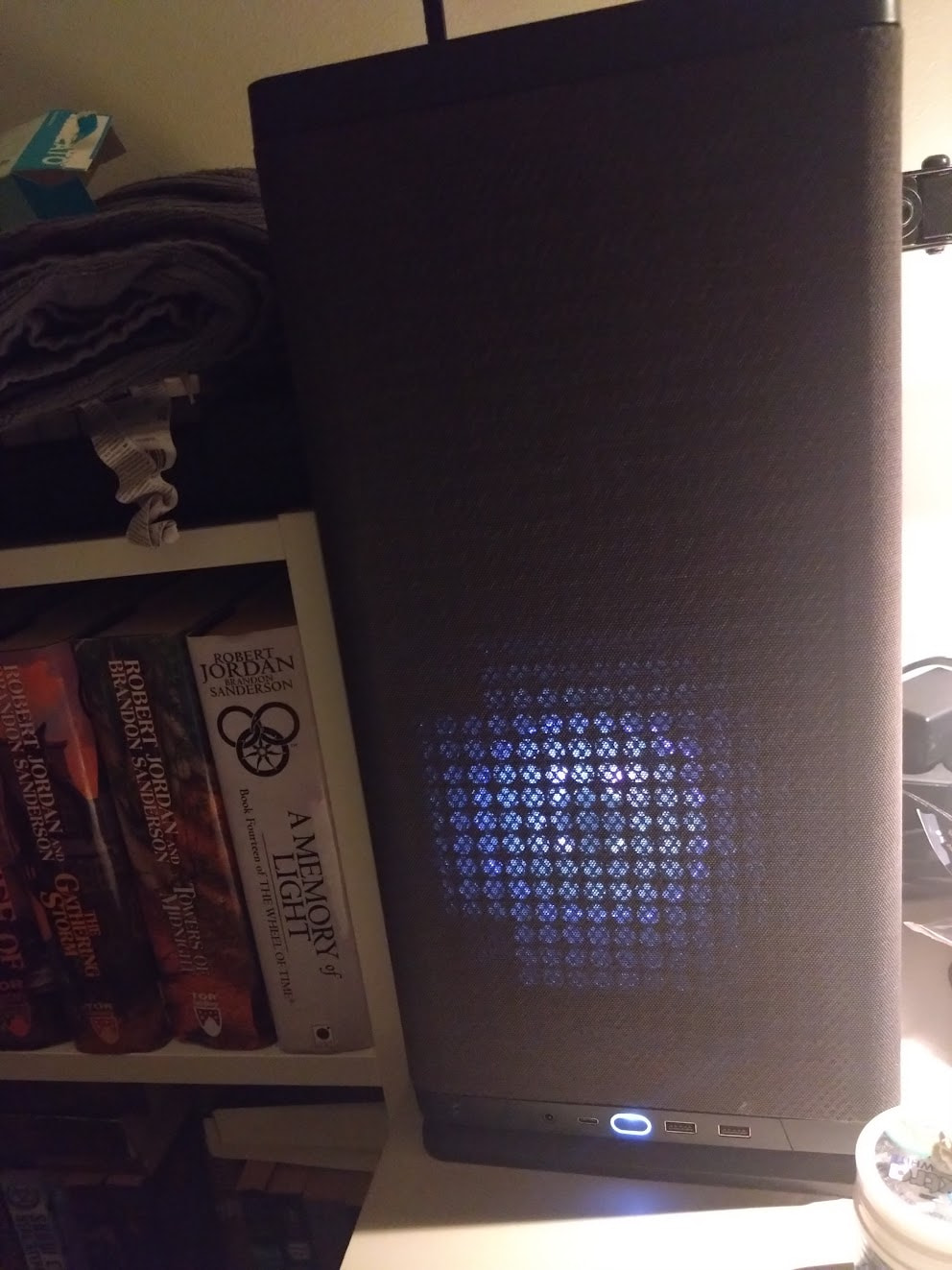
… Oh what is this? barad-dur.exe? What could possibly go wrong if I click it?

… … Oh! 
 Why did I do that???
Also, I took the opportunity to update to an RX 9070. Because, frankly… I wanna get on the local LLM craze before the 16GB+ cards run out. 
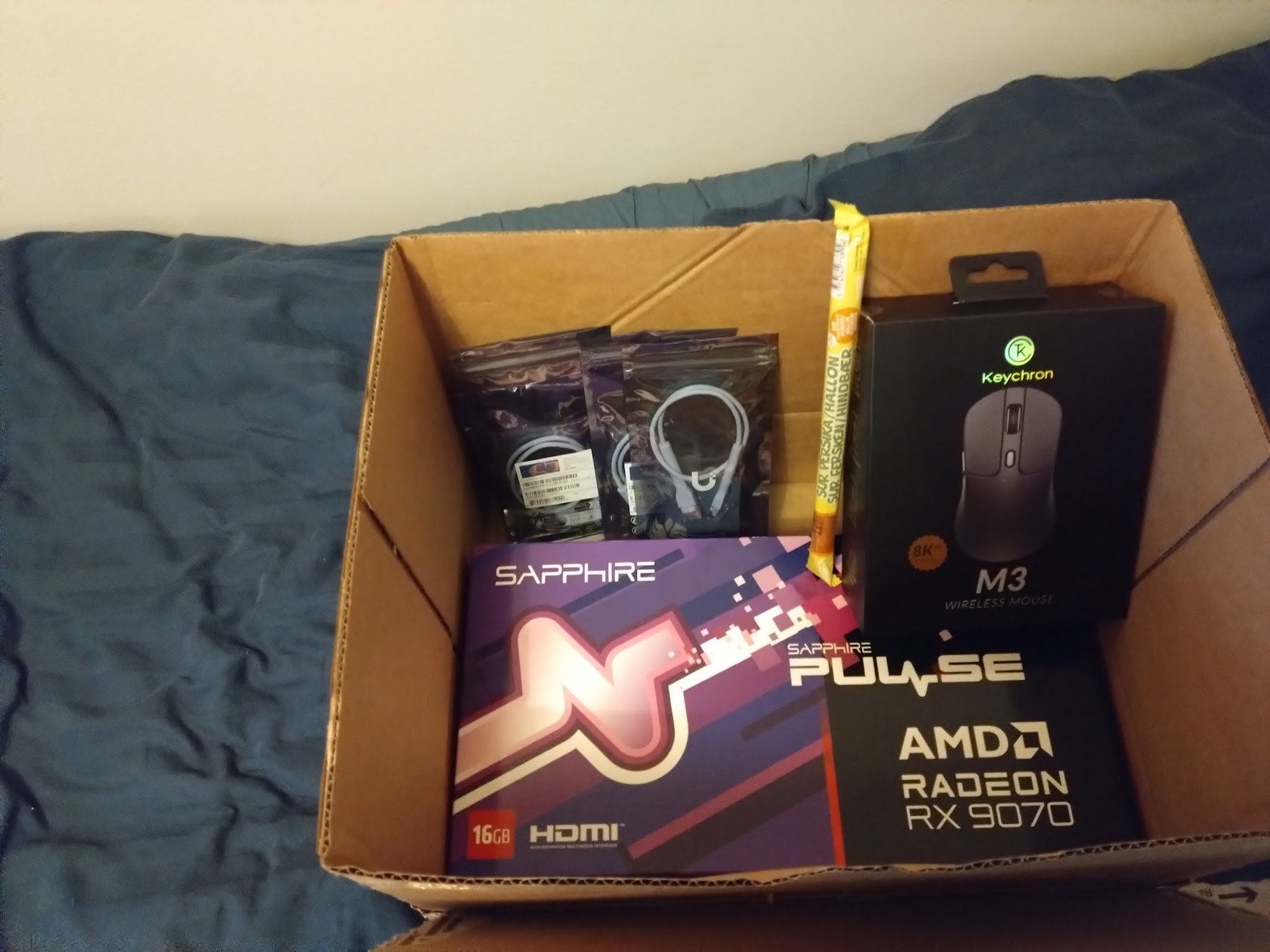
And the price for most priceworthy GPU during the AImageddon goes to…
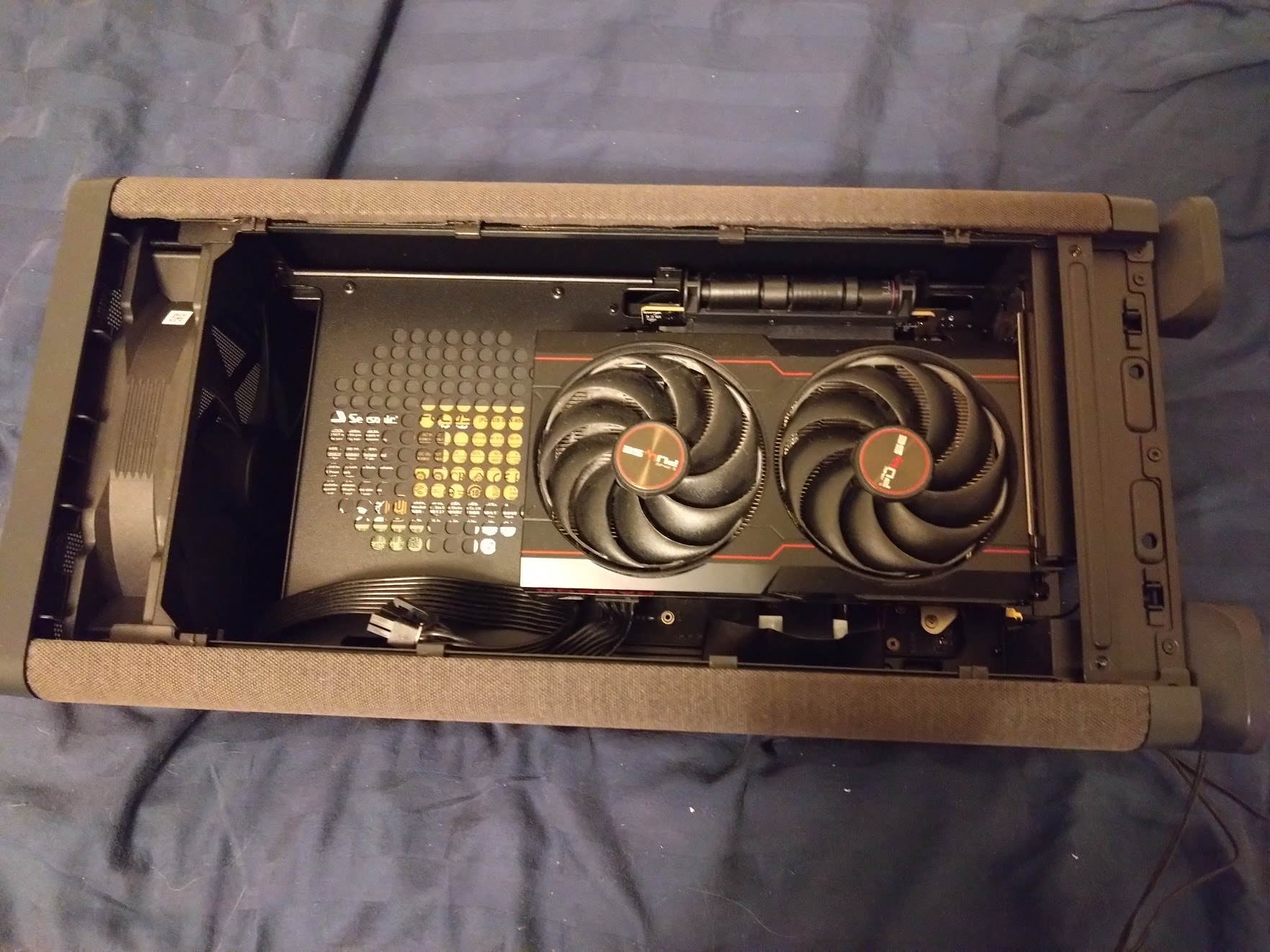
Before the final surgery

It is time. Arise, my servant!
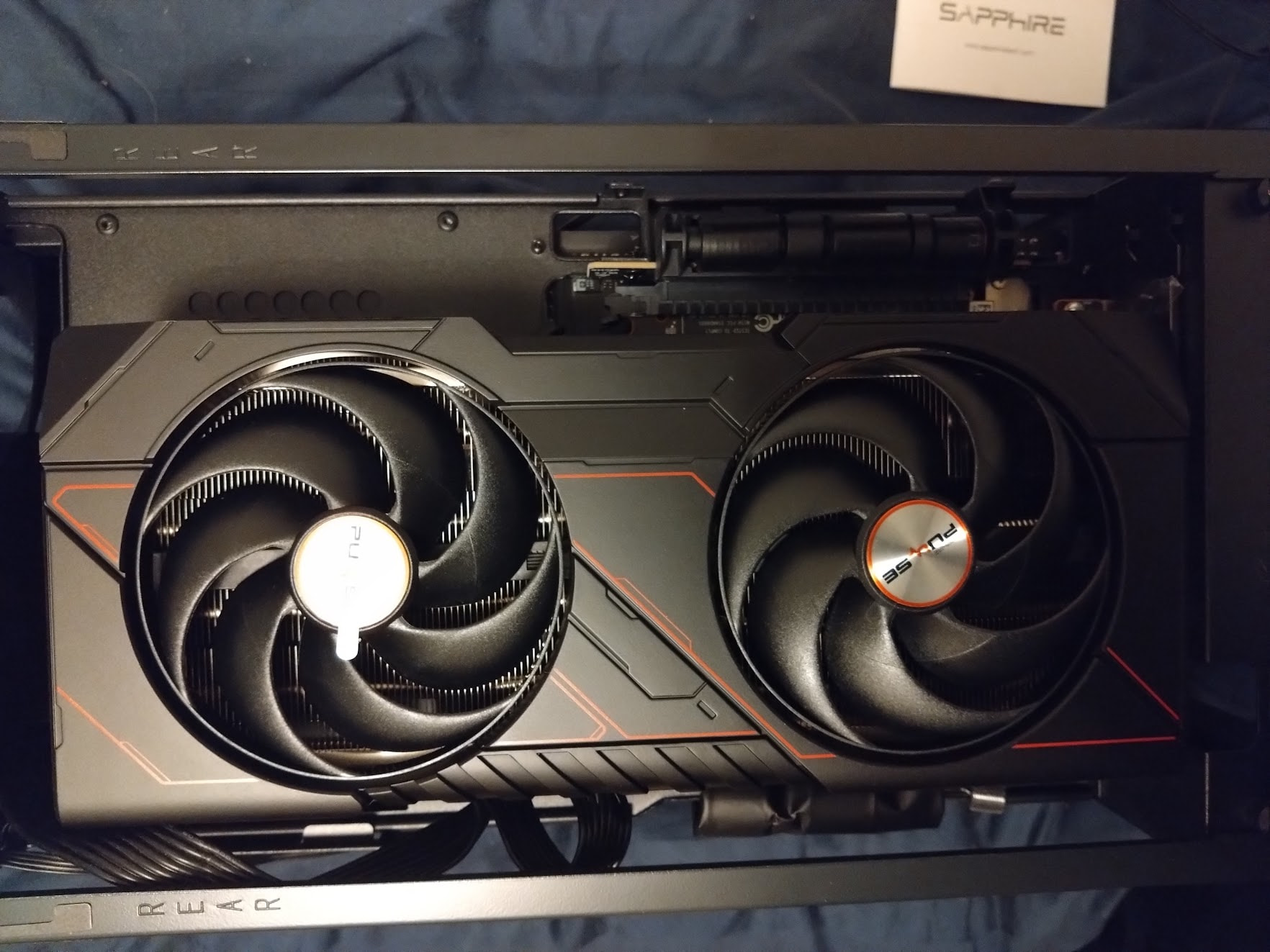
After the 9070 found it’s way in. Hello chonker!
So, now I have a nice and cozy 1440p PC to kick some serious butt with! Woooh! Idle temps seems to stay around 53 degrees C, I’ll do some heavier stress testing soon ish.
| Type | Item | SEK | EUR | USD |
|---|---|---|---|---|
| CPU | AMD Ryzen 9 7900 | kr0.00 | €0.00 | $0.00 |
| CPU Cooler | AMD Wraith Prism | kr0.00 | €0.00 | $0.00 |
| Motherboard | ASRock B650I Lightning Wifi | kr0.00 | €0.00 | $0.00 |
| Memory | Kingston FURY Beast 2x32 GB DDR5-6000 CL30 | kr0.00 | €0.00 | $0.00 |
| Storage | Kingston A400 960 GB | kr0.00 | €0.00 | $0.00 |
| Storage | Kingston Fury Renegade 2 TB M.2-2280 PCIe 4.0 | kr0.00 | €0.00 | $0.00 |
| Video Card | Sapphire PULSE Radeon RX 9070 16 GB | kr7578.00 | €695.00 | $647.00 |
| Case | Fractal Design Mood | kr1519.00 | €139.00 | $130.00 |
| Power Supply | SeaSonic FOCUS SGX 650W 80+ Gold Fully Modular | kr0.00 | €0.00 | $0.00 |
| Total | kr9097.00 | €834.00 | $777.00 |
Final thoughts
So… Uhm… What is next? Well… Honestly? At this point, I do not know. I already have more RAM, CPU and GPU than I can shake a stick at. I guess I will wait for the last AM5 upgrade and plop down a Zen 7 around 2030. Other than that, well… 4TB SSD in 2028 so I can finally purge Mood from the SATA SSD. Possibly a new GPU in 2032 or so.
For those curious, the total money spent over the last 16 years is this (EUR and USD are not exact, I used the same exchange rate as that particular month). I am pretty happy with the end result.
| Build | Time | SEK | EUR | USD |
|---|---|---|---|---|
| Wolverine 1.0 | August 2010 | kr6628.00 | €702.30 | $741.80 |
| Buttercup 1.0 | December 2019 | kr4605.00 | €438.10 | $393.30 |
| Buttercup 1.1 | May 2022 | kr8448.00 | €792.00 | $671.00 |
| Buttercup 2.0 | December 2024 | kr10010.00 | €875.00 | $758.00 |
| Leela 1.0 | September 2026 | kr9097.00 | €834.00 | $777.00 |
| Total | kr38788.00 | €3611.40 | $3341.10 | |
| Per Year | kr2424.00 | €225.71 | $208.82 | |
| Per Month | kr202.00 | €18.81 | $17.40 |
… That’s it. So, dear community… I leave it to you. Any more Theseus builds out there?