Hey, i recently got a LG 34UC97 21:9 monitor, and unfortunately a lot of games wont go above 1080p and look awful stretched.
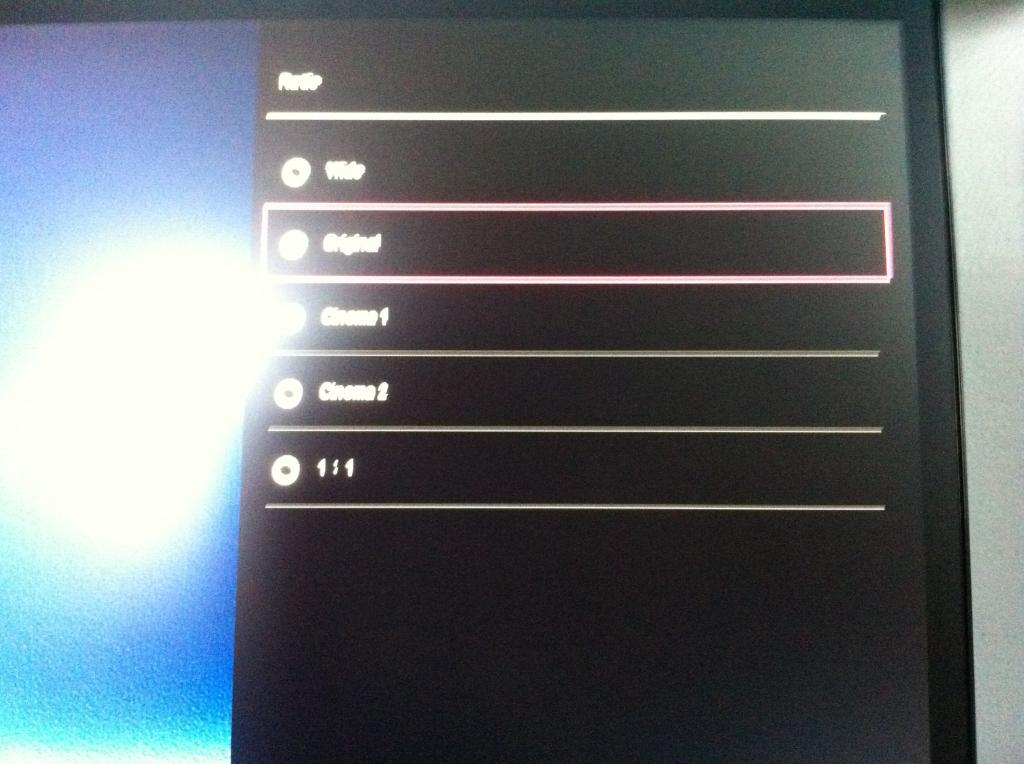
I'm on an AMD r9 290, and when i enable Keep Aspect Ratio in CCC it defaults back to stretch. Any way i can force 16:9 with black bars instead of stretching it and making it look awful? thanks in advance
I'd like to know this too, I'm thinking of going AMD next time round and getting a 21:9 as well, I know how to do it very easily in Nvidia control panel but that obviously won't work here..
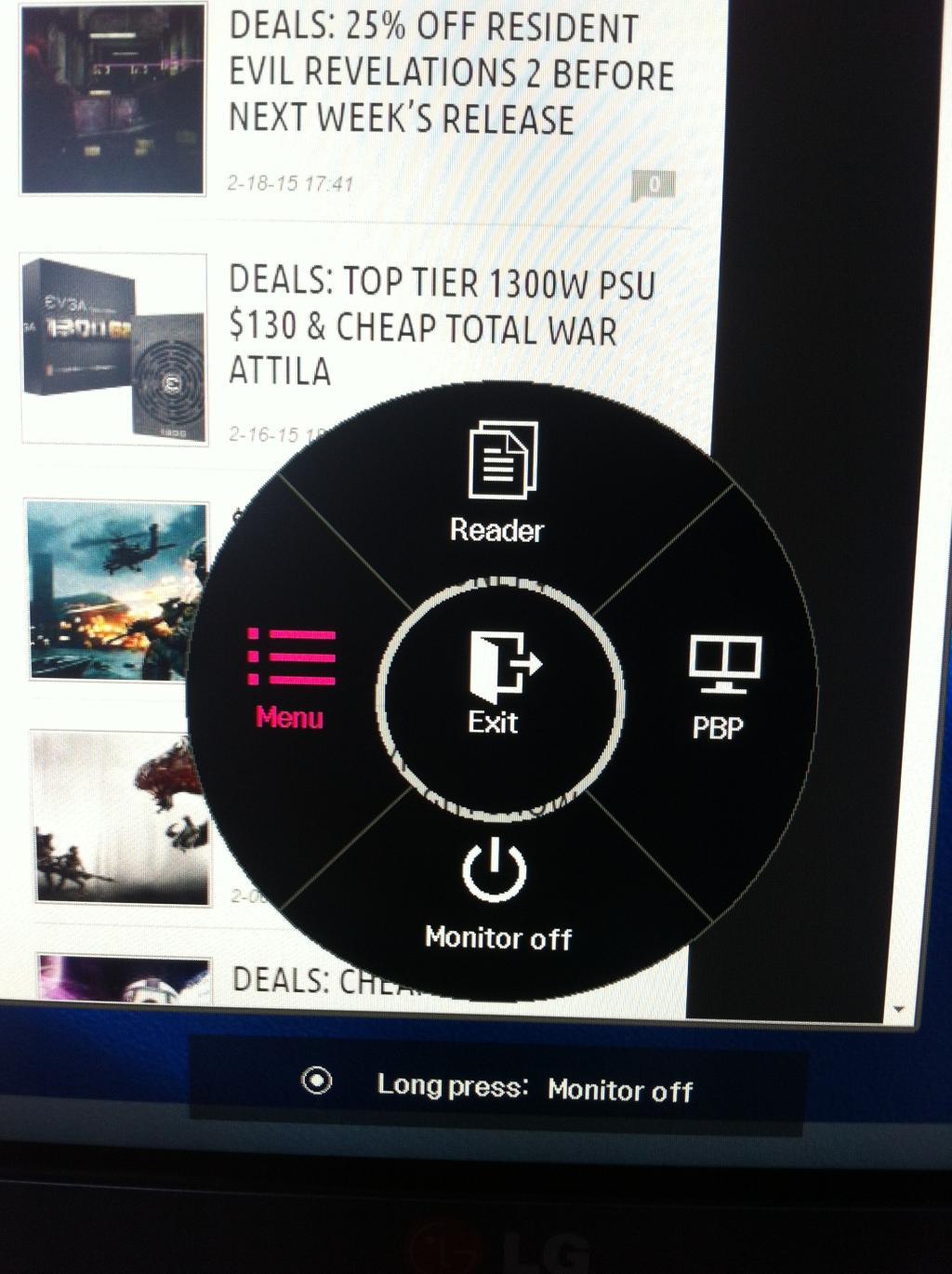
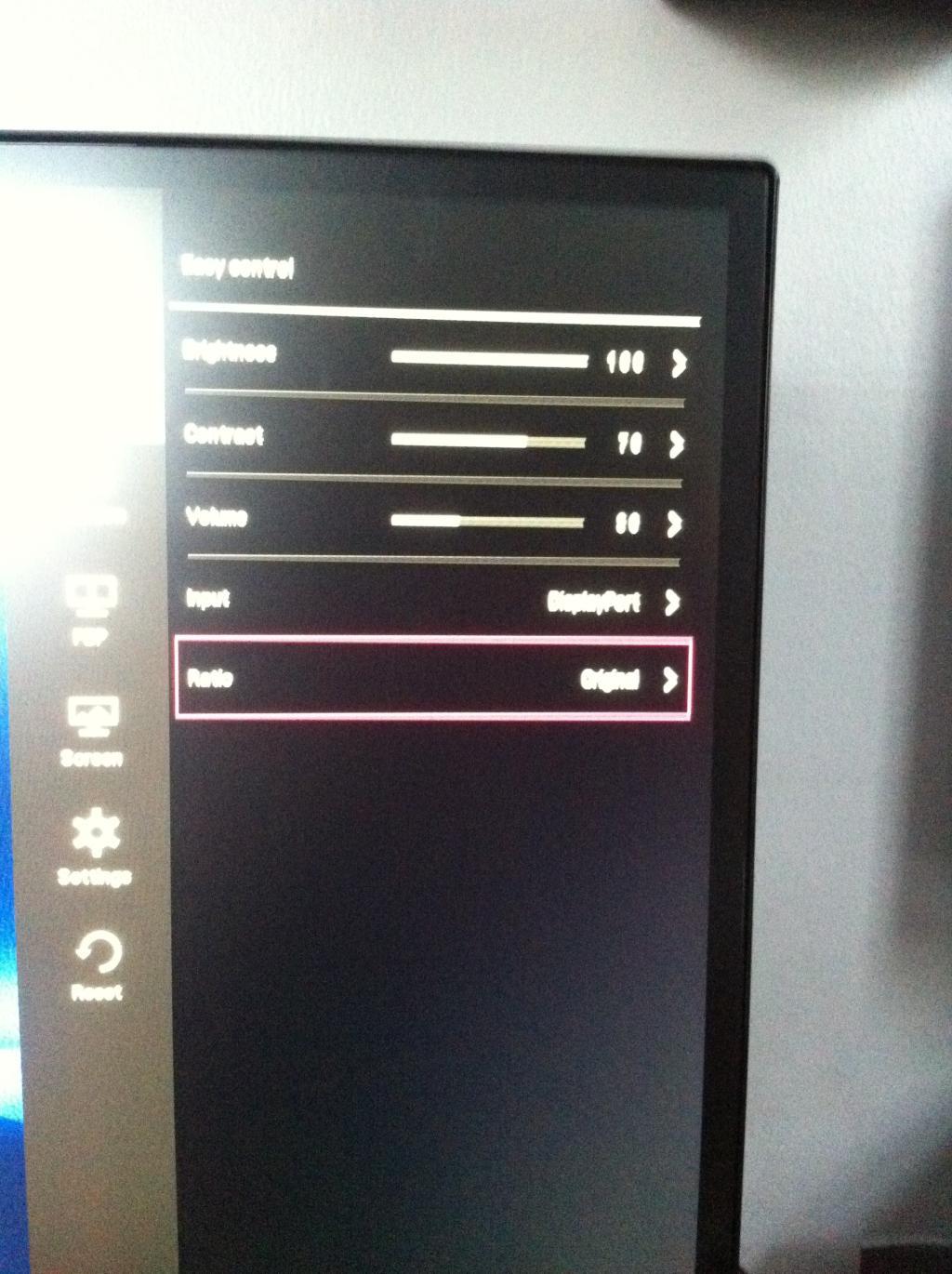
It's the monitor doing the stretching, not the graphics card (loosely speaking, the card just pushes the pixels, the monitor more/less decides what to do with those pixels).
Just press the button to open up the monitor controls, and select "menu"