Hello again!
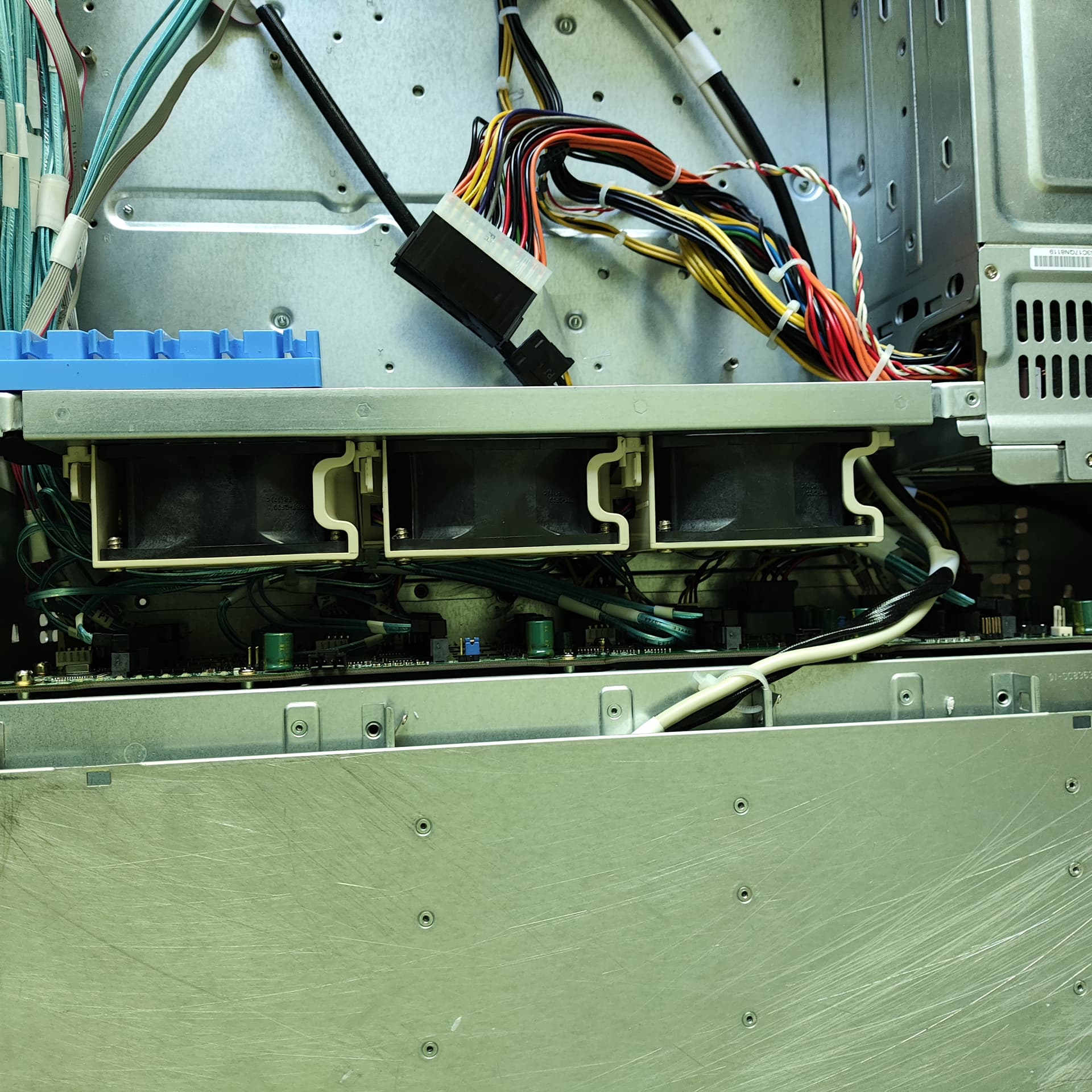
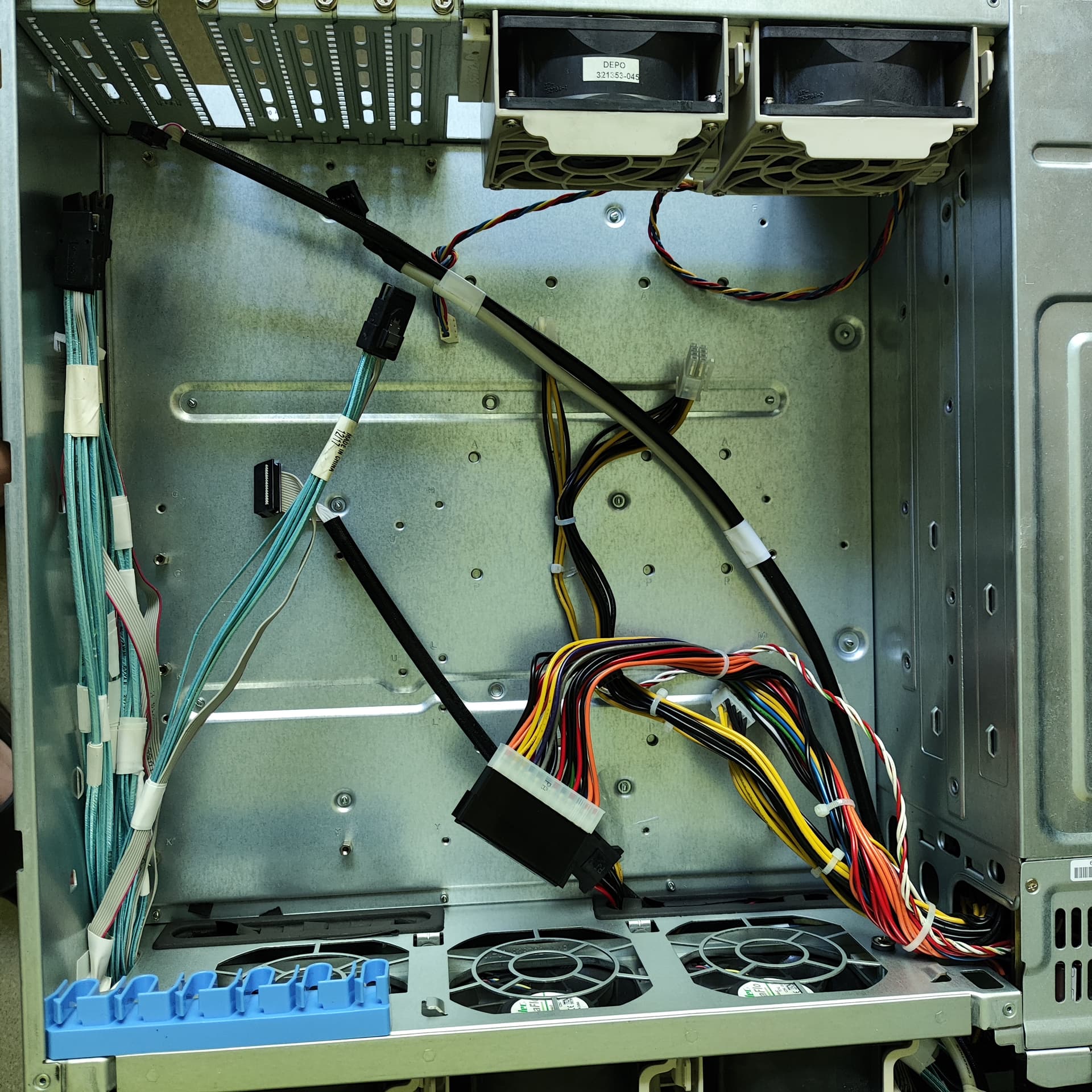
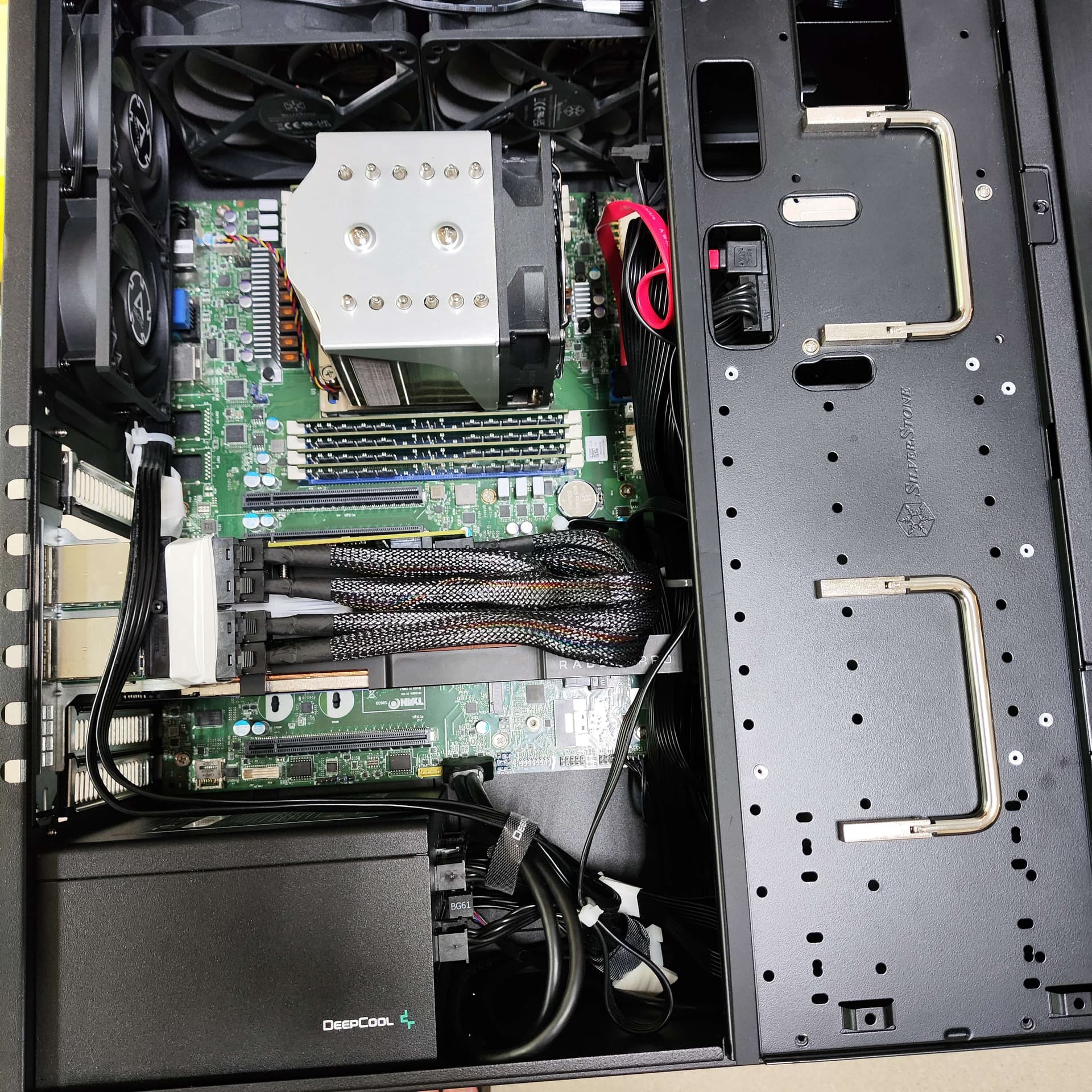
Since my Silverstone GD07 server, while having a lot of potential 3.5" HDD installations, already has some of them blocked by either PCI-e cards (like the recent GPU addition) or installed 120mm fans (2x5.25" vertical mount) - i was looking into ways of fixing it.
Possible solutions were:
NAS - defeats the purpose of “universal server” i was building originally.
JBOD - this approach doesn’t require building a whole complete system again.
TYAN S8030 has 3 SFF-8643 connectors for a total of 12 SATA devices.
Right now the plan is →
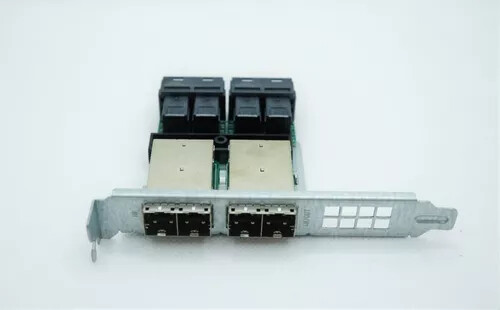
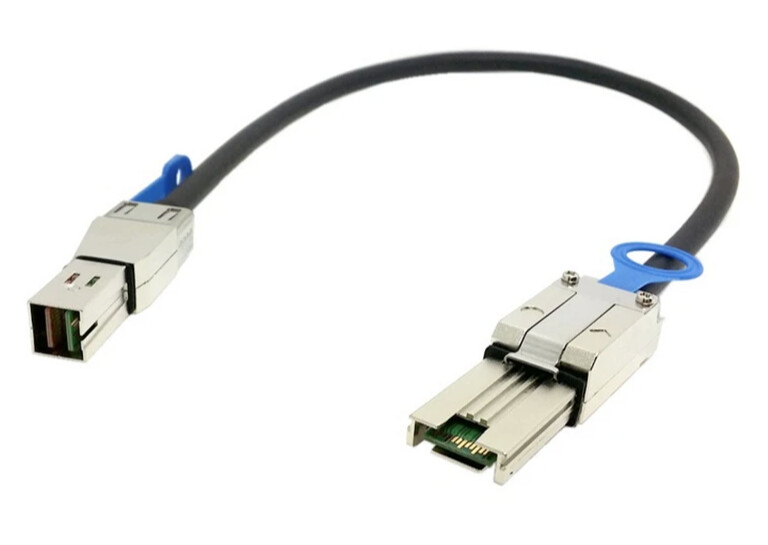
Connect SFF-8643 on the motherboard to a AOM-SAS3-16I16E adapter (SFF-8643 to SFF-8644)
AOM-SAS3-16I16E
Find some server case with 12 HDD hotswap cages, add a PSU and a similar adapter to convert SFF-8644 back to SFF-8643.
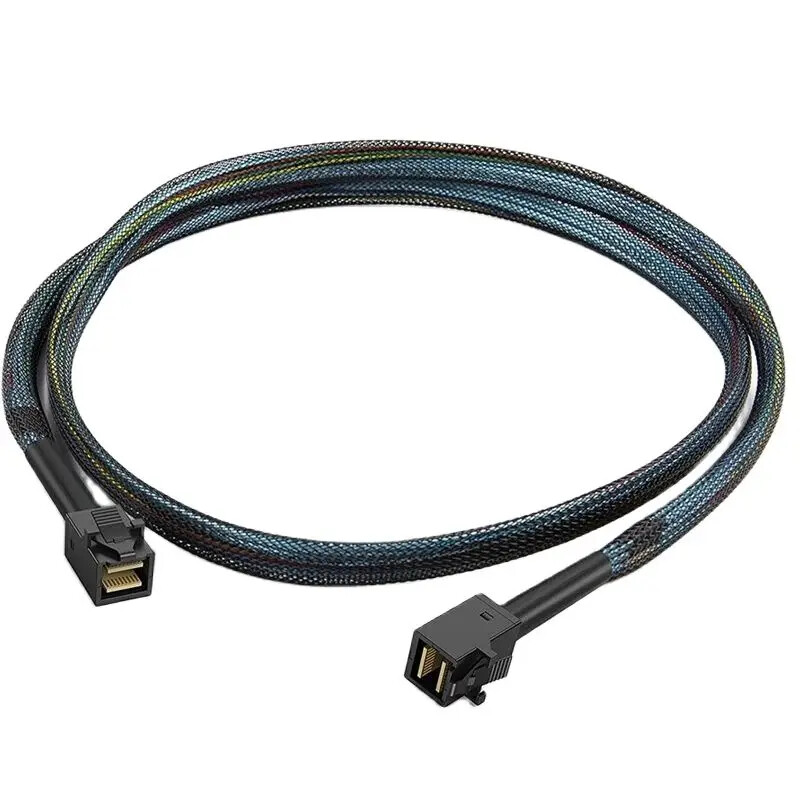
Connect both cases with SFF-8644 cable.
Will this setup work? Did i miss anything important?
Do i need to use some sort of expander card in order to make SAS/SATA work with external installation? Will i have any issues with HDDs or the server itself if one or both loose power accidentally?
That will work perfect. I have done similar in the past. An expander is better to use if you want future expansion or dont want to need a 16i HBA card. You can get expanders on Ebay for $30~ and use them with an “8e” HBA for another $30-40. If you already have the 16i HBA then that’s fine, you can go direct instead of an expander.
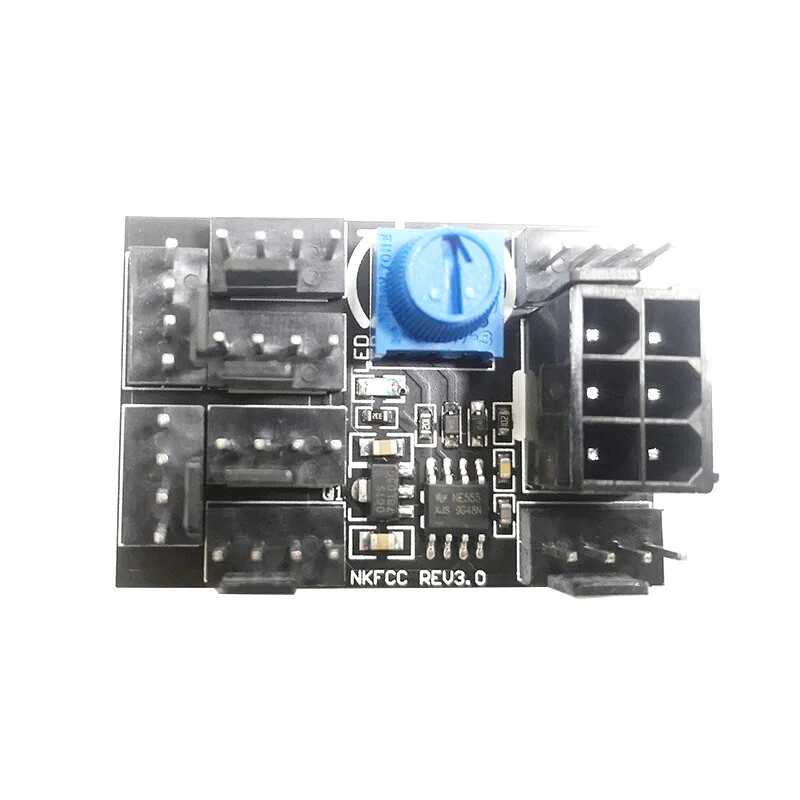
The best way to go if you have the space for it right now is to buy a SuperMicro 36 bay 4U empty chassis on Ebay for $450. Put an expander in it, wire cables from the expander to the backplanes (which also have expanders on them) and then plug two cables in from your PC to the 4U chassis and you have expansion space to last you a LONG time for very cheap pricing. I would recommend buying some Antec 7k RPM fans to replace the ones it comes with though, and a Noctua PWM fan controller and splitter to set the speed down on the fans. This brings the noise down to a level you can live with and can barely be heard right out the door from the room the chassis is in. I keep mine in my bedroom closet and cant hear it from 5ft away, yet the fans still cool the hard drives well enough to maintain good temps.
You can always buy a full size tower that has 12 drive bays and use that instead, but it takes up a lot of space that is mostly empty. The SuperMicro 36 bay will be not much larger and you can stand it up on its side if you don’t have a rack
If you are interested in the SuperMicro, cables, fans, etc you would need let me know and I can give you the links of the ones I bought.
I doubt I’d need more than 12 drives even in a distant future. The proposed setup is essentially "motherboard → cable → adapter → external cable → adapter, but backwards → cable → backplane → HDD. Basically no “smart electronics” between the motherboard and the drives. Can you confirm that this will work?
I want to make use of the onboard SATA connectivity without adding any additional pci-e cards.
As for the JBOD case - some 2U 12-bay will do just fine for me, especially if I’ll find a short model
It’s probably gonna be either Exegate or Procase unit, and i can replace their 80mm fans with Arctic 38mm thick ones.
I also checked the specification for SATA cable length… I’m not so sure it’ll be less than 1m total.
At least 30-40cm of cable from motherboard to adapter;
Another 25-50cm from one adapter to another, in the JBOD;
Last 30-40cm of cable between the reverse-adapter to HDD backplane.
Current “Gold reference” will be CSE-826BE1C-R741JBOD or CSE-826BE1C-R609JBOD.
It’s not like I wouldn’t appreciate such help - I’m just quite certain that the seller links won’t be of any use to me personally. Due to shipping restrictions and all.
SAS expander to let 1-2 cables come in and connect to all 36 drives:
Technically the chassis already has expander backplanes, so you are going from an expander to an expander, but the backplanes would require 4 cables to come into the chassis and by using this expander you only need 1 cable at a minimum to go from your main server to the drive shelf.
External to internal SAS connector bracket:
This isnt absolutely needed, but the expander has some ports that are only inputs, and some that can be in or out. The 2 external ports can be in or out and so I used this bracket to connect to the input on the expander which allows the built in external connections to be used for daisy chaining to an additional chassis (I have 2 chassis)
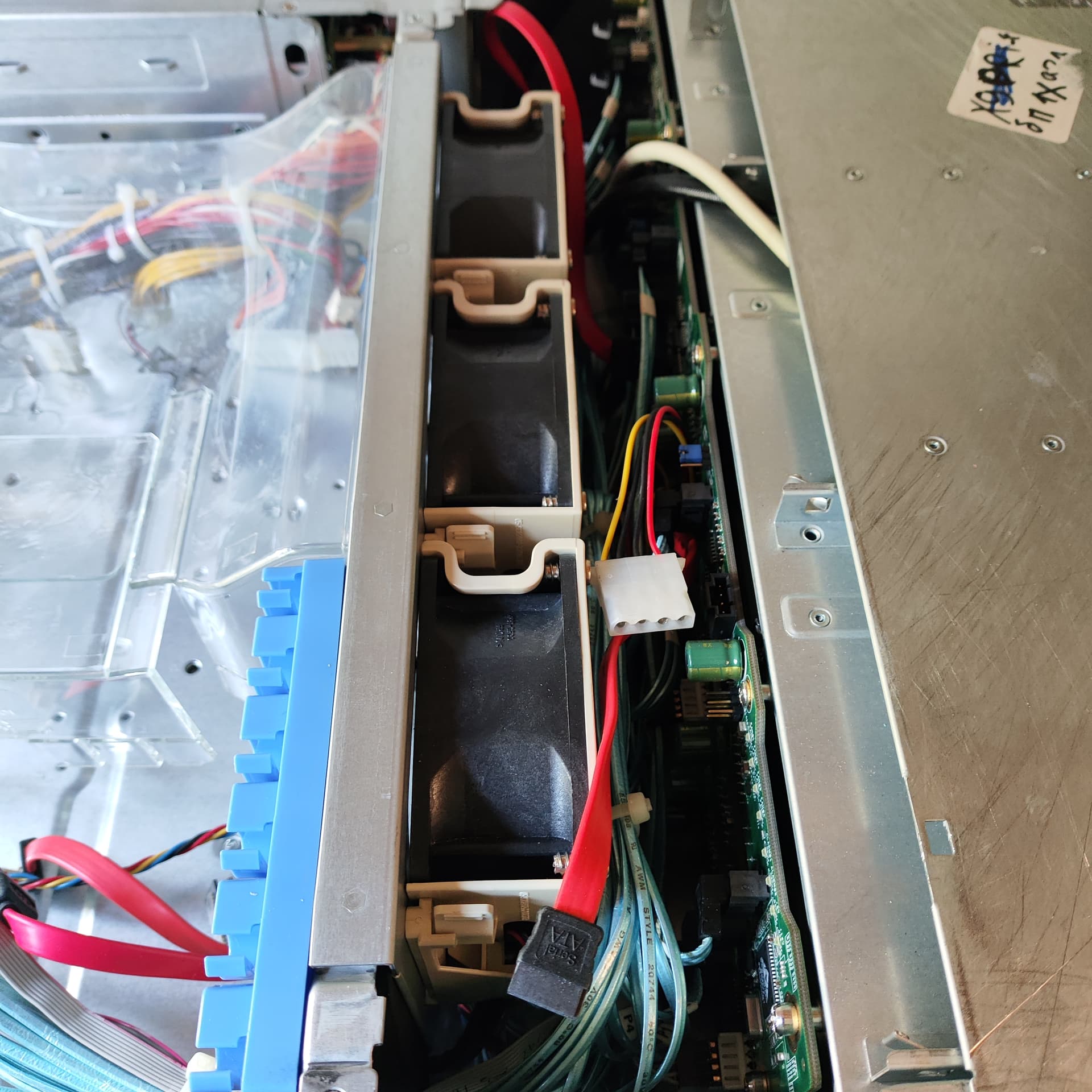
The PSU cables were mostly taped together and only some 4 pin molex ones were free, so I used a splitter to go from one molex to 2 sata power for both fan devices:
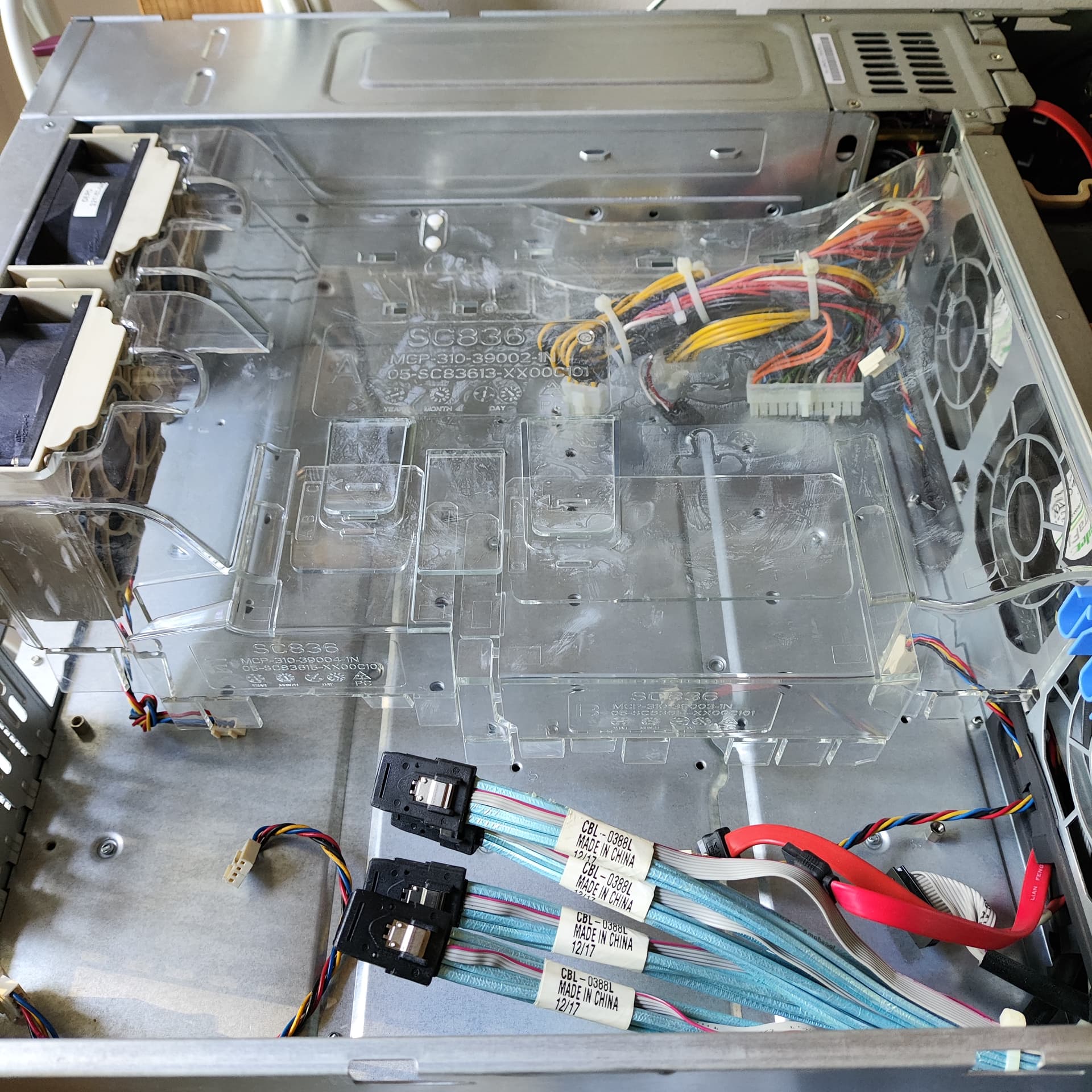
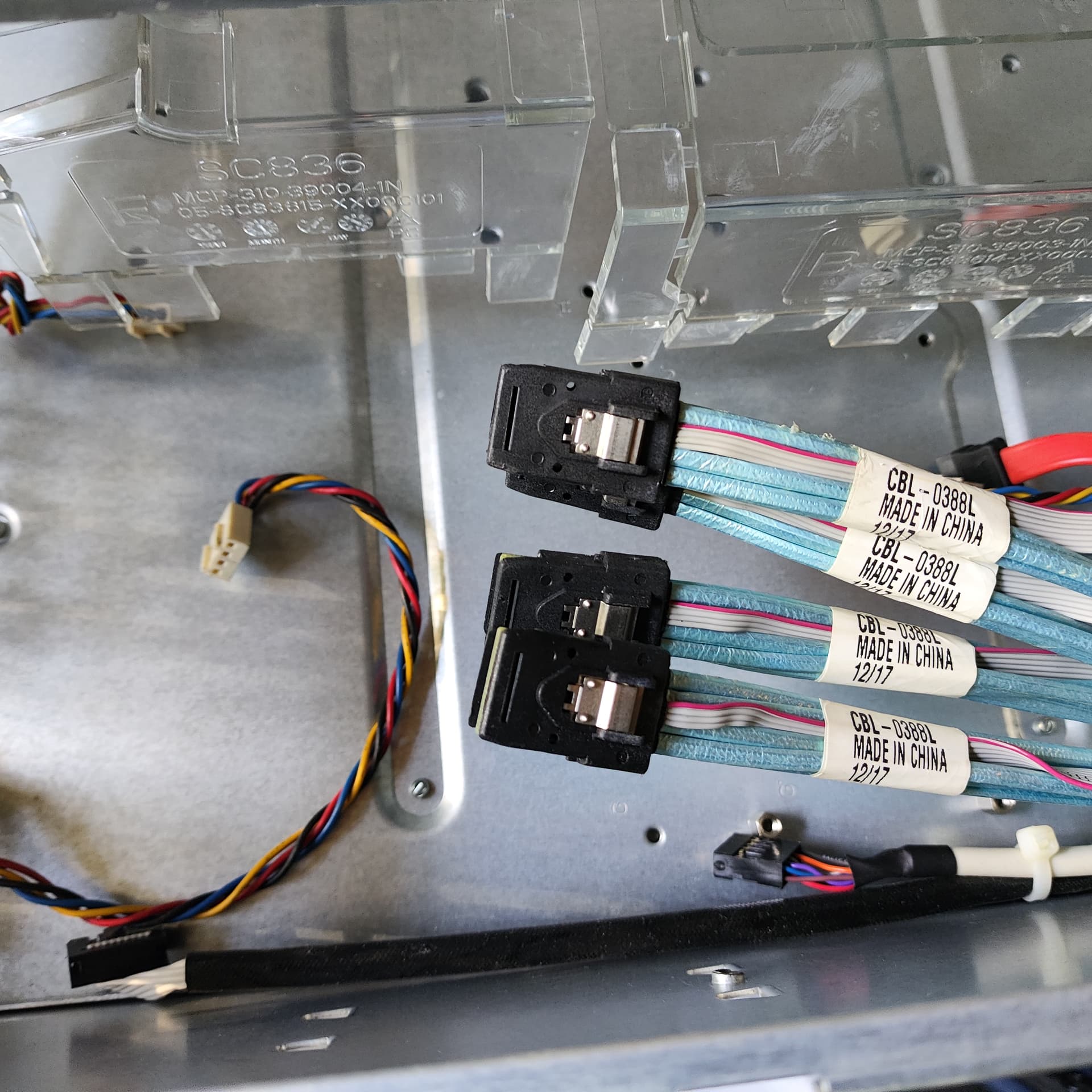
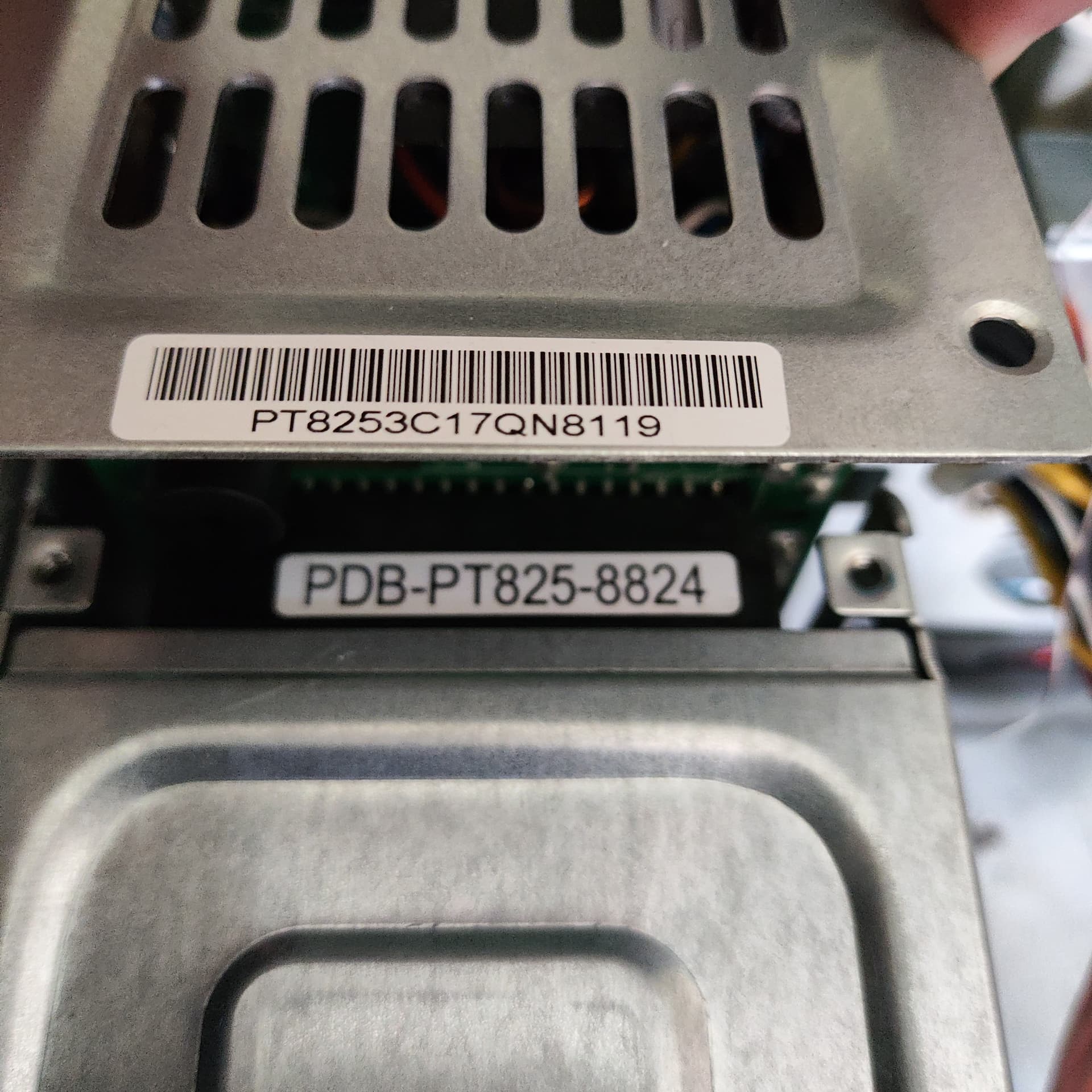
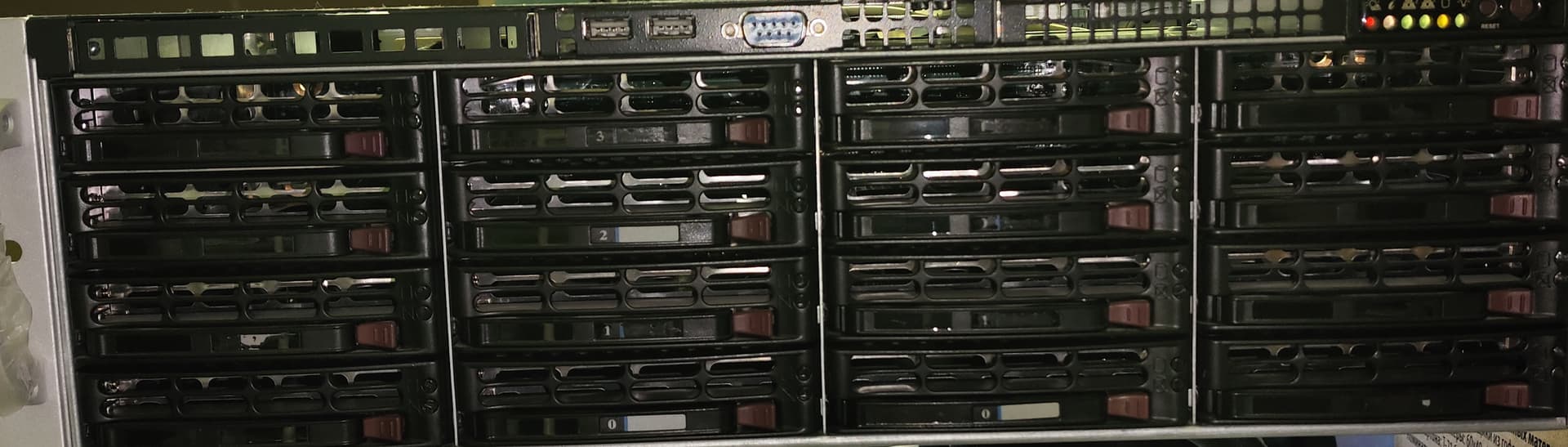
I decided on Supermicro CSE-836TQ. With non-expander backplane. The only thing left would be power control board and a couple of SFF-8643/8644 adapters.
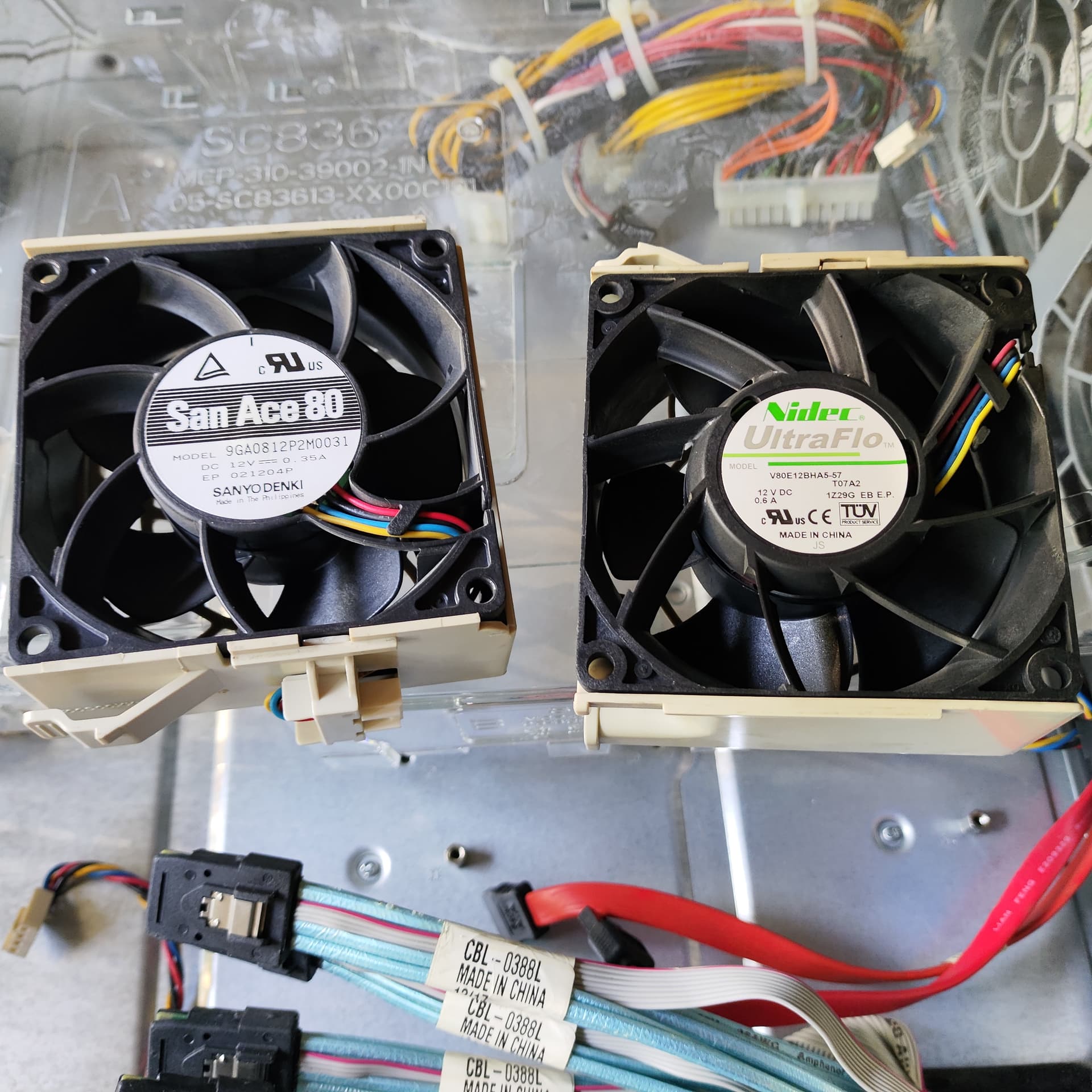
Id definitely recommend those artic fans I listed above for your supermicro chassis as the stock fans are “server room loud”. Looks like both models use the same fans to me.
Are you going to use your chassis as a drive shelf with only an expander in it and no actual PC parts? Or just direct wiring each set of drives to the back?
Or are you mounting a motherboard in it and running it like a server with a bunch of attached drives?
I guess there will be a change of plans after all.
I’m really unsure that the SATA connection will reach far enough from the motherboard.
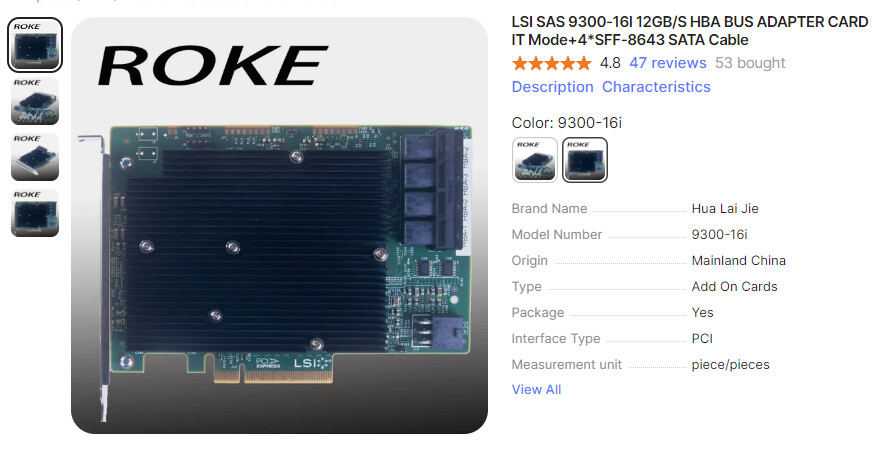
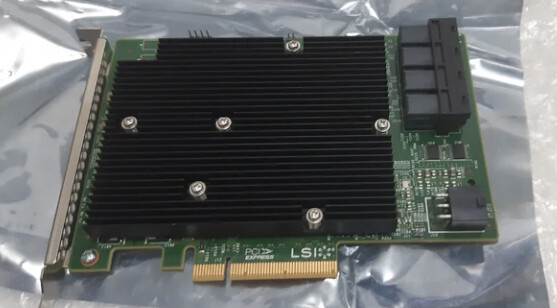
Either i’ll move the whole server into that new SuperMicro case (which i really don’t want to do), or i’ll be adding 16-port SAS3 HBA (didn’t want to do that either, since it occupies another PCI-e port), pass it out of the original Silverstone case through the adapter i bought earlier, and then connect it to the “JBOD” through a backward-adapter.
EniGmA1987, Any suggestions on fan and PSU replacement (or at least a way to lower their RPM)? Since there will be pretty much only HDDs and SATA/SAS SSDs - i don’t think it will require this much cooling capacity.
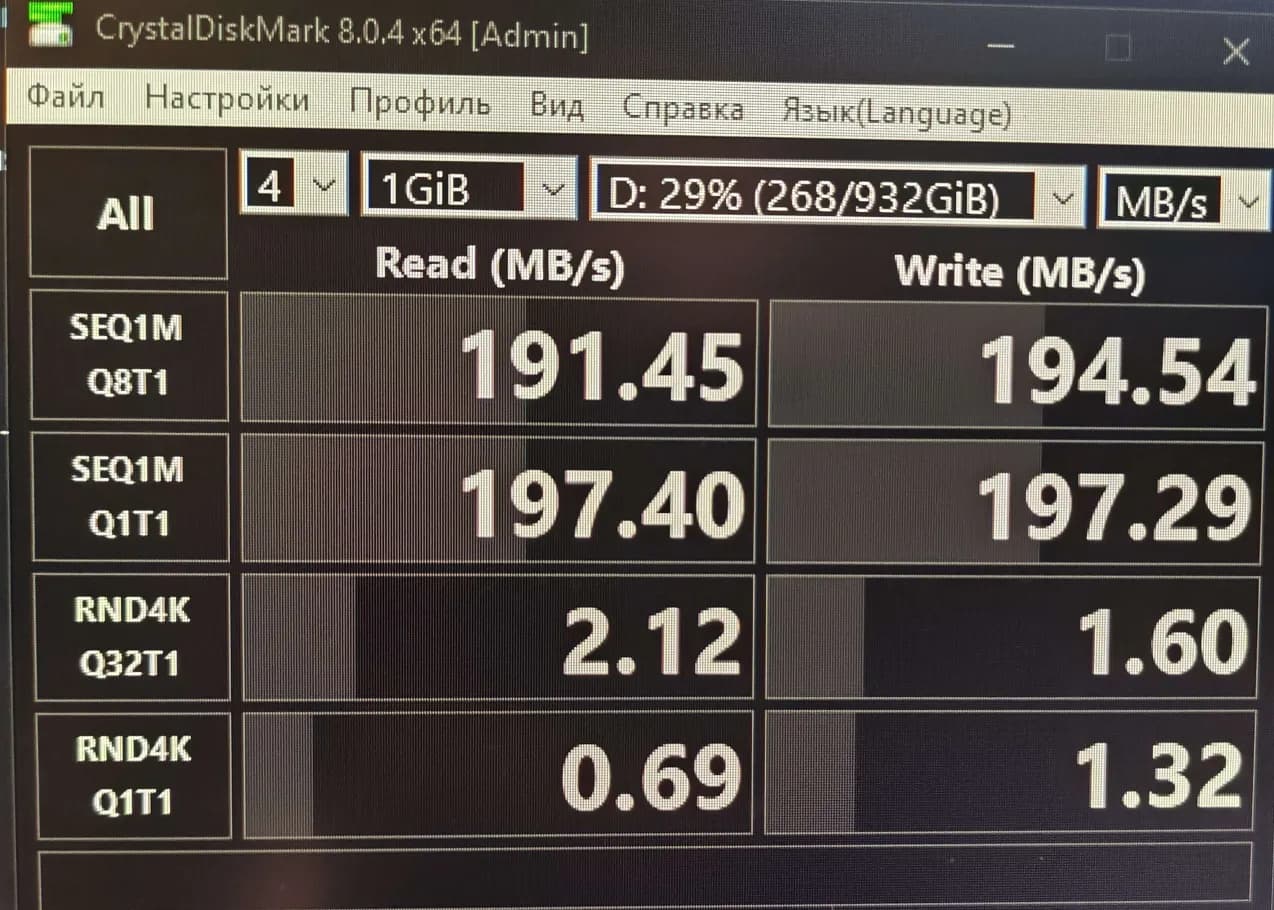
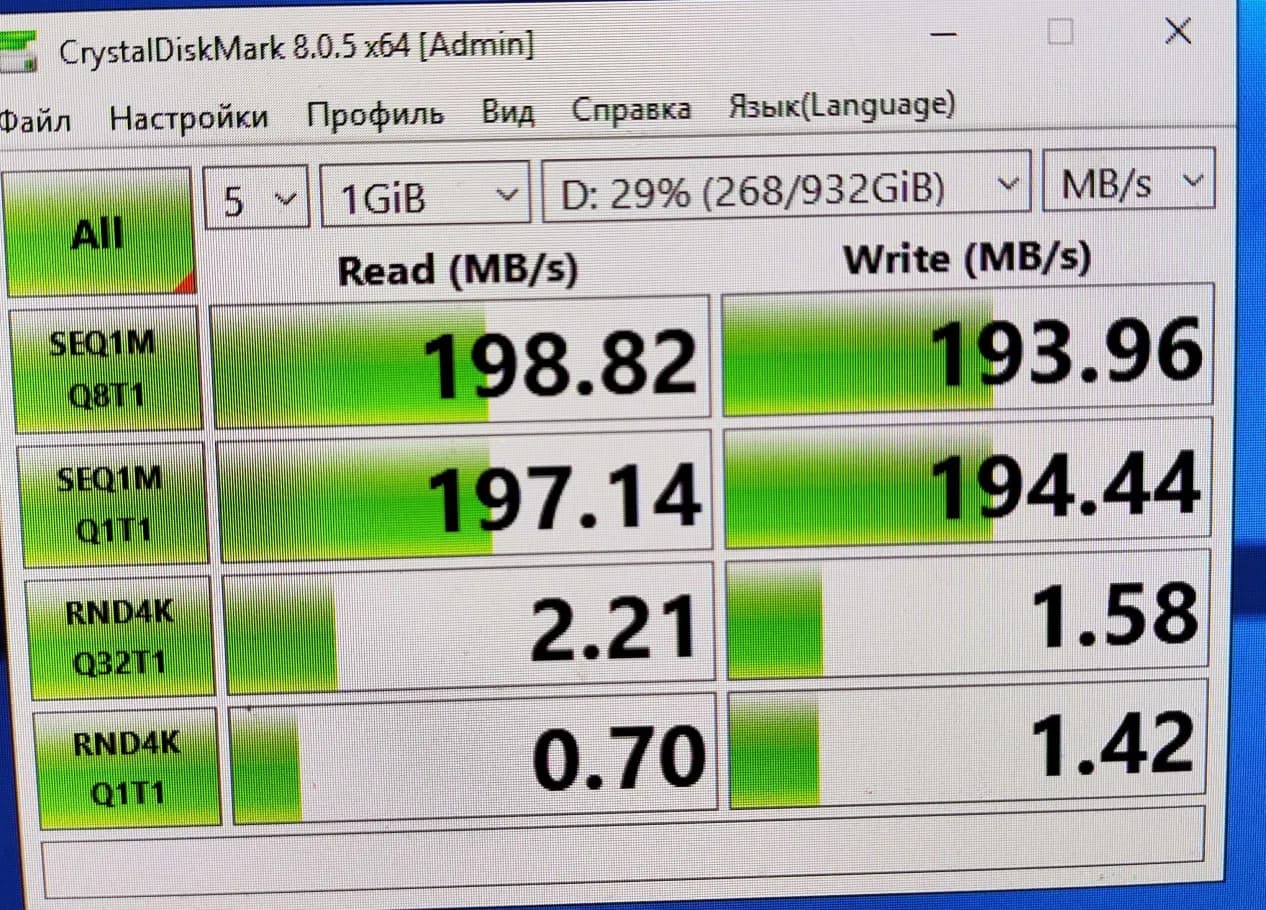
Now, the main noise source are the PSUs. 9300-16i is VERY hot, even after full repaste of both the PLX and 2 of the SAS controllers. it idled at 76C before i screwed on 80x80x15 fan (Thermalright TL-8015W) to it’s heatsink. After that - the hottest controller is at 55C idling. Even with that long cable setup, the system actually detected my old SATA Seagate HDD, with no loss of data transfer speed.
Dark one - on PC. Light one - on the server.
Sadly, that mellanox card broke down after i foolishly hot-plugged the LSI card. I hope that all the damage done was only the fuse on 3.3V line, which i already replaced with a solder bridge.
Apparently, i’ll be able to partly fill the array with SATA drives (preferrably, SSDs, since SAS HDDs aren’t that much more expensive than SATA ones here).
UPD: Mellanox card did indeed work after the fuse replacement!