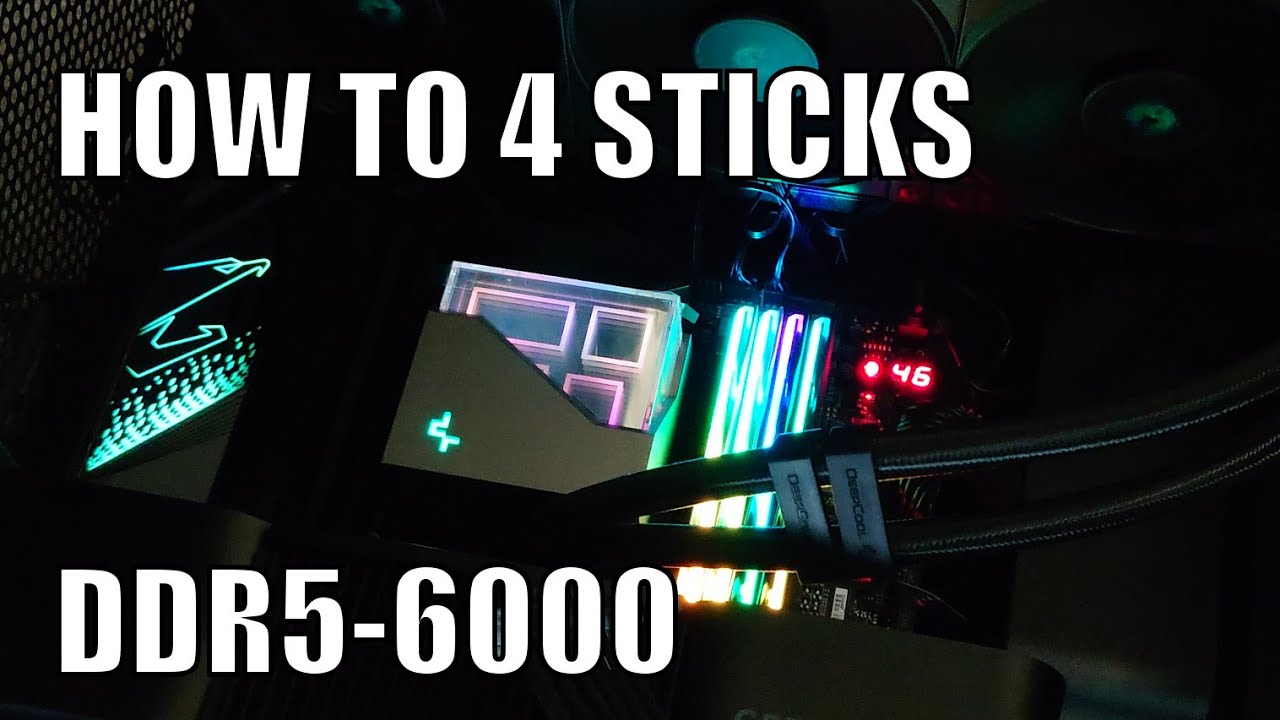
I have often heard the advice repeated over the years that the memory controller on zen 4 and zen 5 boards can’t handle overclocking four sticks of RAM, but I found myself recently with an extra two sticks of the ram I’ve got in my new 9800x3D system (socketed into an asrock taichi lite x870e board) and I gave it a shot. To my surprise, I slotted in the new extra sticks, booted into the bios and set the 6000 mhz expo profile and it booted up just fine after a short memory training. I didn’t futz at all with any other timing settings, and I left the dram performance mode set to AGESA default. Infinity Freq is set to 2000mhz and UCLK DIV1 MODE is UCLK=MEMCLK (aka 1:1).
The RAM in question is Crucial CP2K16G60C36U5B (CL36, 2x16gb kit, stock 5600mhz), and I have two separate kits that were bought from different retailers, about 3 months apart from one another.
I’ve validated the stability with a 6hr run in memtest and another couple hours in prime95, so it seems to be stable? I only just installed the sticks yesterday, so I haven’t been able to test more thoroughly beyond just letting memtest run while at work today.
Is this dumb luck, or is the advice about only using 2 DIMMs no longer relevant on x870?
Yes harder to overclock. Performance should be the same with equivalent settings.
But you shouldn’t worry, above 6000 improvements in performance are small, anything over is in the range of diminishing returns, especially with single CCD CPUs.
Great, well I’m thrilled that I can have 64gb at 6000mhz, I thought that was off the table unless I went for a 2x32 kit and left my other channel sitting empty
Only problem is now I need another kit to put in the machine these two were supposed to go in!
Mostly the “advice” is wrong. While Raphael and Granite Ridge’s 2DPC DDR5-3600 support’s below their 1DPC 5200 (Raphael) and 5600 (Granite Ridge), 2DPC 2R 6000 overclocks have been a thing since shortly after Raphael launch. It’s pretty simple really but somehow there seems to be a lot of confusion that overclocking 3600 to 6000 is less likely to be achievable than overclocking 5200 or 5600 to 6000.
5200 → 6000 GT/s is +15%. Similarly, 3600 → to 4200 GT/s is +17%. 3600 → 6000 is +67%.
With two DIMMs you’d run 1DPC, not 2DPC on one channel.
On Asrock motherboards, I’ve found various levels of success with four sticks, but I’m using my desktop as a workstation so I’m doing 4x32. Four high density sticks like that often posts at JEDEC standard speeds, and often will not POST at an XMP profile at all. I am usually able to creep up that much ram to about 4000-4800. On some systems I’ve over-volted and stayed under the XMP speeds to keep four dimms stable.
It really depends on the motherboard. For instance, I have a 9950x on a MSI MEG ACE X670E motherboard I bought on launch. I bought 192gbs of corsair dominator 6800 kit
to go with it. unknown about the ram issues etc. (Yes I should have researched but never experienced issues with 4 sticks in the past)
I was obviously quiet disappointed when I could not get stable speeds past 4000mts to work. I deep dived into every ram timing. researched for months but nada. Nothing I could do. Fast forward to January this year, and MSI have released a bios that catered to the 9800x3d. Unknown and unmentioned it drastically improved the ram compatibility and stability for all 9000 series and 7000 series parts. I now run at 6000mts with the timings at CL30-16-36-32-126 - 48. I also have infinity fabric at 2167 and if I put 1.55v through the kit I can get 6200 but its not really stable. only bench stable.
So my point is it is a lottery. The X870 boards did a big focus on signal integrity. Same as the ultra high end X670E boards. But the issue with DDR5 is the density and impedances. so your motherboard is good for 4 sticks. but another maybe a nightmare for it.
Board quality is a factor, but only compounding one. Memory controller is the primary limiter here. Things are likely to improve once next zen IMC will implement cudimm support.
Its not an advice, its real world observation of behavior and nothing has changed since 7000 series, since imc is the same. 9000 brought some agesa tweaks and more time for amd to do testing.
Unless you have miracle memory kit, golden cpu and shit gold regularly, you can forget about running 4 dimms and higher jedec speeds, much less overclocking.
Most likely outcome would be running at 3600-4800 or similar speeds, with total failure to boot just as likely scenario.
Running 4x16 is foolish endeavor when 32 GB sticks are easily available and 64GB ones are incoming (cudimm ones, but cudimm can be run at stock in bypass mode).
There is detailed thread on 4 DIMM config and related issues on this board somewhere. Update your bios, accept you are trying to run unsupported config and accept failure as likely.
EDIT: This thread for 7000 series, should be broadly applicable to 9000 series as well.
Yeah. I’ve got a 7950X that’ll do 4x48 4800 (boots 5200 but not stable), a 9900X that’s 3600 (won’t post 4000), and a 9950X that’s 4000 (won’t post 4400). The 7950X’s entire AGESA update history’s made zero difference.
Join in the Vermeer data I have and it’s possible the odds might be better with 16 cores than 12. Might just be the small n sampling, though.
FWIW, I’ve only had to flashback once. The ASRock boards I’m working with are pretty good about dropping back to 3600 if a requested speed fails to train. Where they jammed is when I’d locked a bunch of settings and probably caused 3600 fallback to also fail.
Mmm, take off the marketing hype and it’s like +200 MT/s for 1DPC 1R specs, which is pretty much pointless from a functional perspective. Comparative 2DPC 2R specs are atypical but MSI shows consistent downgrade, so 800 series 1DPC 1R optimization might be disadvantageous for the purposes of this thread. Not enough data to tell.
FYI: Newest CUDIMM modules can reach 6000 and 6400 stock jedec without any voltage increase. Timing are stock as well, but running these without XMP/EXPO is woth the perf. loss in my opinion.
CUDIMM is not supported on 7000/9000 series amd cpus, only latest intel for now. They can used with clock bypass, which lowers freqency to 4800 at most boards.
Once newer hardware refresh arrives, it will be practical to get high freqency and high capacity dual channel configuration.
Also FYI, Intel deleted the bit implying 2DPC 2R CUDIMM support to 6400 from the Core Ultra 200S datasheet. Just had no spec at all last I looked.
TechPowerUp got to all of 4400 with 2x CT2K64G64C52CU5 on page 6 of that review and Wendell never actually said 4x64 went to for him. So it’s unclear to me as yet whether CUDIMMs offer bandwidth advantage to 192+ GB. My guess for now is probably it’ll be something like upping the odds of getting another +400 MT/s over what’d happen in bypass mode.
G.Skill’s announced 64 GB CL30, so being able to do 128 via 2x64 M-die UDIMMs instead of B-die seems plausible by the end of the calendar year. We’re pretty fine with current 2x48 and 4x48 deployments but I could see upgrading a few machines to 2x64 and potentially 4x64.
At some point in the last few months, my 6000 expo profile became unstable with 4 sticks. I only recently tried to get it running again, and I ended up isolating the voltage from the expo profile as the source of the problem.
I’m running Crucial CP2K16G60C36U5B (4x16gb) with an asrock taichi lite x870e and a 9800x3D.
Previously, I was able to boot the 6000mt/s expo profile without issue, and it was stable for many months. I think the profile began to fail around the time of a BIOS update, but couldn’t say which one in particular.
After that, I’ve been running the 5600 mt/s expo profile stable.
Yesterday I tried to give the 6000mt/s profile a shot again, and had no luck.
At that point, I tried using the 5600 mt/s profile and manually setting the clock to 6000. It worked!
After looking at the differences between the two profiles, the only major difference in the two expo profiles was voltage. 6000 used 1.35v and 5600 used 1.25. jedec profile is at 1.1v. I loaded the 6000 mt/s profile, manually set the voltage to 1.25v and it now appears stable (validated with a 2 hour mprime/prime95 run).
Not sure if this will help anyone else, but it ended up being a relatively simple fix for my case.
Have you tried ycruncher? I’m amazed at how it found errors in minutes that a few hours of prime95 and memtest overnight did not. These are the rough commands I try, the first does around 10 iterations.
ycruncher stress -TL:1441 VT3 (I think this sets total time limit to 24 mins)
ycruncher bench 25b (you can probably do smaller than 25b)
This version was actually worse for my 4x64GB setup. On 2904 I could do 4800MHz stable, with the newest version I could barely make it boot at 3200MHz, no POST whatsoever at higher frequencies and 4 DIMMs.
for basic burnin as I’ve been finding Prime95 and OCCT miss instabilities FFT catches within a minute or so. Plus it gives a pretty decent bench to tell if tightening timings is helping or making performance worse. Also good for highmarking DDR SPD temperatures.
Personally I prefer stress -M to bench as it’s easier to test to 95+% DDR utilization.
Edit: y-cruncher 0.8.6.9545 removed FFTv3 and some other tests.