AI Disclosure: Developing and managing my project has ben Helped by using Claude Code
I have a multi-part project. The first part is almost finished as I started two months ago. I am migrating all of my IOT systems to Home Assistant and to Zigbee and Matter over Thread. There are some devices that have to stay on WiFi for now – RATGDO being one.
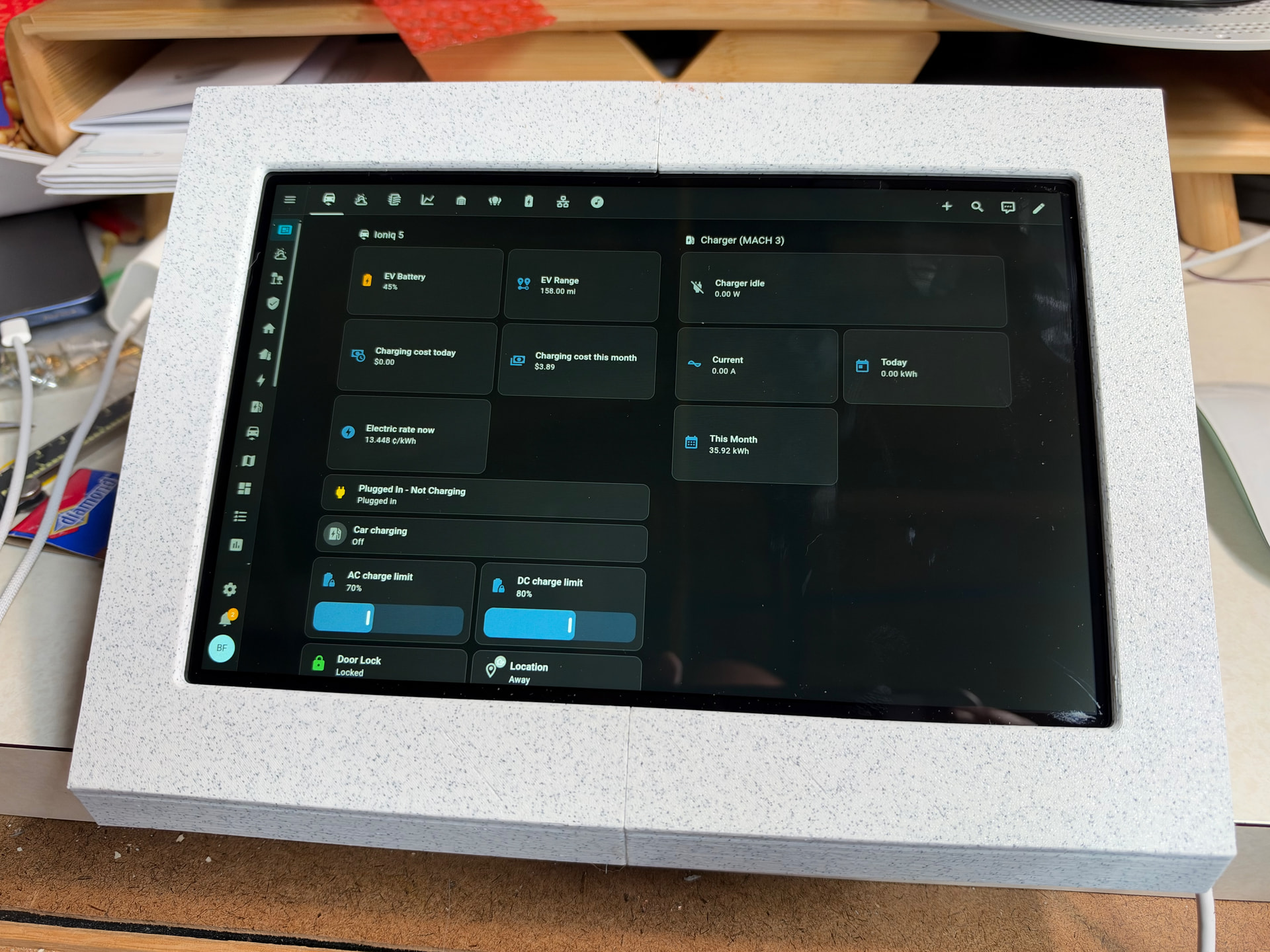
Using Claude Code I have developed a table top Kiosk for Home Assistant. It uses a Rasbperry Pi 5 and the 10in Touch display II. The software is PiOS lite and Fully Kiosk Browser. Claude Code assisted with the 3d printed design of the case and has been used to bring in my Victron UPS system and integrating Unifi networking and Protect.
Very Cool. I currently have a 1st gen iPad Pro 11" serving as my “Rack mounted touchscreen” as that’s all I can figure to use it for. But I end up having to jump between several tabs to track storage, services, and LLM servers separately.
There are some new eink displays from seeed studio that work directly in Home Assistant, they have some side buttons for interaction and they use bluetooth for communications and have amazing battery life: