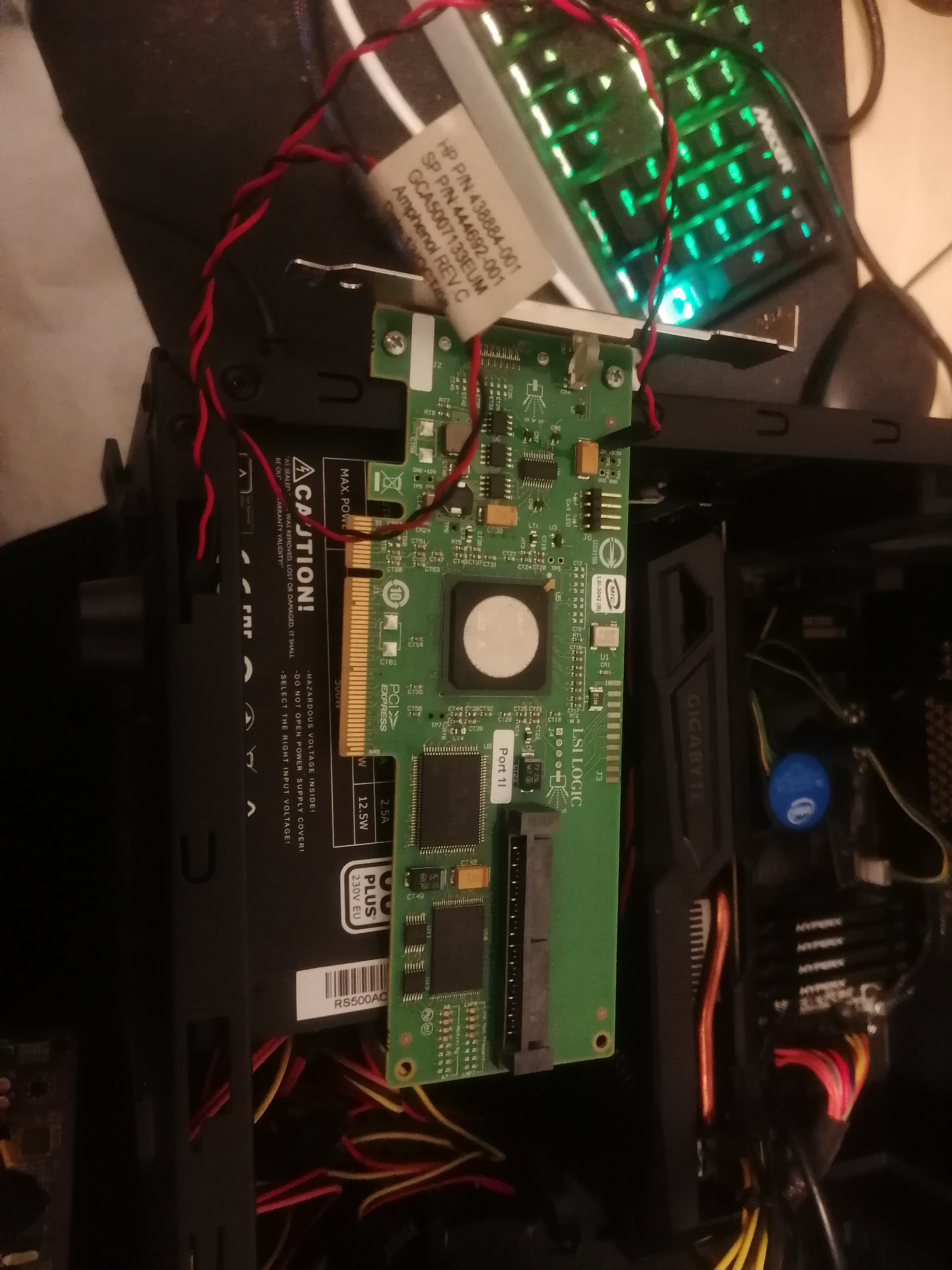
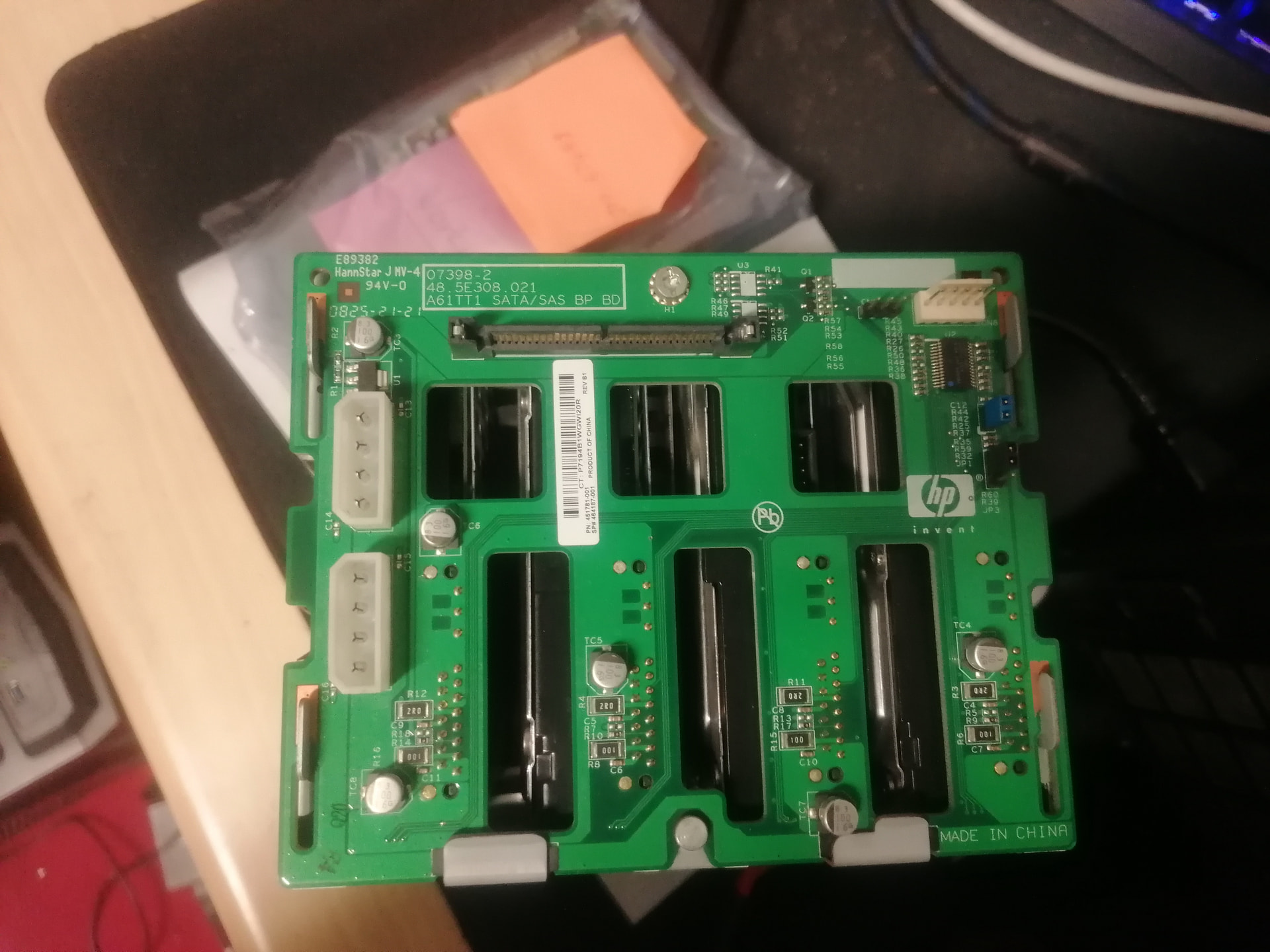
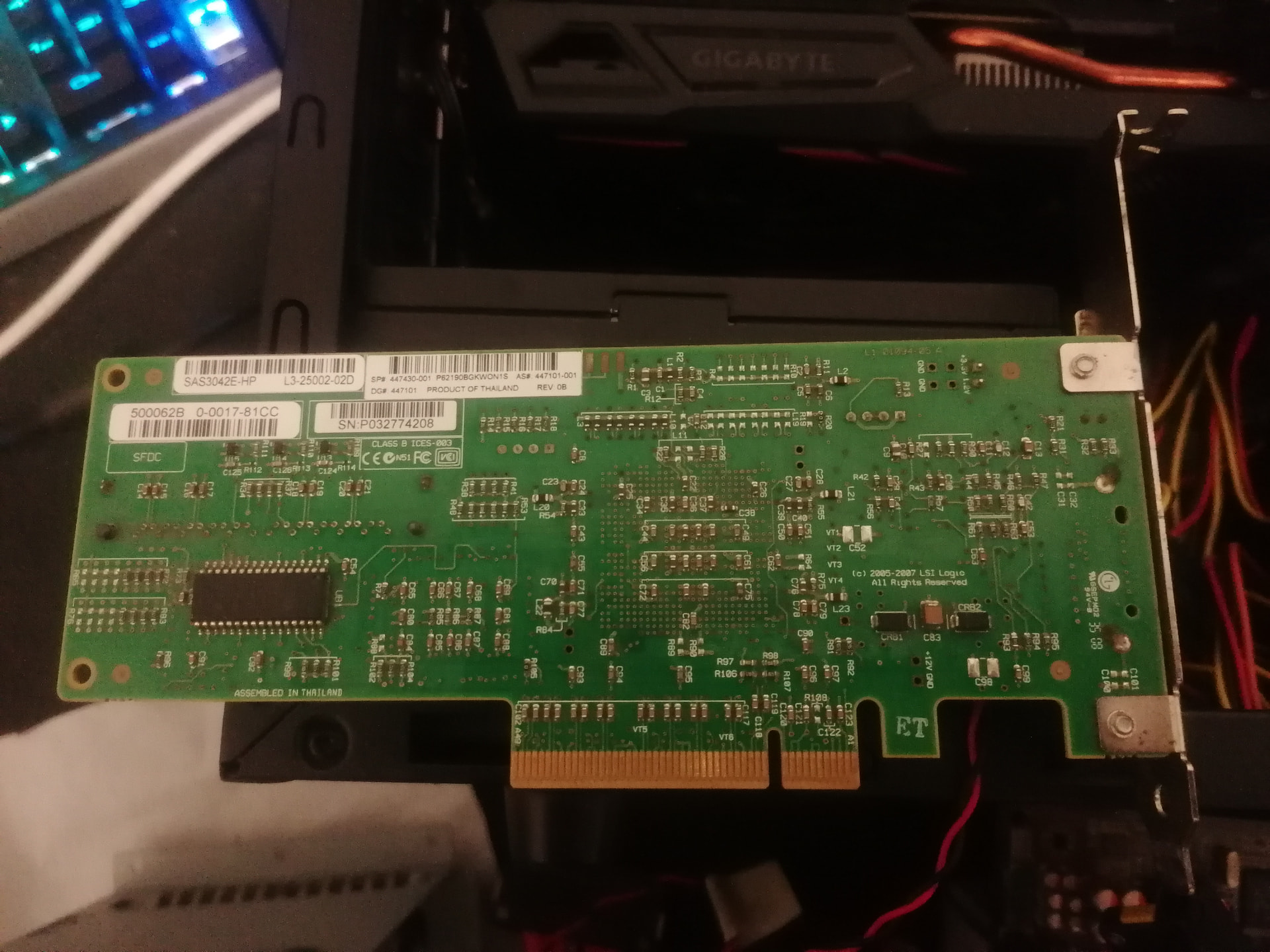
I have a 4Bay SAS/SATA drive cage with a PCI-e LSI Logic card that I pulled out of an old HP Proliant tower (I think it was a ML350…but could be wrong) with the PSU.
(Find all the picks below)
I have some queries on it that I can seem to find answers for.
I am hoping to use it on a Asus board to rebuild a NAS on a Linux system, so I only need the card and bays to pick up the drives as a JBOD. I don’t need any hardware raiding. Does the card do that? and the bays.
Also do they require a HP motherboard? or will any Motherboard work
On the LSI Logic card, there is a cable plugged in… I cant remember if this was plugged into the HP motherboard somewhere or into the drive cage somewhere. Anyone have ideas on it? I found the spec sheet for the card, but it doesn’t indicate anything for that plug… only the one to the right of it which is for the hard drive activity lights.
That’s a hp branded lsi 3042. Its a first gen sas raid card. Afaik its raid only. Dont know if it can be crossflashed with hba firmware to turn into a dumb jbod card.
The cable you mention is most likely some auxiliary data connection so the servers management chipset can view the card status independently. Many raid cards have similar pins.
The card should work on any motherboard. To see its setup menu you must enable CSM or legacy boot in the boot section of your motherboard setup menus
The bigger issue here is that first gen sas chipsets from lsi have a hardware limitation to 2tb max hard drives. So it either won’t see bigger drives or it will see them as if they were 2tb drives, depending on how recent its firmware is.
had some more look around, this is the guide to crossflash its generation of chipsets to IT mode (to be used in JBOD mode, removing any RAID capability).
Try running the tool to identify the actual chipset in the card (the “Controller : 1064E” line in the first screenshot of the commandline tool) and see if it’s the same as the one in the guide. The lsi 3042 card isn’t explicitly supported but I think that as long as the chipset is the same it should work.
If it’s not the same chipset, try posting a photo of that page and I can search to see if I find anything about it.
WARNING: flashing firmware is risky and can brick the card. My educated guesses does not mean it is compatible. Use this only as a last resort after you have verified you cannot use the card in any other way and can accept to lose it in a yolo attempt.
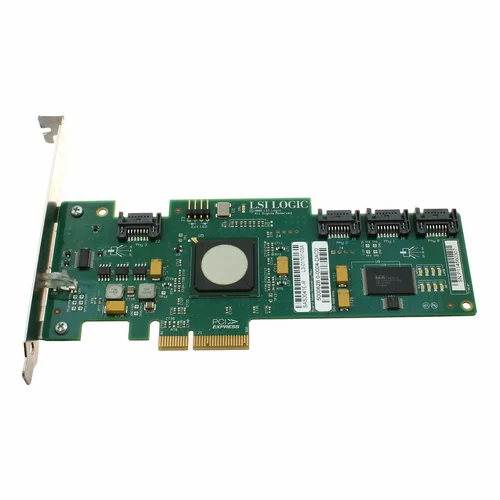
The card used in the guide I linked is this, which does look similar (most components look the same, in slightly different places) although has the data connection on sata ports instead.
This is a “guide” (more like some notes you will need to use in addition to the other guide) to crossflash the 8 port version of the cards of its generation. From what I understand, your card has 4 “ports” only (has only one old sas ribbon connector so that’s data lanes only for 4 disks), and it does look different from the card in the screenshot