Not really strange. 85C isn’t that hot for Si. You really want to stay under 100C, but most chips are fine at 90C. If NV isn’t ramping the fans at that point, it’s because they are not worried about it.
1 Like
Oh wow, well welcome to the world of Blackwell.
BTW here is my draft fan curve for the old Dog of a case.
At least until I get another that has better airflow. Base of 50% I can not hear the fan outside the other noise in the environment.
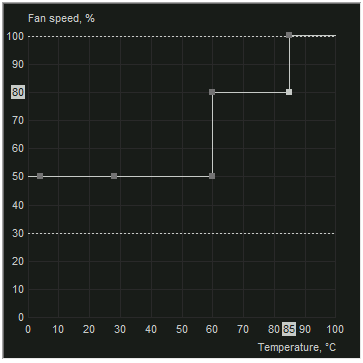
I can at least run this at 450W now… which was the goal.
1 Like
I think this is a good reason to get a Meshify 3 XL case.
Yeh, not sure about these Blackwell workstation cards but I heard from reliable sources the prior generation rtx cards were designed to be run 24/7 for years at 80c+ temps. Hopefully they put the same level of design into these cards.
It’s very similar to CPUs where TJmax is usually close to 100C. You want some headroom under that number so you don’t bump into throttling and self protection. Other chip types have somewhat different characteristics. For example the power circuit are usually considerably higher, the power Mosfet I just looked up for reference was 150C.
If you are trying to run fans to keep CPU/GPU much under 80C you are just making noise. With more recent stuff there are some exceptions due to the more complex packaging. In those cases they will let you know.
1 Like

What happens in the event of fan failure/deterioration? Are fans easy to repair? The heat benchmarks is really making me worried, as this is looking like a rather expensive version of 5090 with similar heat issues
Not the original commenter but fans should be quite easy to replace.
Also I mean it is a more expensive 5090 but with 3X times the VRAM and 10% faster or so. For LLMs it is really worth it. The cooler being 2 slot for 600W may have a bit of hard time to have the temps in check, and 5090s that aren’t the FE are giant bricks (3-4 slots), so that’s why they have better temps.
Fractal makes good cases, no question, but for my next workstation, I’ll try this one
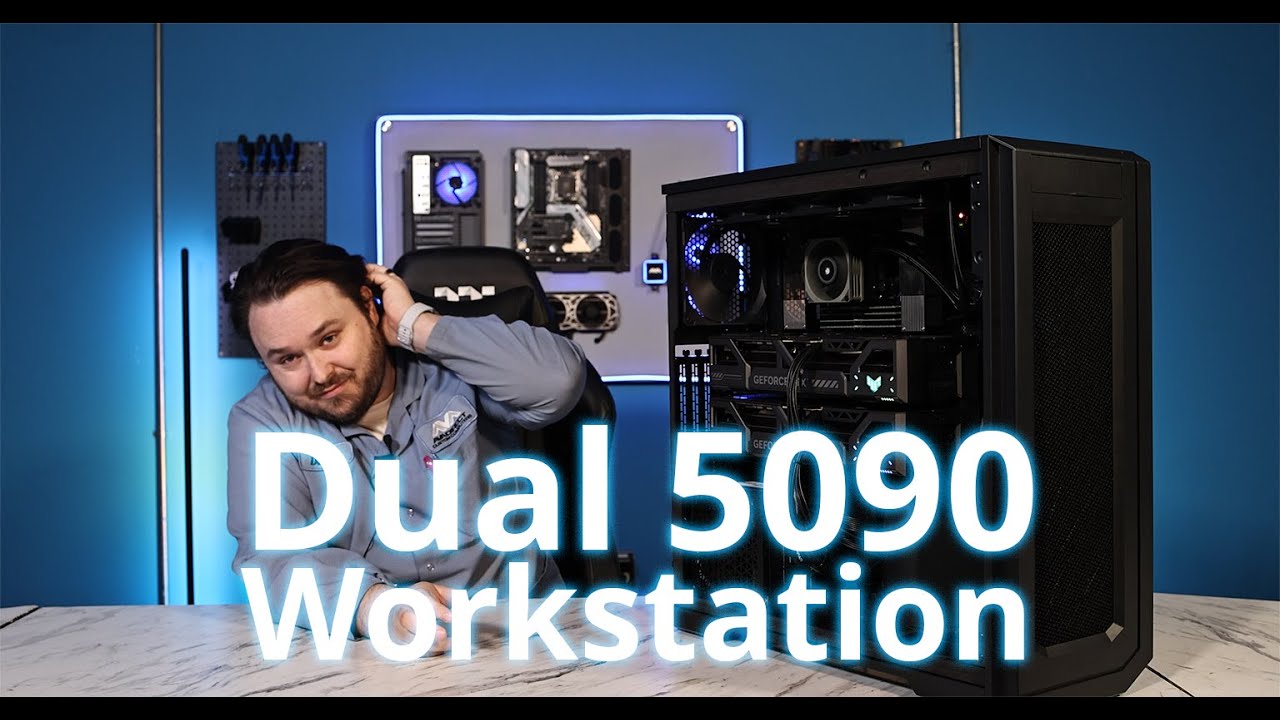
That thing is a monster, but IMO what you really need is airflow, in and out. That’s something the Meshify can give in spades.
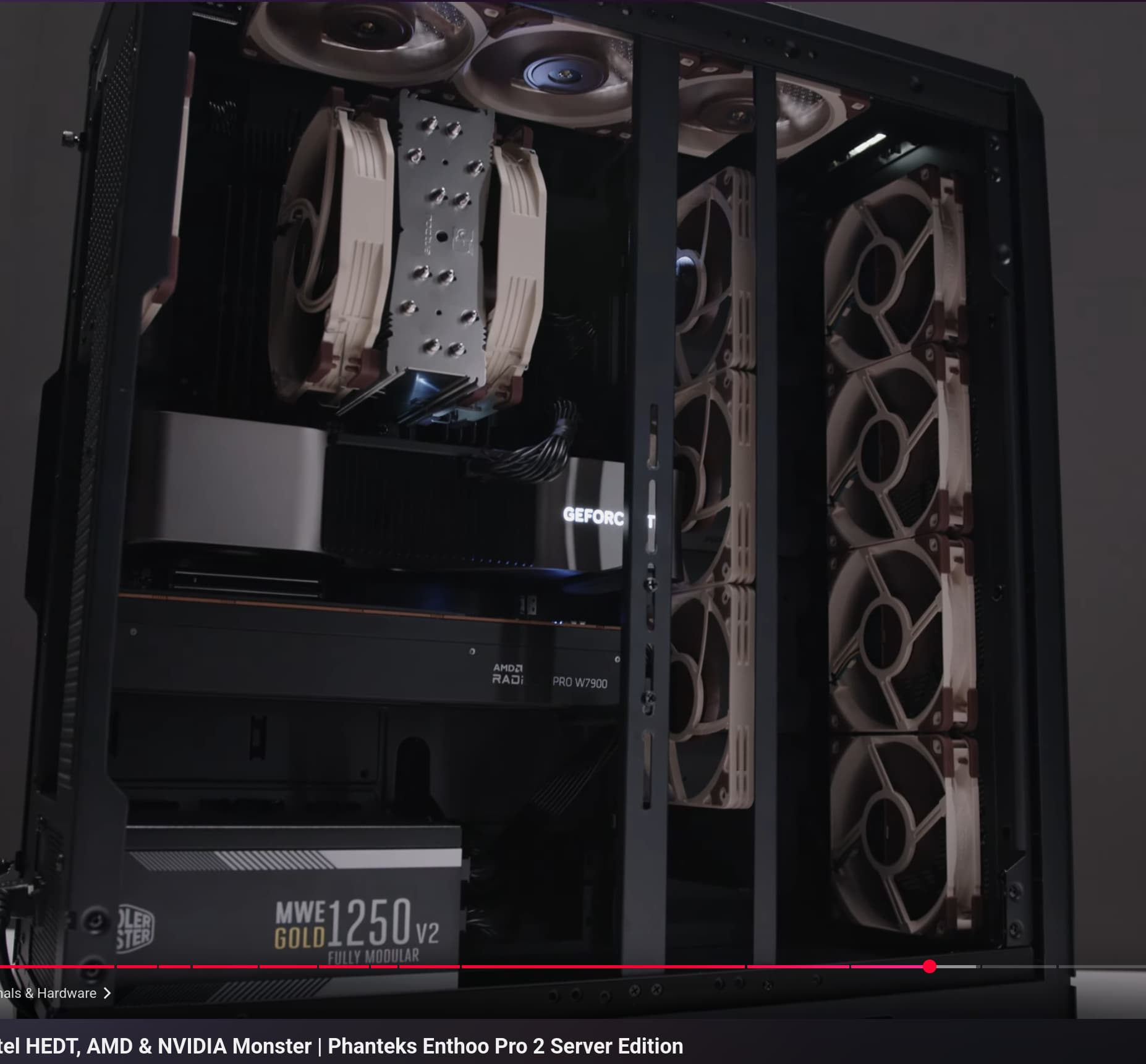
that seems excessive also not really optimal
2 Likes
The HDDs are missing in this picture.
My NAS has a similar configuration, and this noticeably lowers the HDD temperature.
And if you are using a server motherboard, the fans in this configuration are located directly in front of the VRMs and the DIMMS, which makes a lot of sense
But the panel with the three fans can also be mounted on the side to cool the PCIe cards.
If afterburner’s curve editor works with the card then that’s something you’ll want to explore to make the most of whatever airflow you have.
Start by applying defaults in afterburner. Pick a voltage somewhere in the neighborhood of around 0.9 - 0.98v. Open the curve editor and shift-select all points to the right of the voltage you chose, pull them down then hit apply. The points on the curve should shift, showing clocks rising until the voltage you selected is hit, then flatten out effectively preventing the card from going beyond that voltage and frequency. It’s a terrible interface but there are underclocking guides on youtube if you have any trouble.
If the card is still putting out too much heat under load then repeat the process with a lower voltage. Then move on to recovering some of the lost performance by before going in to edit the curve setting a positive core clock offset. The card won’t be stable with too much offset so you’ll have to do some trial and error to find out what you can get away with and still maintain stability.
It is a form of overclocking despite limiting clocks so your mileage will vary but you should be able to significantly reduce power draw without giving up nearly as much performance as you will by just setting a power limiter. Once you find the right voltage the card should remain at the voltage and frequency you selected while under load and without throttling.
I wouldn’t touch voltage at all on a 8000$ card, but thats just me.
5 Likes
Yeah, though they’re often inattentive to design detail so their hit rate could be higher. Some are good (Meshify 3), some are ok (Meshify 2), some aren’t so great (Meshify 1) by current standards. As an airflow case Meshify 3 lags its competitors a bit, which is probably the net result of the case proper being partially compensated by Fractal finally doing a really good fan with the Momentum 12.
Embargo dropped on the Epoch a few minutes ago but, at a glance, it uses enough of the North tooling to share its problems with flex and captive screws falling out.
For RTX Pro 6000 Blackwell I’d probably default to Lancool III. Presumably Fractal’ll eventually notice lower side intake works well with dGPUs and start copying Lian Li, but not today.
Do you know of a list of cases that support ssi-eeb ? For workstation use that’s one of the big issues that drives a lot of people back to Fractal.
[SSI-EEB List](https://geizhals.de/?cat=gehatx&hloc=de&xf=9691_AeTX+(SSI+EEB%2C+12"x13"&v=e&hloc=at&sort=n&pg=3#productlist)
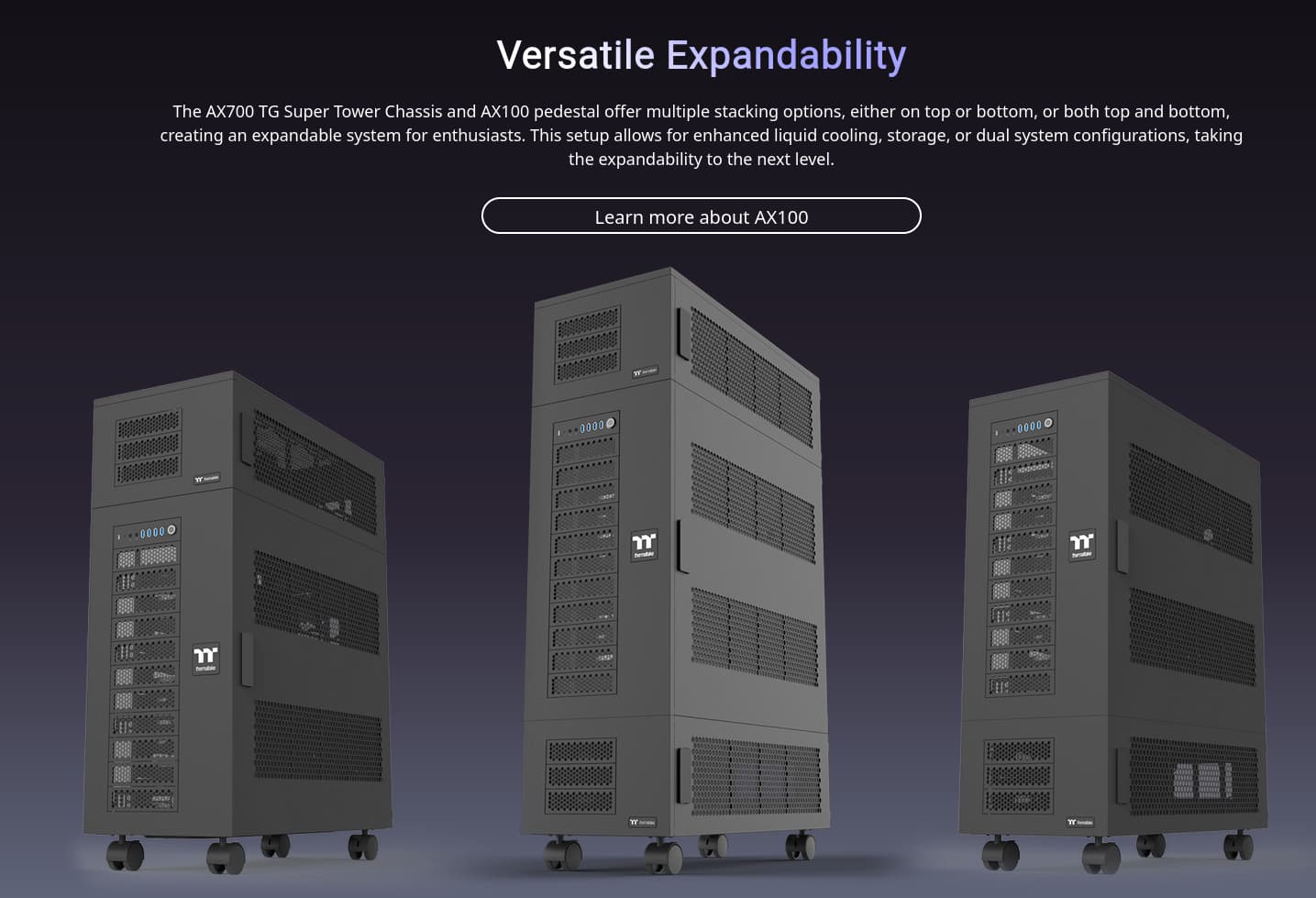
The new DataHoarder solution from Thermaltake
AX700-TG + 2x AX100
Last night I was lying in bed not sleeping and for some reason the Alta D1 came to my mind as a great case for this as well.
https://www.silverstonetek.com/en/product/info/computer-chassis/alta_d1/
1 Like
IMO the Meshify is better than say, the Torrent, because the Meshify 3XL is bigger, has a place for an AIO radiator on top to help exhaust hot air, and the Torrent though great at airflow, is just too small. If you don’t like the Fractal fans, you can always replace them with some Noctua 140mm G2