Hey everyone!
Got my hands on a new AM5 platform and I’m having problems with the memory. I sometimes can’t boot, and I’ve gotten some BSODs sometimes.
My specs are as follows:
CPU: AMD 7950x3D w/Thermalright Phantom Spirit 120 SE
Now, I am aware that AMD lists only 128GB as the maximum BUT there are many cases of people successfully running 192GB of RAM with this CPU.
[MEDIA=youtube]NtMIppL9UC4[/MEDIA]
Related reddit thread
[MEDIA=reddit]Amd/comments/19cifra[/MEDIA]
I’m not looking for any crazy overclock, just want to make sure it runs stable. Tried to simply turn on the XPM profile but that didn’t work.
Any ideas on where I could start and get this going?
Oh buddy 5200 is gonna be a miracle, you’re looking at 3600, there’s already thread for this but I’m on mobile at the moment
If anything my main concern is infinity fabric. Whatever speed I can get that can make Infinity fabric work in a stable way will be fine by me.
diizzy
December 7, 2024, 7:14am
4
Just use stock settings and be done with it?
Not so simple when you maxed out all 4 slots with dual ranked ram, it’s too taxing on the memory controller
1 Like
diizzy
December 7, 2024, 9:48am
6
It works just fine,Micron 32GB DDR5-4800 ECC UDIMM 2Rx8 CL40 | MTC20C2085S1EC48BR | Crucial.com sticks)
Do note that I said stock (default) settings
lemma
December 8, 2024, 1:30pm
8
Same as any other DDR overclock. For this one,
I’d apply the 6000 32-38-38 1.4 V profile, drop the speed to the supported 3600, voltage to 1.1, and test for stability.
If 3600’s stable as expected, lift by 200 or 400 MT/s and retest. If not stable, lower to stable. If stable, upclock and repeat.
Remember to do hot testing. And to follow the profiles’ voltage curve if 5000+ is reached.
Hello!
Looks like MSI launched a new update for my motherboard and it seems like it can now successfully POST and boot with the XMP profile turned on.
I’m running these settings.
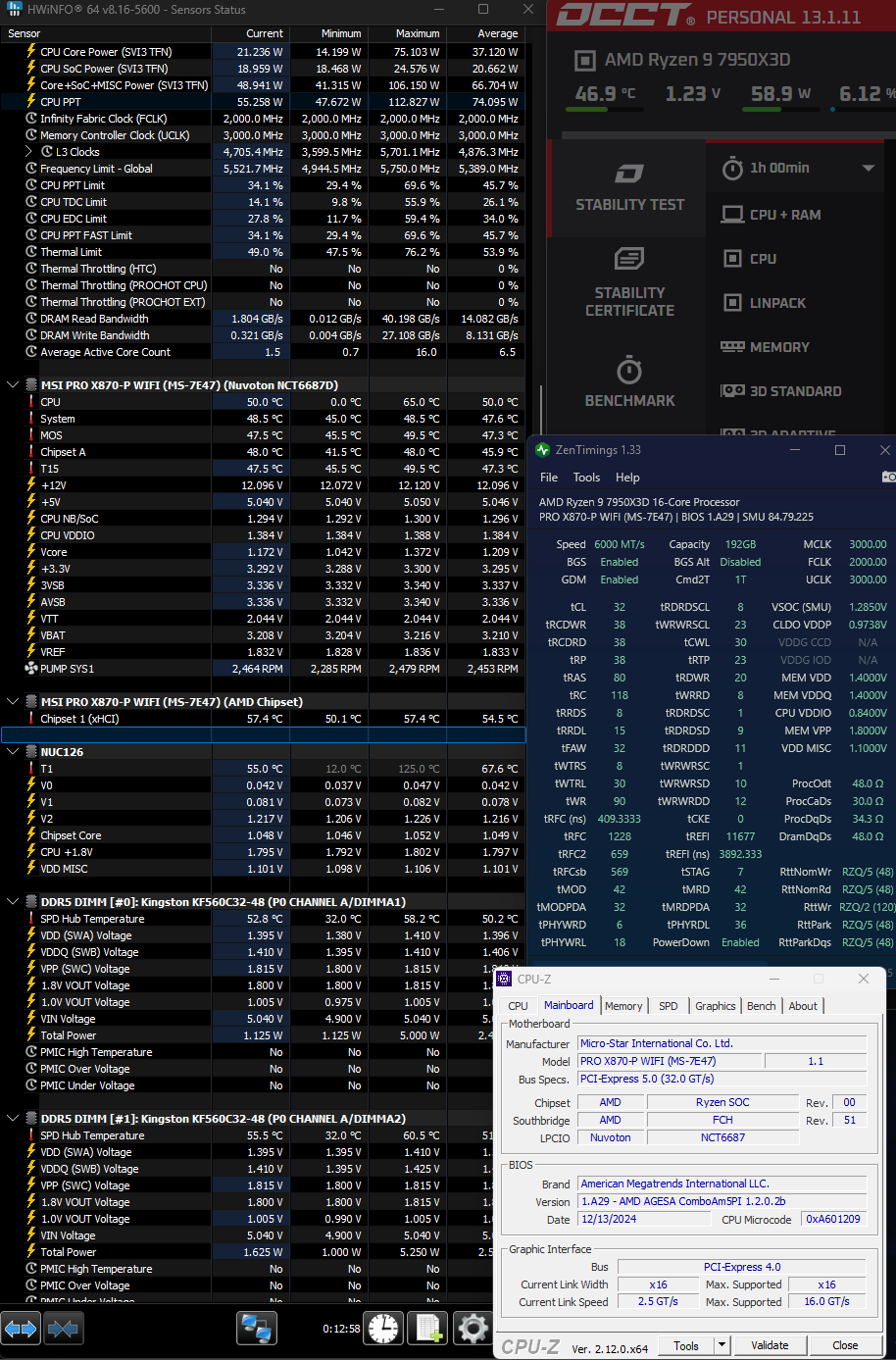
However, when testing with OCCT I get errors, so surely I must be doing something wrong or missed something.
Where should I go from here? Many thanks!
Huh, I reset the BIOS settings and just fired up the XMP profile. Running OCCT tests now and, so far no errors?
That’s odd. Will report back in an hour.
quilt
December 13, 2024, 9:57pm
11
There can be some boot-to-boot variability due to training, or just luck. A 1h test is not that long, especially with 192GB of RAM!
Personally my first step would be to back off the frequency until it’s stable. Temperatures are also on the high side (60C max, is that the hottest DIMM). So perhaps something like 5600MT at 1.3V, start with the same timings and if that runs you could try tightening them a bit.
1 Like
lemma
December 13, 2024, 10:11pm
12
Probably not in general, though it could be at time of snapshot if ambients are low-ish due to northern hemisphere winter (well, ok, late fall).
Yeah, I don’t usually see peak temperatures until 9-10 hours in.
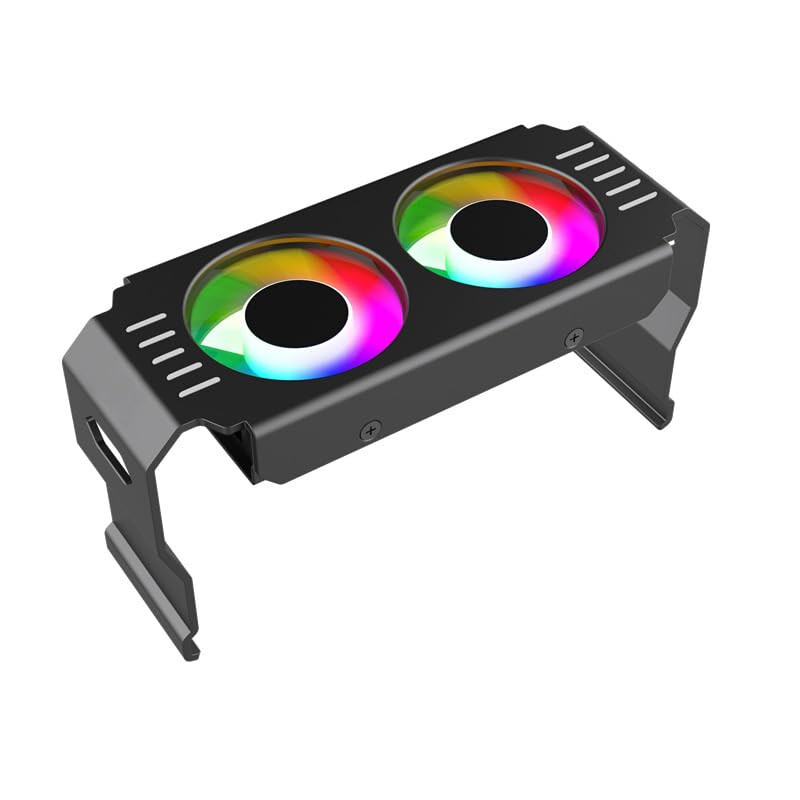
Kind of off topic but, do you think one of these could help? It’s $10 on Amazon and I could get it tomorrow
lemma
December 13, 2024, 11:13pm
14
DDR5 spec on tREFI is 3.9 μs to 85 °C.
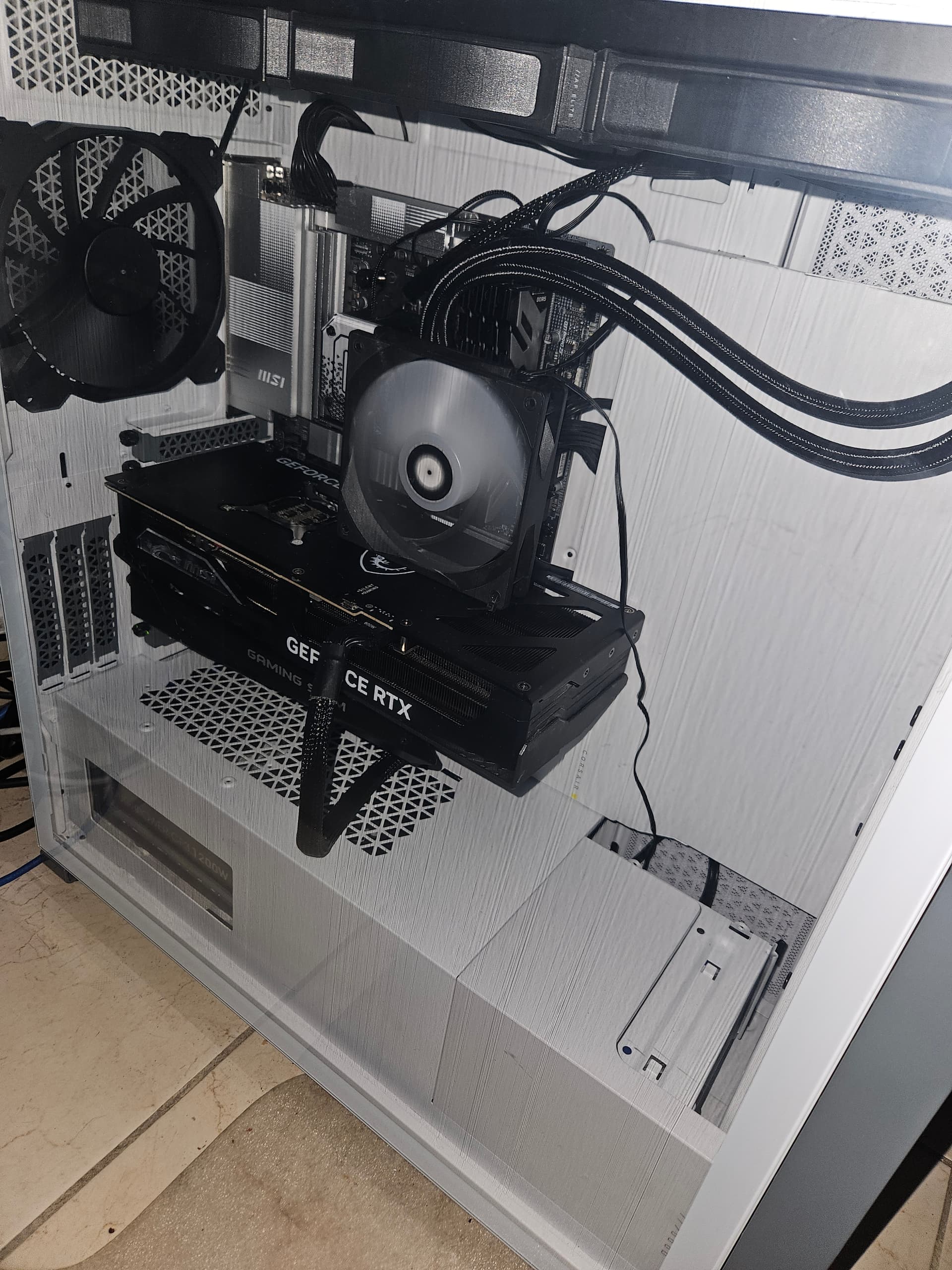
So I did something many of you would find silly and grabbed a spare fan I had laying around, aimed it to the RAMs, and now the hottest DIMM is sitting at 45.5°C.
Mind you that I’m in a room with AC at 24°c.
If it works it’s not stupid, right?
Will report back
system
September 13, 2025, 5:24pm
16
This topic was automatically closed 273 days after the last reply. New replies are no longer allowed.