Recently I’ve been having issues launching games such as Minecraft Java, Cities Skylines 2, and Detroit Become Human.
The last time I can confirm successfully playing these games was April of this year.
What happens is I load into the launcher, click play, and then my computer freezes up. If I wait a few minutes, sometimes I can hear the game sound; but I don’t have keyboard or mouse input. I have to force shutdown my computer. This occurs every time the game is launched.
My windows, BIOS, and drivers are all up to date.
For Minecraft, I tried with the driver and game version that I know I have successfully played with in the past, but that had no effect. Uninstalling and reinstalling had no effect. Configuring windows graphics settings to make Minecraft use the CPU had no effect.
I did a stress test of my CPU and GPU and ran a general system diagnostic. All completed without finding any issue.
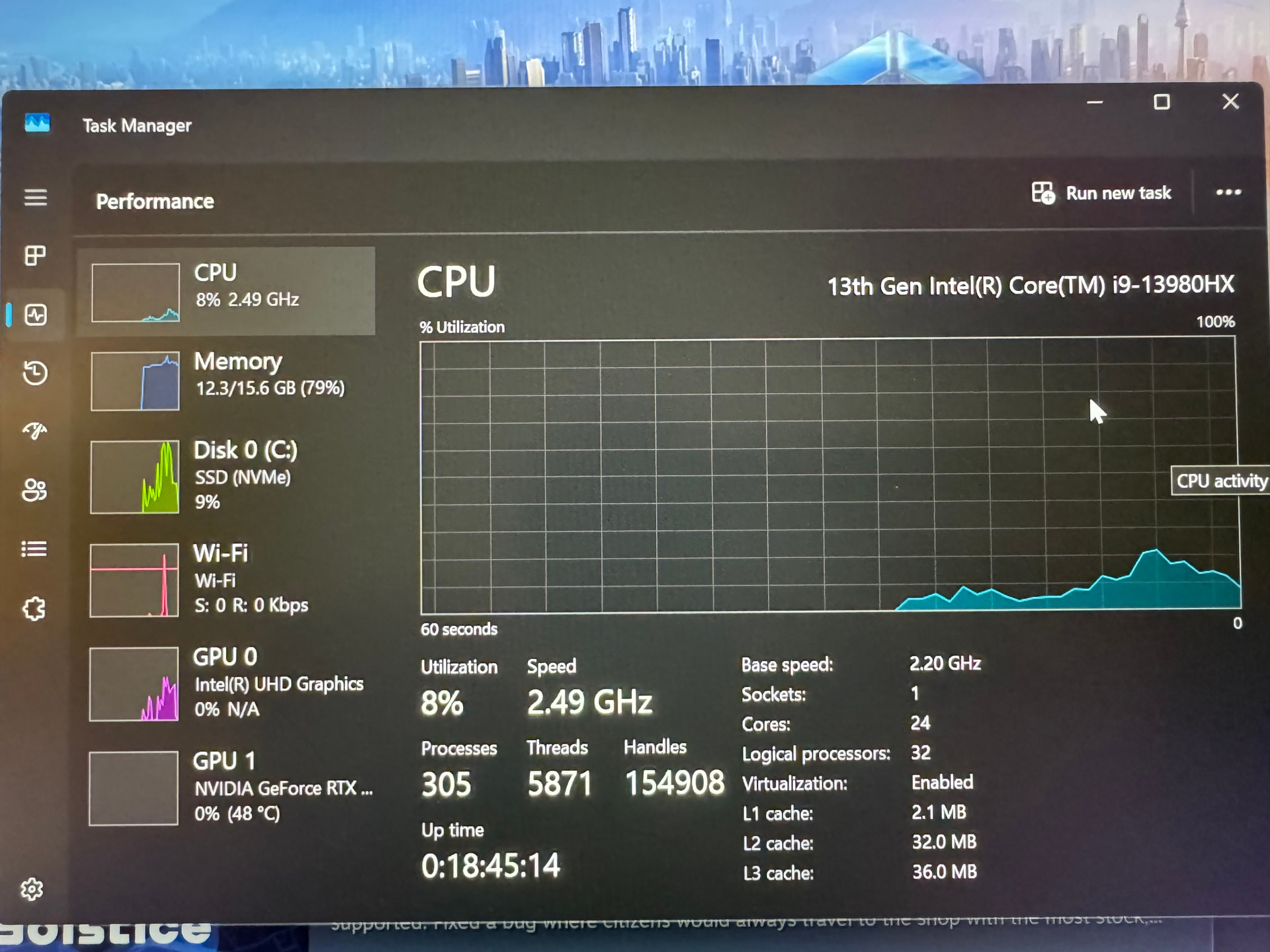
The following image shows my performance metrics at the time of Cities Skylines 2 causing the freeze:
The first step I’d take to diagnose this issue is to launch one of the games that’s causing problems and then check the Windows Event Viewer. Hopefully, it will provide some clues as to why your system is freezing.
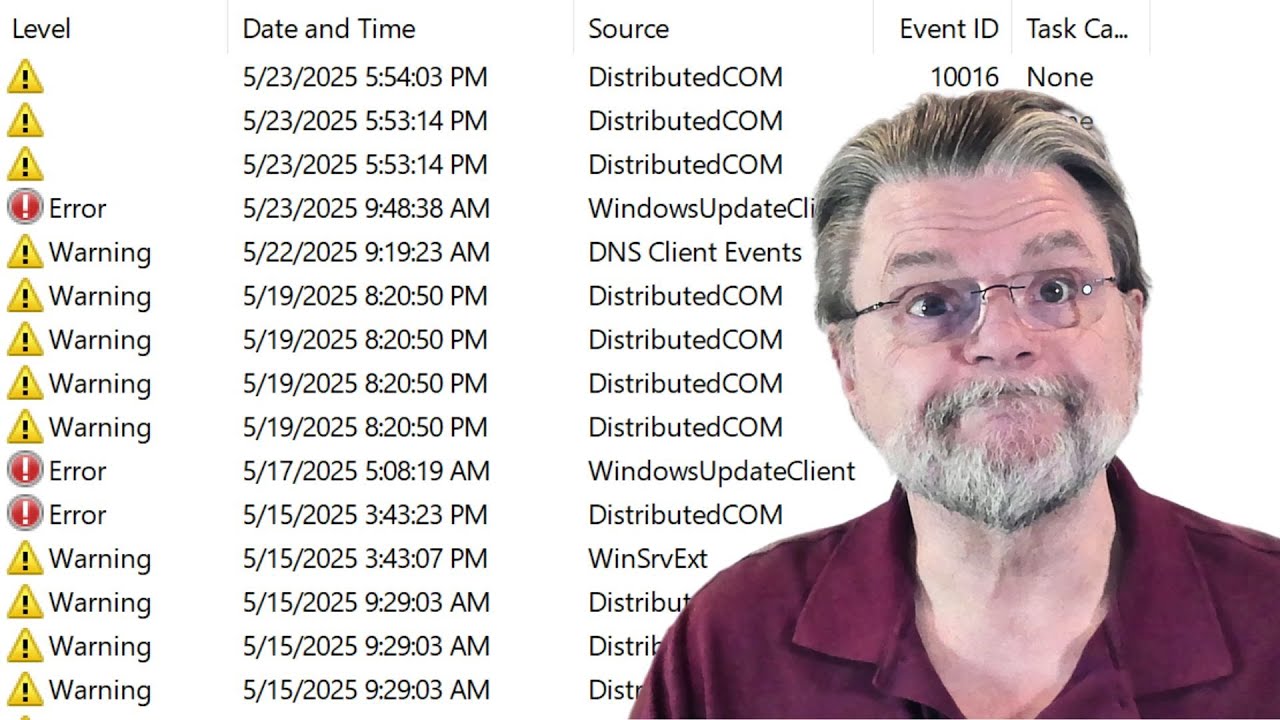
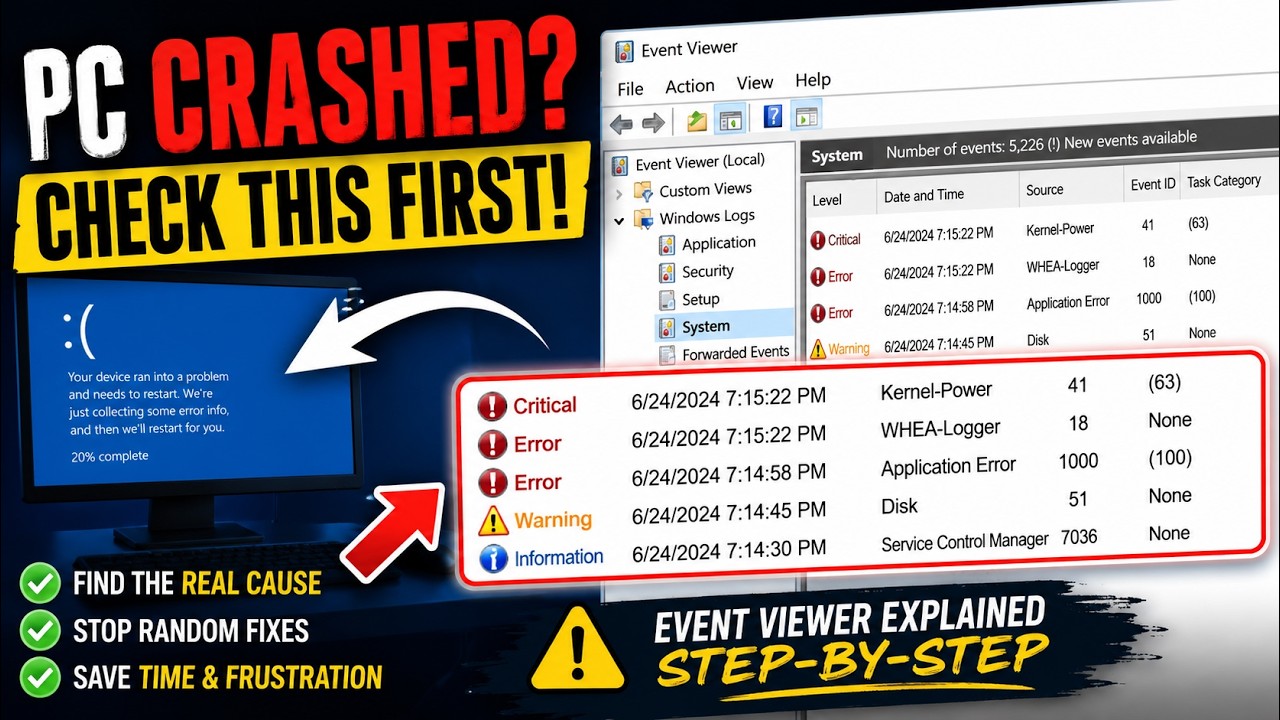
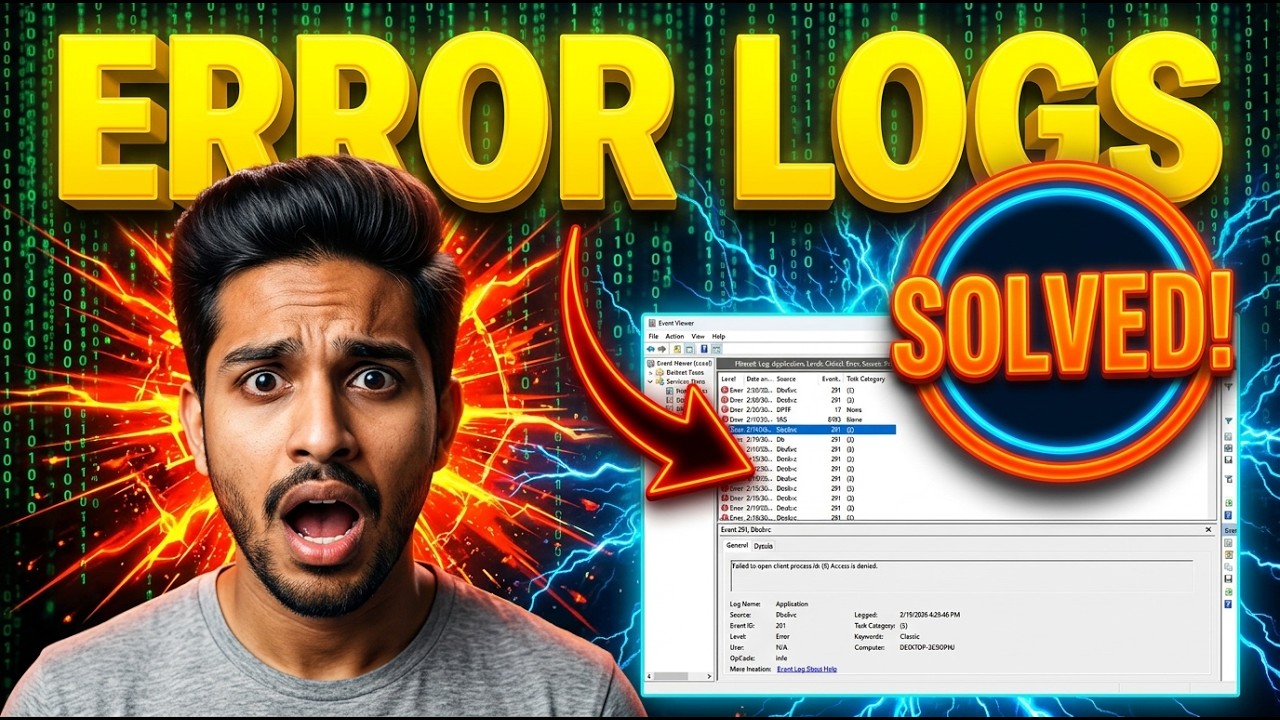
If you’re not familiar with Event Viewer, here are a few good walkthroughs.
Hit the Start button then type reliability. Open the ‘View reliability history’ metrics. Observe anything anomalous around the days/times of your last gaming tests that were not successful. Note error codes and write them down. Considering it is a 13th gen i9, you might have a CPU going bad. I would highly recommend pulling the cooler/aio, cleaning the thermal paste, and checking for any signs of overly hot metals (rainbowing, etching, etc). Replace thermal paste and try again. Post back any errors in Reliability and let’s see what is going on. Also run a Furmark 3D test and see if it freezes there also.
Wouldn’t it also be helpful to look inside Event Viewer and check out the application section? Oops I forgot about reliability history metrics. The only cures when running Linux exclusively is you forget about Windows only features. You also had a good idea about running Furmark 3D.
There are many errors in the event viewer, the only one I can easily understand that is not just about the system shutdown is from the Service Control Manager and says "
The PRI-Driver service failed to start due to the following error: The system cannot find the file specified". So maybe I have a corrupted driver? I’m not finding a way to share my export of the logs here.
I would google search all error found under application inside Event viewer. That is what I did when I was responsible for keeping Windows running smoothly for the organization I worked for at the time. I will research the PRI-Driver service failed and got back to you.
Have you tried to remove and then reinstall your Nividia Drivers with DDU. That is all the suggestions I have except takeing the laptop to a repair shop to have it’s insides cleaned out and possible reflashing of the BIOS chip. I wish I had better news but I could be wrong.
Yeah 16gb RAM might be part of it especially with Cities Skylines 2. Since the stress tests are fine I’d look at RAM usage and GPU drivers first. Could also be a Windows update or driver issue.