Hi all, I could really use some help as I’ve been banging my head against a wall for the last 48 hours.
I am trying to convert my PC into a homelab Proxmox server with 4x Intel Optane (P5800x) drives.
The PC has a ASRock B550 Phantom Gaming-ITX/ax + Ryzen 5900X. I checked and this mobo does support PCI-E bifurcation (4x4x4x4). When i go into bios settings, i see the option to split 16x into four lanes of 4x width (4x4x4x4) so no issues there.
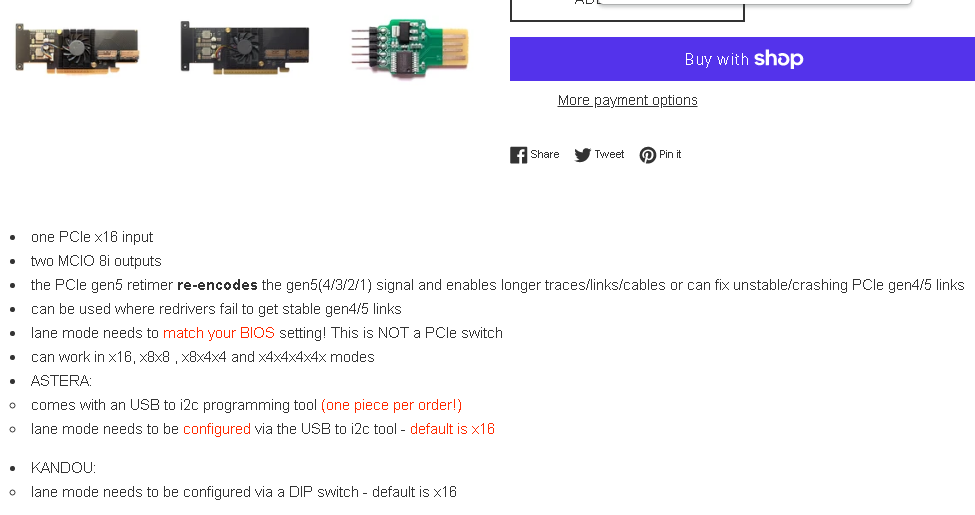
The problem is I bought this PCIE → SlimSAS retimer card (https://www.ebay.com/itm/205053371368) and I have two cables that go from SlimSAS-> 2x U.2 to connect to the Optanes.
Since I need the GPU to access the bios, I plugged in an old GPU I have to access the bios and changed the AMD PBS PCIE lane configuration setting from 16x to 4x4x4x4. And then I rebooted and entered bios again to see the changes were saved. Then I have to swap out the GPU to put in the retimer card, and then when i boot into proxmox, only 1 Optane drive shows up and proxmox says its a 16x width lane.
I swap out the retimer card for the gpu, and when i boot back into bios, the lanes configuration has changed back to 16x. I thought maybe PCI-E gen 4 is the problem, so i changed that from Auto to Gen 3.0 and I have the same issue. What’s weird is after swapping back to the GPU to see what happened to the bios settings, it got reset back to 16x Lane Width and PCIE generation has changed back from 3.0 back to Auto.
So for some reason, the bios is resetting back to 16x and Auto (PCI-E gen) after i plug in the retimer card, and then back to the GPU.
Can anyone help me understand how to fix this issue? is the the retimer card I bought just defective? or is there something else i need to enable in bios? Or is the PCI-E settings automatically resetting everytime i switch from GPU to retimer card and back, so its not the retimer card triggering a POST failure and the bios resetting PCI-E settings, but its the hardware swap causing the issue?
I’m just not an expert at all this low level hardware stuff so I can’t figure out what exactly is broken with my setup.
The vendor claims that the retimer card was tested and it should work with x4x4x4x4 assuming i set it in my motherboard.