Graphics Card Performance on Linux vs Windows for Home Desktop Use

Hi all, as a newbie to building from scratch, I was looking for some recommendations.

For a quick background, I’m a long time Linux (RHEL)-user at work; about to build a new PC for home. I plan to finally give up on Windows at home and run Fedora for general use, games, photo editing, maybe some design and engineering/scientific computing fun on the side.

I’m trying to decide between running:

  • a 9070XT (a bit cheaper, and supposedly “easier” to set up on Linux), or
  • a 5070Ti (a bit more power efficiency and CUDA at slightly more cost).

My assumptions have been based on looking at Windows benchmarks, but does the relative performance and power results carry over to Linux? Especially in gaming and some apps which might need translation layers such as Wine/Proton (I’m a decade out of touch on this front)! I’ve heard rumours that AMD may be a little more performant on Linux than in the Windows benchmarks, and vice versa for NVIDIA with current drivers, but are there any other factors to account for?

Also, are NVIDA cards that much more problematic today? For my work/computation servers that I had set up, I tend to just install kmod display and CUDA drivers and forget about it, but is it different on non-enterprise distributions? (If anything, I think I end up getting them from then non-enterprise rpmfusion repo, anyhow!) Though I guess I only ever use it on the correct of CUDA and don’t really notice other QoL aspects such as hardware decoding or gaming that would be important on a home desktop!

As far as I can tell, the two cards are mostly neck-and-neck in games, with the NVIDIA card offering a slight more mature CUDA framework over ROCm computer stack. Currently, I’m leaning towards the 5070Ti for it’s better power efficiency results, but if there’s good reasons to go with the 9070XT, I’ll happily save some cash =D

Are there any good reasons to go for one or the other? I’m looking forward to hearing the thoughts of you informed ladies and gents!

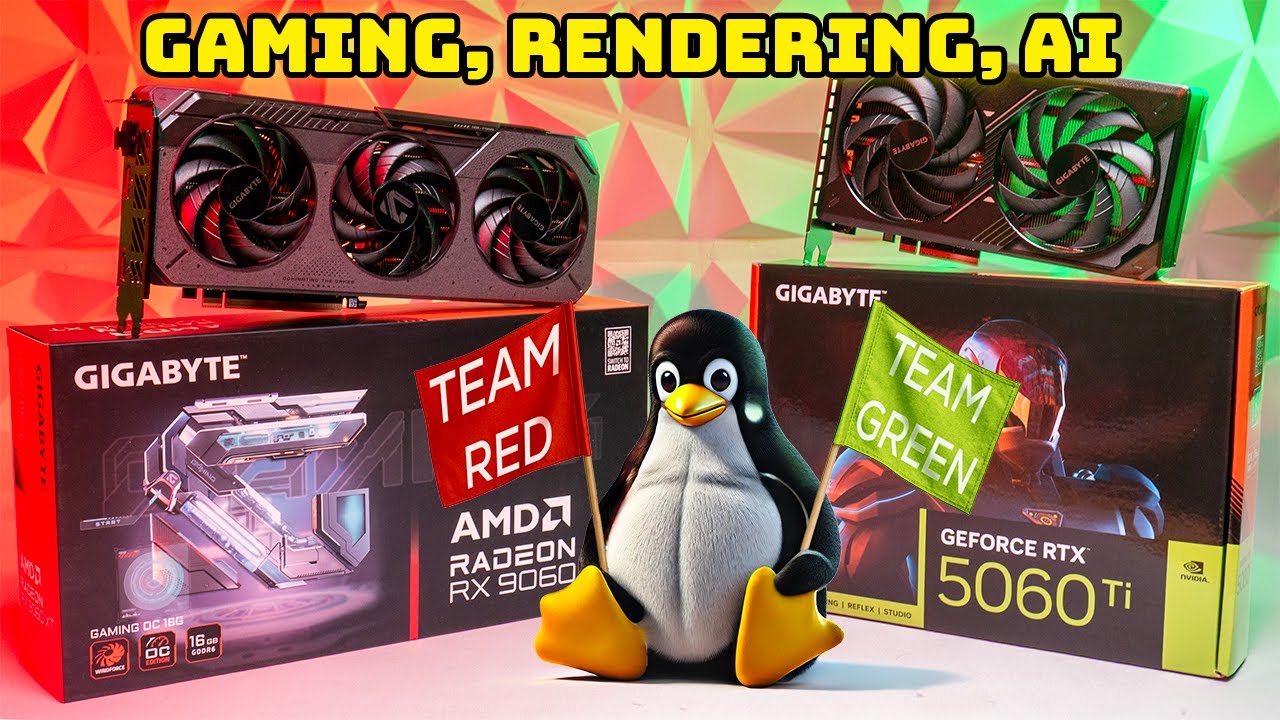
It seems like the moment I asked the question, a video was released by GN that answered some of my questions!

Since performance now really trades blows or even favours the 9070xt on a Linux system (if the benchmark results are too be believed), I’m leaning towards sucking up the power increase and saving £100 by going with the 9070xt instead of the 5070Ti.

I have been looking at the same just for 9060 XT class. When moving to Linux, AMD wins.

Unless you want to run local AI…
Edit.
For only chat the AMD works just fine, but if you want to play around with for example image generation, sadly you need them cuda cores for speed…

Edit 2, (maybe I should provide some insight into your actual question)

That makes sense since you know RHEL.
But…

Fedora is one of the distros that does not fit well with the proprietary requirements that comes with nvidia, but there is even deeper nuance.
Since the nvidia modules are now open source, I have heard that “problems with nvidia on fedora is a ghost from the past”, but that also comes with a caveat, namely cuda that is still closed source and not included in the open modules. So if you want to run local AI you can not use those drivers but HAVE to use the closed source ones.

When I switched about 3 years ago, I was blown away that the fps in most games using linux was higher or on par, and I use a nvidia 3090…
I no longer have a windows install so I can not compare any longer, but my suspicion is it is even better now 3 years later.

The overhead of the translation between DirectX™ and vulcan using proton is close to non existent, but the efficiency vulkan provides vs DX actually (IMHO) gives a more responsive game experience compared to windows and is the reason you can get higher fps.

But then there is that whole thing with kernel level anticheat. That was never a problem for me though, I would NEVER trust a fkn gaming company to have kernel level access to my computer!! (unless it’s open source)

As for wine/proton, there are wrappers that take care of all of that, so if you are savy enough to build your own computer, this is a nothing burger for you tech wise.
If you use steam, it’s pretty much “press download > wait > press play”.

I would recommend you trying to find new applications rather than trying to port from windows using a translation layer. You can get most things to work, even photoshop nowdays, but running native is king.

Ask yourself this: If you were to switch to apple, would you try to port windows apps or would you use native applications?
Look at is as a possibility to learn new things.

5070 Ti’s getting into clearly elevated 12V-2x6 melt risk compared to 8-pins. I don’t know of any formal measurements but, from 5070, it’s probably also reasonable to anticipate 110 °C PCB temperatures unless the specific card purchased makes efforts to mitigate Nvidia’s cost down board design. 9070 XT ground return balance seems likely to be worse but, unless you’re looking to maximize risks by getting one of the 12V-2x6 9070 XTs, it looks to be less bad.

I’d also question power efficiency on additional factors. 9070 XTs come in anywhere from like 300 to 360 W max power at factory settings. The upper end of that’s power shoved for little return, so approaches a 20% efficiency reduction in workloads which push that far up the curve on the cards configured to do so. As I understand it, Navi 48 is on TSMC 4N while GB203 is Nvidia 4N, the latter of which being an Intel-style marketing relabeling of TSMC 5N to make Blackwell look better. So Navi’s a node shrink ahead.

It’s not really clear to me how much gaming efficiency metrics move around based on specific games, settings, and the specific cards in use plus there’s basically no data comparing other workloads. For example, if Phoronix had gotten a 5070 Ti to measure and if Phoronix had measured GPGPU on the 9070 XT test, then there would be a comparison with n = 1 on both sides. But that hasn’t happened.

It’s unclear to me where Nvidia really is with 50 series driver quality or how 70 level designs compare for PCIe 5.0 reliability. What does seem clear is a portion of the 50 series black screen fails are unreliable 12V-2x6 sense pin connections, though I don’t know of any data that’d allow attributing those versus BIOS and driver issues.

I’d suggest also giving some consideration to what Nvidia and AMD’s profit margins mean for end user value and the extent to which one wishes to reinforce Nvidia’s dominant position market position and closed source distributions.

FWIW I switched from Adobe to mainly GIMP the better part of 20 years ago and as far as I can tell the only photo editing things I’m missing out on are monthly fees and predatory cancellation charges. I mostly use darktable for raw but have had consistently good experiences with RawTherapee when I’ve given it a try. All three are Linux first apps with Windows ports.

Usually the recommendation is for AMD gpu with linux unless, as others have pointed out, you are intending to play with AI.

But even so, you can play around with AMD cards too, you just trade some (AI) performance in exchange for a no bullshit experience with your host graphics card. NVIDIA isn’t terrible but it’s definitely a second citizen to AMD on linux. Nvidia drivers might be stable today but there’s nothing like being dumped into a tty after package upgrades + reboot.

1 Like