Hey all, hope your computing is going well! I’m having issues and am in a time crunch on a return window for hardware and have to make my decision today.
I’m having problems with my system and GPUs, which is:
ASUS WS WRX90E-Sage SE
AMD Threadripper Pro 7965wx
Silverstone XE360-TR5 AIO
Seasonic Prime TX-1600
V-color DDR5 6000Mhz CL32 R-DIMM ECC EXPO
nVidia RTX 5080 founders edition (ebay scalp brand new in box/sealed/unopened very high rated seller with history of happy customers buying expensive hardware)
I’m running on a 120volt, 20amp breaker circuit and plan was to run two 5080fe GPUs on one 1600 watt PSU and I’m having issues with the nVidia GPU, and I also just went out and bought a XFX 7700xt from Best Buy and it’s having issues as well.
I’ve done all the things I could find online and with AI, update BIOS, update chipset drivers, disable dedicated USB4, I’ve tried the GPU in multiple different PCIE slots, and the problems are as follows:
The system runs fine installing Windows. HDMI cable hooked up to GPU displays low resolution without issue when installing windows. I can get everything with windows updated and update the chipset drivers, and I can even run Cinebench just fine. It pushes about 350 watts, a bit over, a bit under while running CB, it seems to max at a 4.80Ghz while running CB, 65c top temps while running, gives me a score of 1943.
The CPU at idle dips below the base clock of 4.20Ghz, sometimes even going down into the mid 2.X GHz range. I disabled the thing I can’t remember right now that you’re supposed to disable to get rid of this and it still dips below 4.20GHz sometimes.
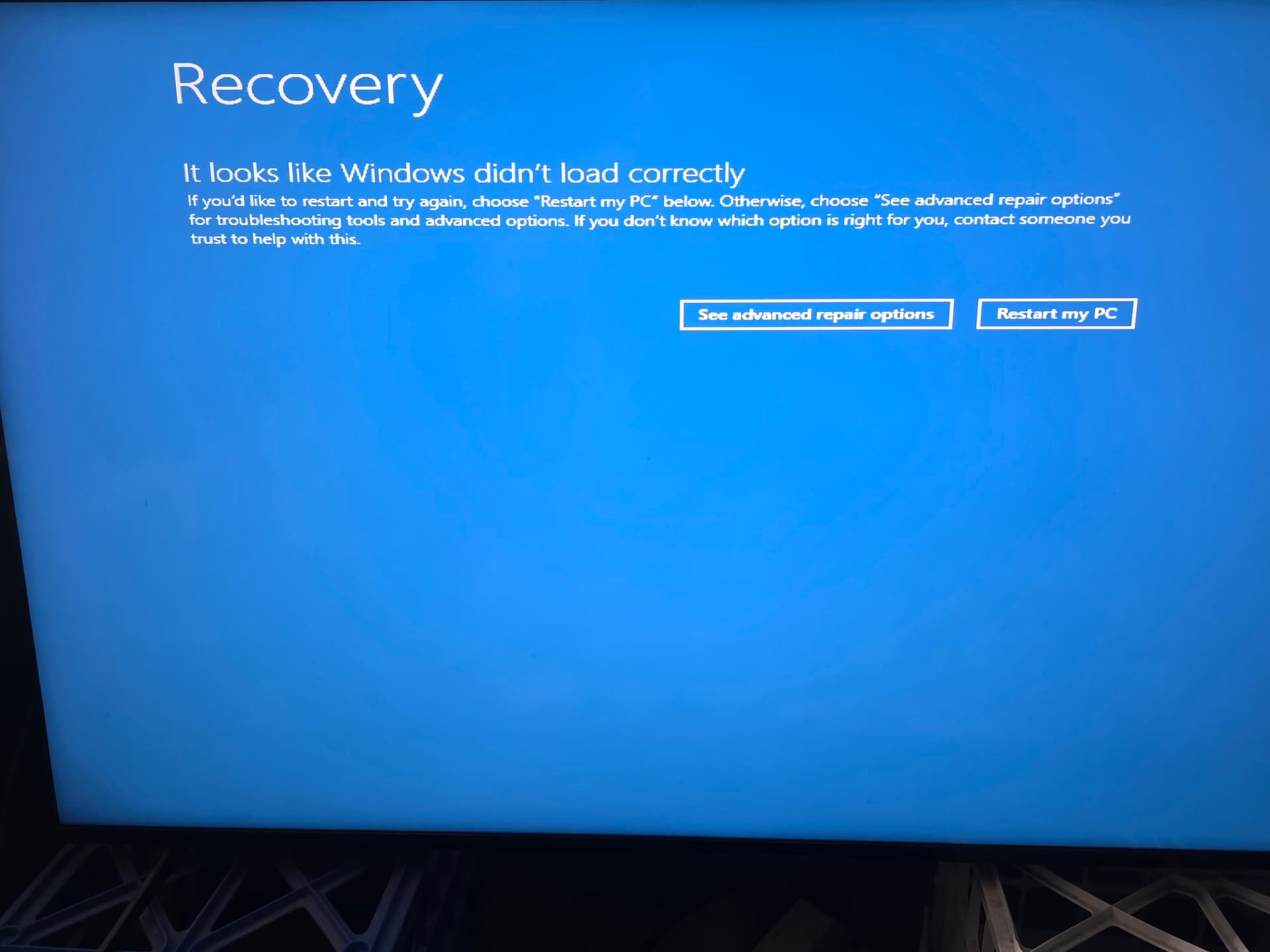
When installing the nVidia GPU drivers, and I’ve tried multiple drivers, both game ready and studio, it gets about halfway through the installation of the driver and then the system crashes and reboots into the three boot loop and into the recovery stage.
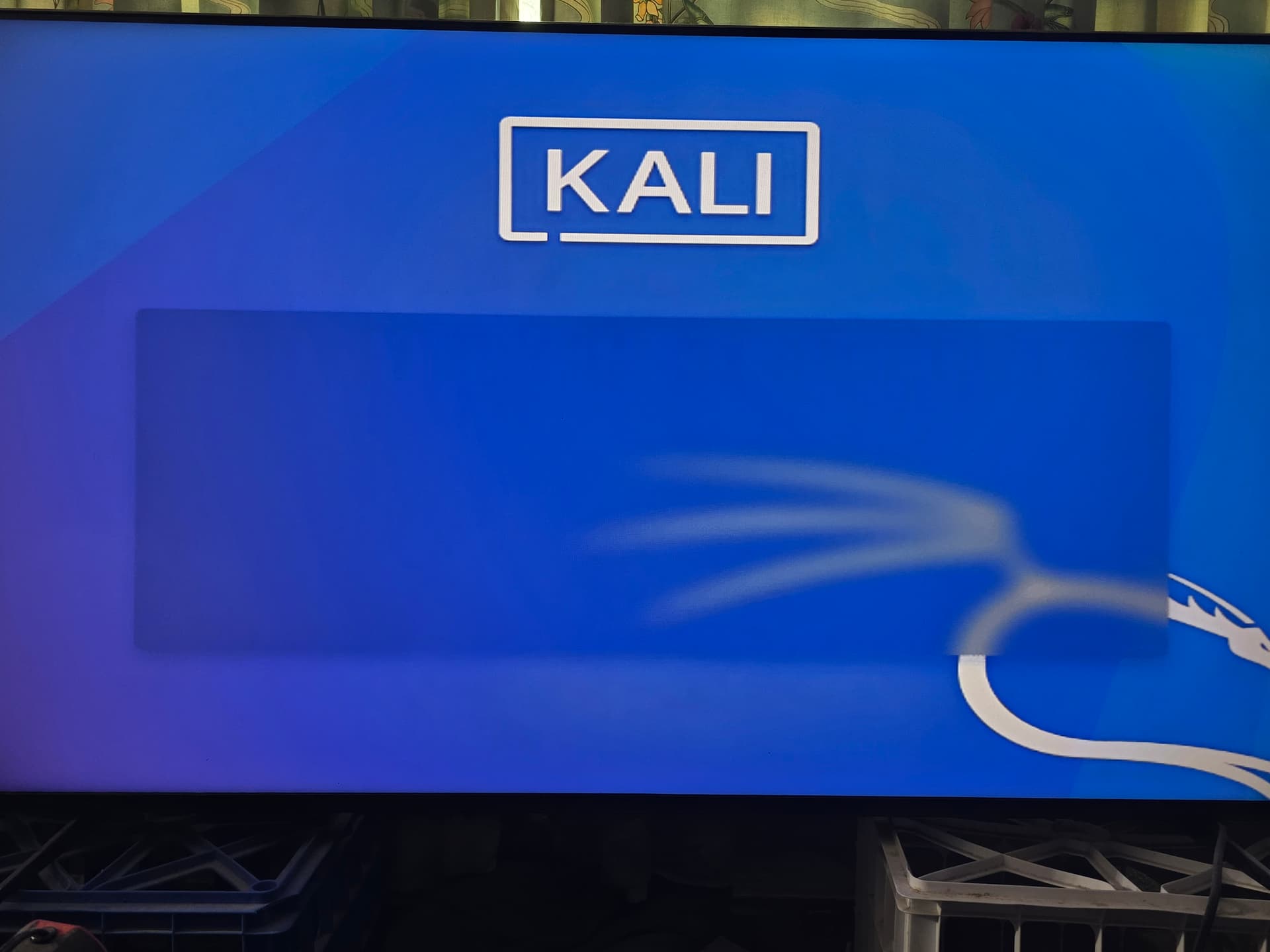
Additionally, when trying to install Kali Linux, trying to do both graphical install and regular text install, it goes to a blank screen where nothing is displayed that allows me to advance the install.
All of this is the behavior with the nvidia GPU. I’ll post the pictures I have and then I have to do more testing with the AMD Radeon GPU and make another post.