Yes, C/C++ while you’re at it 
1 Like
Back from the dead-ish. I’ve been using the blender video editor, in 2.8 for a while now to do some very basic video editing, splicing clips, adding in intro and outro music, my animated Logo and whatnot…stuff like this…
But now I’m trying to incorporate green screened video of myself, and I’m almost there. the green screen part was something covered in tutorials, but what hasn’t been covered…annoyingly, is more mundane things like…when you’re in the compositor, how do you sync two videos? Or…if your in the video editor, how do you resize and move a video strip? I have two different blend video editing files and both are just waiting for that last step so I can move forward, but I’m stuck on it.
Here’s the one where I’m full size and I need to be resized and moved to the corner.

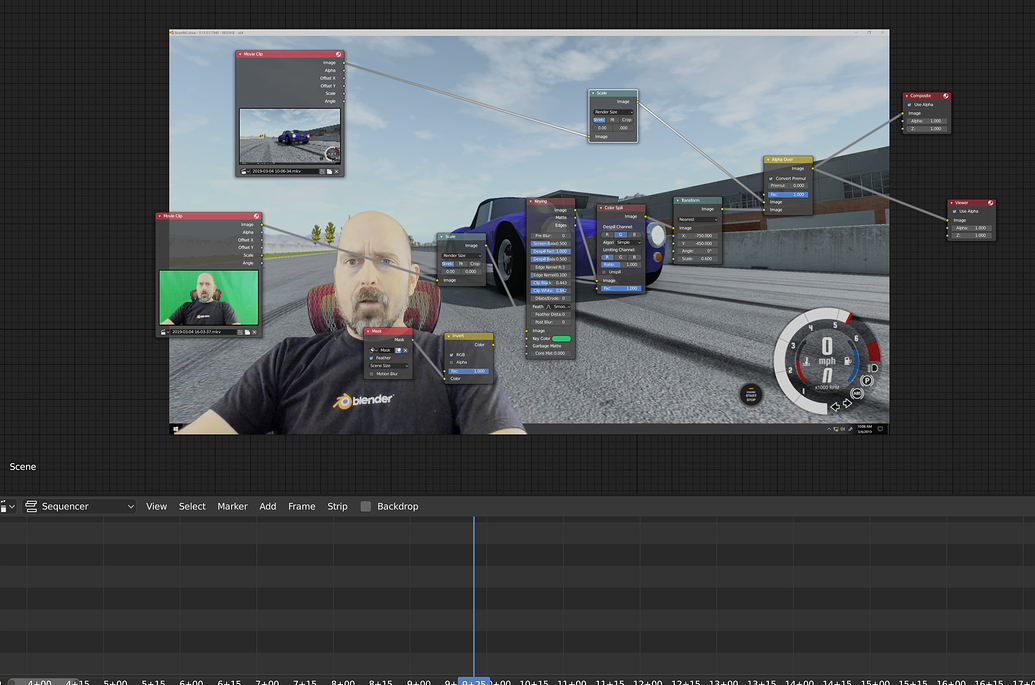
And here’s the other one, where I’ve figured out how do work it all out with the compositor, but I can’t figure out how to sync the two videos
with the position, select the facecam footage and add the transform effects strip to it (Shift+A, Effects Strip --> Transform). That’ll let you scale and move the footage.
The sync issue is probably because of frame rate differences in the media files, so you need to slow down or speed up the footage to match the project frame rate.
Sorry this is so late btw, was training to be in the Navy and had no access to any technology for 16 weeks. If the issue has all ready been resolved then great!
Hm… it’s been a while since I cut a video with Blender so I might not remember this but… did Blender always have a preset for a video-editing layout?
I literally just installed it, and in the splash I get this:
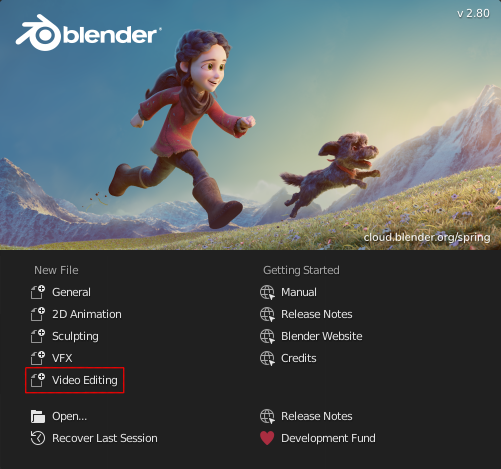
And IMO this already looks pretty usable for a basic editing without fiddling with the interface:
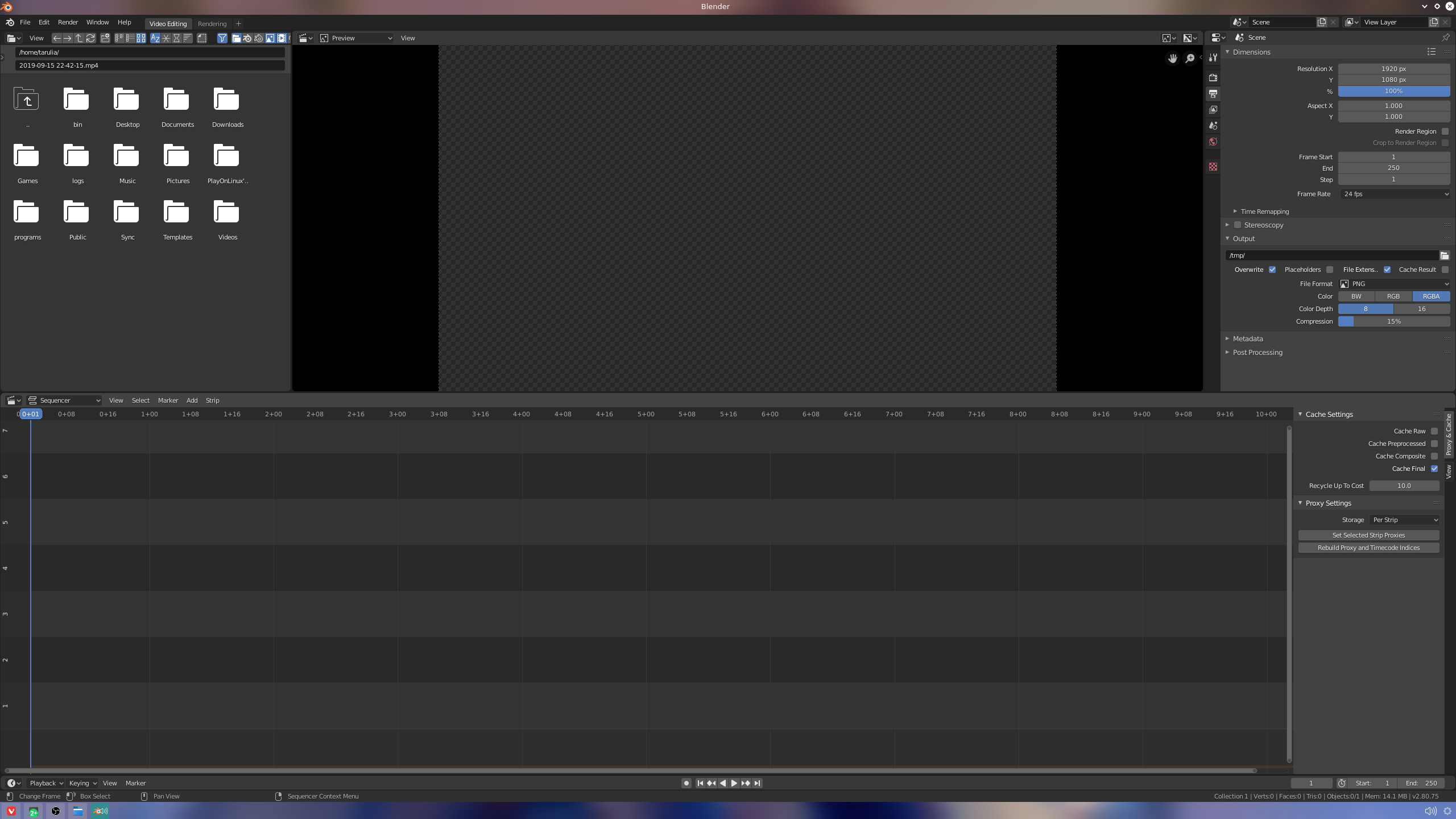
Now the only issue that it refuses to load an MP4 recorded with OBS 
/edit
Figured that out, forgot about the part where Fedora doesn’t ship FFmpeg by default, so Blender in the official repos is built without FFmpeg support… The *.tar.bz2 from the website comes with FFmpeg support.
Yeah I noticed that 2.8 has a new default interface, it’s one less hurdle to get over when doing any video editing, unfortunately I’ve been working in 4k recently (thanks low end phone advanment) and blender just doesn’t have the performance to handle it, it’s video editor is single threaded and pretty unoptimised.
Yeah I noticed it stutters a lot just trying to scrub through a 1440p recording (FFV1).
I mean it’s fine for what I’m doing but for advanced editing it would be painful.
Not to mention I don’t even understand half the things it does. I have 3 strips that just insert a color layer (because I need to cover up something) and for some reason the 2 “lower” ones are only disabled when I also disable the “top” one, i.e. I can’t disable them independently… idk if I’m doing something wrong or if I just don’t get the concept.
Also there is a bug with the color strips I noticed. When changing the color, it doesn’t actually change them right away. You need to do another change and undo it, and it’ll apply the color…
1 Like
might want to report that as a bug, it shouldn’t be a hard fix