You’re very welcome, Today’s slow, since I’m just watching dashboards at work making sure our site stays up for Cyber Monday hah.
That’s entirely fair. I don’t know how it would work out in your apartment, but it might be worth playing around with. If you’re not allowed to do wireless, you could string a cable up with command strips as well. Doesn’t have Wife Approval Factor, but it would do the trick. (Protip: for more WAF, consider stringing Christmas lights to hide the cat6)
So ZFS creates a pool of storage. That storage pool consists of “vdevs” which are logical organizations of your physical disks. So the simplest pool you can have is a single vdev with a single drive in it. In your case, it would be a single vdev which is a RAID-Z1 of your 3 disks.
The pool then creates thin-provisioned filesystems, of type zfs, which are called datasets. These datasets share free space with each other and have unique properties and parameters. They all consume from the same main pool. You can have multiple pools on a single machine, but that’s out of the scope of this example.
If you want to add more space, you have a couple* options.
First being replacing the disks with larger ones. This is simple. Plug in the new disk, then issue a zpool replace command, with the right parameters and data will be transferred to that new disk, then the old disk can be removed.
Option two is to create a new vdev with another raid-zX in it. RAID-Z is your parity raid, where the X is how many disks worth of parity are present. So RAID-Z1 is 1 parity, RAID-Z2 is 2 parity, and RAID-Z3 is 3.
The third option is not available yet, but the feature has been merged into the master branch of the codebase, so I expect it to be available on the next release of ZFS. Expanding the RAID-Z. I don’t know much about it. I don’t know the pitfalls, I don’t know the process, I don’t know the risks and I don’t know the performance impact during the operation. This one is a huge feature that lots of people have been asking for, but until I’ve had time to review it, I don’t want to recommend it. That said, the idea is this: you plug in a new disk, then issue a command to ZFS and it adds the disk to an existing RAID-Z vdev, keeping the parity level the same, but adding that disk to the usable capacity.
For the upgrade path, see my above ramblings. I’m not sure if you can change parity count with raid-z expansion. What I can say is this; If you need to rebuild, you will need an intermediate location. to store it.
My recommendation is to try to keep to the same model of drive per vdev, because if one disk is slower than the others, the whole vdev will be limited to that disks performance metrics. If you decide to make a second vdev later, you can choose different models or even different capacity drives, but if you want to expand the vdev (assuming that feature turns out to be reliable), you should really stick to the same model drive.
Check out our Glorious Leader’s how-to video and the associated forum post:
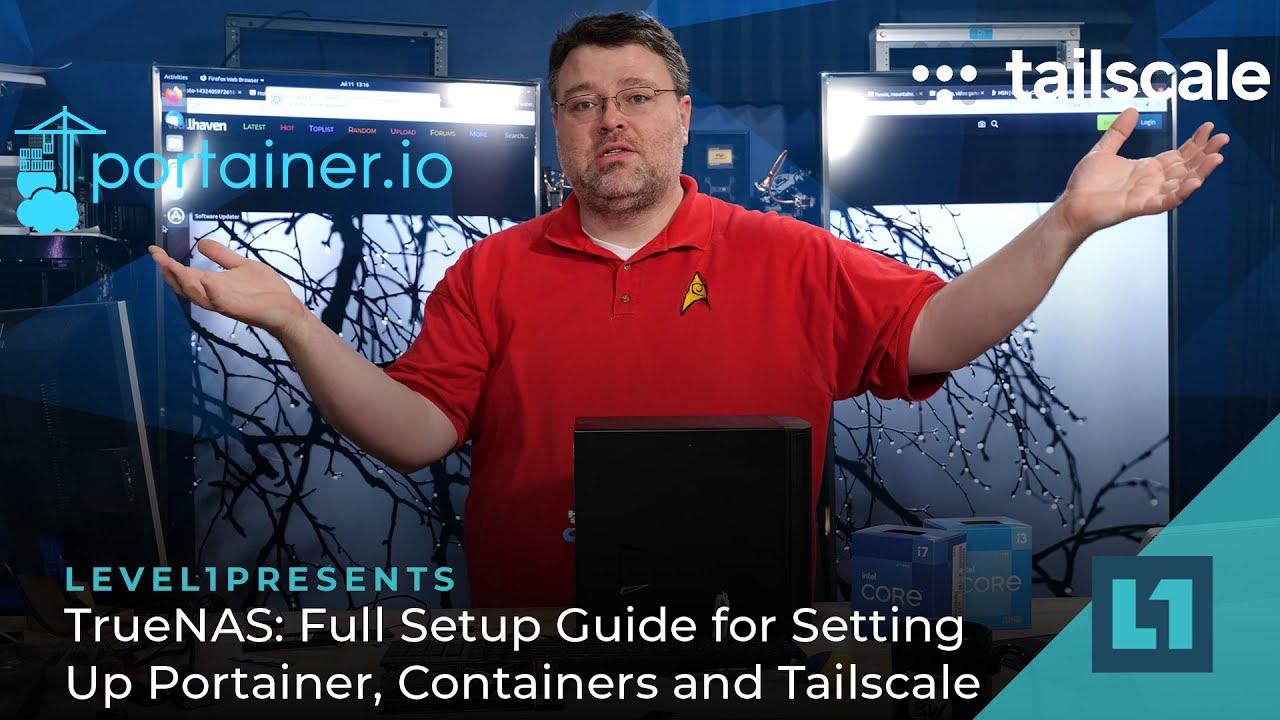
TrueNAS has two versions: Core and Scale. Core is BSD and Scale is Linux. BSD and Linux are both very good about supporting old hardware, as long as it’s not Broadcom or Nvidia hardware. (Though, Nvidia has proprietary drivers that can be installed, but that’s a bit in the weeds)
Long story short, Linux hardware support on older stuff tends to be better than windows, due to the architecture of the hardware driver system. Basically: It’s easier to just leave the old stuff in there.
I’m not super up-to-speed on the new build scene, but I can’t imagine it’s as bad as October 2020. 