Salutations
Hello all - I am finally getting around to documenting what has become my HomeLab setup. But all great tales need a backstory! I've been building PCs since 1997, but until recent years I have never had cause to go beyond my daily gaming PC. For context I have a B.S. in Computer Science and Mathematics. This verbose post is my attempt at sharing some of the major motivations, iterations, and milestones for the hardware, software, and philosophy specific to my HomeLab. I'll do my best to format it well, but at this point the journey is already measured in years!Fall 2022
Origins:
This idea came from wanting a dedicated machine to host games for my friends/family. Pals could theoretically hop on and off things like Valheim without needing me to always be logged into the hosting world. I started with an ASRock Z690 PG Riptide DDR4 mobo w/ an i5-12500T and 16gb of DDR4 3200 inside an old gaming PC case.
Then I thought:
“Hey! I could put some hard drives in there and use it as a file server since it’ll be on 24/7.”
I also remembered that Plex was a thing (I work in IT and a former co-worker had been hugely into Plex and showing it off as early as 2012). I suddenly realized Pandora’s Box had been opened. I would need wisdom and luck to plan/execute this to minimize pain and wasted time.
Spring 2023
Expansion & Planning:
That dedicated Windows machine running games and Plex quickly led to me talking with a gaming buddy who told me about Windows Storage Spaces. I used it to span five 8TB hard drives in a RAID5-esque setup. I chuckled as I remembered my days of using RAID0 on 74GB Raptors so I could Fraps + single-core game faster in the early 2000s.
The mantra “RAID is not a backup!” rang in my head as if my old unwashed Hungarian professor was still shouting it at me. One lecture he told us:
“If you work hard in my class, one day you will become the job!”
He was right, you guys…I really did become the job. Jokes aside, I realized that if I was taking all this time to build and maintain a system for hosting things, I should probably also figure out how to back it up. So I picked up a Terramaster D5-300C Direct-Attached Storage device on sale. I also needed some more used hard drives - this time four 10TB disks to backup my data.
By the way, diskprices and ebay have both been great for saving tons of cash on spinning rust. I’ve seen lots of people scoff at the notion of buying used hard drives, but at this point I’ve saved over $1,000 by buying used rotational disks alone! I’d specifically like to shout-out to seller “goHardDrive” on Amazon.
They pack and ship hard drives better than anyone I’ve ever seen, and the two times I’ve had disks fail they ship replacements before my dead drives even arrive to them. Several of their listings also come with multi-year warranties which is well outside what Amazon or ebay normally cover. I have no financial arrangement or relationship with them, but in today’s world it’s nice getting fast quality service.
Learning:
During this time I started consuming all kinds of information about “Home NAS”, “HomeLab”, etc. I started watching a lot from Wendell, NASCompares, and STH among many other sources. I started learning about three scary letters…ZFS. I woke up screaming at night worried about bit rot on my Windows machine(kidding), and wanted to learn about TrueNAS Scale.
But I didn’t want to risk my data to my own ignorance or an untested platform. In addition to my dedicated PC serving games and media, I now needed a test machine to tinker and learn new Operating/File Systems on.
Summer 2023
New Loot:
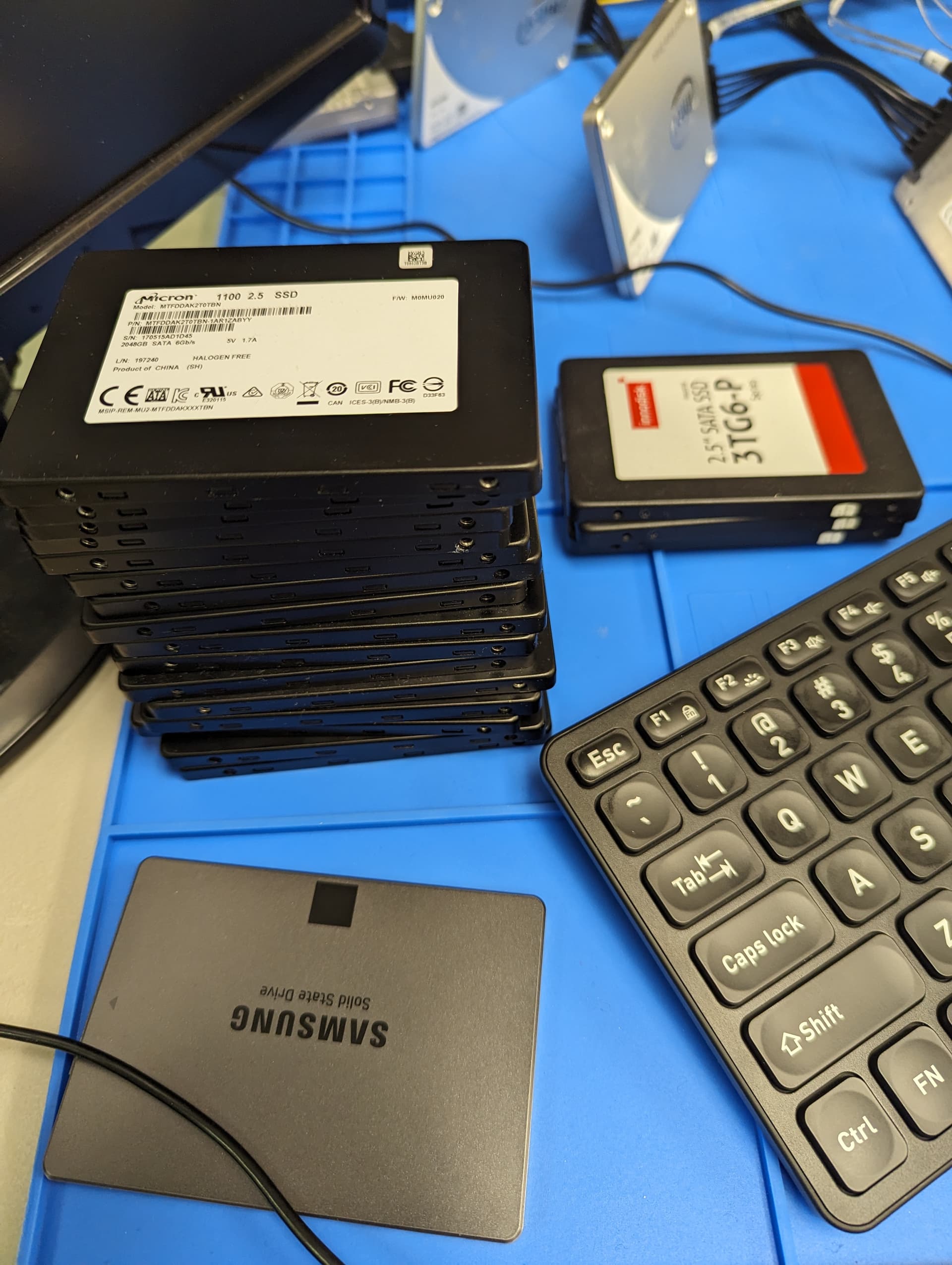
I found an HP M01-F2254(i3-12100 + 8GB DDR4) on ebay for just under $250 shipped. I typically hate OEM machines for their proprietary components, but this had some PCIe options and basic connectivity for a decent price. With ZFS on the horizon I took the opportunity to upgrade from 16GB → 64GB via a 2x32GB kit of Mushkin 3200. Also during this time the used SATA SSD market on ebay was crashing hard. Many companies were listing GOBS of 2TB drives. I bought 15 x 2TB SATA SSDs (mostly Micron 1100s)on ebay for an average of $44.46 a piece in June/July 2023.
I got inspired by Wendell to ‘color outside the lines’ and put all my live data running on the NAS onto flash SSDs. I had no idea how well or poorly this would work, but I saw cheap flash and thought what the hell. That would also let me use my sets of 8TB and 10TB HDDs as backups, giving me three copies of all my data. I keep one set of disks off-site at a nearby family member’s home and rotate them regularly.
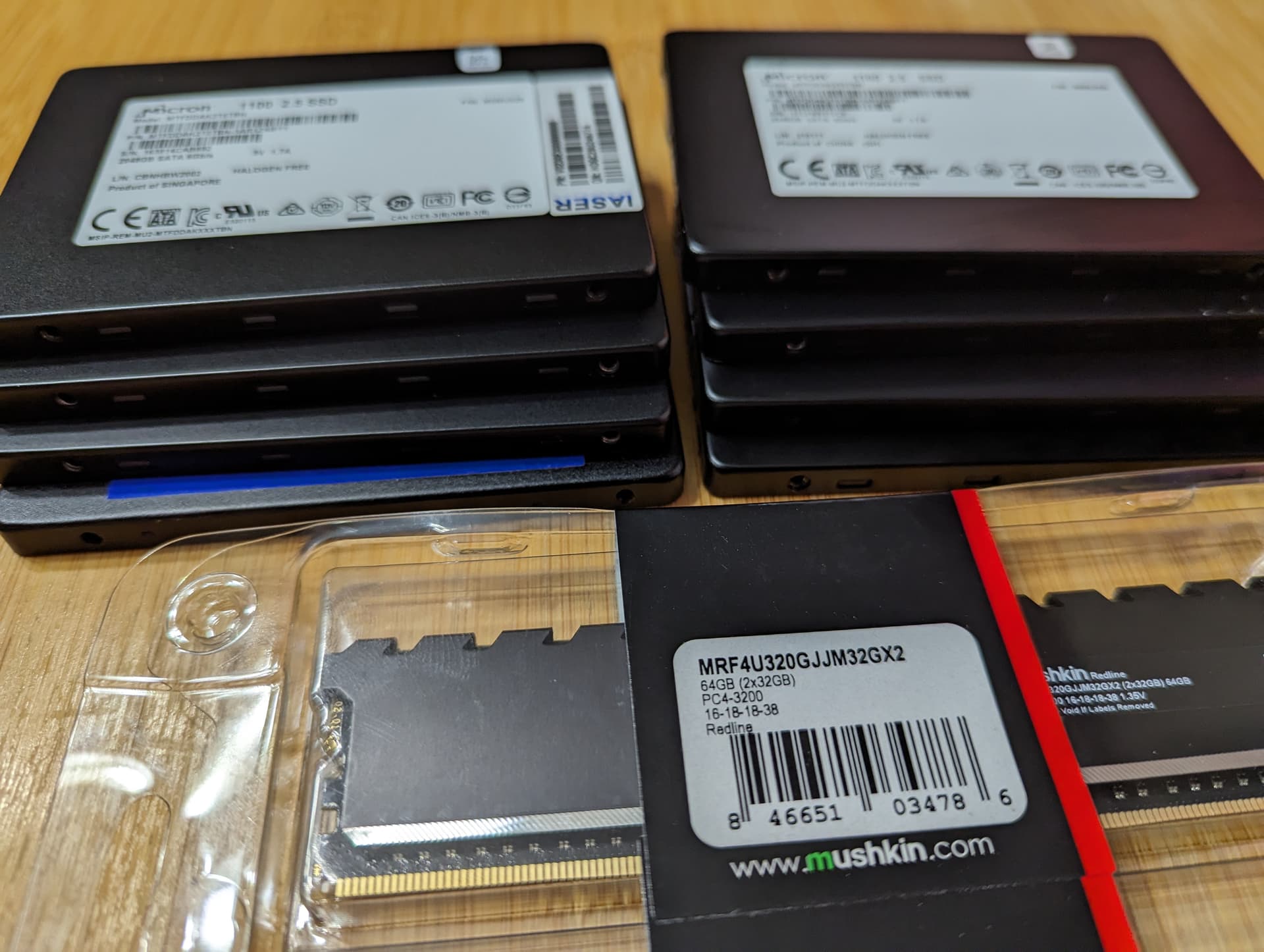
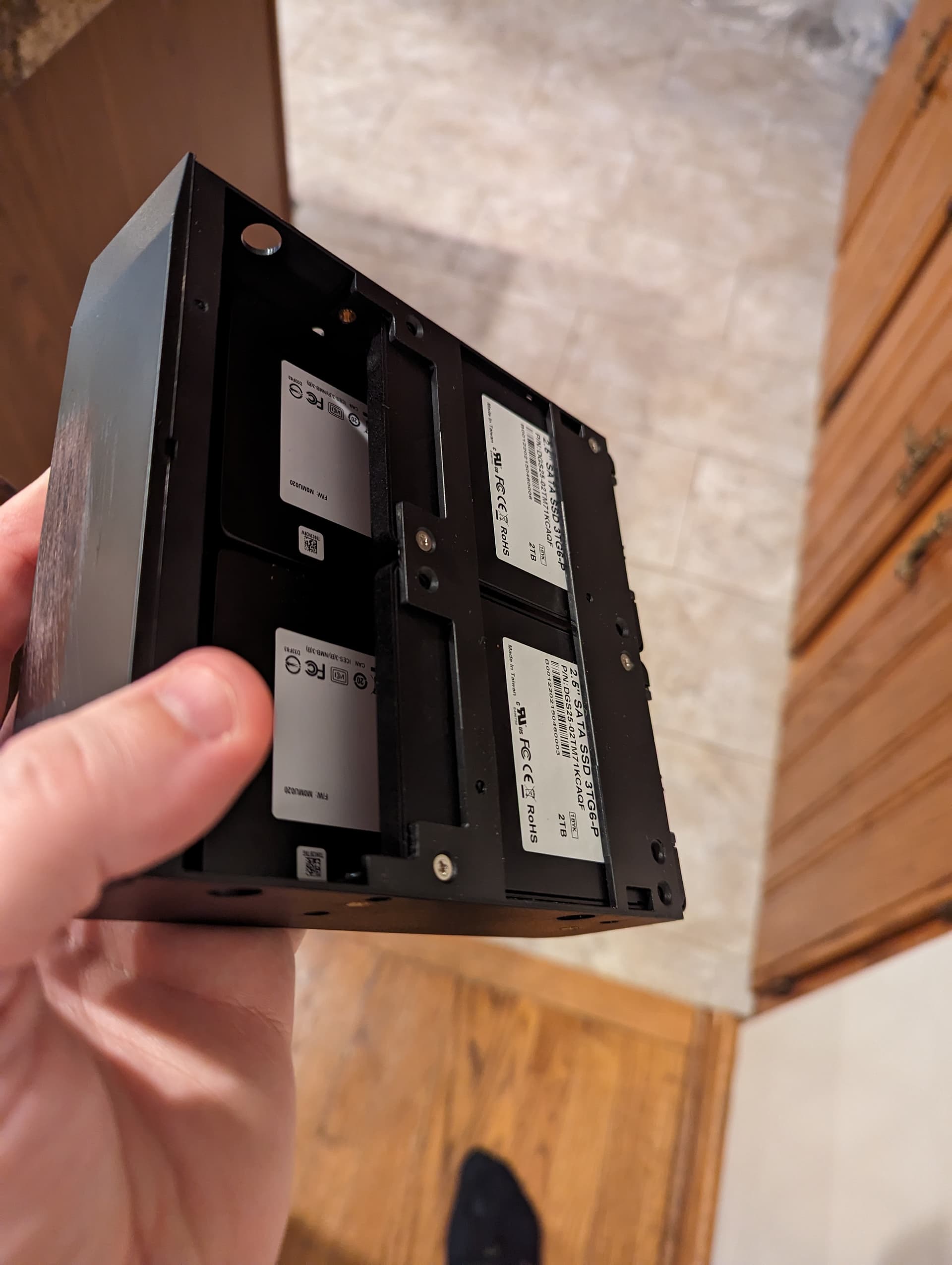
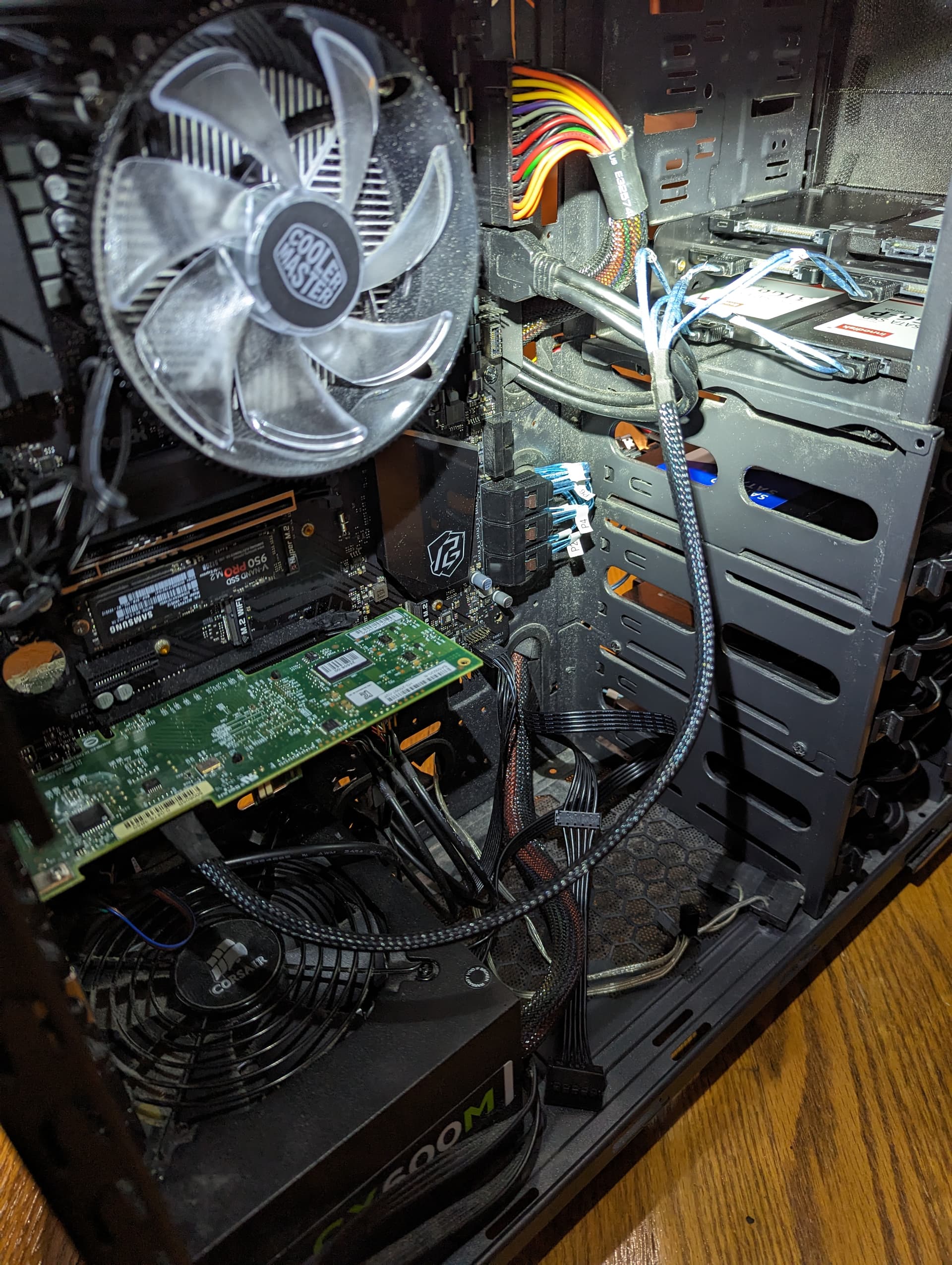
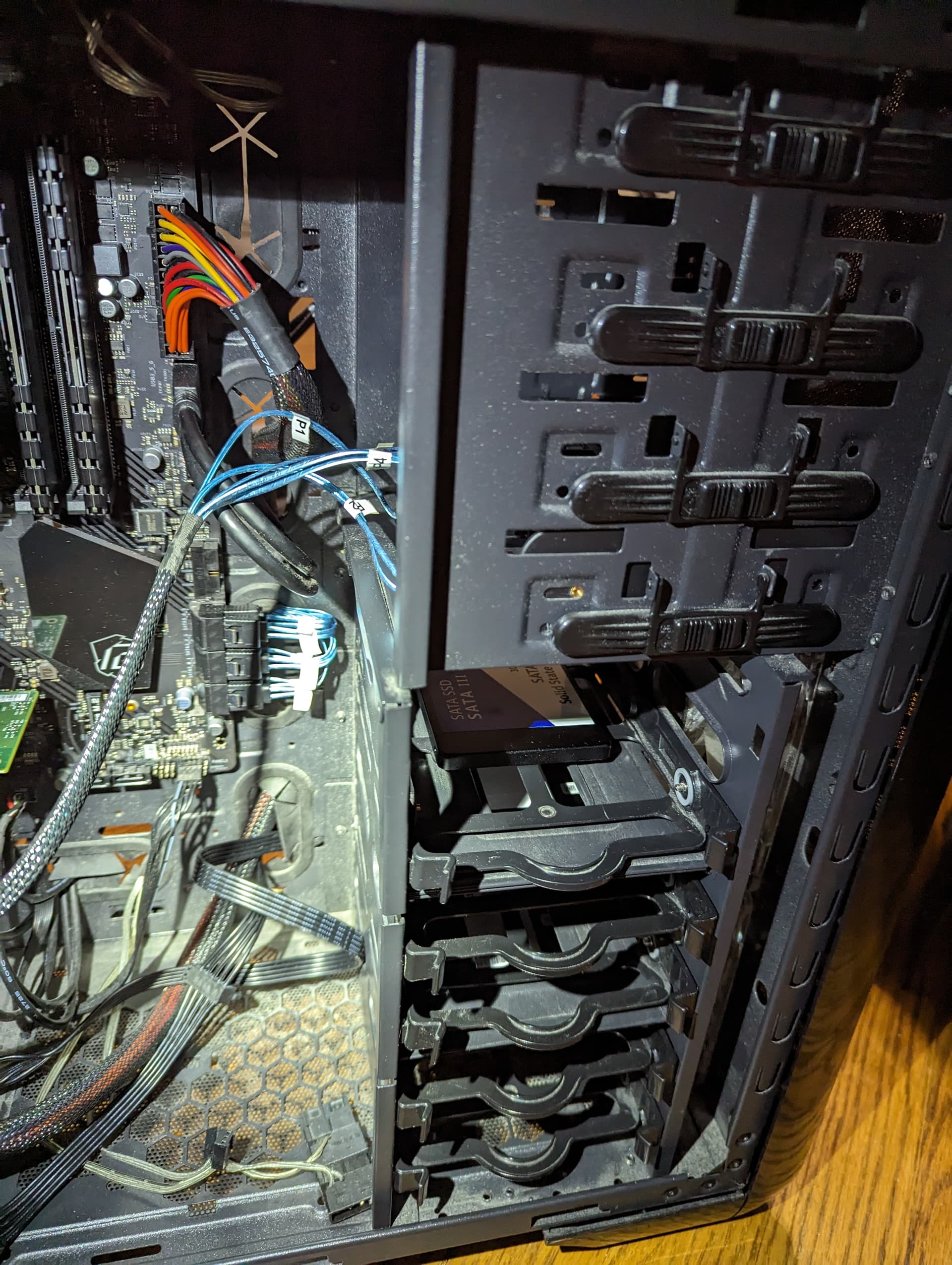
With so many SSDs I needed additional SATA ports. I found a LSI 9220-8i already flashed to IT Mode on ebay for $31 shipped, and my ASRock mobo already had 8 ports. I used a spare 500GB NVMe SSD to act as the OS drive for TrueNAS Scale. I know it’s overkill, but I had the thing and no current plans to utilize NVMe in TrueNAS otherwise. I also bought some 5.25" External Bay → 6 x 2.5" drive mounting brackets. They were cheap and a good enough to proof of concept this harebrained scheme.

Learning:
I installed TrueNAS Scale on the HP, and started learning about Linux and the CLI in earnest for the first time in years. I never minded Linux, but my background was PC gaming and software development on Windows environments. I never had a need to learn and retain gobs of information or use Linux daily. This was a wise decision, and I eventually gained enough confidence in using the system that I thought it was time to host my data on ZFS. TrueNAS Scale had lots of appeal - open source, ZFS, an active and rapidly growing community, apps for things like Plex/etc…I was sold!
That brings us to my next picture: I realized we were gonna need better organization and keep my wife happy. When we bought our place in 2022, she let me run with the idea of turning the formal dining room into our home office. My daily PC is in a common space, and I want to be considerate of that. This picture was taken July 2023:
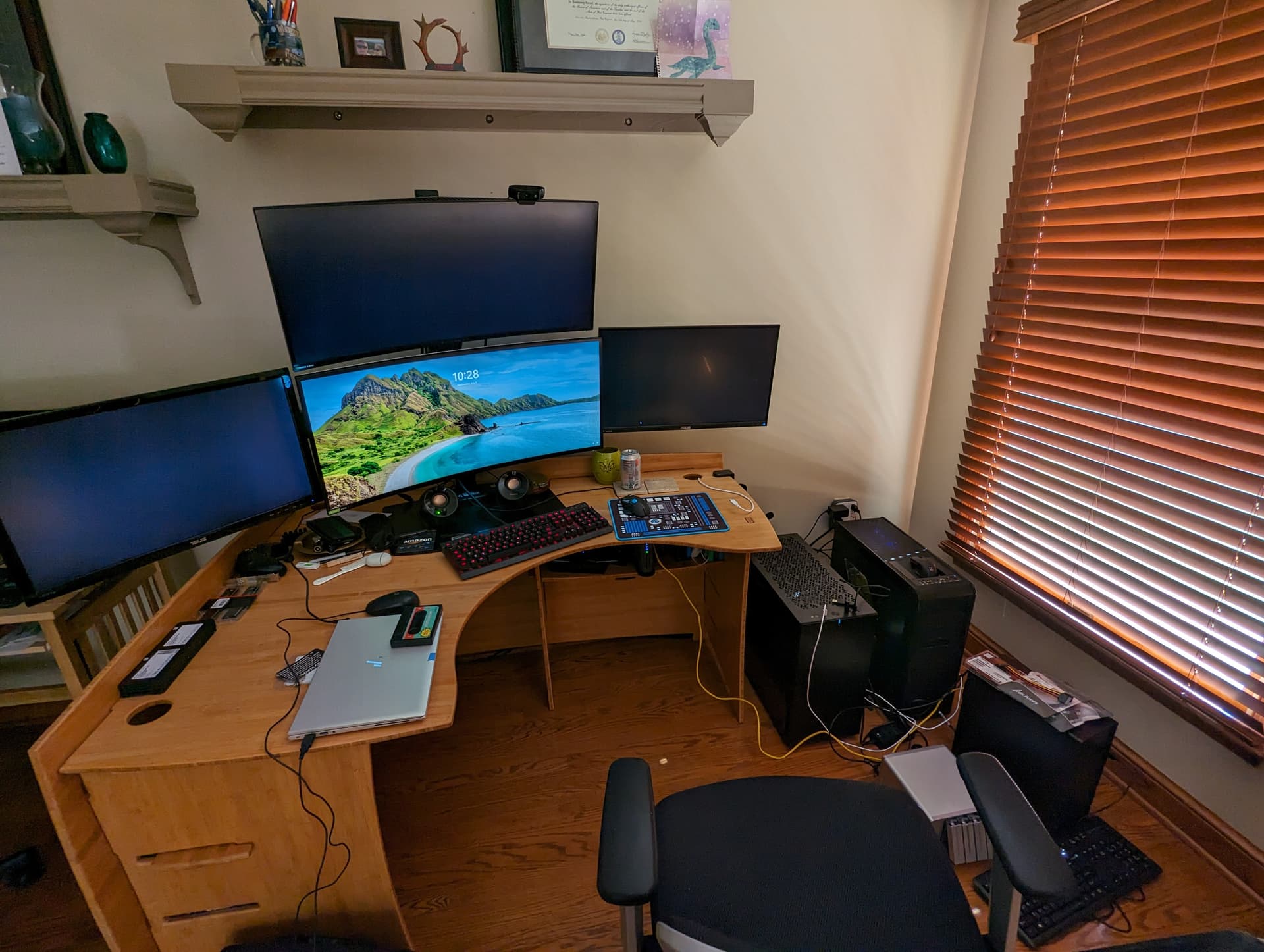

My daily PC(Fractal Define 7 case, bot-left), my ‘server’ (Rosewill Blackhawk case, top-left), the HP Desktop(top-right), and the Terramaster DAS(bot-right). We’re gonna need a bigger boatlab!
Fall/Winter 2023
Early Days With TrueNAS Scale:
In the beginning, there was (mostly) peace. TrueNAS Scale was fairly simple to initially setup - I didn’t bother with RAIDZ at first since I had multiple backups, and I had no idea if I was fully committed yet or not. I also had a mix of brands/models of “2TB” SSDs. When I went to build the ZPool I noticed that, and went for a YOLO Stripe configuration. Plex installed without too much fuss, and I even stood up a Linux VM to have a place to putter and learn. I had my files, my media, and most importantly ZFS + Snapshots with a rotating backup to spinning rust - most excellent.
System Updates:
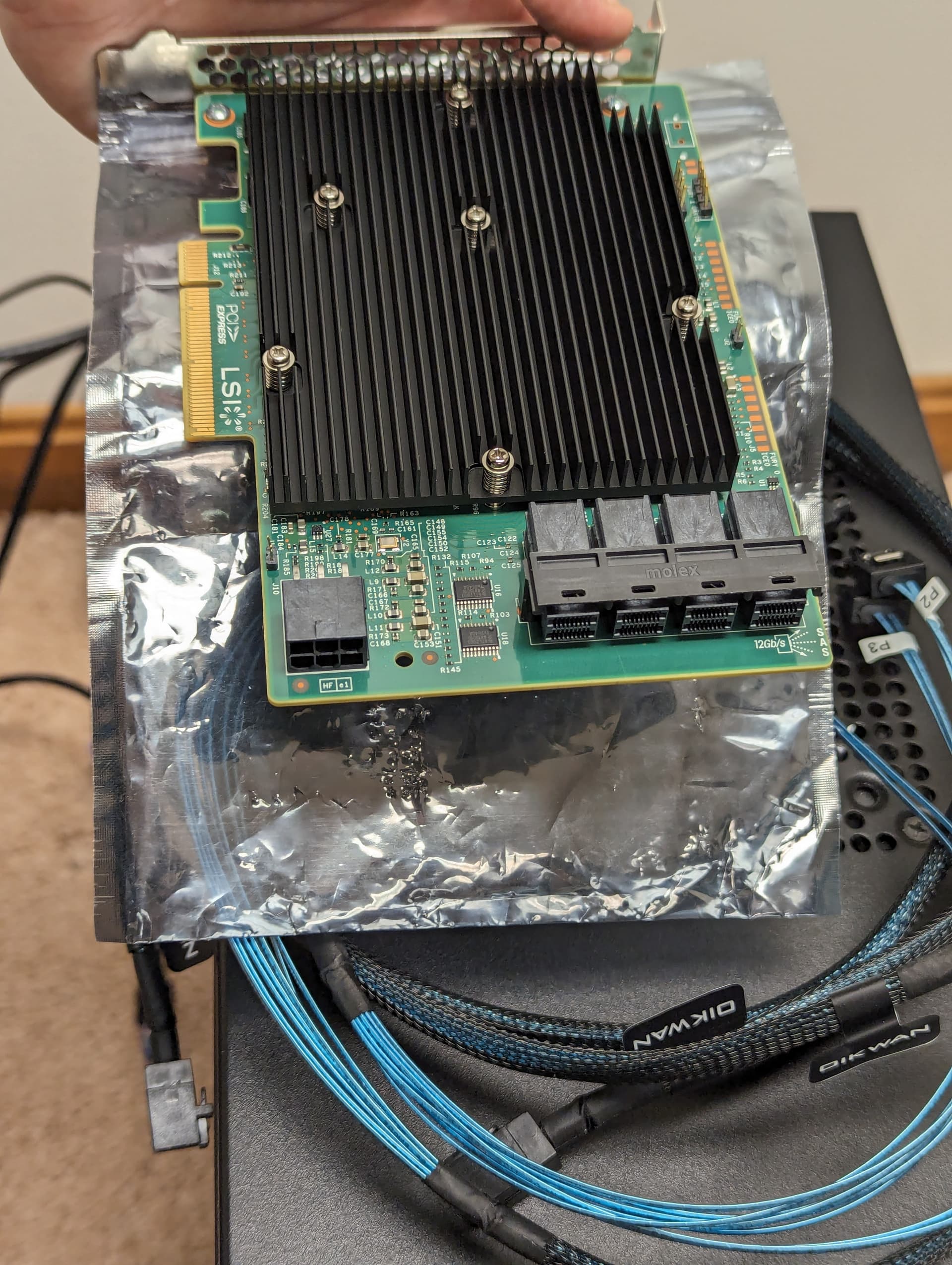
When installing all my SATA SSDs I also took the opportunity to install an upgraded LSI 9300-16i flashed to IT Mode. This allowed for up to 24 SATA devices between HBA and ports. So here’s what the system looked like as of September 2023:
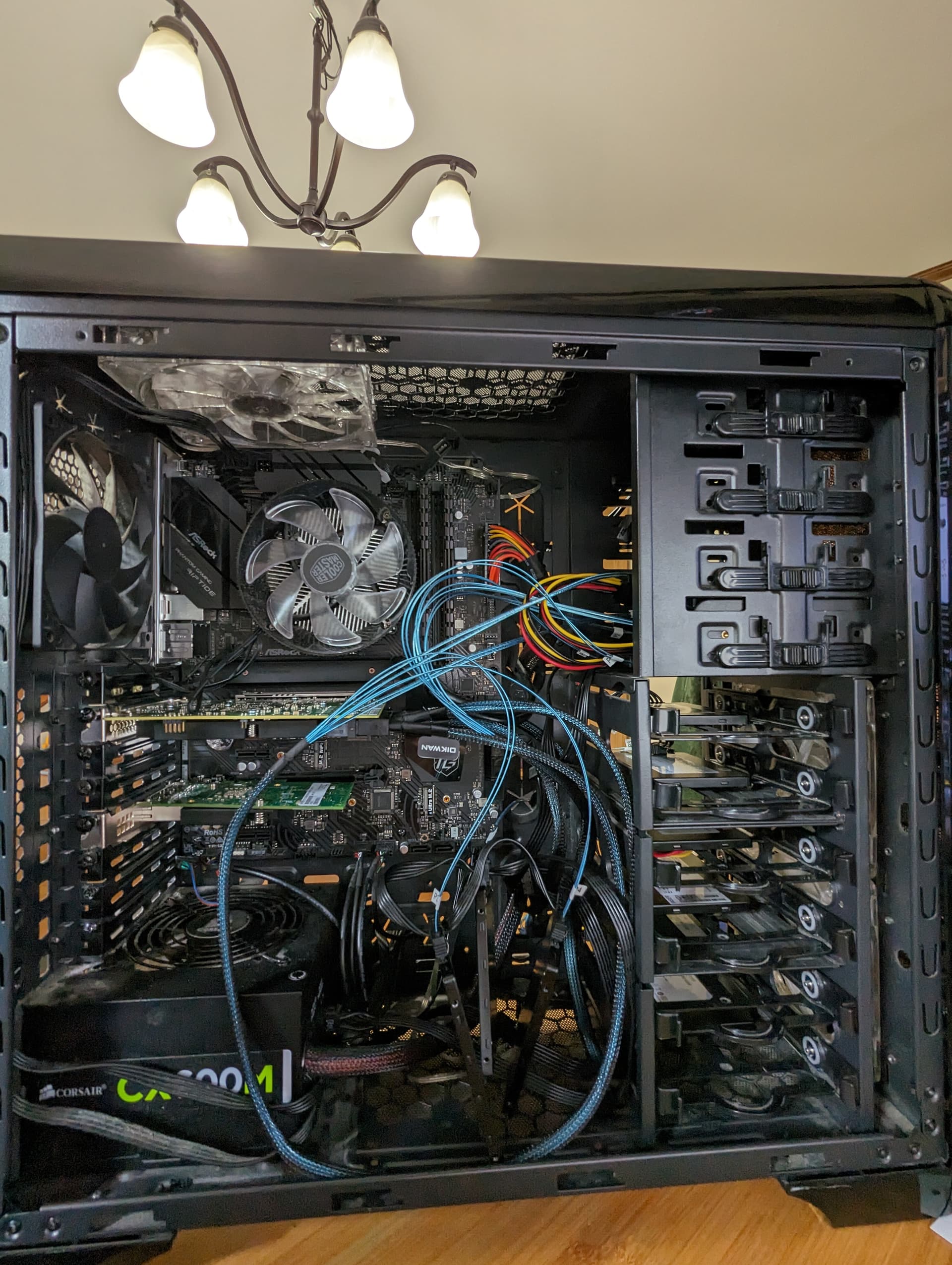

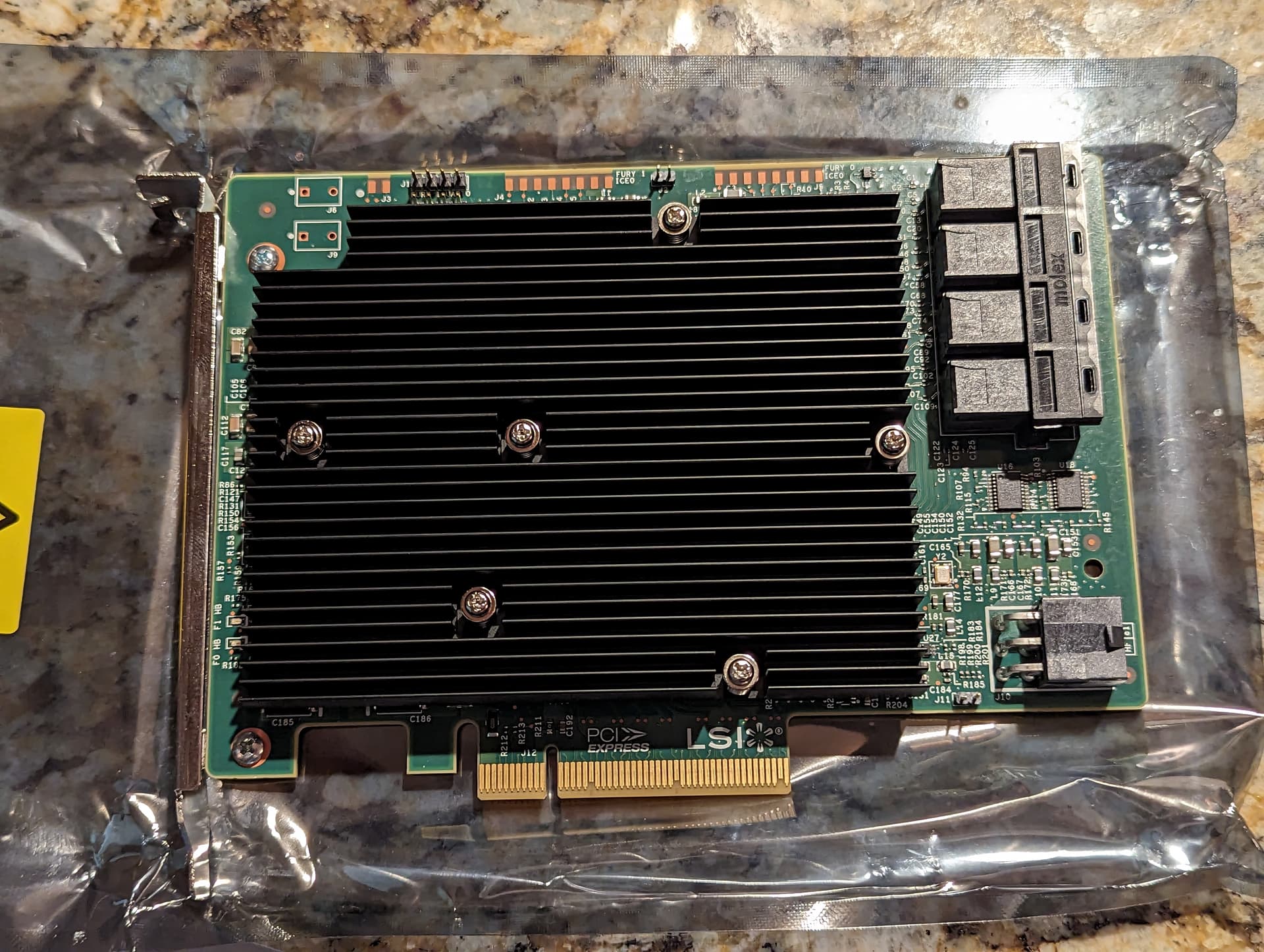
Cobbling together a backup machine:
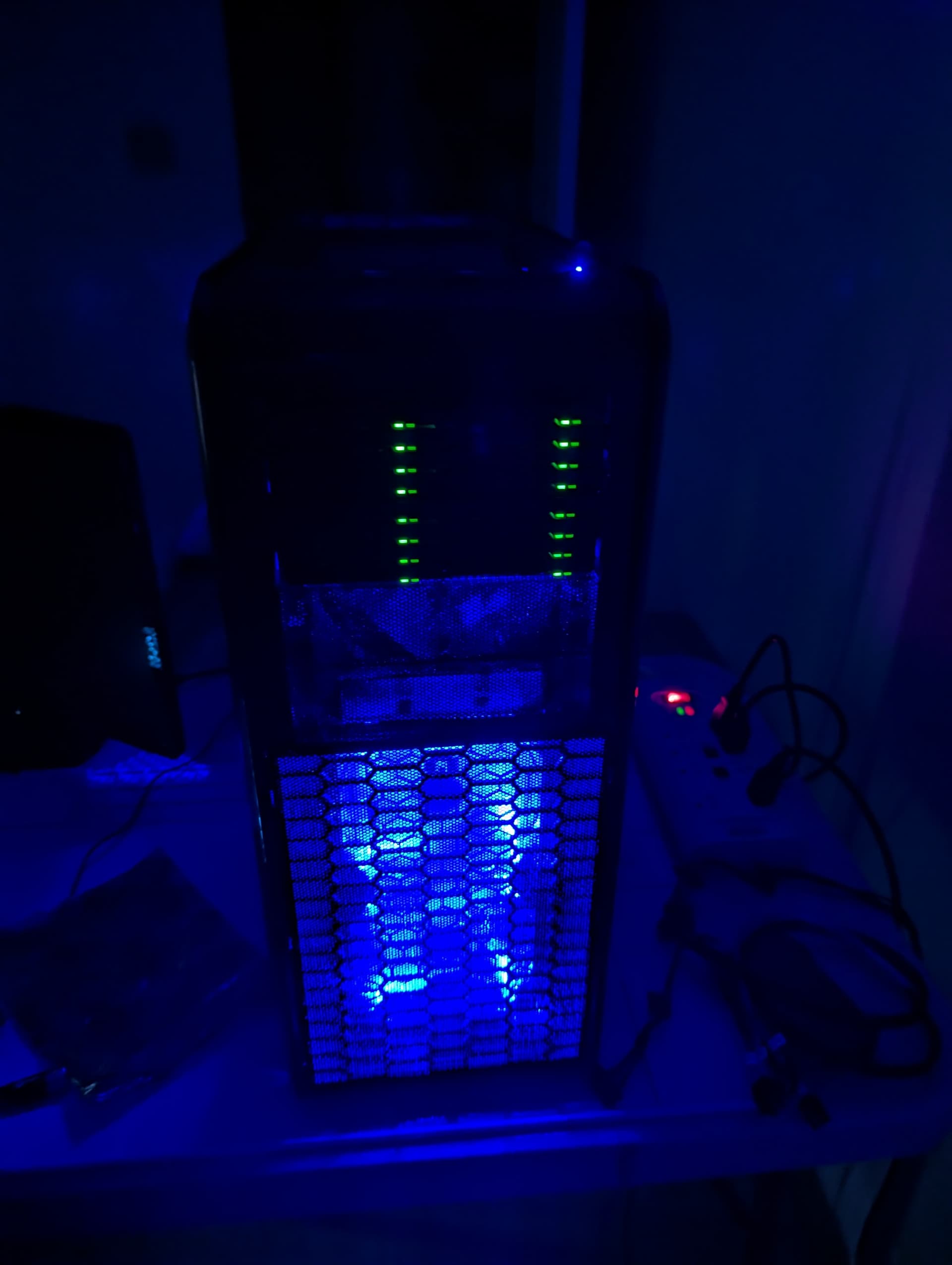
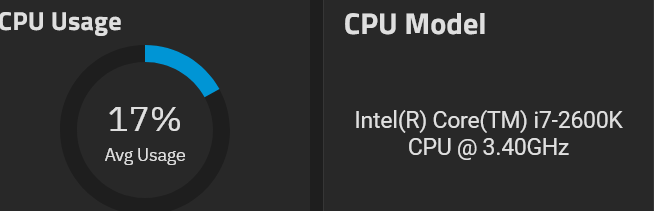
I discovered and started scrapping together old hardware for a “Backup Machine” for possible automated/remote Replication Tasks in future. I settled for my now full-legendary Sandy Bridge CPU/Mobo combo. TrueNAS Scale Replication Tasks are awesome, by the way. I still use them today. Here’s the backup machine that only comes online when it’s time to push an update:
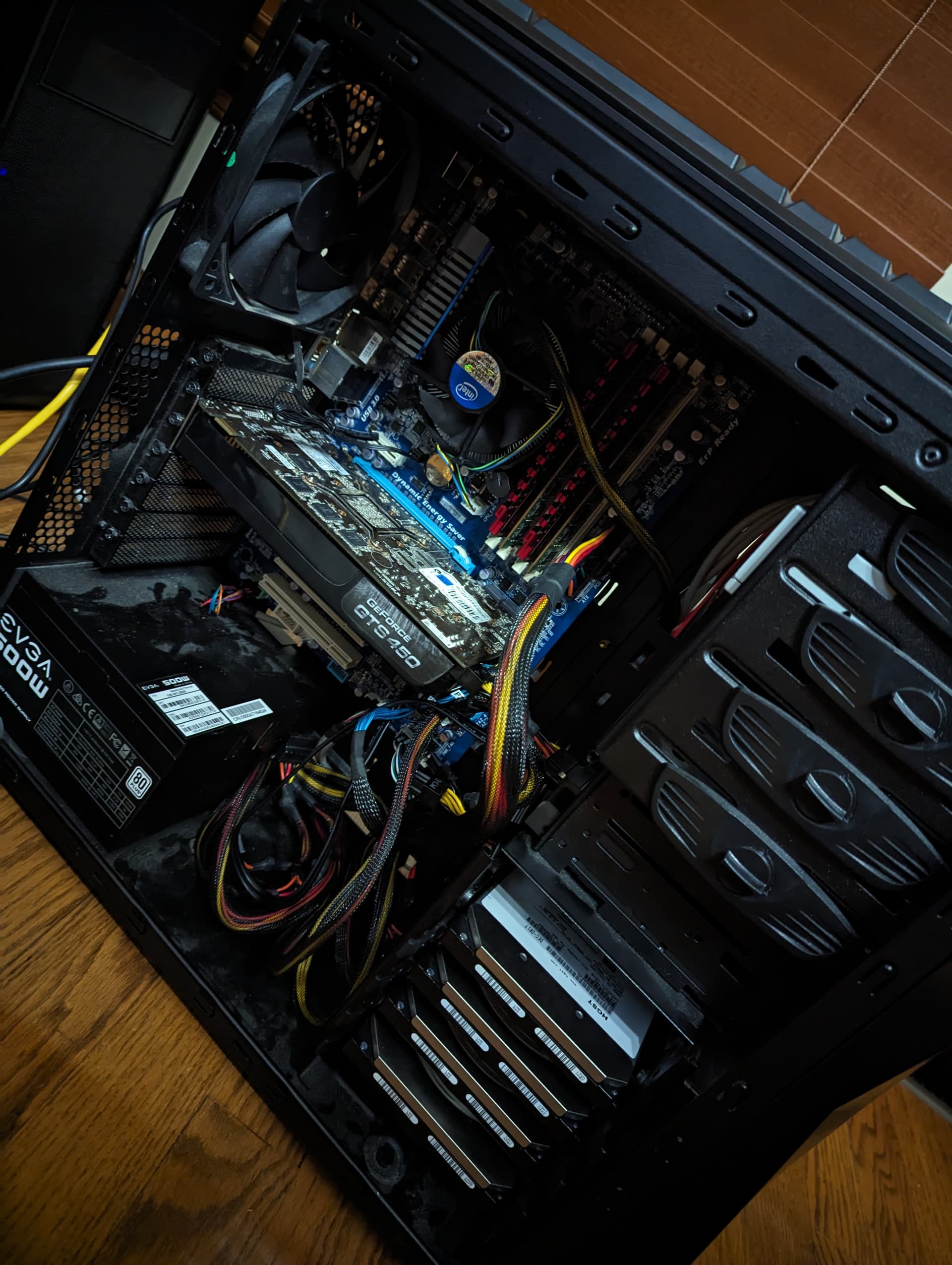
I put those components in my wife’s old Rosewill Challenger case from her previous gaming PC.
The Growing List of Issues and Nagging Inefficiencies:
In the world of HomeLab, there are many ways to go about solutions. It’s the great and terrible part that someone, somewhere right now is doing it better. When you discover this, there’s the itch to upend everything and rebuild or pivot. I’ll try and summarize them:
-
As I went from totally ignorant to a novice of ZFS, I realized that having ECC memory would offer the best tier of long-term data protection. At first, I only stored media and more trivial data. But over months I had also started curating more precious things - generations of family photos, documents, and genealogy. Some of our family’s original digital photos from the 90’s/early 2000s era had already garbled digital info, distorted colors not present in original scans, or completely non-readable data. Bitrot/data corruption was real, and I found the appeal of ECC growing weekly.
-
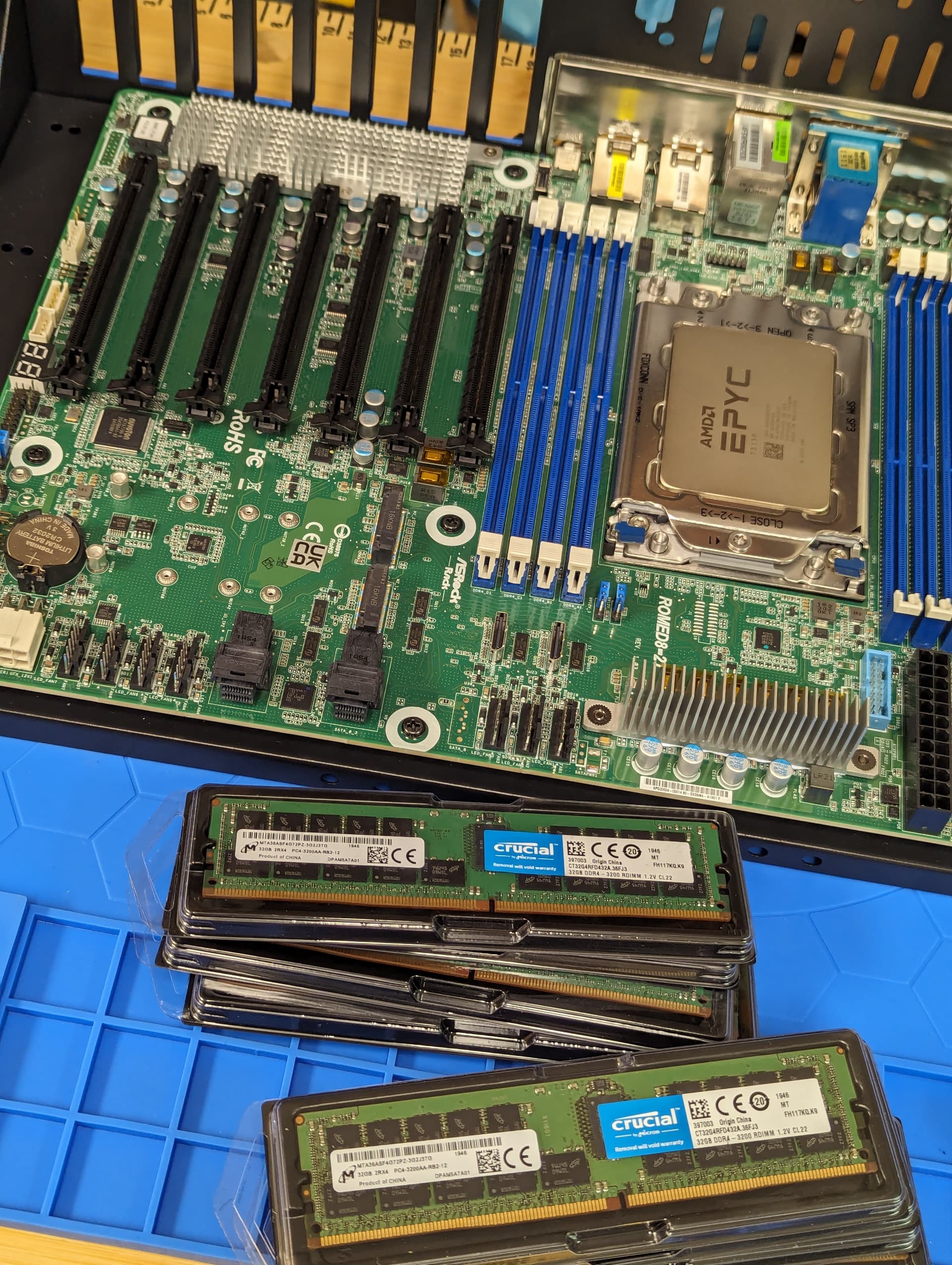
The hilarious lack of PCIe lanes and I/O on consumer platforms. Watching people show what 128 lanes of PCIe 4.0 or better can achieve made me furiously green with envy. I couldn’t capitalize on all the cheap U.2 drives on eBay at scale due to the limitations of a Z690 platform. I went from mocking video content like the Forbidden Router by Wendell to lusting after parts of it.
-
TrueNAS idiotic complexities, iXsystems, and the forum community. I use my NAS as a place to store files on the network - wild, I know. I also have Plex running on said server. iXsystems thinks it’s a good idea to restrict users from using a NAS that has an App running with access to any folder running SMB. What this means in practice is you cannot have your Plex Media folder shared via SMB and then have your Plex Media Server pointed to that very same folder. I spent weeks researching this and reading other users screaming bloody murder about how foolish it was. I was convinced a solution would present itself if I persisted.
That last bullet point started as a minor annoyance, but quickly grew into a real problem for my long-term goals on the NAS. I wanted to run multiple Apps on TrueNAS (NextCloud, Plex, Navidrome, and more!) But if you circumvented the setting that broke said shared functionality it voided your ability to receive any level of support from iXsystems or seemingly their forums.
There were also major issues I encountered with the Apps in general as well - even their “official” branch ones would sometimes just hang and never fully deploy/come online. The major issue here is I believe the Apps are built on Kubernetes, so anything beyond “something went wrong” level of diagnostics would require some serious help. I consider Kubernetes to be terrifyingly complex, because it can do wonderful, complex things. But my god should starting and stopping a simple plugin require such a thermonuclear solution? The Apps were wonderful, until they’re not.
I decided to investigate running server applications like Plex, etc inside of a Linux VM running within TrueNAS as a way of getting around this. That way, I would only use the NAS + VM functionality of TrueNAS Scale, and just leave the Apps and Kubernetes complexity out of the equation. Unfortunately, this also proved challenging - I had repeated issues with the VM ‘seeing’ the TrueNAS host. It’s been many months since I was troubleshooting this, but I recall seeing videos from Wendell? and others walking through how to communicate with the host machine. I could never duplicate the results however, and ended up going a different direction entirely.
In Defense of Domestic Tranquility:
After a few conversations with the wife, it ‘was decided’ that the spare room in the basement would become my ‘tech room’ to contain the tinkering, the tech infrastructure, and all the many screws/spare parts that go with the PC hobby in general. Great news! There was just one problem - the office with our PCs was the only place at home with Ethernet.
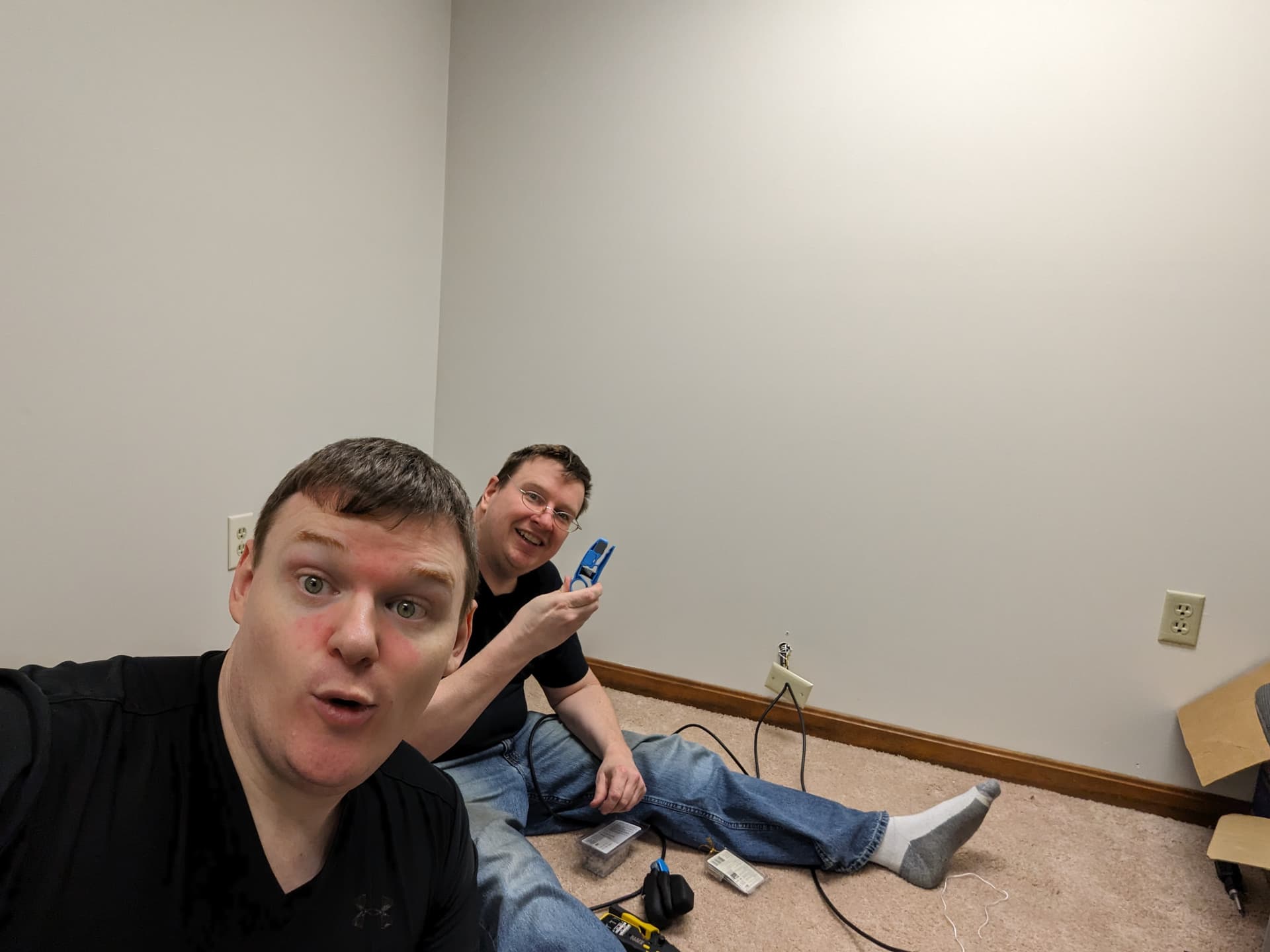
When we purchased the home in 2022, my brother helped me pull the RG6 coaxial cable up into the office from the basement before we moved in. We would have to pull it back down into the lab, re-terminate the cable, and then pull Cat8 back up to the office switch. I got the thumbs up and we put the cabling project on the household TODO list.
Networking Pit Stop:
With the basement tech room being the new entry-point for my cable modem broadband, I wanted to put 10GBase-T upgrades in place for the LAN, and upgrade the router to support at least 2.5GBase-T. My router at the time could only handle 1GbE but my Comcast plan is for 1400/200 service, and I didn’t want to leave that performance on the table any longer.
My migration to TrueNAS Scale complete, I put a dual port 2.5GbE NIC into the HP Mini Desktop and installed OPNSense on it. I still have more to learn about this, but I figured this would give me a good platform for learning things such as VLANs, etc for IoT devices or Retro Gaming LANs. OPNSense feels incredibly powerful, but compared to a consumer networking device it’s pretty intimidating. I enjoy a good challenge, but when a mistake breaks your wife’s internet you want to get it right the first time.
I switched my old WiFi 5 Netgear Nighthawk router into Wireless AP mode and left it in our centrally-located office. I purchased a TRENDnet TEG-S762 for the office, and a TP-Link TL-SX105 for the basement tech room. General topology is Comcast Coax → Hitron CODA56 Modem → OPNSense Router → 10GbE TP-Link Switch → Rest of house.
TODO:
That’s enough for an initial post. I’ll update again next time with any missing gaps, and continue the story through the winter and up to today. If you made it this far, I want to thank you for your time. But I especially want to give a big shout out to Wendell and the production crew from Level 1 Techs for putting out great content. Much of my journey has repeatedly referenced your same videos over and over again. I do use other sites, books, and articles as all good learners should, but Wendell especially helped me color outside the lines with a bit more confidence than I otherwise would have had.