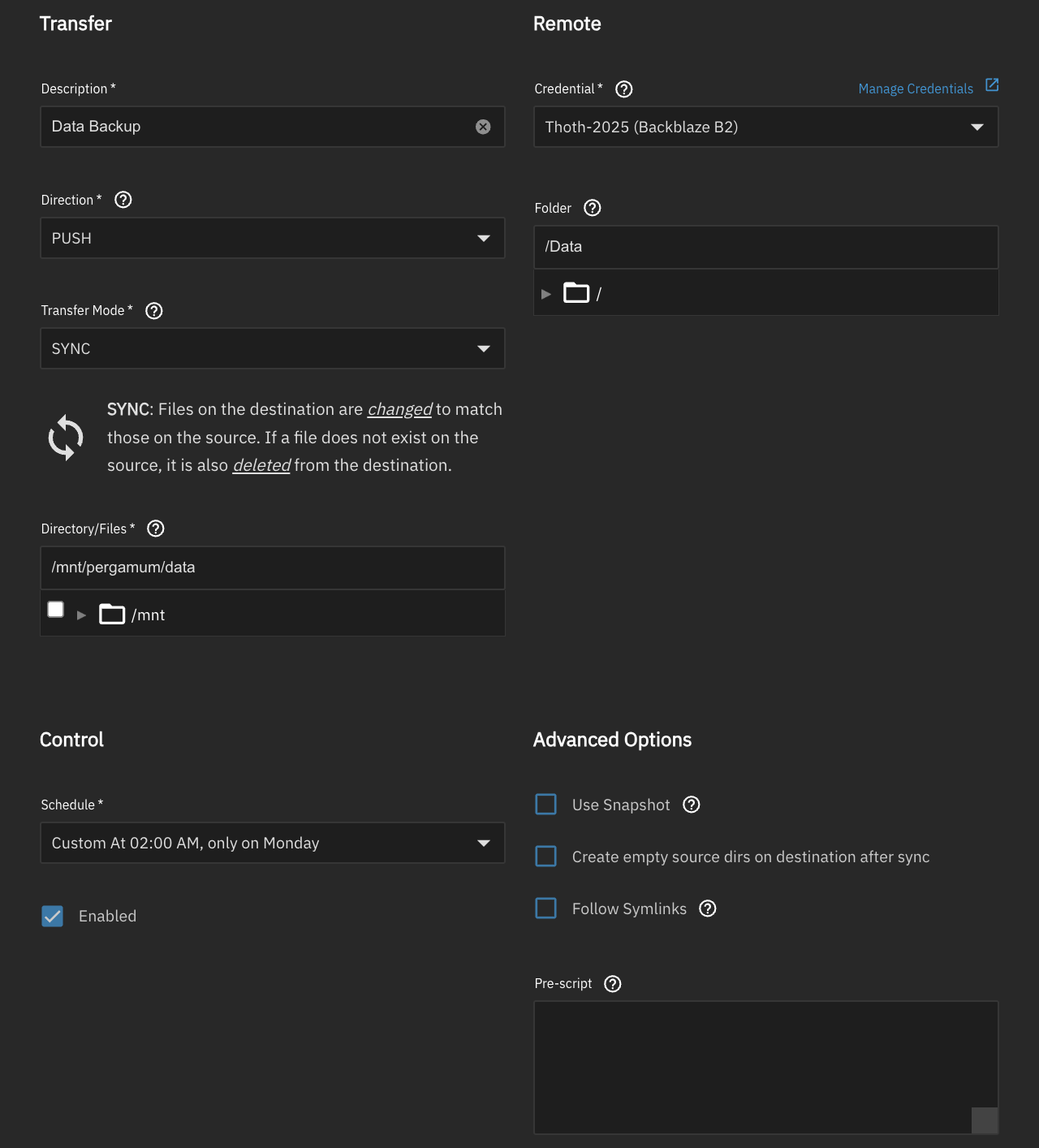
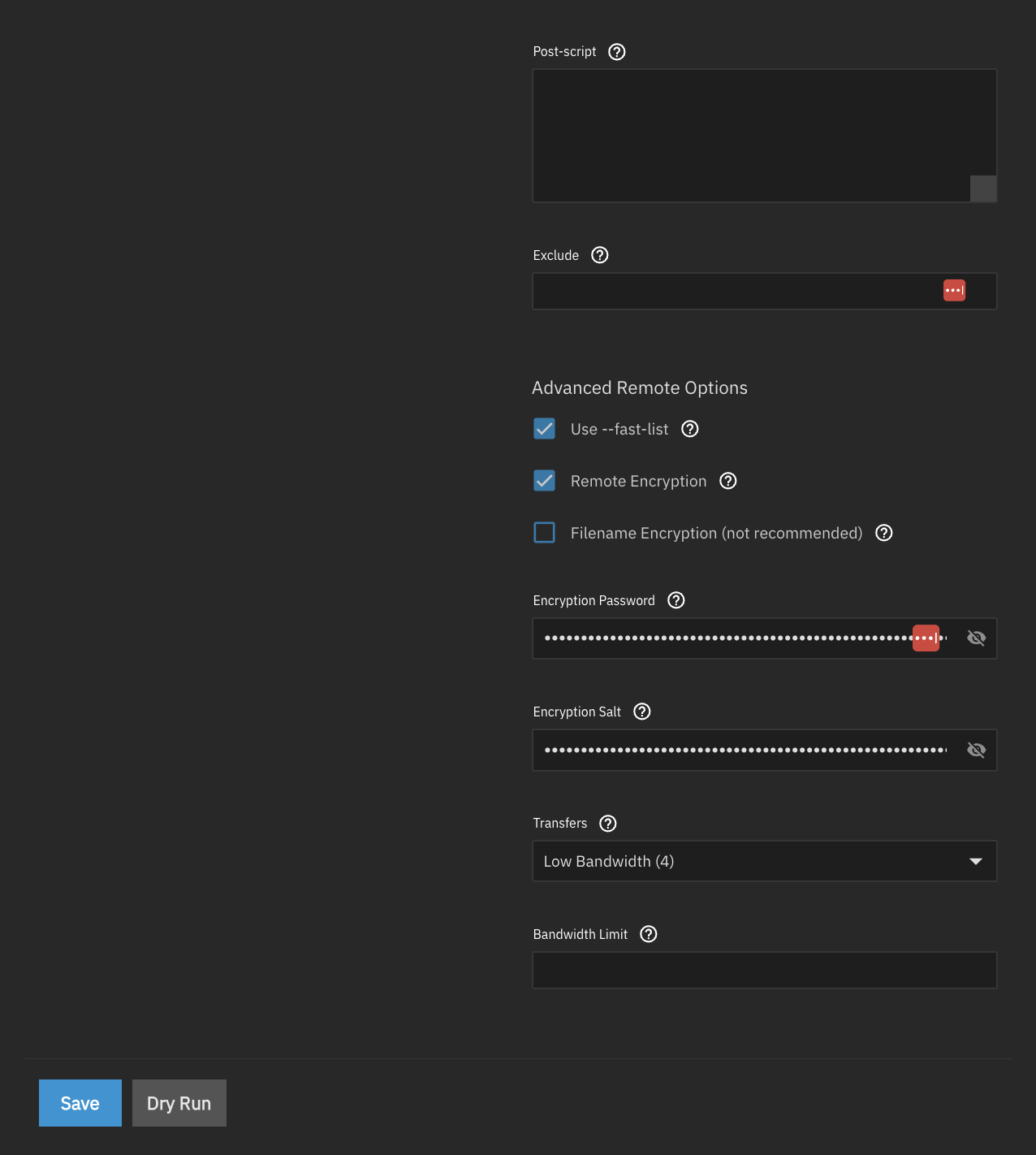
I have been a Backblaze B2 user via TrueNAS for many years, but recenlty I have noticed it is no longer running automated backup tasks. The only thing I have changed that I can recall is I added some encrypted datasets and did add them as part of my cloud sync tasks. I understand while these datasets are locked, they can’t be backed up, thats totally fine and logical - I manually run these backup tasks and have them disabled with the thought that them being diabled wouldn’t interfeer with my non-encrypted datasets.
As seen here, I have a dataset that should be doing a backup weekly, but it hasn’t ran in a month…
I am currenlty on 25.10.4 - Goldeye.
This historically always ran without issue, but clearly something is bugging out.
Any ideas what could be causing this?
Anyone have any feedback on this?
I don’t have B2 access, but does it produce logs or any other indication what’s wrong when you run it manually?
When I run it manually, it works fine, which is what really has me at a loss.
1 Like
Weird, I don’t see any mistakes. First screenshot clearly states next run in 6 days so the cron job should be run weekly, still the last backup was a month old. I’d am at a loss here if it runs correctly when you manually trigger it.
Might be a shot to post it on the Truenas forum.
Annoyingly, no responses in the truenas forums either :/.
I am not sure why this is borked, or how it is expected to work. I would assume a locked dataset doesn’t cause the entire cron job not to run, but maybe that is expected behavior? Seems weird to me that would be the case tho.
1 Like
To be honest I’d delete the backup task and freshly recreate it. Truenas does save it’s state in internal databases. Maybe something broke with this task, maybe during an update. I’d create it fresh and set the timer to an hour in the future and see if it works then.
1 Like