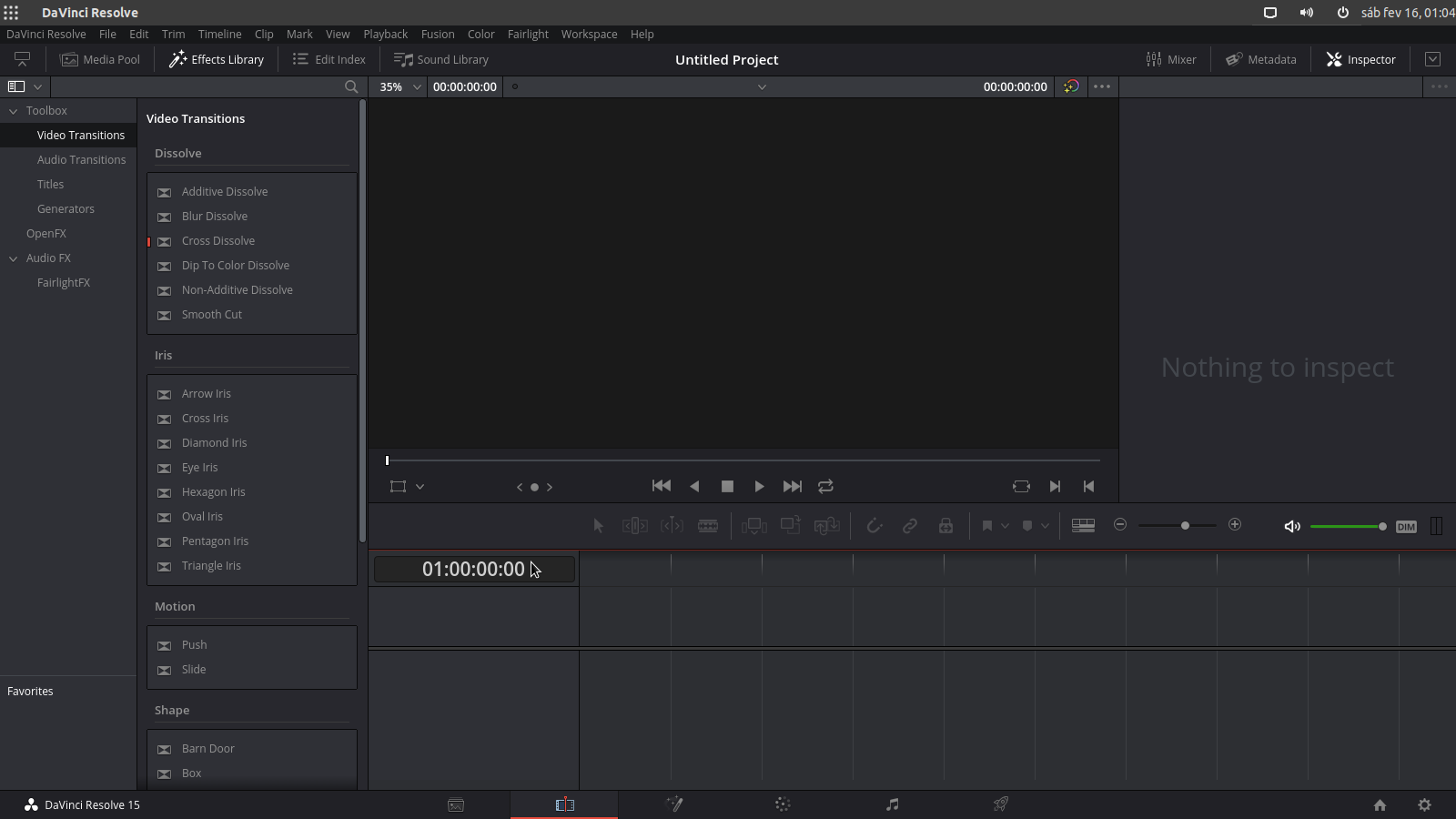
Weirdly, this just happened, but then after reopening it, it’s not fitting properly again.
But, after trying to full screen (that isn’t working but I don’t care that much), and then going back, this happened.
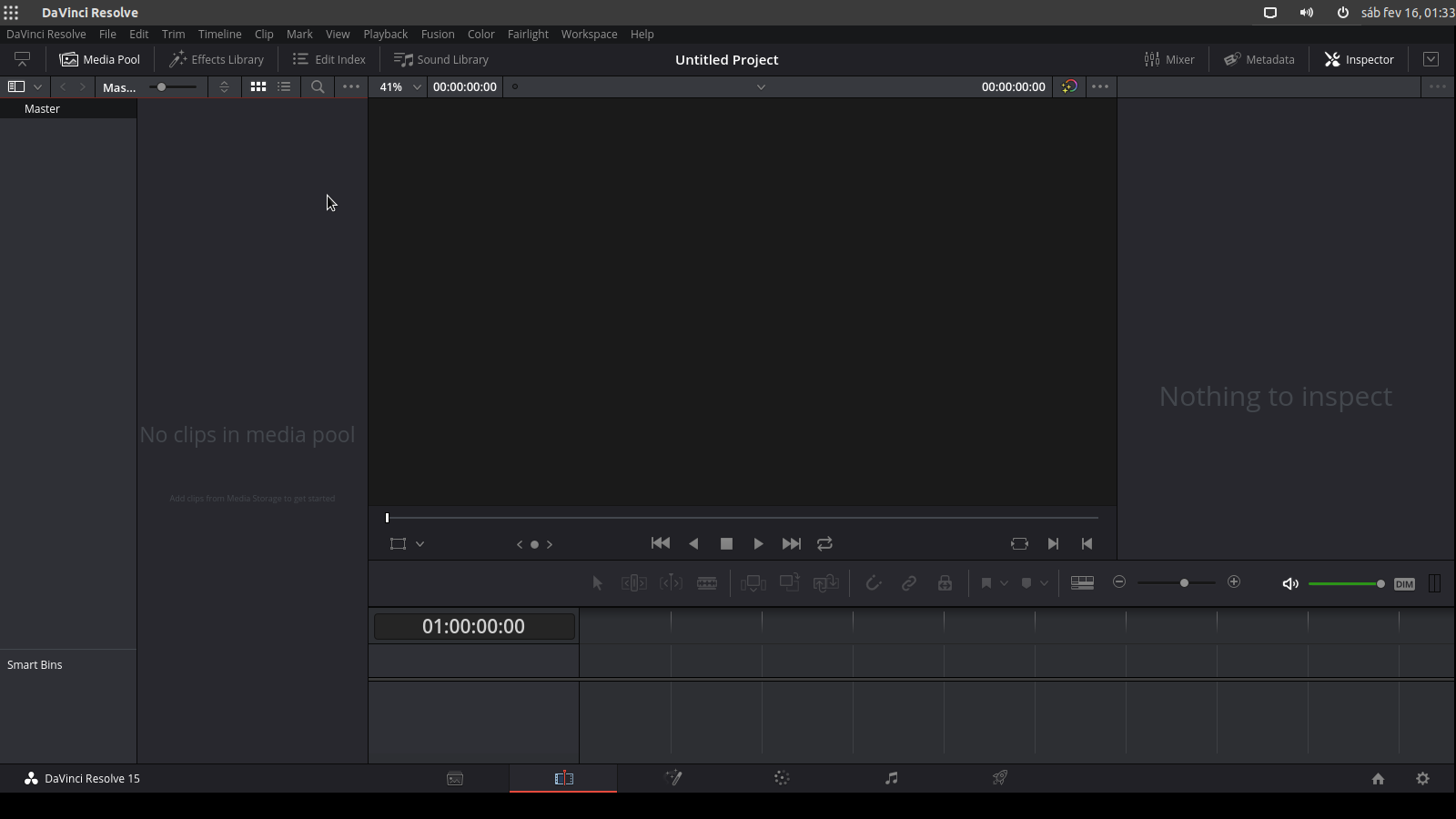
It is not filling the entire screen, but I can at least see everything. I found that I can force it to do this by trying to fullscreen at the color grading page, so Shift+6 then Shift+F. It’s not perfect but hey, it beats missing some of the sliders/effects.
So I guess we can call this one solved.