I’ve been lurking in the router modding scene for quite some time now, mostly freeloading hardworking developers (yeah, I’m looking at you, RedHat). While I may not be the main player in the OpenWrt project, I’ve had my fair share of contributions, especially in porting some devices to it.
My journey into this world began when someone started porting the US-Robotics firmware to an ISP modem in my country, and since then, I’ve been hooked on choosing hardware that supports modded firmware.
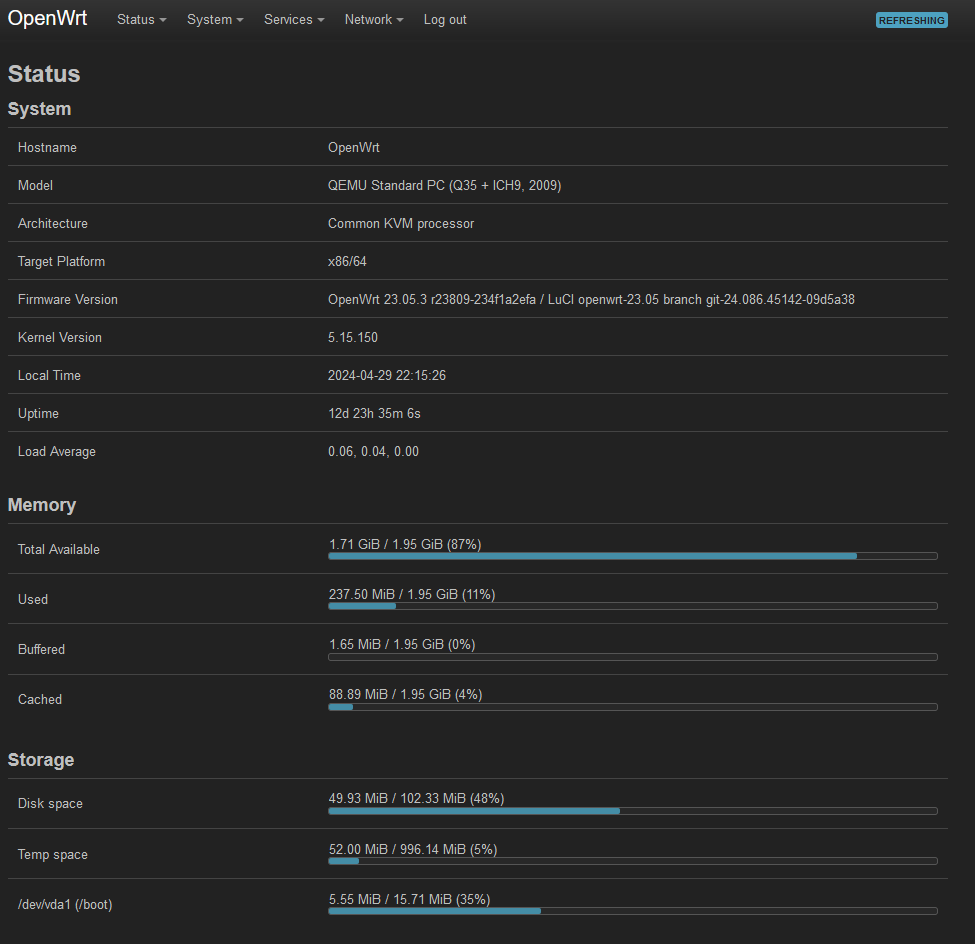
Now, let’s talk about my current setup: an x86 machine functioning as my router/gateway, technically a VM if you want to dive into the nitty-gritty details. The details are available in the Forbidden Router Topic But instead of opting for the usual suspects like pfSense or VyOS, I’ve gone with OpenWrt. Why, you might ask?
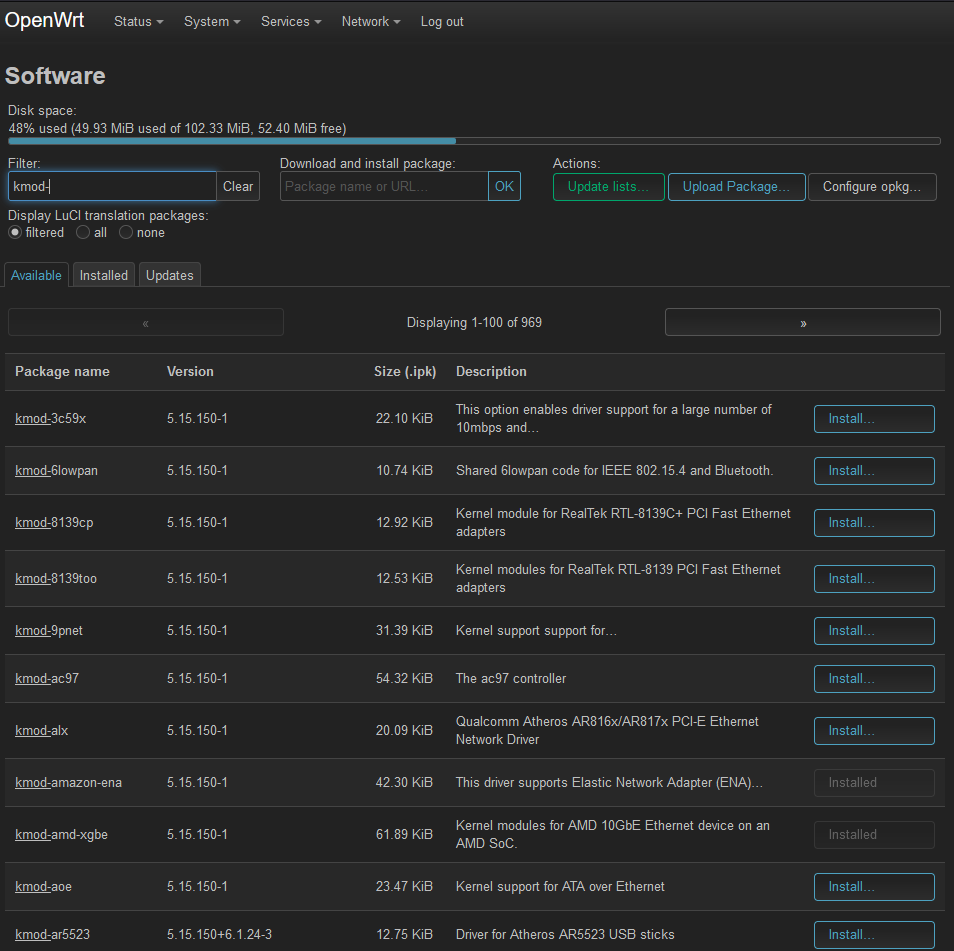
For starters, ease of use plays a significant role. OpenWrt, right out of the box, supports almost all the protocols I need to navigate via IPv4. But that’s just scratching the surface. The web UI is feature-rich, offering a seamless experience for configuring my network. Plus, let’s not forget the package manager, a feature akin to any other Linux distro, allowing me to install kernel modules and additional software hassle-free.
Unfortunately, not all the work put into OpenWrt is readily accepted by the Linux kernel, leading to some features being backported and maintained exclusively for OpenWrt. A prime example is the transition from swconfig, the old OpenWrt way for managing network switches, to DSA (Distributed Switch Architecture), the accepted method by the Linux kernel community. This migration has seen almost all drivers being moved over, but it changed a lot of things and it was not so seamless for the users!
Now, I know many of you might raise an eyebrow at the age of some BSPs (Board Support Packages), often those are based on a older versions of OpenWrt. But fear not, because the folks behind the scenes are diligently working on porting these messy, convoluted drivers into a cleaner, albeit sometimes less feature-rich, state that can be seamlessly submitted to the mainline. Unfortunatly this require a lot of work and not all the SoCs are supported, for example the IPQ 5000 series is not as the Qcom stack is a spaghetti plate ready to be build and fail (Yes I’ve tried to build their BSP for some HW I own and I’ve failed to do so).
Another standout example is the mt76 wireless driver, arguably one of the few fully open wireless drivers available for Linux. While some magic still resides in the firmware, it’s significantly less reliant on blobs compared to its Qualcomm counterparts. The evolution of wireless drivers, like ath9k, into more blob-heavy implementations has led to challenges for older hardware in receiving new features.
For instance, take the AirCube AC, which supports OpenWrt, but updating to the latest wireless firmware consumes excessive RAM. This leaves users with a tough choice between sticking with the official firmware with potential security vulnerabilities or upgrading to OpenWrt and sacrificing the 5G interface; the blob for the ath10k is very ram dependant.
I think that the progress has been stagnant for Broadcom devices for quite some time, and support for Lantiq/Intel/Max Linear wireless chips is also lacking. As for the part sold to Cypress, I’m not entirely sure about recent developments as I haven’t been keeping up with the news.
OpenWrt has developed multiple core libraries and patches, often serving as micro “μ” replacements for components common in standard Linux distributions. For instance, netifd handles network management instead of dbus, and there’s a custom init system called procd, capable of handling hotplug events.
Building OpenWrt might seem daunting at first, but if you’re familiar with buildroot, Yocto, or Armbian, it’s a breeze. Pre-built images are also available for many devices, making installation straightforward. If you’re unsure about installing OpenWrt on your device, the wiki or forum usually provide detailed guides. Additionally, checking the PR/commit that added your device often contains crucial information like UART pins and installation instructions.
Over the years, I’ve had the opportunity to install OpenWrt on a variety of devices, each with its own unique features and challenges. Here are a few notable ones:
-
Netgear WNDR3700: A reliable router that has been a staple in many OpenWrt enthusiasts’ setups. Its robust hardware and ample features made it a popular choice for running OpenWrt.
-
Netgear DGN3500: What’s interesting about this device is its ADSL support in OpenWrt. Thanks to the Lantiq chips, ADSL and even VoIP functionalities are available out of the box, offering a versatile solution for users with specific requirements.
-
TP-Link TD-W8970: Another device with ADSL and VDSL support based on another Lantiq chip, making it suitable for a wide range of internet connection types.
I’ve recetly ported, with some friends, OpenWrt to the Zyxel EX5601-T0, I was resposable for u-boot and some other changes, IMHO one of the best supported SOC and wireless configuration.
In addition to these devices, I’ve also had success with various Ubiquiti products, such as the Aircube and UAPs. The community’s efforts extend to Realtek chip support, with even older devices like the Zyxel GS1900 now enjoying OpenWrt compatibility, despite ufficially running on outdated kernel versions 2.X.
When it comes to choosing hardware for OpenWrt, consulting the supported hardware table is essential. This resource provides valuable insights into compatibility and ensures a smooth installation process. However, for those seeking a convenient and globally available option devices like the R3, R3 Mini, and R4 are well-supported by OpenWrt, offering an easy choice.
Furthermore, the recent collaboration with BananaPis has yielded the development of custom hardware, the OpenWrt One, while not the best hardware available it is promising even more options for enthusiasts seeking to build their ideal network setup or learn in the embedded world.
With OpenWrt, you essentially have an up-to-date Linux distribution on your embedded device, also enabling functionalities like VMs, LXC, and Docker. Most common tools are readily available out of the box, and the cherry on top is the “reset to factory” feature, ensuring you can always restore your device to a working state if things go down the wrong path…
So, if you’re on the fence about fetures, and security updates give OpenWrt a serious consideration (if is supported by your hardware or try it in a x86 machine). It might just surprise you with its versatility and ease of use.
@wendell asked and I replied as best I can 
Looking forward to hearing your thoughts and experience!